CONFIGURING THE
INSTALLER SETTINGS
Installer Settings let you congure the settings related to the various
devices (such as a furnace, air conditioner, humidier, dehumidier, or
ventilator) that are connected to the Equipment Interface.
To prevent accidental modifications to these settings you can
enable a 4 digit installer code. This code is pre programmed to 3262
and can be enabled in the Thresholds option menu.
Installation Wizard
The Installation Wizard takes you step-by-step through a series of
choices regarding the heating and cooling equipment intended
to be connected to the Equipment Interface. Simply make the
selections when prompted on the screen and press Next to
advance to the next screen. Once completed you will be shown
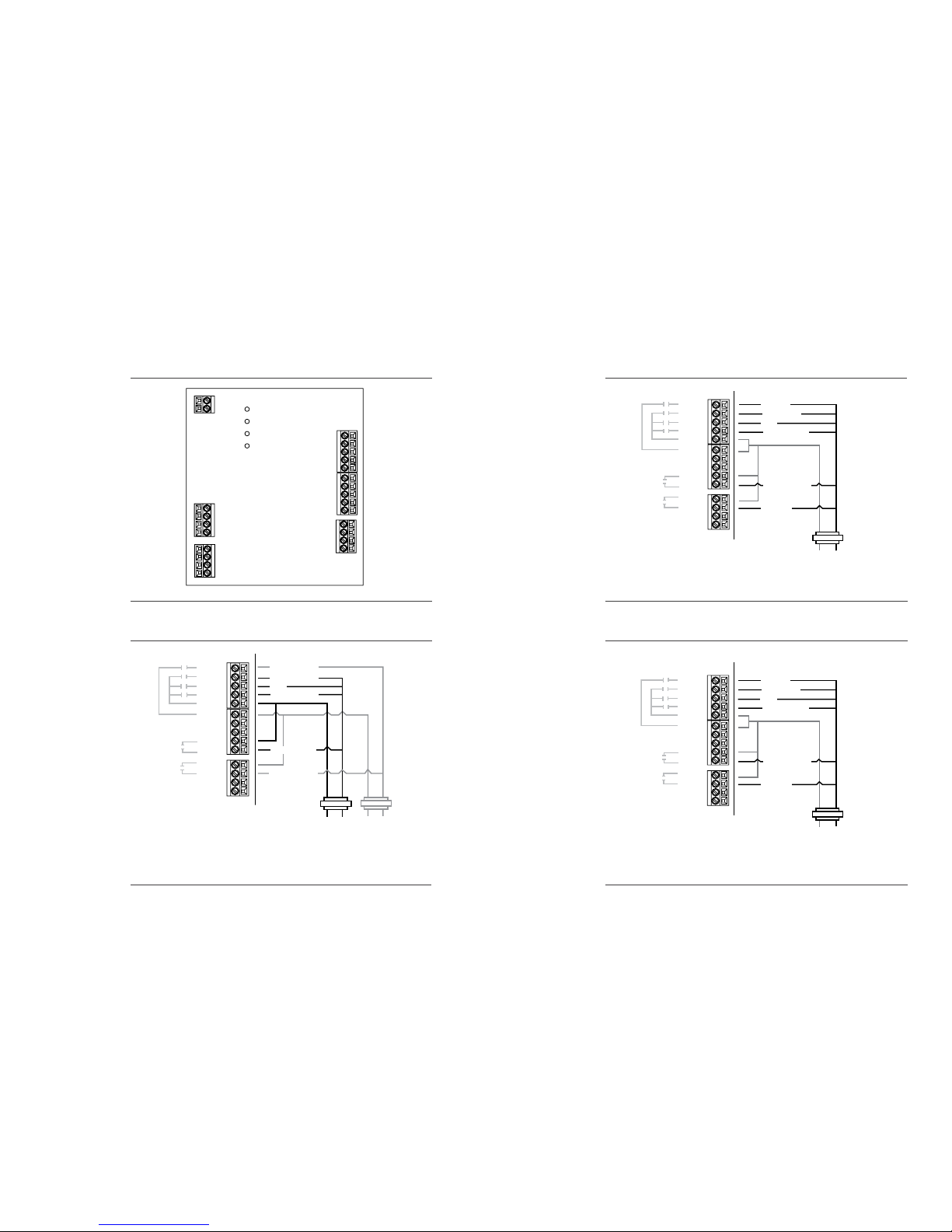
a diagram of the wiring connections as determined by the choices
made during this wizard process.You can press Back to go back and
make any changes. Once you are satised with the setup press Done.
Equipment
In addition to the Installation Wizard, the equipment setting will
allow you to manually congure the various devices that are
connected to the Equipment Interface.
Heat Pump
Enables and congures the system for a heat pump, for either 1
or 2 stages.
O/B Energize on Cool if Yes, the reversing valve output (O/B termi-
nal) will activate when there is a call for cooling. If you select NO, the
relay will energize when there is call for heat.
Heat pump/Auxiliary Heat
If you chooseYes, the thermostat will continue to run the heat pump
when it calls for auxiliary heat. If you select No, the thermostat will
turn o the heat pump before turning on the auxiliary heat
Furnace
Enables and congures the heating system connected. This will
allow you to congure:
The type of furnace
Number of Stages
Heat Fan Control
17
Auxiliary Heat
Enables and congures the auxiliary heat option only if a heat pump
was selected in the rst step. This will allow you to congure:
The type of furnace
Number of Stages
Heat Fan Control
If more than 2 stages of heat or 1 stage of cooling is required, you must
congure the Accessory relays to support the additional stages.
AC
Enables and congures an air conditioner.
Accessory relays
Accessory relays are generic relays that can be congured to control
the following;
3rd stage heat
Auxiliary 2 heat
2nd stage cool
Humidier
Dehumidier
Ventilator
Note: The Smart Thermostat will automatically turn on the system fan
whenever it turns on the ventilator relay.
Each relay can be congured for any of these options but there can
only be one of each connected per system. As you congure each
relay, only the remaining options will be shown for the next relays.
Relay ACC1- enables and congures accessory relay 1.
Relay ACC2- enables and congures accessory relay 2.
Relay ACC3- enables and congures accessory relay 3.
Thresholds
This section will allow you to congure the various temperature or
time threshold associated with the heating and cooling equipment.
You must congure the required equipment rst before setting the
thresholds and only the application thresholds will be shown (i.e. if
no Air Conditioner is congured, you will not see the options related
to air conditioners.)
Allow Auto Heat/Cool
Enable this option to allow the user to select Auto Change Over as a
system mode.
18