DVM-250/DVM-250Plus Installation Guide 860-00129-00 Rev C
Copyright © 2010-2015 Digital Ally, Inc. i
Table of Contents
SECTION - 1: BEFORE YOU BEGIN ..............................................................................................1-1
TOOLS NEEDED....................................................................................................................................1-1
CAUTIONS AND NOTES ........................................................................................................................1-1
SECTION - 2: PARTS, CABLES AND ACCESSORIES..................................................................2-2
DVM-250 ............................................................................................................................................2-2
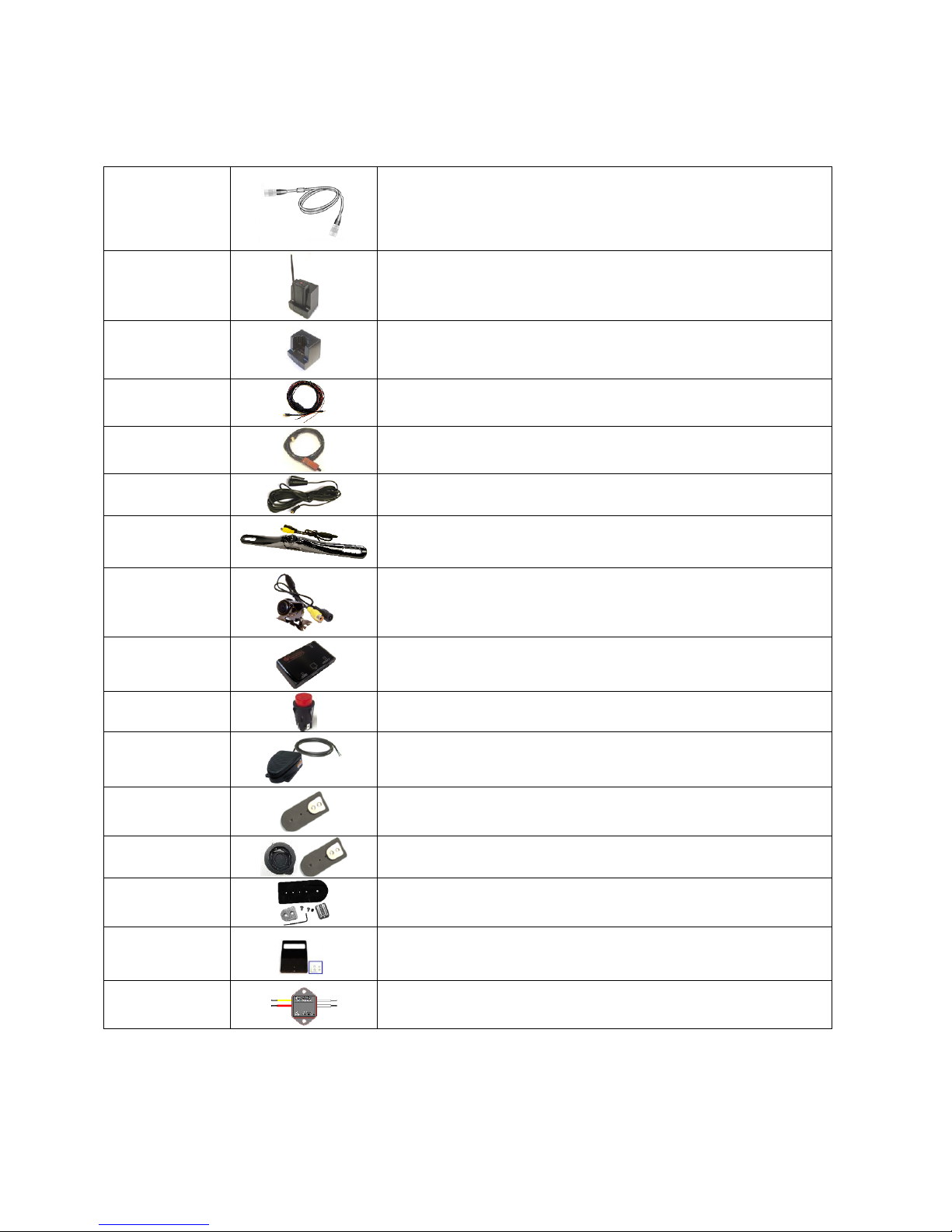
Parts and Accessories List.............................................................................................................2-2
Optional Accessories.....................................................................................................................2-4
DVM-250 Basic Wiring Diagram.................................................................................................2-5
DVM-250Plus Basic Wiring Diagram..........................................................................................2-6
SECTION - 3: INSTALLATION INSTRUCTIONS.........................................................................3-1
STEP 1: FACTORY MIRROR REMOVAL..................................................................................................3-1
Screw Mount Rearview Mirror Removal......................................................................................3-1
Wedge (Screwless) Mount Rearview Mirror Removal.................................................................3-1
Cam Lock Rearview Mirror Removal ..........................................................................................3-1
STEP 2: DVM INSTALLATION...............................................................................................................3-2
STEP 3: INTERFACE BOX INSTALLATION..............................................................................................3-4
Interface Box.................................................................................................................................3-4
Mount the IF Box..........................................................................................................................3-4
DVM to Interface Box Cable Installation.....................................................................................3-4
Interface Box Power Cable Installation........................................................................................3-5
STEP 4: INTERFACE BOX EXTERNAL TRIGGER WIRING.......................................................................3-5
Determine the Device Trigger(s) Signal Level.............................................................................3-5
Trigger Wiring Installation............................................................................................................3-6
RJ45 to Terminal Connector Adapter (optional)...........................................................................3-7
Siren Adapter Interface.................................................................................................................3-7
STEP 5: WIRELESS MICROPHONE INSTALLATION (OPTIONAL)FOR USE WITH 001-00042-32 ONLY ...3-8
STEP 6: BACKUP CAMERA INSTALLATION (DVM-250PLUS ONLY) .....................................................3-9
Route the Camera Cable ...............................................................................................................3-9
Mount the Backup Camera ...........................................................................................................3-9
Connect the Backup Camera.......................................................................................................3-10
SECTION - 4: TESTING THE INSTALLATION ..........................................................................4-11
INITIAL POWER UP.............................................................................................................................4-11
RECORD AN EVENT............................................................................................................................4-11
VIEWING THE BACKUP CAMERA (DVM-250PLUS ONLY) .................................................................4-11
SENSOR/OUTPUTALARM TESTING....................................................................................................4-11
SECTION - 5: SUPPORT..................................................................................................................5-11
How to Reset the DVM-250 System ..........................................................................................5-11
Basic Troubleshooting ................................................................................................................5-12
SECTION - 6: CONTACT INFORMATION ..................................................................................6-13
SECTION - 7: INTERFACE BOX SENSOR WORKSHEET .......................................................7-14