
Cycle Sounds Rock Box Manual de usuario
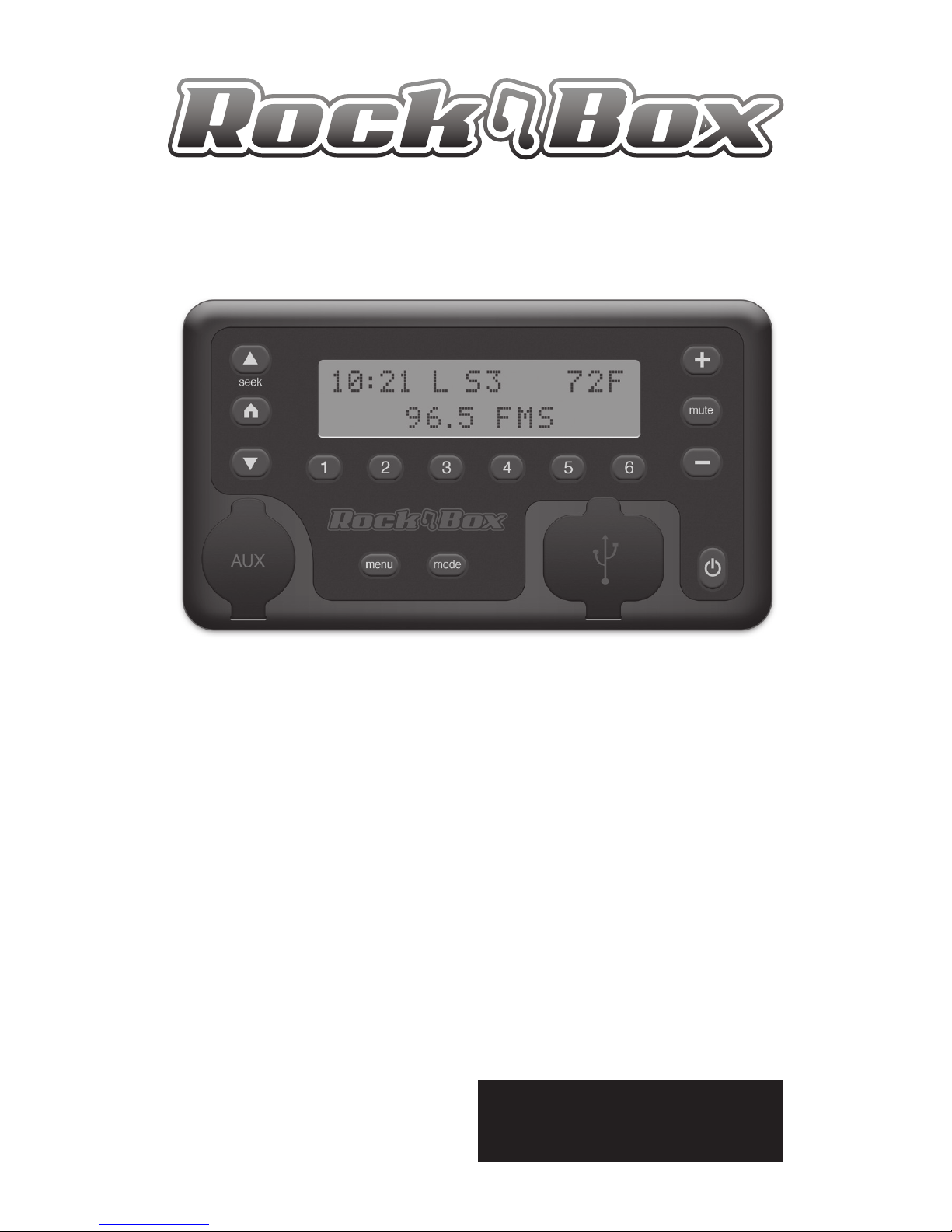
All-in-One Audio Source
Care & Maintenance
Warranty Information
User Functions
User Guide

*WARNINGS
Always make sure the rubber covers for the AUX and USB ports are
closed when not in use to avoid collecting moisture or debris. Also
make sure to remove devices and secure the rubber door covers
when encountering any moisture to avoid damage to the unit.
Failure to follow these instructions will result in your warranty
being VOID if water enters the unit due to not properly securing
the rubber covers.
*The Rock Box output is designed for the high level input of an
amplied speaker system. Do not plug headphones into the Rock
Box or you may damage the unit.

Rock Box™ User Guide
Table of Contents
Specications ................................................................................................1
General Care and Maintenance ......................................................2
Warranty Information ............................................................................2
Miscellaneous Information ............................................................. 14
FM Audio Antenna ............................................................................. 14
Temperature Sensor ......................................................................... 14
General Overview
Rock Box Controls ..................................................................................3
Powering ON/OFF ..................................................................................4
Understanding the Display ...............................................................4
Volume Controls .....................................................................................4
Mode Functions
Radio Mode ............................................................................................5
Seek Up/Down ................................................................................6
Radio Station Presets ...................................................................6
MP3 Input Mode ........................................................................... 7-9
Aux Input Mode ............................................................................... 10
Charging USB Devices ........................................................10-11
Wired for Harley Controls Modes ................................... 15
Menu Settings
Bass & Treble Adjustment ....................................................... 12
Setting the Time ..............................................................................12
Backlight Brightness ................................................................... 12
Temperature Preference .......................................................... 12
Region Country List ..................................................................... 13

Specications:
FM Frequency Range 88 - 108 MHz
Volume Adjustment 0 - 47dB
Bass / Treble Adjustment +/-14dB
Power 10 - 16 volts DC
Current Draw 220mA
USB Charger Current 1 amp @ 5 volts
Temperature Sensor -50 to 150F
File System Reader fat16 / fat32
USB Class Mass Storage
USB Speed 12Mbps
Supported File Types MP3, WMA, AAC
File Extensions .m4a, .asf, .mp1, .mp2, .mp3
Max Number of Playable
Folders 65,535
Max Number of Playable
Files in Each Folder 65,535
Max Number of Tracks
for USB MP3 Shue
128
Width: 4.125"
Height: 2.25"
Depth: 1.25"
Weight: 0.4 lbs

Thank you for your purchase of the Rock
Box™ All-in-One Audio Source. Please read
all instructions and precautions before
attempting to operate or install your new
Rock Box.
General Care and Maintenance
1. Always secure the rubber covers for the USB and AUX
ports when not in use to protect from moisture and
debris entering the unit. Warranty will be voided if water
damage occurs due to not securing the rubber covers or
removing devices when encountering rain or moisture.
2. Do not overtighten mounting screws or expose unit to
excess pressure such as sitting on the unit or stacking
heavy objects on top of it.
WARNING
Operation of an audio device while driving a motor vehicle is
strongly discouraged. Drivers should always stop completely
before attempting to adjust volume or any other settings on
an audio device. Failure to follow this warning may lead to
serious injury or even death.
Warranty Information
All of Cycle Sounds® products are covered under a one year
manufactures warranty against defects in craftsmanship and
materials. Always keep a copy of your original receipt for
warranty purposes as it will be needed to obtain warranty
service. If you have a warranty question or issue please
contact Cycle Sounds using this information.
Cycle Sounds Warranty Department:
warranty@cyclesounds.com
1-866-427-2346

3
j
ikl m
tPower ON/OFF
uDigital Display
vUSB Port & Cover
wAUX Port & Cover
xMenu Functions
yMode Functions
zRadio Station Presets
{Volume Controls
|Radio Station Functions
}AMPS Hole Mount
Wiring Harness
Temp Sensor (Not Shown)

4
Volume Controls {
The easy access volume controls function just as any
typical radio with "+" indicating raising the level and
"-" lower the level. As well as "mute" will silence any
audio passing through the Rock Box.
Mute Indicator
Volume Setting
Understanding the Rock Box Display u
The Rock Box’s digital display will show you information
about it’s function(s) and mode(s) while it is in operation. The
time and temperature will always display regardless of which
mode you are using.
Time Temperature
Mode Specic Items
Powering ON/OFF the Rock Box t
To power the Rock Box ON or OFF you must hold
down the power button for 3 seconds.

5
Mode Functions y
About Modes
The Rock Box is equipped (3) modes for easy switching
between input sources. To switch modes simply press the
“mode” button y. The input modes are dened as:
Radio Mode for listening to FM radio stations
MP3 Mode for using a ash drive or supported USB
device with the built-in USB port to play music
Auxiliary Mode for connecting any device with a
standard 3.5mm earphone jack such as an iPhone
By default the Rock Box starts up in Radio Mode. In Radio
Mode the display will show the current radio station preset
shown here as (S1) indicating the current station is stored in
the preset labeled "1" y. FMS will display next to the current
radio station if the Rock Box is receiving a full stereo signal.
Radio Mode
Radio Preset Number
Radio Station

6
Using and Setting Radio Station Presets z
To store a radio station in a preset, navigate to the radio
station to be stored using seek up/down. Press and hold one
of the preset buttons labeled (1-6) until "stored" is displayed.
Once a preset is stored the FM tuner will navigate to the
selected radio station when the preset number is pressed.
Seek & Scan Functions |
In Radio Mode the seek up/down buttons work to
nd other radio stations above or below the radio
station the FM tuner is currently receiving. Press seek
up/down one time to jump to the next radio station
preset or press and hold seek up/down to navigate
to the next available radio station.
When using the seek/scan function the Rock Box will display
"SCN" to indicate scanning is activated. To exit scanning
press the home button, set the current station as a radio
station preset or select any other previously set radio station
preset number.
Local / Away Setting
Local/Away Functions |
The Local/Away function of the Rock Box allows the
user to store (2) dierent sets of radio station presets.
To switch between local and away presets simply
press the home button |. The Display will show
either "L" or "A" indicating use of "Local" or "Away"
preset stations.

7
Listening to Music in MP3 Mode
In MP3 mode the Rock Box uses the seek up/down buttons
and preset numbers 1 and 2 to control music.
When using MP3 Mode you must wait for the Rock Box
to sync with the connected device before unplugging or
attempting to play music. Once a media source has been
synced the Rock Box takes control of the music.
When in MP3 mode the Rock Box will sync MP3's from a USB
ash media drive when connected to the powered USB port
v. When MP3 Mode is selected the Rock Box will display
"USB Input" until a device has been plugged into the USB
port and at that time the Rock Box will attempt to sync any
music that is present on the drive.
MP3 Mode (USB Flash Drive)
Use the seek up/down | buttons to switch to
the next/previous song in the play list or folder
currently in use.
Use preset number 1 z button to switch
to the next album or folder in the directory
currently in use. And Use preset number 2 z
button to switch to the previous album or folder.
Use the home button | to pause and play the
current song. When a song is paused the display will
show a "P" to indicate paused status.
Otros manuales para Rock Box
1
Este manual sirve para los siguientes modelos
1
Tabla de contenidos


