
Corsair Hydro Series Manual de usuario
TM
HG10
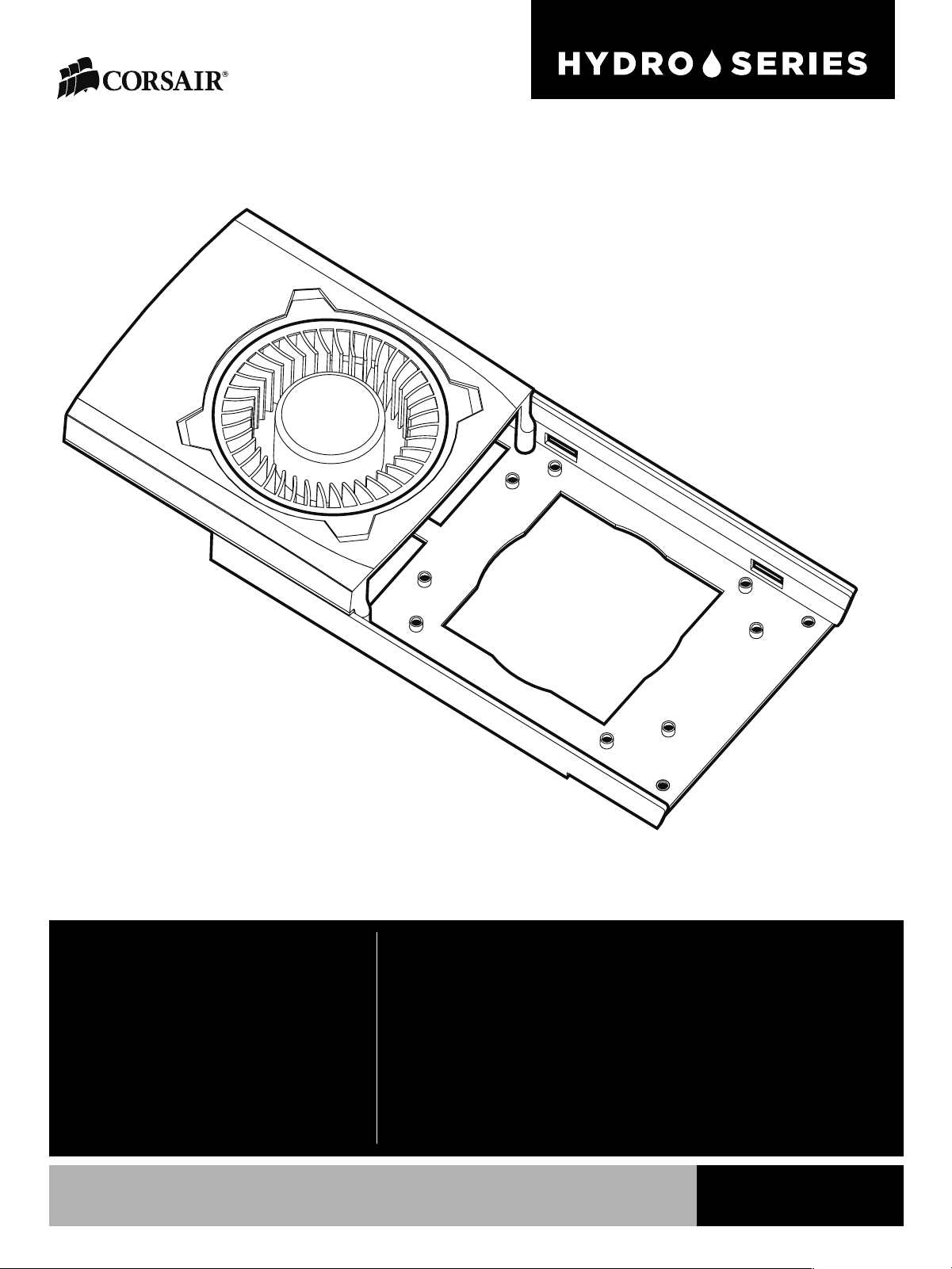
HYDRO SERIES HG10 GPU LIQUID COOLING BRACKET
INSTALLATION GUIDE
GUIDE D’INSTALLATION
INSTALLATIONSANLEITUNG
GUIDA ALL’INSTALLAZIONE
GUÍA DE INSTALACIÓN
РУКОВОДСТВО ПО УСТАНОВКЕ
安装指南 N780 EDITION

English .........................................................................–
Français .................................................................. –
Deutsch .................................................................. –
Italiano.................................................................... –
Español................................................................... –
Россию:..................................................................... –
中文:........................................................................... –

Table of Contents
Congratulations:.........................................................................................................................................
Bracketspecificaitons:.............................................................................................................................
Accessorykitcontents:...........................................................................................................................
Bracketfeatures:........................................................................................................................................
Warrantyinformation:..............................................................................................................................
Removeyourstockheatsink:................................................................................................................
Removethestockblower:......................................................................................................................
Installthestockblower:..........................................................................................................................
Installthefanshroud:...............................................................................................................................
Installthebracket.....................................................................................................................................
InstalltheHydroCPUCoolerMountingBracket .........................................................................
InstalltheHydroCPUCoolerStandos..........................................................................................
InstalltheHydroCPUCooler...............................................................................................................
Frequentlyaskedquestions:.................................................................................................................
Table of Contents
1

2
HG10 – N780 Edition
Bracket specifications
Accessory kit contents
Congratulations
Length........................................................................ mm
Width.......................................................................... mm
Height............................................................................mm
Box content
1. Card Screws 7
2. Short Hydro Series Stando 4
3. Thumb Screws 4
4. Fan Shroud Screws 3
Thank you for purchasing the Hydro Series HG10 GPU Liquid Cooling Bracket Edition.
The Hydro Series HG10 N780 GPU liquid cooling bracket allows you to adapt a Corsair Hydro Series liquid CPU
cooler (not included) to your GPU. It is compatible with many popular NVIDIA GeForce GPUs and it installs
quickly and easily. It can reduce your GPU’s temperature by up to 45C, and your GPU’s automatic temperature
control will lower the speed of its onboard fan for quieter operation.
1 2 3 4

3
HG10 – N780 Edition
Bracket Features
A. Reuse your GPU’s stock fan with the removable fan shroud.
B. Stylized cooling bracket compatible with all Hydro Series Liquid CPU Coolers.
C. Preinstalled thermal pads help cool surface PCB components.
A
B
C

4
HG10 – N780 Edition
Warranty Information
1. Remove your stock heatsink
Please refer to your GPU manufacturer’s manual regarding warranty information. Removing the stock heatsink
may void the warranty. Corsair will not be held responsible for any damaged or destroyed GPUs due to the use
of the Hydro Series HG10 GPU Liquid Cooling Bracket.
First, carefully uninstall your card’s stock heatsink by removing all of the screws on the bottom and bracket of
the card. Once the screws have been removed, gently lift the heatsink away from the card and unplug the stock
blower fan. Remove all excess thermal tape still attached to the graphics card and clean o any thermal paste
remaining on the GPU die.
We recommend using cotton balls, swabs, or pads with high purity isopropyl alcohol when cleaning the thermal
paste o the die.

5
HG10 – N780 Edition
2. Remove the stock blower
3. Install the stock blower
Now that the stock blower has been unplugged, remove the stock blower from the heatsink by unscrewing the
three screws underneath the blower. Make sure to keep the screws from the stock heatsink, we will use these
for the next step.
Next, route the stock fan blower cable through the HG10 bracket and secure the blower to the bracket using
the same screws from the previous step.

6
HG10 – N780 Edition
4. Install the fan shroud
5. Install the bracket
Now that the stock blower has been installed onto the bracket, place the HG10 fan shroud onto the bracket and
tighten the four screws to secure.
Reconnect the stock blower’s power cable to the card and mount the bracket onto the card. Next, use the
provided M3 screws to secure the bracket. Hand tighten the screws until the bracket is snug, but do not
over torque.

7
HG10 – N780 Edition
6. Install the Hydro CPU Cooler Mounting Bracket
7. Install the Hydro CPU Cooler Standos
Now that the HG10 has been mounted, you can use either the AMD or Intel mounting bracket from a Hydro
Series Liquid CPU Cooler to secure it to the card.
Next, select what standos to install into the HG10.
For Corsair Hydro Series liquid CPU coolers with the round-shaped pump head (such as the H75 or H105), use
the short standos.
For Corsair Hydro Series liquid CPU coolers with a square-shaped pump head (such as the H100i) no standos
are required.
short standos

8
HG10 – N780 Edition
8. Install the Hydro CPU Cooler
Installation Complete
Lastly, secure the Hydro CPU Cooler’s mounting bracket using the provided thumbscrews.
Please refer to your Hydro Series Liquid CPU Cooler’s manual or the HG10 product page on Corsair.com for
more information regarding mounting locations.
Otros manuales para Hydro Series
11
Este manual sirve para los siguientes modelos
1
Tabla de contenidos
Idiomas:
Otros manuales de Rack y soporte de Corsair


