Concordia Integra 1 Manual de usuario

User Guide
INTEGRA 1


Table of Contents
Important Safety Information .........................1
The INTEGRA 1 System.......................................2
The INTEGRA 1 System Components .....................3
1.Touch Pad..............................................3
2.Product Outlet ........................................3
3.Power Switch..........................................3
4.Drain Tray and Grate...............................3
5.On-Board Refrigeration Unit......................3
6.Service Switch........................................3
7.Bean Hopper ..........................................3
8.Grounds Bin ...........................................3
Using the Espresso System ..............................4
Starting System if Display Reads: MACHINE IS
OFF .............................................................4
Touch Pad........................................................5
Touch Pad Description....................................5
Pouring Drinks ..................................................7
Product Outlet...............................................7
Machine Software Overview.............................9
Software Programming Menu ...............................9
Accessing the Programming Menu....................9
Scrolling in the Menu......................................9
Accessing a Sub-Category...............................9
Changing a Value ..........................................9
Exiting a Sub-Category...................................9
Exiting the Main Menu....................................9
Check Grand Total Drink Statistics .................10
Detailed Total Drink Statistics........................10
Detailed Daily Drink Statistics........................10
Software ........................................................11
Programming Menu Informational Screens ......11
Categories..................................................11
Service Switch ................................................13
The Service Switch in the SERVICE position.....13
The Service Switch in the RUN position...........13
The Service Switch and Cleaning the Machine..13
Beans and the Bean Hopper...........................14
Storing Espresso Roast Beans ...........................14
Bean Hopper...................................................14
Directions for Filling Bean Hopper ..................14
The Hopper Stopper .........................................15
Using the Hopper Stopper.............................15
Removing a Bean Hopper..............................15
Milk and the Milk System ...............................16
Refrigeration Unit.............................................16
Placing Milk in the Machine ...........................16
Checking Refrigeration Unit Temperature........17

Flavor and the Flavor System.........................18
Flavor Storage.................................................18
Replacing Empty Flavor Boxes ...........................18
To remove connector ...................................18
To replace syrup/sauce box...........................19
Chocolate Sauce.........Error! Bookmark not defined.
Flavor Warming CircuitError! Bookmark not
defined.
Cleaning and Maintenance .............................20
Cleaning ........................................................21
Cleaning Timers ..........................................21
Auto-Rinse Cycle .........................................21
Daily Cleaning Procedures.................................22
Clean the Milk System..................................22
Clean the Brew Group ..................................22
Empty Grounds Bin......................................22
Clean Drain Grate and Drain Tray ..................23
Clean Exterior Surfaces ................................23
Clean Interior of Refrigeration Unit.................24
Refill Consumables.......................................24
Clean Milk Dispenser Nozzle..........................24
Monthly Cleaning Procedures.............................24
Check Air Filter............................................24
Removing the Air Filter.................................24
Clean the Bean Hopper.................................24
Replacing Upper Piston O-Ring...........................25
Preventive Maintenance ....................................28
Ordering Cleaning and Replacement Items............29
Operational Messages....................................30
Error Messages ..............................................32
Troubleshooting.............................................33
FAQ................................................................35


Customer Service (800) 778-0990 1
Important Safety Information
The safety of you and your customers is important to
Concordia. The INTEGRA 1 dispenses hot liquids and steam.
Please follow all safety precautions outlined in this manual, in
order to reduce the risk of electric shock, burns, and/or injury
to persons or property.
Machine Operation
Do not use the machine for anything other than its
specific intended purpose.
Close supervision is required anytime the machine is
used near children.
Machine must be installed in a safe and stable location
and in accordance with Concordia’s installation
requirements.
Do not attempt to override safety interlocks.
Do not operate the machine with unauthorized parts or
attachments. Improper use may cause fire, electrical
shock, hazard, or injury.
WARNING: Use of unauthorized parts or attachments
will nullify the machine warranty.
Hot Surfaces and Liquids
Care must be taken around the machine, as hot liquids
and steam are produced and dispensed. Serious burns
can occur.
Do not touch hot surfaces or parts.
Electrical
To protect against electrical hazards, do not immerse
the power cord, plugs, or machine in water or any other
liquid.
Turn the power switch to “OFF” when the machine will
not be used for an extended period.
Do not operate the machine with an improper or
damaged power cord or plug, or after the machine has
been damaged in any manner.

2 Customer Service (800) 778-0990
The INTEGRA 1 System
The INTEGRA 1 includes a Concordia espresso machine. The
espresso system grinds fresh whole beans, brews fresh
espresso, steams fresh milk, and delivers a perfect, freshly
brewed, gourmet espresso beverage.
1
2
5
8
7
3
6
4

Customer Service (800) 778-0990 3
The INTEGRA 1 System Components
1. Touch Pad
SHOWN IN TOP PHOTO. The touch pad provides a user-
friendly interface for selecting and pouring beverages.
2. Product Outlet
SHOWN IN TOP PHOTO. The product outlet is where
drinks and hot water are dispensed.
3. Power Switch
Located behind the left front door of the machine.
4. Drain Tray and Grate
The drain tray and grate direct excess liquid to the
drain.
5. On-Board Refrigeration Unit
The on-board refrigeration unit holds one milk container
(one gallon or up to 4-liters).
6. Service Switch
The service switch is used to alternate between RUN
MODE and SERVICE MODE, and is located behind the
left door below the gauges.
7. Bean Hopper
Located on top of the machine, the bean hopper has two
compartments. Each compartment holds fresh, whole
espresso roast beans.
8. Grounds Bin
The grounds bin holds the used espresso grounds. The
EMPTY GRNDS BIN message will appear on the display
every 35 drinks.

4 Customer Service (800) 778-0990
Using the Espresso System
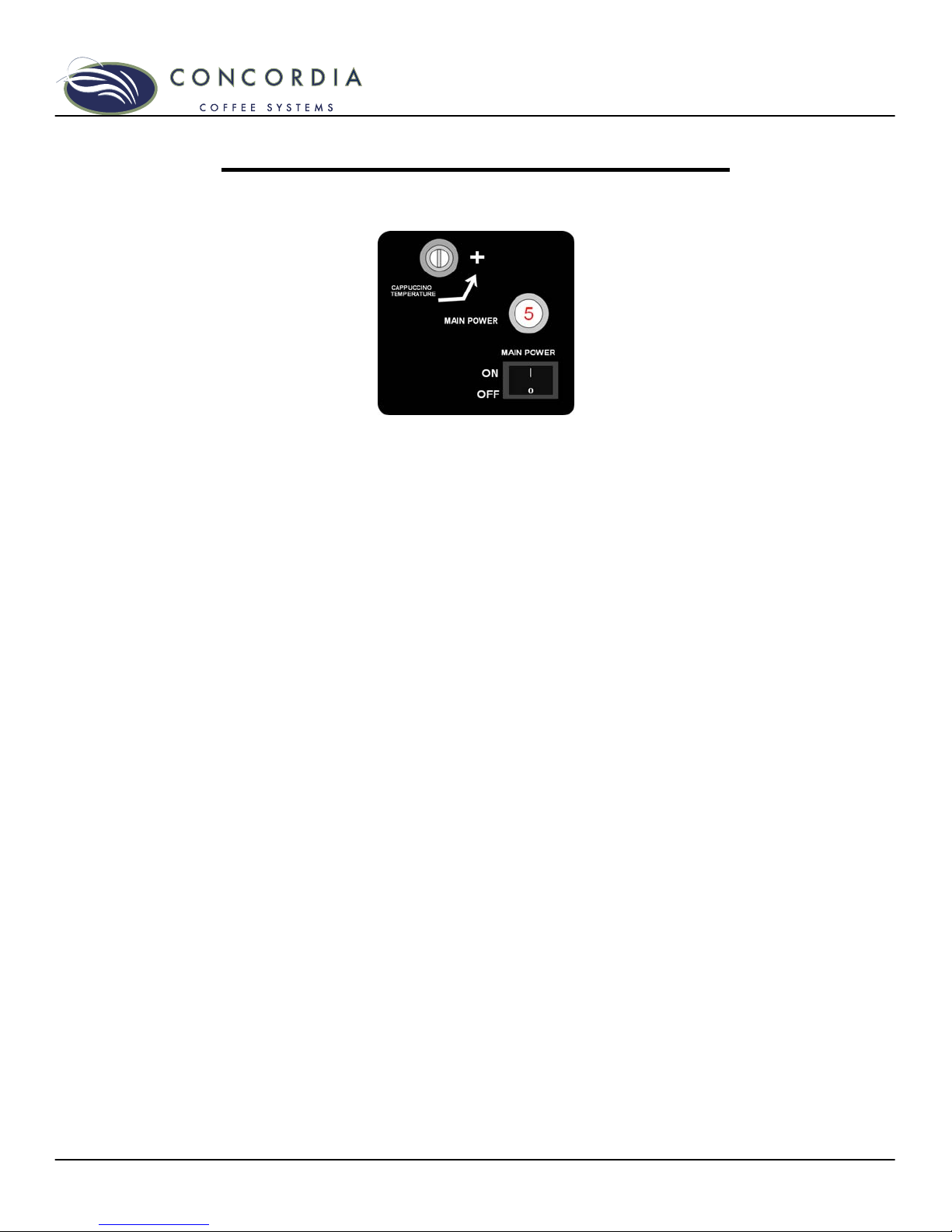
The power switch is located on the panel behind the
refrigeration unit door.
1. Press the power switch to the ON position to start the
machine.
2. Close the door. Machine will not warm up if the door is
open.
3. The display will read:
CALIBRATING
WAIT WARMING UP
Machine warm-up takes approximately 20-30 minutes. During
warm-up, the machine is heating the water, generating steam,
and calibrating the brew group.
WARNING: Wait at least 10 seconds between turning the
machine off and back on again. Quickly flipping the power
switch on and off can blow a fuse within the machine and/or
result in machine malfunction.
Starting System if Display Reads: MACHINE IS OFF
If the power switch is on and the display reads MACHINE IS
OFF, you are unable to pour drinks. In this mode, only the
refrigeration unit is functioning.
To start the machine, press and hold the PROGRAM button. A
tone will sound; when the tone stops, release the PROGRAM
button.
Este manual sirve para los siguientes modelos
1
Tabla de contenidos
Otros manuales de Cafetera de Concordia

Concordia
Concordia 1500s Manual de usuario

Concordia
Concordia Xpress series Manual de usuario

Concordia
Concordia XpressTouch Manual de usuario

Concordia
Concordia 2500s Manual de usuario

Concordia
Concordia INTEGRA 4 Manual de usuario

Concordia
Concordia Integra Manual de usuario

Concordia
Concordia Integra Manual de usuario

Concordia
Concordia 2500i Manual de usuario