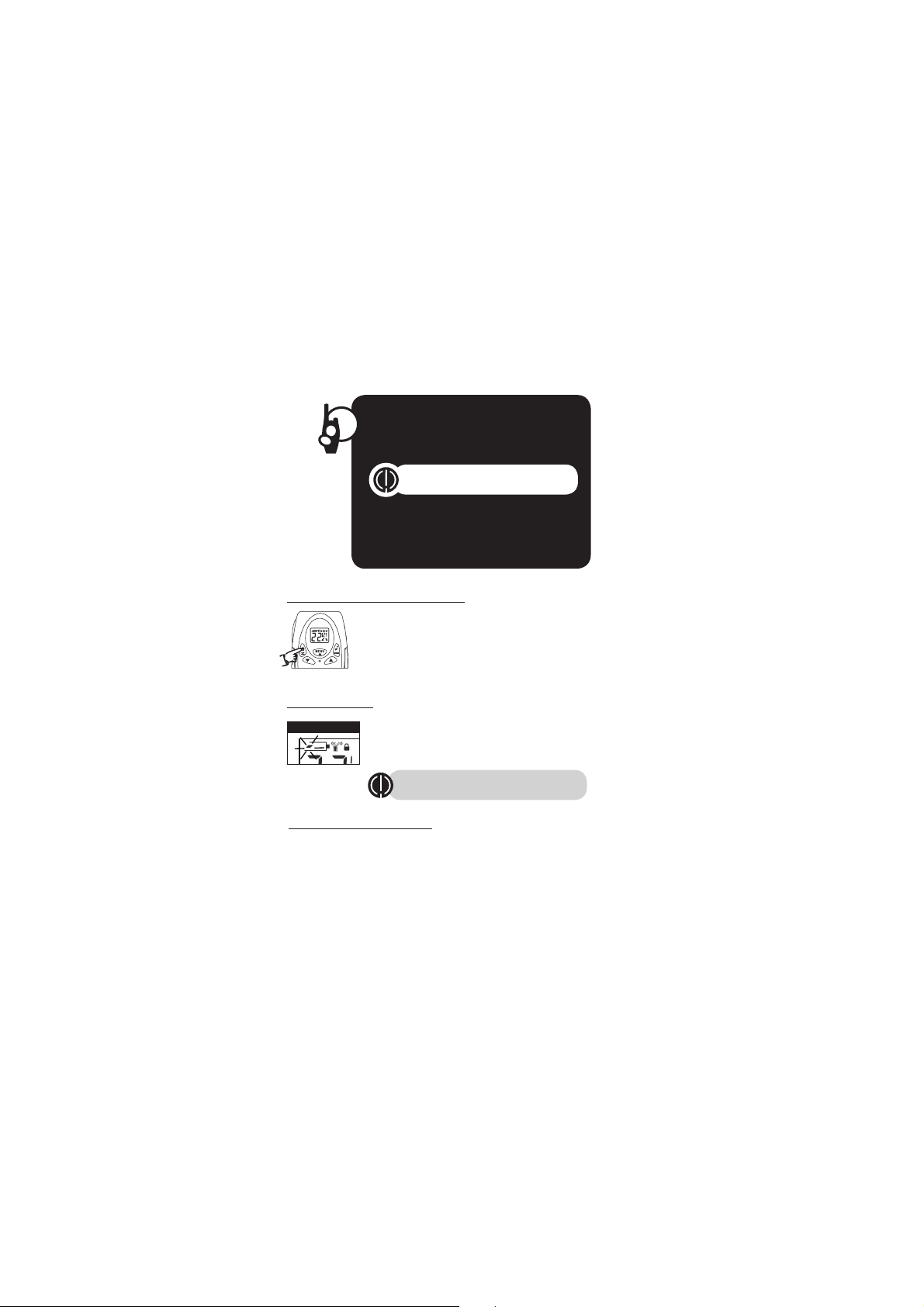
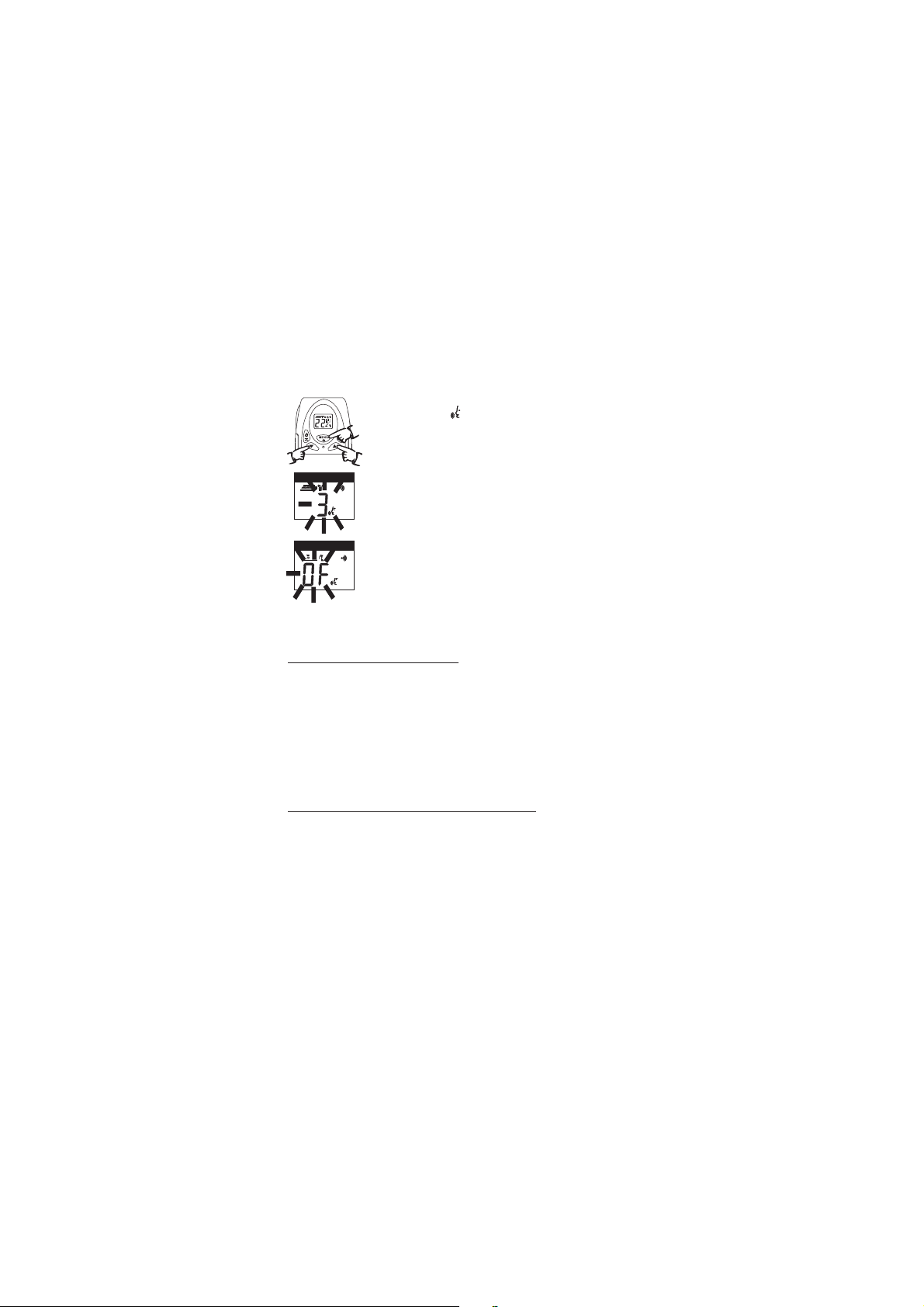
To turn VOX mode off:
1. Press the Menu/Lock button until the VOX icon
on the display.
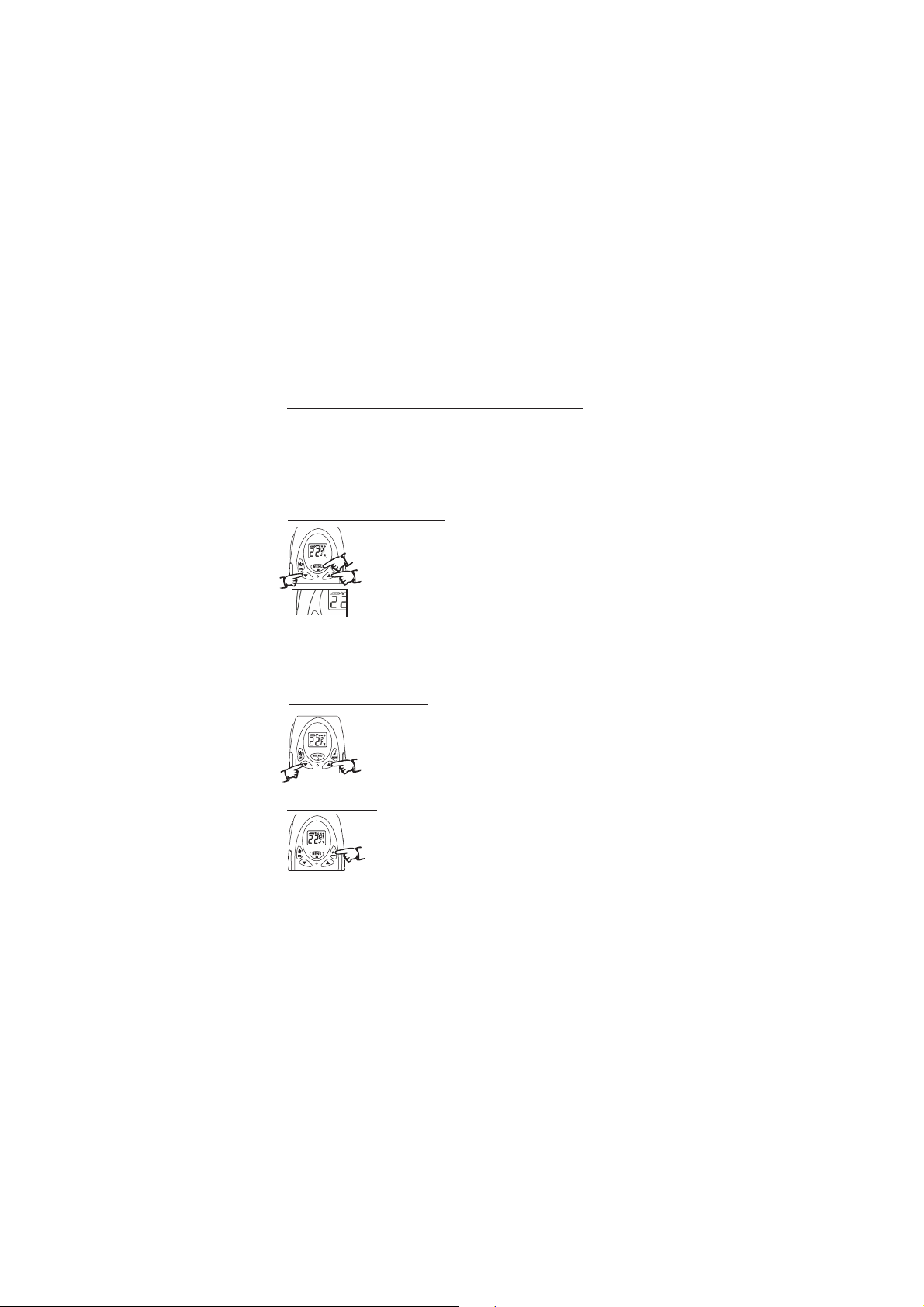
2. Press the Up or Down button to turn VOX Off.
The current Of” setting is displayed.
3. Choose one of the following:
a. Press the Menu/Lock button to enter the new
setting and proceed to other functions.
b. Press PTT button to enter the new setting and
return to Standby mode.
"
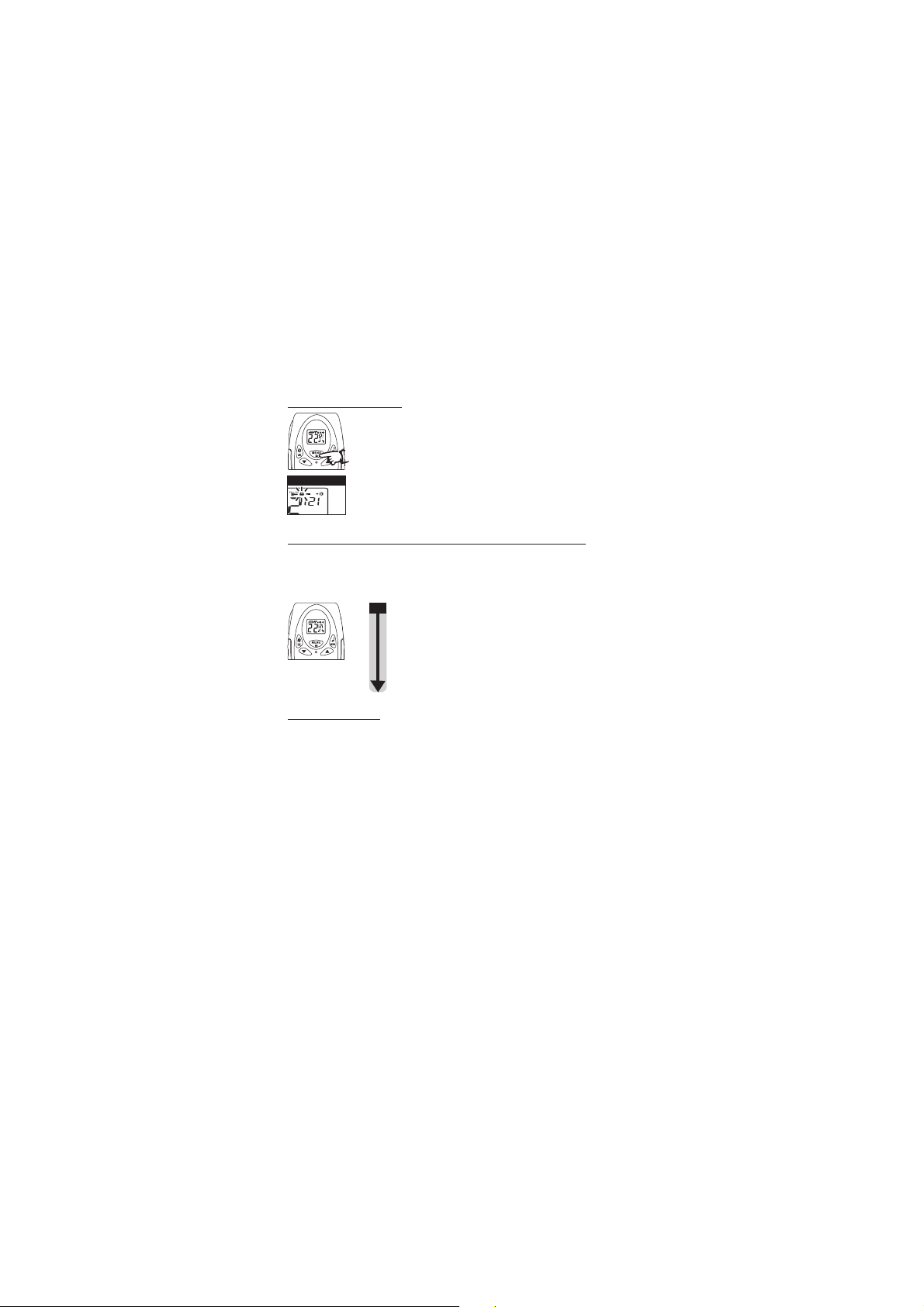
The current VOX sensitivity level is displayed
with letters “ ” and a Number 1 through 3,
with Number 3 being the most sensitive level
and Number 1 being the least sensitive level.
2. Press the Up or Down button to change the setting.
3. Choose one of the following:
a. Press the Menu/Lock button to enter the new
setting and proceed to other functions.
b. Press PTT button to enter the new setting and
return to Standby mode.
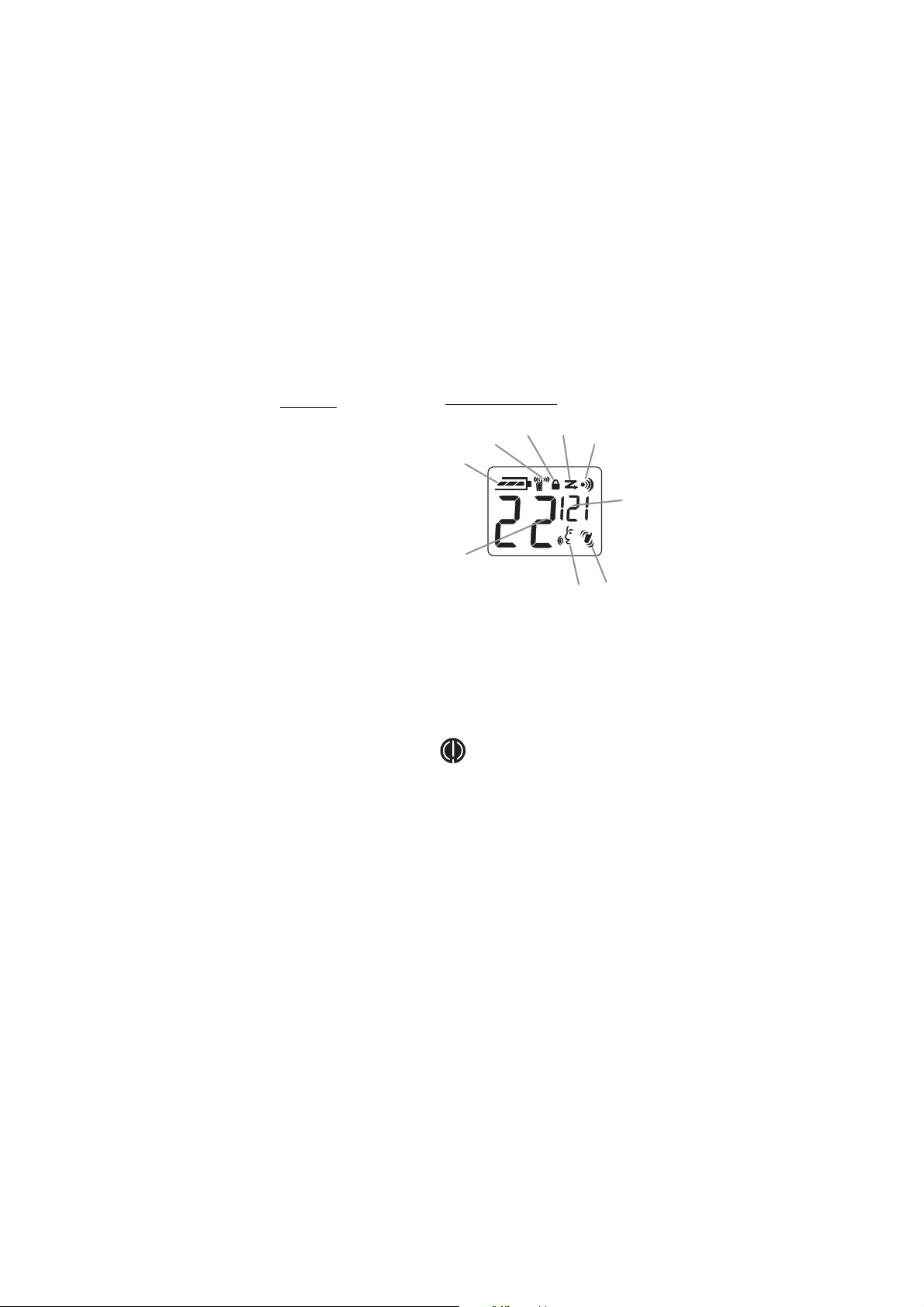
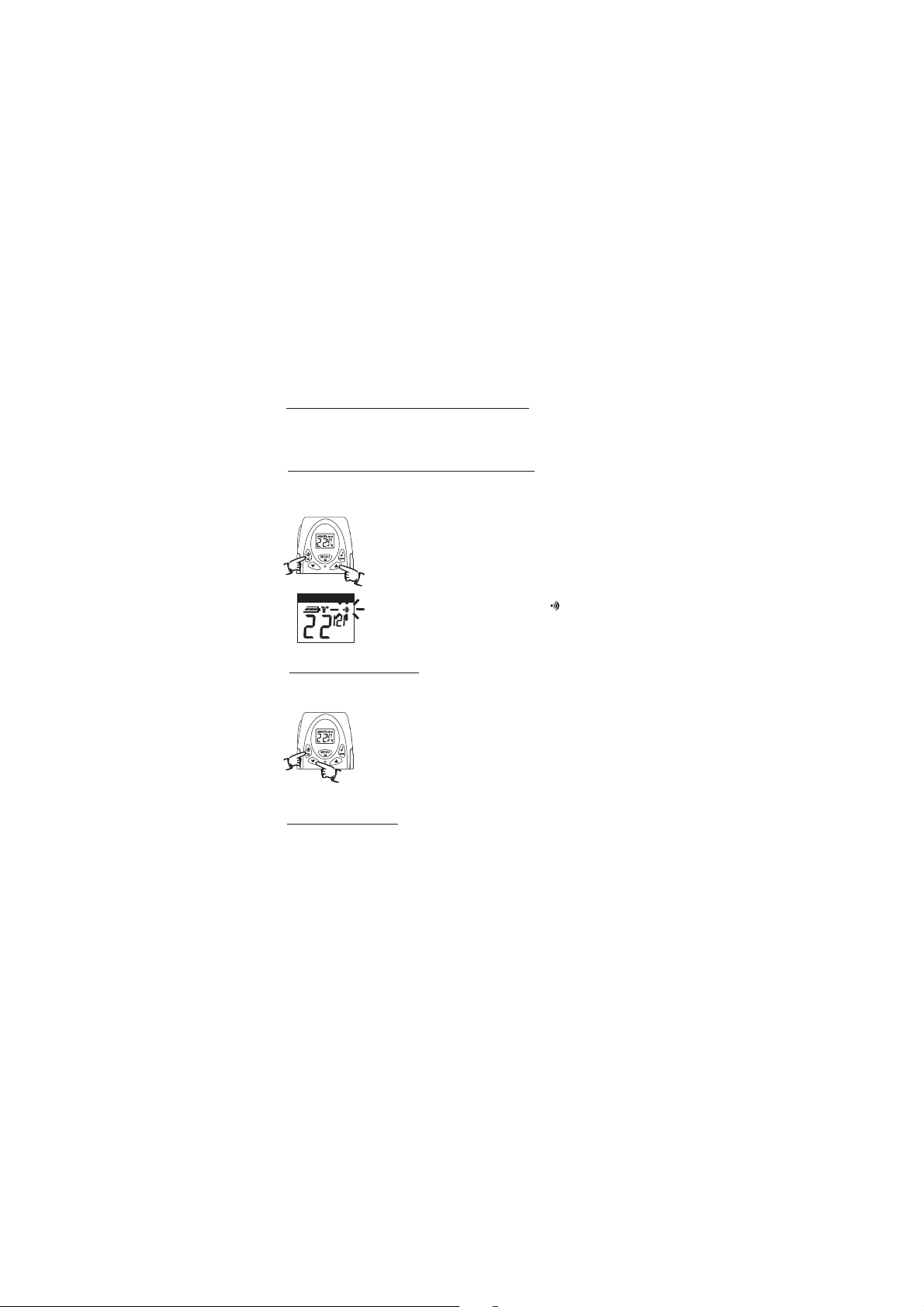
VOX Icon
Dual Channel Monitor function
In stand by the Radio is set on one channel with CTCSS DCS
code The will only receive signals transmitted on that
channel with the CTCSS DCS code
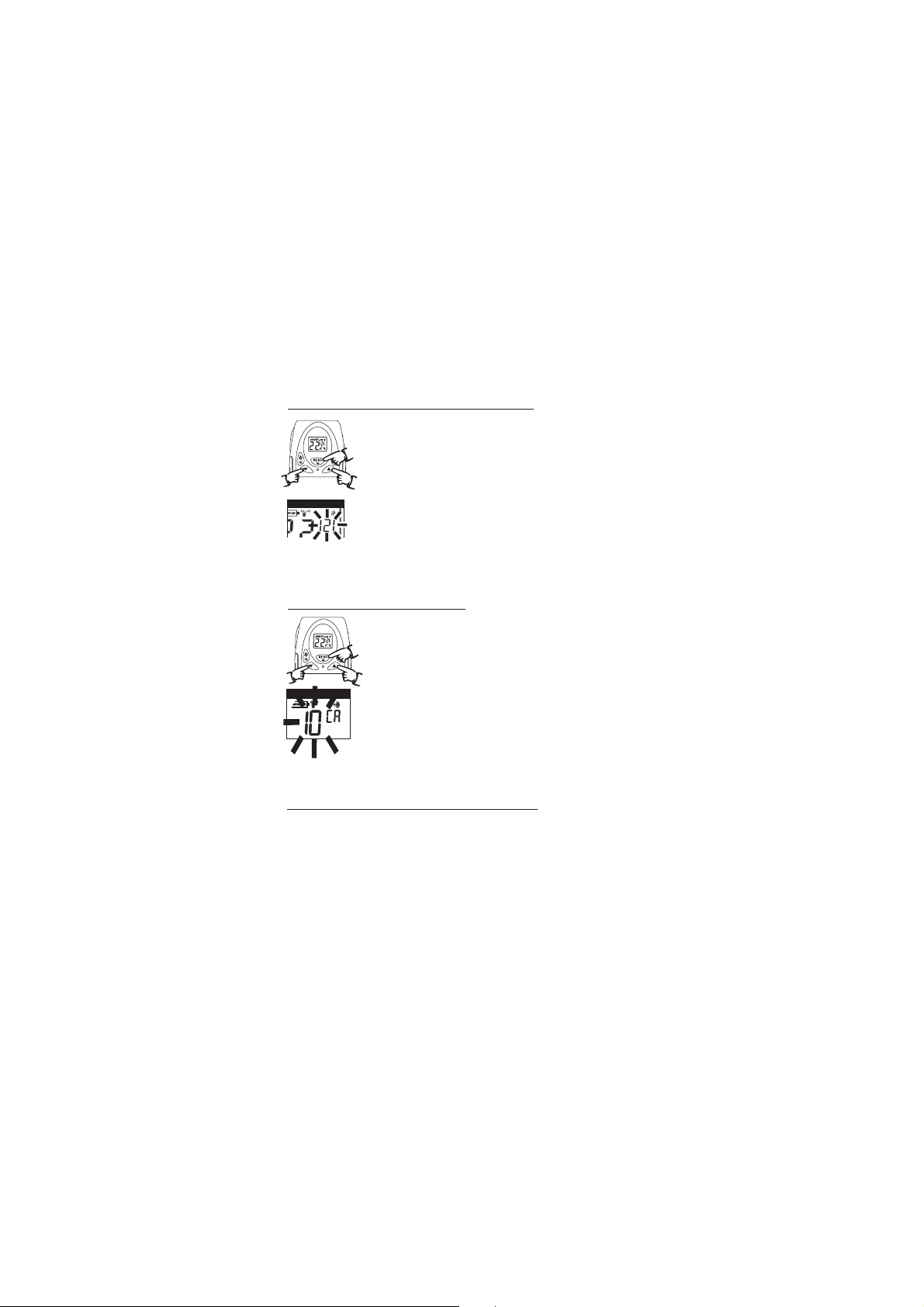
Dual Channel Monitor DCM allows you to monitor a second
channel
1. Press five times until CH displays, the
current
channel flashes.
2. Press UP or DOWN to set the monitor channel.
3. to save the double channel monitor setting.
- , /
.
/ .
( )
.
Radio
the Menu/Lock button
the button
Press the PTT button
Setting the SQUELCH Level 1-6
1. Press six times or until SL displays.
2. Press to select the receive sensitivity
level.
01 = High receive Sensitivity
02~05 = Medium receive Sensitivity
06 = Low receive Sensitivity.
3.
the Menu/Lock button
the UP or DOWN button
Press the PTT button to save the SQUELCH Level setting.