Burkert ME43 Manual de usuario

Operating Instructions
Type ME43
Fieldbus gateway büS to Industrial Ethernet for
PROFIBUS DPV1, PROFINET, EtherNet/IP,
EtherCAT, Modbus TCP, CC-Link IE field basic

We reserve the right to make technical changes without notice.
Technische Änderungen vorbehalten.
Sous réserve de modifications techniques.
© Bürkert Werke GmbH & Co. KG, 2017 – 2021
Operating Instructions 2111/04_EUen_00810575 / Original DE

3
Table of conTenTs
1OPERATING INSTRUCTIONS ................................................................................................................6
1.1 Symbols........................................................................................................................................6
1.2 Denitionofterms........................................................................................................................7
2INTENDED USE ......................................................................................................................................7
3BASIC SAFETY INSTRUCTIONS ...........................................................................................................8
4GENERAL NOTES...................................................................................................................................9
4.1 Contactaddresses.......................................................................................................................9
4.2 Warranty .......................................................................................................................................9
4.3 InformationontheInternet..........................................................................................................9
5PRODUCT DESCRIPTION....................................................................................................................10
6TECHNICAL DATA ................................................................................................................................11
6.1 Conformity..................................................................................................................................11
6.2 Standards ...................................................................................................................................11
6.3 Operatingconditions .................................................................................................................11
6.4 Mechanicaldata.........................................................................................................................11
6.5 Electricaldata ............................................................................................................................11
6.6 IndustrialEthernet......................................................................................................................12
6.6.1 PROFINET IO..............................................................................................................12
6.6.2 EtherNet/IP .................................................................................................................12
6.6.3 ModbusTCP...............................................................................................................12
6.6.4 PROFIBUS DPV1........................................................................................................13
6.6.5 EtherCAT.....................................................................................................................13
6.6.6 CC-Link.......................................................................................................................13
6.6.7 OPC UA ......................................................................................................................14
6.7 Typelabel,devicelabelling........................................................................................................14
7INSTALLATION......................................................................................................................................15
7.1 Mountingthedeviceontothestandardrail..............................................................................15
7.2 Electricallyconnectingthedevice ............................................................................................16
TypeME43
English

4
Type ME43
7.3 Establishconnectiontotheeldbus.........................................................................................16
7.3.1 Industrial Ethernet.......................................................................................................16
7.3.2 PROFIBUS version .....................................................................................................17
7.3.3 CC-Link version ..........................................................................................................17
8MICRO SD CARD .................................................................................................................................18
9COMMISSIONING WITH FIELDBUS GATEWAY..................................................................................20
9.1 Operatingelements....................................................................................................................20
9.2 Operationwiththedisplay.........................................................................................................20
9.3 ProtocolsettingsforconnectingthedevicetothePLCnetwork............................................21
9.3.1 Selecting the protocol.................................................................................................21
9.3.2 Enter address..............................................................................................................21
9.4 Settingsonthedisplay ..............................................................................................................22
10 START-UP WITH BÜRKERT COMMUNICATOR ..................................................................................23
10.1 Userinterface.............................................................................................................................23
10.2 ConnectingthedevicetotheBürkertCommunicator .............................................................24
10.3 ProtocolsettingsforconnectingthedevicetothePLCnetwork............................................24
10.3.1 Selecting the protocol.................................................................................................24
10.3.2 Enter PROFIBUS address........................................................................................... 24
10.3.3 Entering CC-Link address ..........................................................................................24
10.3.4 Entering the EtherCAT address (Station Alias)............................................................25
10.3.5 Enter parameters for EthernetNET/IP, PROFINET, Modbus TCP ...............................25
10.4 Conguringtheeldbusgateway .............................................................................................26
10.4.1 Downloadingagatewayconguration ....................................................................... 26
10.4.2 Editingagatewayconguration .................................................................................26
10.4.3 Creatinganewgatewayconguration .......................................................................26
10.5 büSnetwork ...............................................................................................................................38
10.5.1 Set up büS network....................................................................................................38
10.5.2 ConguringthebüSnetwork......................................................................................40
11 START-UP USING A WEB SERVER .....................................................................................................41
11.1 Functionofthewebserver ........................................................................................................41
11.2 DeactivatetothewebserverviaBürkertCommunicator ........................................................41
11.3 Establishingaconnectiontothewebserver............................................................................41
English

5
Type ME43
11.4 Loggingontothewebserver.....................................................................................................42
11.5 Passwords..................................................................................................................................43
11.5.1 Change password.......................................................................................................43
11.5.2 Factory reset of password ..........................................................................................43
11.6 Conguringthedevice...............................................................................................................43
12 OPC UA.................................................................................................................................................44
12.1 Generaldescription....................................................................................................................44
12.2 EstablishconnectionwithOPCUA...........................................................................................44
12.2.1 Settings on the device ................................................................................................44
12.2.2 Settings for the OPC UA client ...................................................................................45
12.3 Servercerticate........................................................................................................................45
13 DISPLAY ELEMENTS ...........................................................................................................................47
13.1 LEDsforindicatingthenetworkconnectiontotheIndustrialEthernet ..................................47
13.2 LEDfordisplayingthedevicestatus ........................................................................................48
14 BÜRKERT COMMUNICATOR MENUS ................................................................................................49
14.1 f(x)conguration ........................................................................................................................49
14.2 “Webserver”and“OPCUA” .....................................................................................................49
14.3 Congurationarea“PROFINET”,“EtherNet/IP”,“ModbusTCP”and“CC-Link” ....................50
14.4 “EtherCAT”congurationarea .................................................................................................51
14.5 Congurationsection“Generalsettings” .................................................................................52
15 REPLACING THE DEVICE....................................................................................................................55
16 TROUBLESHOOTING...........................................................................................................................57
16.1 Descriptionoftheerrorcode ....................................................................................................58
16.2 Statusindicatorsandmeasures................................................................................................62
17 ACCESSORIES.....................................................................................................................................63
18 DISASSEMBLY .....................................................................................................................................64
19 TRANSPORTATION,STORAGE,DISPOSAL........................................................................................65
English

6
Operating instructions
Type ME43
1 OPERATING INSTRUCTIONS
The operating instructions describe the entire life cycle of the device. Keep these instructions ready to hand
at the operation site.
Importantsafetyinformation.
▶Read these instructions carefully.
▶Observe in particular the safety instructions, intended use and operating conditions.
▶Persons who work on the device must read and understand these instructions.
1.1 Symbols
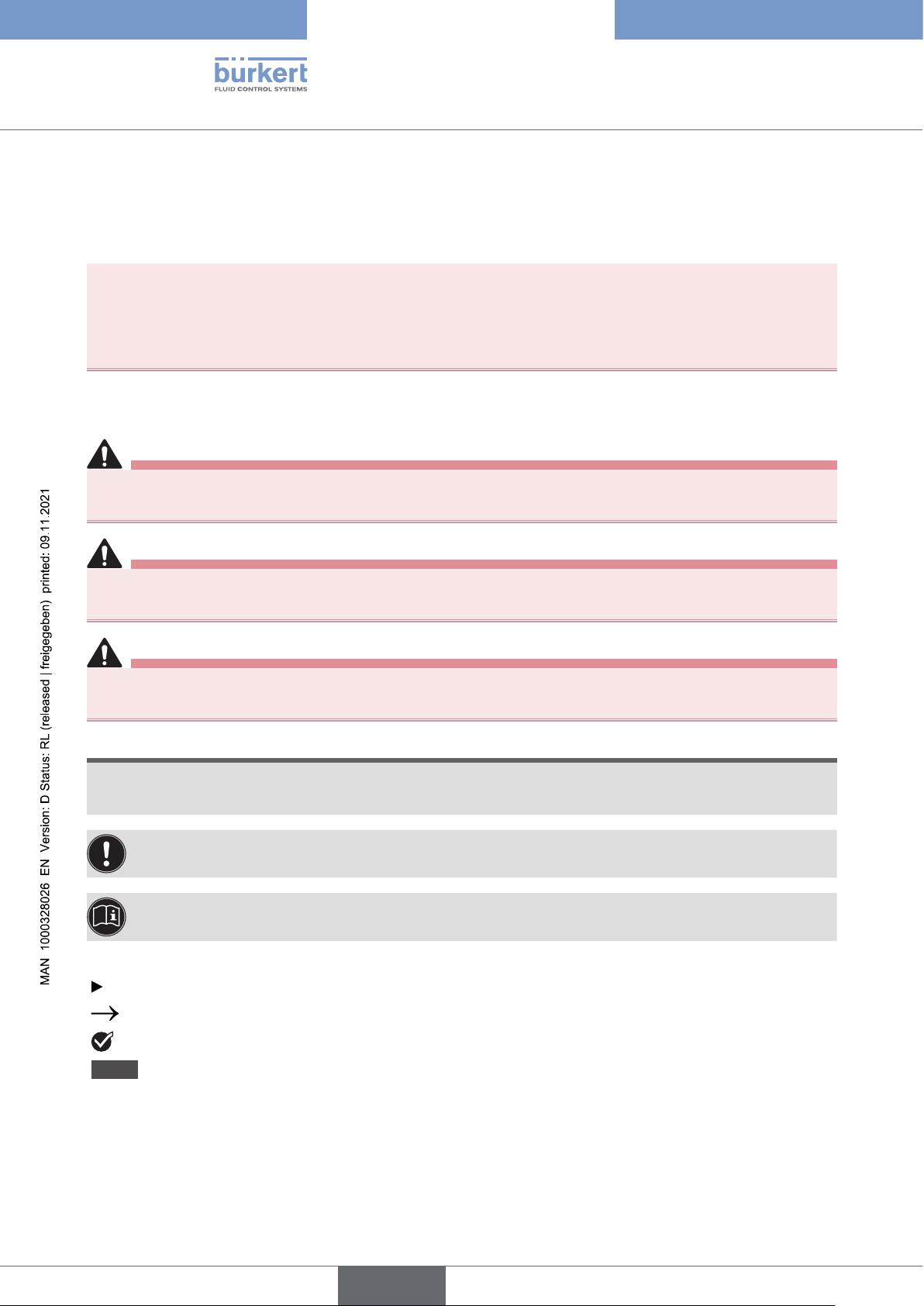
DANGER
Warnsofanimmediatedanger.
▶Failure to observe these instructions will result in death or serious injuries.
WARNING
Warnsofapotentiallyhazardoussituation.
▶Failure to observe these instructions may result in serious injuries or death.
CAUTION
Warnsofapotentialdanger.
▶Failure to observe may result in moderate or minor injuries.
NOTE
Warnsofdamage.
▶Failure to observe these instructions may result in damage to the device or the system.
Indicatesimportantadditionalinformation,tipsandrecommendations.
Referstoinformationintheseoperatinginstructionsorinotherdocumentation.
Designates instructions to avoid danger.
Designates a procedure which you must carry out.
Designates a result.
MENU Symbol for software interface texts.
English

7
Operating instructions
Type ME43
1.2 Denition of terms
Denitionofthetermsusedintheseinstructions.
•Device: the term “Device” stands for the following device types: ME43
•Exarea:the term “Ex area” stands for potentially explosive atmosphere
•Ex approval: the term “Ex approval” stands for approval in the potentially explosive atmosphere
•büS (Bürkert system bus): the term “büS” stands for the communication bus developed by Bürkert, based
on the CANopen protocol.
2 INTENDED USE
Improperuseofthedevicemaybedangeroustopeople,nearbyequipmentandtheenvironment.
TheeldbusgatewayTypeME43isusedasaeldbusconverterfortheprocessvaluesbetweenbüS
participantsandanindustrialEthernetPLC.
TheTypeME43supportstheeldbusprotocolsPROFIBUSDPV1,EtherCAT,PROFINET,EtherNet/IP,
ModbusTCP,CC-LinkaswellasDeviceNetandCANopen.
▶To use the device, observe the permitted data, operating conditions and application conditions. These
specicationscanbefoundinthecontractdocuments,theoperatinginstructionsandonthetypelabel.
▶In the potentially explosive atmosphere, only use devices that are approved for this purpose. These
devicesareidentiedbyaseparateExtypelabel.Beforeuse,notetheinformationontheseparateEx
type label and the Ex additional information or the separate Ex operating Instructions.
Thedevice
▶must not be used outdoors.
▶must not be opened.
▶must only be used in conjunction with third-party devices and components recommended and autho-
rised by Bürkert.
▶must only be used when in perfect condition; always ensure proper storage, transportation, installation
and operation.
▶only as intended.
English

8
Basic safety instructions
Type ME43
3 BASIC SAFETY INSTRUCTIONS
These safety instructions do not take into account any unforeseen circumstances and events which occur
duringinstallation,operationandmaintenance.Theoperatorisresponsibleforobservingthelocation-specic
safety regulations, also with reference to personnel.
Generalhazardoussituations.
To prevent injuries, observe the following:
▶Use the device only when it is in perfect condition and in accordance with the operating instructions.
▶Do not make any changes to the device and do not subject it to mechanical stress.
▶Secure device or system to prevent unintentional activation.
▶Only trained technicians may perform installation and maintenance work.
▶Install the device according to the regulations applicable in the respective country.
▶After an interruption in the power supply, ensure that the process is restarted in a controlled manner.
▶Observe the general rules of technology.
NOTE
Electrostaticallysensitivecomponentsandassemblies.
Thedevicecontainselectroniccomponentsthataresusceptibletotheeectsofelectrostaticdischarging
(ESD).Componentsthatcomeintocontactwithelectrostaticallychargedpersonsorobjectsareatrisk.
Intheworstcasescenario,thesecomponentswillbedestroyedimmediatelyorfailafterstart-up.
▶MeettherequirementsspeciedbyEN61340-5-1tominimiseoravoidthepossibilityofdamagecaused
by a sudden electrostatic discharge.
▶Do not touch electronic components when the supply voltage is connected.
English

9
General notes
Type ME43
4 GENERAL NOTES
4.1 Contact addresses
Germany
Bürkert Fluid Control Systems
Sales Centre
Christian-Bürkert-Str. 13-17
D-74653Ingelngen
Tel.+49(0)7940-10-91111
Fax+49(0)7940-10-91448
E-mail: [email protected]
International
The contact addresses can be found online at:
www.burkert.com
4.2 Warranty
Apreconditionforthewarrantyisthatthedeviceisusedasintendedinconsiderationofthespeciedoper-
ating conditions.
4.3 Information on the Internet
Operating instructions and data sheets for the Bürkert products can be found on the Internet at:
www.burkert.com
English

10
Product description
Type ME43
5 PRODUCT DESCRIPTION
TheeldbusgatewaytypeME43isusedasaeldbusconverterbetweenbüSandIndustrialEthernet.
Applicationrange:
Exchangeprocessvaluesbetweenparticipantsofeldbus1andeldbus2.
Device type Fieldbus 1 Fieldbus 2
ME43 büS PROFINET
ME43 büS EtherNet/IP
ME43 büS ModbusTCP
ME43 büS PROFIBUS DPV1
ME43 büS CC-LINKIEeldbasic
ME43 büS EtherCAT
Table 1: Application area Type ME43
TheBürkertCommunicatorsoftwareisrequiredtoconguretheeldbusgateway.TheBürkert
Communicator software can be downloaded free of charge from the Bürkert website. In addition to
the software, the USB-büS interface set 1 – which is available as an accessory – is required. See
chapter “17 Accessories”.
English
Otros manuales para ME43
2
Tabla de contenidos
Otros manuales de Puerta de Burkert
Manuales populares de Puerta de otras marcas

LST
LST M500RFE-AS Manual de usuario

Kinnex
Kinnex Media Gateway Manual de usuario

2N Telekomunikace
2N Telekomunikace 2N StarGate Manual de usuario

Mitsubishi Heavy Industries
Mitsubishi Heavy Industries Superlink SC-WBGW256 Manual de usuario

ZyXEL Communications
ZyXEL Communications ZYWALL2 ET 2WE Manual de usuario

Telsey
Telsey CPVA 500 - SIP Manual de usuario