Manual, HDMI 4K Series Camera, 76604K8MPA
Content
The HDMI 4K Series Camera Help Manual ................................................................................................................ 1
1The Application of the HDMI 4K Series Camera ................................................................................................ 1
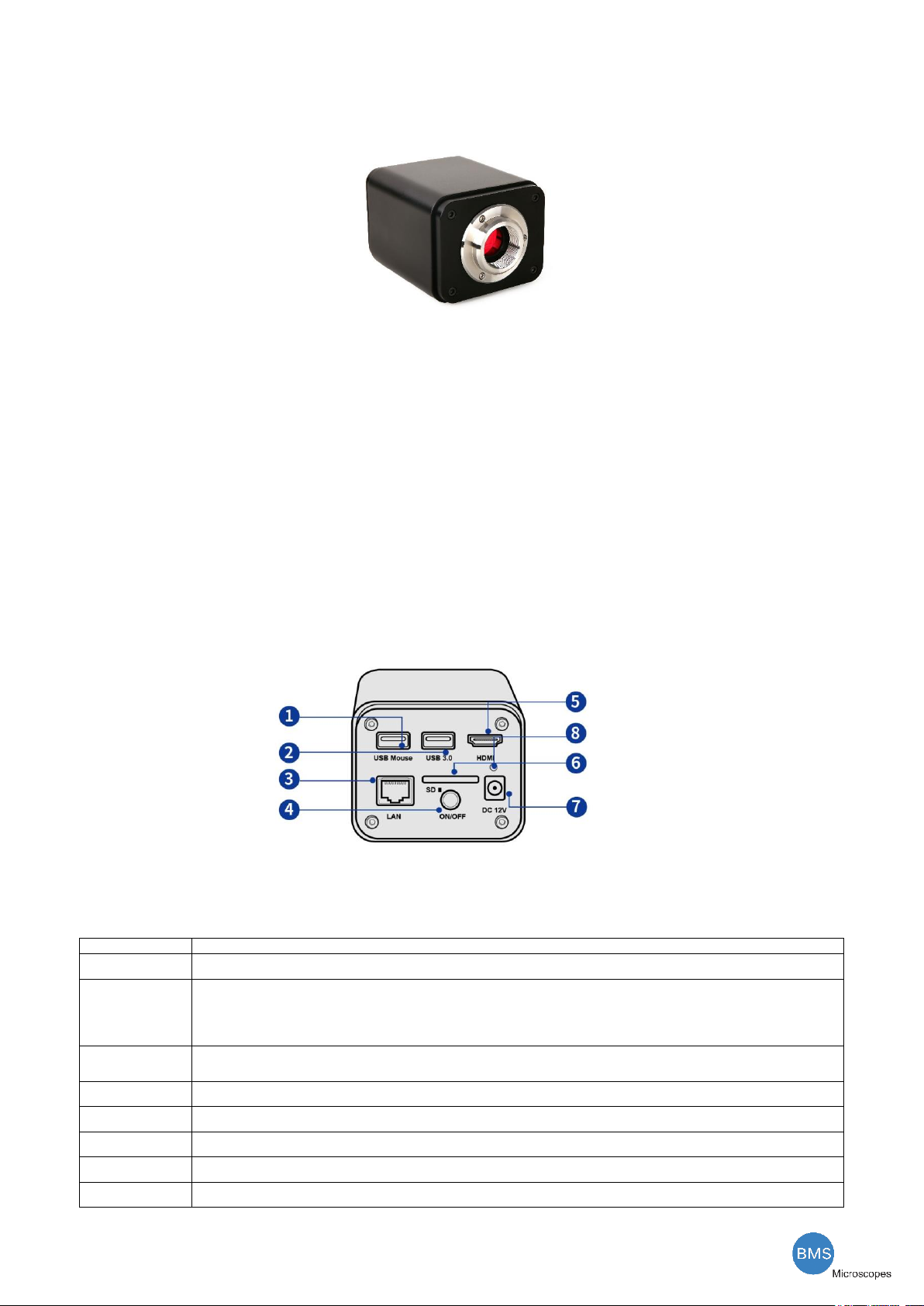
2Available Ports on the Back of the Camera Body............................................................................................... 1
3HDMI 4K Camera Datasheet .............................................................................................................................. 2
4HDMI 4K Camera Function Description............................................................................................................. 2
4.1 Video Output ......................................................................................................................................... 2
4.2 Image Capture and Video Saving in SD card.......................................................................................... 2
4.3 ISP Function ........................................................................................................................................... 2
4.4 Image Operation Function..................................................................................................................... 2
4.5 Other Functions ..................................................................................................................................... 2
5HDMI 4K Camera Packing Information .............................................................................................................. 3
6Software and App.............................................................................................................................................. 4
7HDMI 4K Camera Application Configurations.................................................................................................... 4
7.1 Camera working standalone with built-in Onboard BMS software....................................................... 4
7.2 Connecting camera to the PC with USB3.0 port.................................................................................... 5
7.3 Camera working in WLAN mode (AP mode).......................................................................................... 6
7.4 Connecting camera to the PC with LAN port ........................................................................................ 8
7.5 Connecting multi-cameras to the router through the LAN port/WLAN STA mode for the network
application ....................................................................................................................................................... 10
8Brief Introduction of HDMI 4K UI and Its Functions ........................................................................................ 13
8.1 Onboard BMS UI .................................................................................................................................. 13
8.2 The camera control panel on the left side of the video window......................................................... 14
8.3 The Measurement Toolbar on top of the video window..................................................................... 15
8.4 Icons and functions of the Synthesis Camera Control Toolbar at the bottom of the video window... 17
9Sample Photos Captured with HDMI 4K Series Camera.................................................................................. 24
10 Contacting Customer Service....................................................................................................................... 27