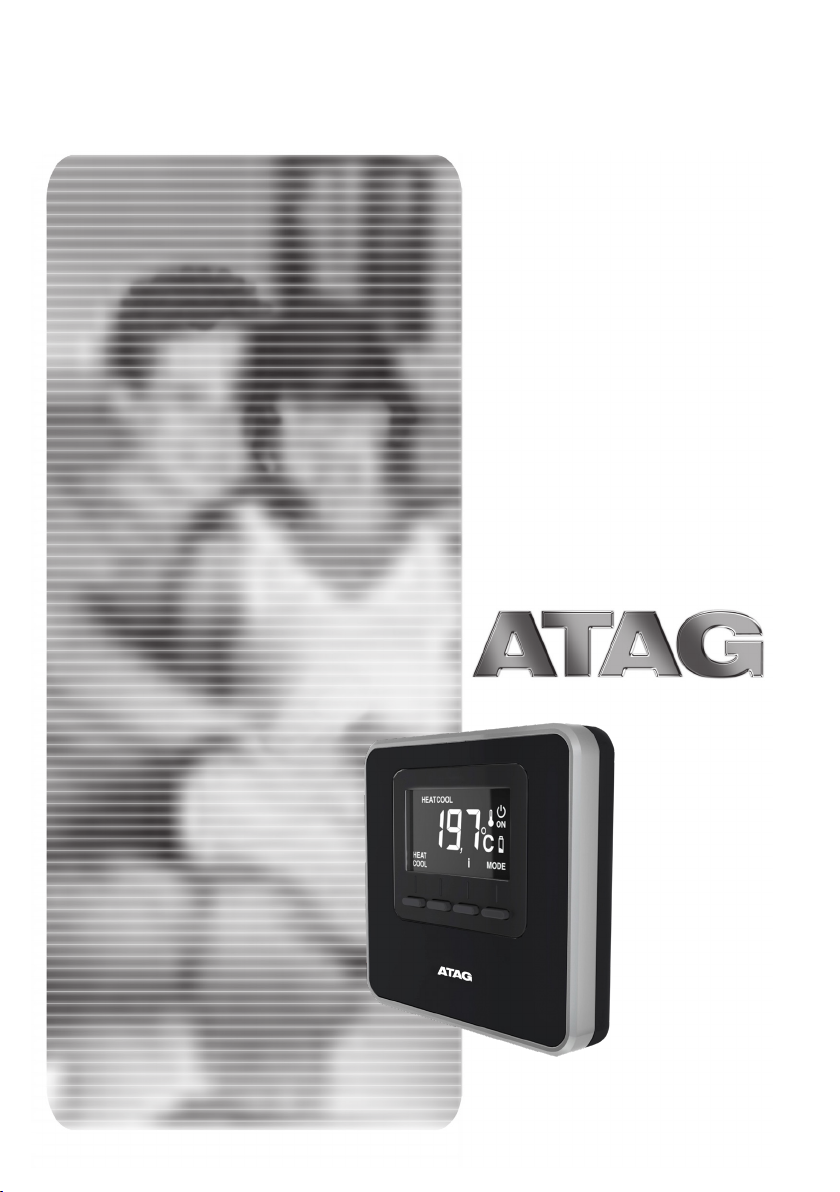
Atag Cube Manual de usuario

8X.51.15.00 / 09.18 Changes reserved . Wijzigingen voorbehouden . Modi ications réservée . Änderungen und Irrtümer vorbehalten . Modi icazione riservato.
Installation manual / Installatie handleiding
Manuel d'installation / Installationsanleitung
Manuale di installazione
Cube
GB / NL / F / D / I

2 - GB
safety regulations
SYMBOL LEGEND:
Failure to comply with this warning may
result in personal injury or even death.
Failure to comply with this warning may
result in serious damage to property,
plants or animals.
Do not perform operations that involve
removing the appliance from its instal-
lation location.
Damage to the device.
Do not climb onto chairs, stools, lad-
ders or unstable supports to clean the
device.
Personal injury caused by falling from a
height or shearing (stepladders shutting
accidentally).
Do not use any insecticides, solvents
or aggressive detergents to clean the
appliance.
Damage to plastic or painted parts.
Do not use the appliance for any pur-
pose other than normal domestic use.
Damage to the device caused by opera-
tion overload.
Damage to objects caused by improper
use.
Do not allow children or inexperienced
people to operate the appliance.
Damage to the appliance caused by im-
proper use.
ATTENTION!
The appliance can be used by children old-
er than 8 years and by people with reduced
physical, sensory or mental abilities, or who
lack adequate experience and the neces-
sary knowledge, provided they are super-
vised or have been instructed on the safe
use of the appliance and on the potential
risks connected with it.
Children must not play with the appliance.
Any cleaning and maintenance performed
by the user must not be eected by unsu-
pervised children.
PRODUCT CONFORMING TO EU
DIRECTIVE 2012/19/EU
The barred wheeled bin symbol appearing
on the appliance or on its packaging indi-
cates that the product must be collected
separately from other waste at the end of
its useful life.
The user must therefore deliver the decom-
missioned product to an appropriate local
facility for separate collection of electro-
technical and electronic waste.
Alternatively, the appliance to be scrapped
can be delivered to the dealer when pur-
chasing a new equivalent appliance.
Electronic products for disposal measuring
less than 25cm can also be delivered free
of charge to electronic equipment dealers
having a surface area of at least 400 m2,
without having to purchase other products.
Proper separated collection of the decom-
missioned appliance for its subsequent
recycling, treatment and eco-compatible
disposal helps to prevent negative eects
on the environment and human health, be-
sides encouraging reuse and/or recycling
of its constituent materials.

GB - 3
Technical data
Power supply BUS 8 to 24V max / Limited Power Source
complies
Electrical uptake
6 mA
Operating temperature
0 to 40°C
Storage temperature
-10 to 70°C
Dimensions
93 x 88 x 24 mm
Bus wire length and cross-sectional area
NOTE:
IN ORDER TO AVOID INTERFERENCE PROBLEMS, USE A
SHIELDED CABLE OR TWISTED PAIR CABLE.
max. 50 m - min. 0,6 mm²
Insulation class
III
Protection rating
IP30 (when installed as specified)
Temperature sensor
±1%
technical features
Product Technical Sheet
Supplier name ATAG
Manufacturer's model ID
Cube
Temperature control class V
Energy eciency contribution (%) for space heating +3%
If an Atag external sensor is added:
Temperature control class VI
Energy eciency contribution (%) for space heating +4%
In a system with 3 zones with 1 ATAG Oz and 1 ATAG Cube:
Temperature control class VIII
Energy eciency contribution (%) for space heating +5%

1
BA
Q
Q
C
P
P
D E
O
O
F H
I
L
M
G
N
N
2
4 - GB
technical features
Room controller:
1. display
2. keys
Display:
A. Detected room temperature
B. WiFi device detected on bus
C. Heating/cooling mode indication
D. Fault
E. Cooling/anti-freeze mode in con-
trolled zone
F. Heat request
G. Timer-based modification of
room temperature set-point in the
schedule programming (when ena-
bled)
H. Manual mode active
I. Programmed mode active
(heating/cooling as scheduled on a
device capable of setting schedule)
L. Controlled zone OFF
M. Battery low charge
N. Mode key (“MODE”)
O. Confirm key (OK)
P. Increase temperature setting key (+)
Q. Decrease temperature setting key (-)
Set mode to heating (HEAT) or cool-
ing (COOL).

x 5s
GB - 5
operating mode
The system's operating mode can be set
to heating or cooling when the device is
connected to a product which supports
both modes (such as a heat pump).
Press the “MODE” key (Fig. 1) to display:
“”.
Press “MODE” again (Fig. 2) for 5 sec-
onds.
“ ” will display next to the key.
Now press the key to select the mode
(Fig. 3)
The display will show:
- “HEAT” heating
- “COOL” cooling.
Press the OK button to confirm the selec-
tion.
NOTE:
The heating/cooling mode selection ap-
plies to the entire system.
Fig. 1
Fig. 2
Fig. 3

6 - GB
manual operation
Manual operation heats or cools the zone
in which the thermostat is installed, and
maintains the manual temperature set-
ting throughout the day (time scheduling
is disabled).
Press the "MODE" button until the display
shows “ ” (Fig. 4).
Modifying the room temperature
In manual mode, the set-point tempera-
ture (default value 20°C) can be modified.
Press the temperature adjustment keys
“+” and “-” to set the room temperature
(Fig. 5). Press “OK” to confirm.
The set value will flash on the display for
a few seconds, after which the display
will once again show the detected room
temperature.
Disabling
heating/cooling
You can disable heating/cooling in the
zone in which the thermostat is installed.
Press the "MODE" button until the display
shows: “ ”.
When heating is o, the anti-freeze func-
tion is enabled.
Anti-freeze function
When the anti-freeze function is enabled,
the display shows: “ ”.
In this mode, central heating will only ac-
tivate if the room temperature falls below
5°C, to protect the pipes against freezing
up.
Fig. 4
Fig. 5
Fig. 6

GB - 7
programmed operation
Programmed operation is controlled by
the heating/cooling schedule set on a
device capable of setting schedules.
Press the "MODE" button until the display
shows “ ” (Fig. 7).
Timed adjustment
room temperature
In programmed mode, you can temporar-
ily modify the set-point temperature set
on a device capable of setting schedule.
Press the temperature adjustment keys
“+” and “-” to set the room temperature
(Fig. 8).
Press “OK” to confirm the temporary set-
ting.
The display will now show “ ” and the
time for which the changed setting ap-
plies will flash (3h default) (Fig. 9).
Press “+” and “-“ to set the duration of the
modification, which can vary between 0
hour (minimum) and 24 hours (maximum).
Press "OK" to confirm the modified set-
ting.
The display will now show the detected
room temperature again.
When the temporary setting times out,
the display will again show the set-point
temperature set with a device capable of
setting schedule.
To cancel the modified setting, press
“MODE” and select manual mode.
Press the "MODE" button until the display
shows “ ” to return to programmed
operation.
Fig. 7
Fig. 8
Fig. 9

BUS
T B
8 - GB
installing
Positioning
The device detects the room tempera-
ture, therefore several factors should be
taken into account when choosing an in-
stallation site. Position the device far from
heat sources (radiators, sunlight, fireplac-
es, etc.) and from draughts, doorways
and windows which could aect the tem-
perature readings. It should be installed
approximately 1.5 metres above the floor
level.
ATTENTION!
Installation should be performed by a quali-
fied technician. Before making any connec-
tions, shut o electrical power to the heat
generator with its external two-position
switch. Power supply of the device must be-
connected to a circuit breaker.
Wall installation
- If necessary, install the mounting plate
to the electrical box included in the kit
(Fig. 10).
- Detach the thermostat's base by press-
ing down the tab at the bottom (Fig. 11).
- Fix the base to the wall at the chosen
position, using the plugs and screws
supplied with the kit (Fig. 12).
Electrical connection to the heat gen-
erator.
IN ORDER TO AVOID INTERFERENCE
PROBLEMS, USE A SHIELDED CABLE
OR TWISTED PAIR CABLE.
- Route the wires through the slot and con-
nect them to terminals B and T.
- Once the wires have been connected, re-
store the thermostat by first inserting the
top and then rotating it downwards while
pressing it gently in towards the wall.
- Connect the thermostat wire to the BUS
terminal on the heat generator's terminal
board (Fig. 13).
- Power up the heat generator
heat generator terminal
board
Fig. 11
Fig. 10
Fig. 12
Fig. 13

x 5s
x 5s
GB - 9
installing
Associating the zone
- Check that the thermostat is powered
up and properly hooked up
- Hold the “+”key on the thermostat
down for 5 seconds (Fig. 14).
The display will alternate between the
software version and modification in-
dex.
- Hold the “+”key on the thermostat
down for 5 seconds.
The display will show the parameter
“nr02” (Fig. 15).
- Press “OK” to enter the zone associa-
tion menu; the display will show the first
available zone.
- Press “+” and “-”to select the zone you
wish to associate (Fig. 16).
- Press ‘OK’ to confirm.
- Press “MODE” to return to the main
screen.
Fig. 14
Fig. 15
Fig. 16

10 - GB
technical adjustments
TABLE OF PARAMETERS
ATAG Cube
- Hold “+”down for 5 seconds. The display will alternate between the software version and
modification index.
- Press “OK” to enter the settings menu.
- Press “+” and “-” to scroll through the parameters.
- Press "OK" button to select a parameter.
Par. Description Default
CF01 Room temperature correction (range +/-5°C) 0°C
CF11 0: Display OFF after 10s
1: Display always on 1
CF12 0: Backlight o
1: Backlight OFF after 5s of inactivity 1
TABLE OF ERRORS
Error Cause Solution
Err – Ebus
Zone association error: the
zone associated with the
device is already assigned
Check the installed thermostats. Assign a
dierent zone.
- - -
Err The thermostat is damaged Replace it
Tabla de contenidos
Idiomas:
Otros manuales de Controladores de Atag


