ASCOM Smart Series AH30 Manual de usuario

Operating
Guide
AH30
Smart SeriesScale
Ascom Hasler Mailing Systems, ®Inc.
Form 50323 Issue 7 08/99


CUSTOMER SURVEY FORM AH30 Scale Operating Guide
Revision: 08/99 Issue 7 Form 50323
If you liked this manual ....... tell us! If you did not like this manual ....... tell us!
We at Ascom Hasler Mailing Systems, ® Inc. would like to hear your comments about this
manual.
Fill out the following form and mail to: Jim Koonz or FAX to: Jim Koonz
Technical Writer Technical Writer
19 Forest Parkway (203)-925-2441
Shelton, CT 06484-0904
Rate The Manual
Check A Box
What did you like:
What didn’t you like:
Are there any improvements or features that you would like to see added to the product?
Optional Information: Name THANKS
This way we can We
can send you a new Phone Number appreciate
manual when we your
update it Company response
Very
Good
Good Fair Poor Very
Poor


AH30
Ascom Hasler Mailing Systems, ® Inc. 08/99
This manual is a non-controlled document.
This manual has been carefully compiled and checked for accuracy. Information in this
manual does not constitute a warranty of performance. Furthermore, Ascom Hasler
Mailing Systems, ® Inc. reserves the right to revise this publication and make changes
from time to time, in its content.
Ascom Hasler Mailing Systems, ® Inc. ASSUMES NO LIABILITY WHAT SO EVER
FOR ANY LOSSES OR DAMAGES INCURRED AS A RESULT OF OUT-OF-
DATE OR INCORRECT INFORMATION CONTAINED IN THIS MANUAL.
This publication contains information proprietary and confidential to Ascom Hasler
Mailing Systems, ® Inc. Any reproduction, disclosure, or use of this publication is
expressly prohibited except as Ascom Hasler Mailing Systems, ® Inc. may otherwise
authorize in writing.
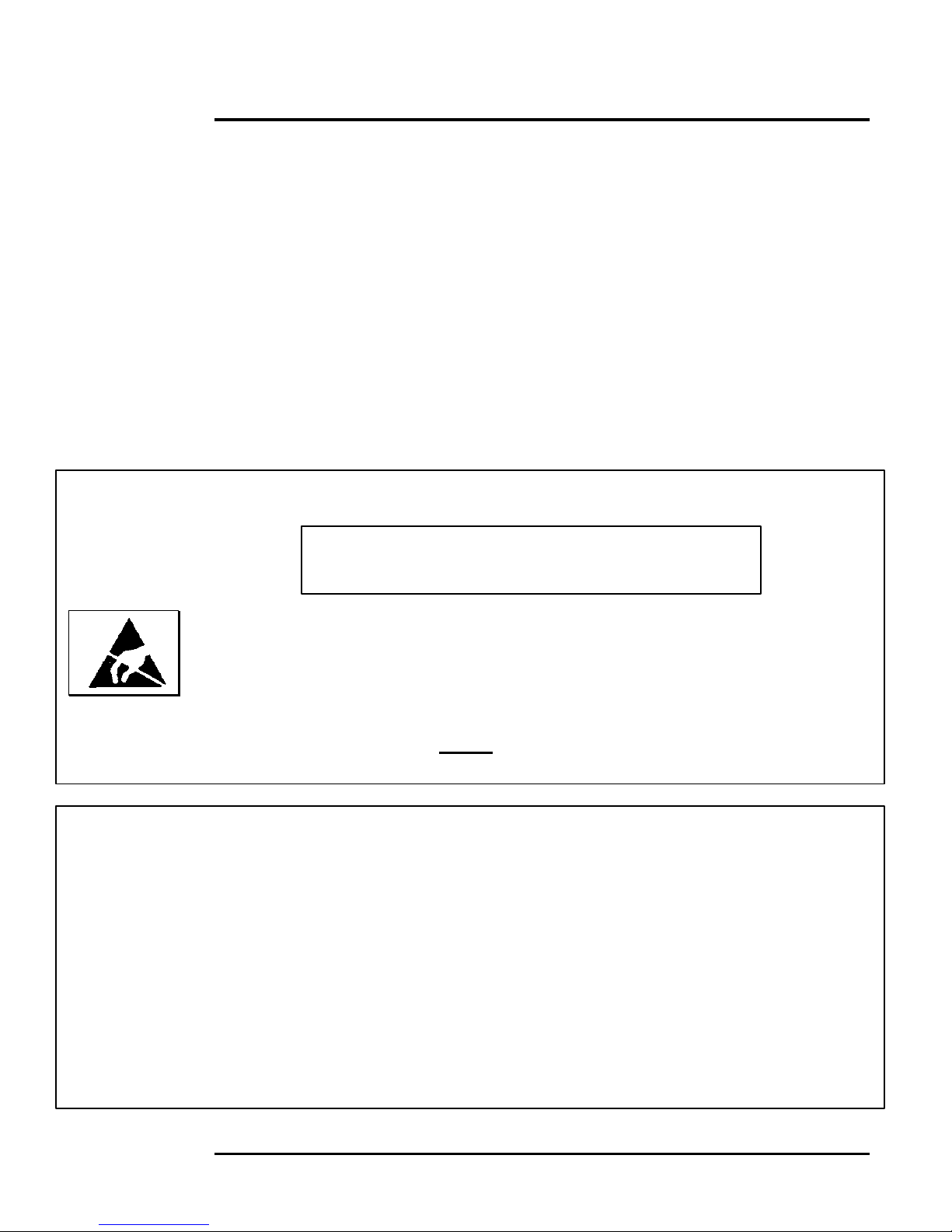
WARNING! STATIC SENSITIVE DEVICES
Proper Handling and Grounding Precautions Required
This equipment contains electrostatic sensitive devices. Use ESD precautionary
procedures when removing or inserting parts or printed circuit (pc) cards. Keep parts
and pc cards in their anti static packaging material until ready to install.
The use of an anti static wrist strap, connected to the grounded equipment frame or
chassis, is recommended when handling pc cards during installation, removal, or setting
of on-board option switches. Do not use a conductive tool, such as a screwdriver or
paper clip, to set the position of the option switches.
This equipment generates, uses, and can radiate radio frequency energy and if not
installed and used in accordance with the instruction manual, may cause interference to
radio communications. It has been tested and found to comply with the limits of Class
A computing devices pursuant to Subpart J of Part 15 of FCC Rules, which are
designed to provide reasonable protection against such interference when operated in a
commercial environment. Operation of this equipment in a residential area is likely to
cause interference, in which case the user at his/her own expense will be required to
take whatever measures may be required to correct the interference.
The operator should not service this equipment. Only trained service personnel should
open and service this equipment. Contact your local Ascom dealer for assistance.
Publication
Notice
Proprietary
Notice
ESD
Precautions
CAUTION


Table of Contents AH30
Ascom Hasler Mailing Systems, ® Inc. 08/99 Page CONTENTS-1
Chapter 1 Introduction
Manual Sections 1-1
Manual Conventions 1-2
Options and Protected Features 1-3
Message Center 1-3
Page Layout 1-4
Display Information 1-5
Chapter 2 Quick Start Operation
Turning “ON” the AH30 2-1
Processing a USPS Letter 2-2
Processing a UPS Package 2-3
Chapter 3 Batch Mail
Processing Batch Mail 3-1
Processing Batch Mail with Accounting 3-2
Chapter 4 Special Services
Selecting a Special Service 4-1
Registered Mail 4-3
Certified Mail 4-4
Return Receipt 4-5
Oversized 4-6
Insurance 4-7
COD 4-8
Return Receipt with Merchandise 4-9
Special Charges 4-10
Additional Handling 4-11
Delivery Confirmed Response 4-12
Delivery Confirmed Response with Address 4-13
Delivery Confirmed Response with Signature 4-14
Extended Area Surcharge 4-15
Dimensional Weighing 4-16
Delivery Confirmation 4-18
Restricted Delivery 4-19

Table of Contents AH30
Page CONTENTS-208/99 Ascom Hasler Mailing Systems, ® Inc.
Chapter 5 Time Saving Features
Repeat Services 5-2
Repeat Zip/Zone 5-3
Rate Path Memory 5-4
Best Way 5-5
Setting Up Bestway 5-5
Using Bestway 5-7
Chapter 6 User-Programmable Rates
Quick Start Programming a Rate 6-1
Quick Start Using a Rate 6-1
Programming a Rate 6-2
Using a Programmed Rate 6-5
Clearing a Programmed Rate 6-6
Editing a Programmed Rate 6-7
Printing a Programmed Rate 6-8
Chapter 7 Accounting
Quick Start Accounting Setup 7-2
Quick Start Using Accounting 7-2
Quick Start Printing Account Information 7-2
Setting Up an Account 7-3
Setting Up Account Names 7-4
Account Prompting 7-5
Using Account Prompting with Account Prompting “ON” 7-6
Using Account Prompting with Account Prompting “OFF” 7-7
Changing the Current Account 7-8
Viewing an Account’s Data 7-9
Editing an Account’s Data 7-10
Printing an Account’s Data 7-11
Clearing an Account’s Data 7-12
Sending Account Data to a PC 7-13
Configuring the AH30 to Send Account Data to a PC 7-13
PC Setup Using Windows 7-16
Sample Reports 7-17
Chapter 8 Weighing Methods
Weigh Source … Scale or Manual Entry 8-2
Weigh Method … Conventional or Differential 8-3
Tape Setting … Differential Weighing 8-3
Metric Weight 8-4
Count Function … Piece Part Counting 8-5

Table of Contents AH30
Ascom Hasler Mailing Systems, ® Inc. 08/99 Page CONTENTS-3
Chapter 9 Multi-Task
Using Muti-Task 9-1
Chapter 10 Specialty Softkeys
[ALT/DSP] 10-2
[ /+] 10-3
[ /-] 10-3
[EXIT/PR.MENU] 10-3
[ZERO] 10-4
[ZIP/ZONE] 10-4
[OTHER CARR] 10-5
[ENTER] 10-5
[CLEAR] 10-5
Chapter 11 Security (passwords)
Password Quick Start 11-2
Setting Up Password Security 11-3
Master Password 11-3
Tag List 11-4
Secondary Password 11-5
Using the AH30 with Password Security 11-6
Chapter 12 PC Interfacing
AH30 PC Setup Quick Start 12-2
PC Setup for Windows Quick Start 12-3
Transferring Accounting Data Quick Start 12-3
Configuring the AH30 to Send Account Data to a PC 12-4
Sending Account Data to a PC 12-5
Field Format for Accounting Information 12-6
Real-Time Interfacing Setup 12-7
Chapter 13 Journal Log
Setup Journal Log Quick Start 13-1
Setup Journal Log 13-2
Sample Journal Log Report 13-3

Table of Contents AH30
Page CONTENTS-408/99 Ascom Hasler Mailing Systems, ® Inc.
Chapter 14 Miscellaneous Features
Printing the Current System Setup 14-2
Reset to Defaults 14-2
Show the Serial Number 14-2
Diagnostics 14-3
Installing Updates 14-3
Sample Install Updates Printout 14-4
Calibration 14-5
HB44 Compliance 14-5
HB44 Data 14-5
Sample HB44 Data Printout 14-6
Time/Date Settings 14-7
Key Audio Settings 14-8
Chapter 15 Discounts
Programming a Discount Quick Start 15-1
Using a Discount Quick Start 15-1
Programming a Discount 15-2
Using a Discount 15-2
Appendix A Carrier Rate Classes
Explains the various rate classes offered by the AH30
Appendix B Key Functions
Appendix C Technical Information
Basic Setup C-1
Meter I/O Setup C-2
AH30 Setup for PC Interfacing C-3
PC Setup Using Windows C-4
Leveling the Platform C-5
Contrast Adjustment C-6
Display Angle Adjustment C-7
Technical Specifications C-7
Default Settings C-8
Changing Rates C-9
Tips For Using With Other Equipment C-11
Appendix D Display Abbreviations
Appendix E Zip Zone Information
Appendix F Message Center Messages
Appendix G AH30 Menu Tree
Appendix H Questions and Answers
Tabla de contenidos