
Akuvox A01 Manual
Version: 1.0 | Date: Jan.2021

About This Manual
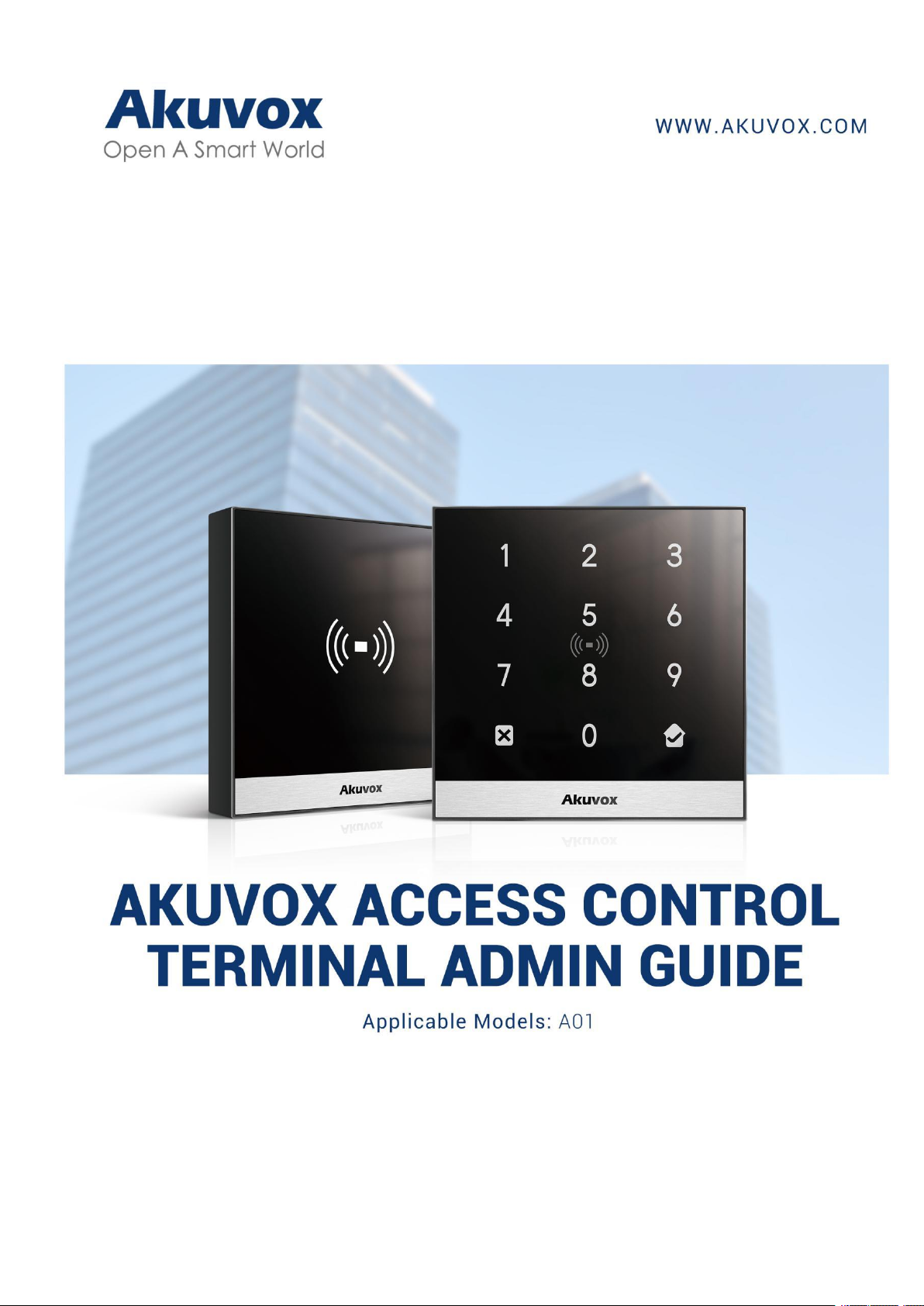
Thank you for choosing Akuvox A0X access control terminal. This manual is
intended for the administrators who need to properly configure the access
control terminal. This manual applies to 101.30.0.70 version, and it provides
all the configurations for the functions and features of A01 access control
terminals. Please visit Akuvox forum or consult technical support for any
new information or the latest firmware.

Introduction of Icons and Symbols
Warning:
Always abide by this information in order to prevent the persons
from injury.
Caution:
Always abide by this information in order to prevent the damages to
the device.
Note:
Informative information and advice from the efficient use of the
device.
Tip:
Useful information for the quick and efficient use of the device.


Table of Contents
1. Product Overview....................................................................................................1
2. Change Log..............................................................................................................2
3. Model Specification............................................................................................... 3
4. Introduction to Configuration Menu....................................................................4
5. Access the Device...................................................................................................5
6. Time Setting............................................................................................................ 6
7. LED Setting.............................................................................................................. 7
7.1. Brightness Setting.......................................................................................7
8. Volume and Tone Configuration...........................................................................8
8.1.1. Volume Configuration..............................................................................8
8.1.2. Upload Open Door Tone.......................................................................... 9
9. Network Setting...................................................................................................... 9
10. Relay Setting.......................................................................................................10
10.1.1. Relay switch setting.................................................................... 10
10.2. Web Relay Setting................................................................................... 11
10.2.1. Configure Web Relay on the Web Interface............................. 11
11. Door Access Schedule Management.............................................................. 13
11.1. Configure Door Access Schedule......................................................... 13
11.1.1. Create Door Access Schedule................................................... 13
11.1.2. Import and Export Door Access Schedule...............................15
12. Door Unlock Configuration............................................................................... 16
12.1. Configure RF Card for Door Unlock...................................................... 16
12.1.1. Configure RF Card on the Web Interface..................................16
12.1.1.1. Configure RF Card Code Format............................................ 17
12.1.2. Unlock by NFC...................................................................................... 17
12.1.3. Unlock by HTTP Command on Web Browser..................................18
12.1.4. Unlock by Exit Button by the Door.................................................... 19
12.1.5. Unlock by PIN Code.............................................................................20
12.1.6. Unlock by Public Code........................................................................ 20
12.2. Access Authentication Mode................................................................ 21
13. Security................................................................................................................22
13.1. Tamper Alarm Setting.............................................................................22
13.2. Security Notification Setting................................................................. 23
13.2.1. Email Notification Setting...........................................................23
14. Logs......................................................................................................................25
14.1. Access Log...............................................................................................25
15. Debug................................................................................................................... 26
15.1. System Log for Debugging....................................................................26
15.2. PCAP for Debugging...............................................................................27

16. Firmware Upgrade..............................................................................................28
17. Backup................................................................................................................. 29
18. Auto-provisioning.............................................................................................. 30
18.1. Provisioning Principle............................................................................ 30
18.2. Configuration Files for Auto-provisioning.......................................... 31
18.3. AutoP Schedule....................................................................................... 32
18.4. DHCP Provisioning Configuration........................................................ 33
18.5. Static Provisioning Configuration........................................................ 35
19. Integration with Third Party Device................................................................ 37
19.1. Integration via Wiegand......................................................................... 37
19.2. Integration via HTTP API....................................................................... 38
20. Password Modification..................................................................................... 39
20.1. Modify the Password..............................................................................39
20.2. Web Interface Automatic Log-out........................................................39
21. System Reboot and Reset................................................................................ 40
21.1. Reboot.......................................................................................................40
21.2. Reset......................................................................................................... 41
22. Abbreviations......................................................................................................42
23. FAQ....................................................................................................................... 44
24. Contact Us...........................................................................................................45

A01 Access Control Admin Guide
AKUVOX SMART INTERCOM www.akuvox.com
1
1.Product Overview
Akuvox A01 Access control terminal incorporates door controller and a RIFD
reader in one standalone device, thus saving your solution costs. Equipped
with a card reader ( 125kHz and 13.5MHz) which is capable of handling a
majority of cards in wide use currently. A01 is designed to provide you with
greater flexibility and security than those traditional access control
systems.A01 access control terminal applies to residential buildings, office
buildings, and their complex.

A01 Access Control Admin Guide
AKUVOX SMART INTERCOM www.akuvox.com
2
2.Change Log
The change log will be updated here along with the changes in new software
version.

A01 Access Control Admin Guide
AKUVOX SMART INTERCOM www.akuvox.com
3
3.Model Specification
Model
&
Feature
A01
A02
Housing Material
Front panel: Toughened
Glass
Frame: Aluminum Alloy
Front panel: Touch
Keypad
Frame: Aluminum Alloy
Relay Out
1
1
Input
2
2
Wiegand
√
√
PoE
√
√
RAM
128M
128M
ROM
128M
128M
Card Reader
13.56MHz&125KHz
13.56MHz&125KHz
Wi-Fi
X
X
Bluetooth
X
X
IP Rating
IP65
IP65
LTE
X
X
USB
X
X
External SD Card
X
X
Wall Mounting
√
√
Flush Mounting
√
√
Desk Mounting
X
X

A01 Access Control Admin Guide
AKUVOX SMART INTERCOM www.akuvox.com
4
4.Introduction to Configuration Menu
Status: this section gives you basic information such as product
information, Network Information etc. As well as log related
configurations such as access log.
Directory: this section includes access schedule management and user
management.
Hardware: this section includes input type setting, relay setting, card
setting, Wiegand and LED setting, volume setting.
Services: this section deals with security notification settings, web relay
and HTTP API setting.
System: this section covers network and time setting, firmware upgrade,
device reset&reboot, configuration file auto-provisioning, system log and
PCAP, password modification as well as device backup.
Tool selection
Akuvox has many configuration tools for you to set up devices more
conveniently. Here we list some common tools, please contact your
administrator to get the tool if you need them.
1. ACMS: ACMS (Access Control Management System) is designed with an
idea that personnel, device, access control, personnel attendance and
shift schedule etc.
2. Akuvox Upgrade tool: Upgrade Akuvox devices in batch on a LAN (Local
Area Network).
3. Akuvox PC Manager: Distribute all configuration items in batch on a LAN.
4. IP scanner: it is used to search Akuvox device IP addresses on a LAN.
Otros manuales para A01
2
Este manual sirve para los siguientes modelos
1
Tabla de contenidos
Otros manuales de Controladores de acceso IP de Akuvox

Akuvox
Akuvox A03S Manual de usuario

Akuvox
Akuvox R29X Manual de usuario

Akuvox
Akuvox A092 Series Manual de servicio

Akuvox
Akuvox A02 Manual de servicio

Akuvox
Akuvox A05 Series Manual de servicio

Akuvox
Akuvox A092 Series Manual de usuario

Akuvox
Akuvox A01 Manual de usuario

Akuvox
Akuvox A092 Series Manual de usuario

Akuvox
Akuvox R29C-L Manual de usuario


