Contents
1Introduction .....................................................................................................................................5
1.1 Overview ....................................................................................................................................5
1.2 Display and operating area........................................................................................................6
1.2.1 Input and display touch panel.............................................................................................6
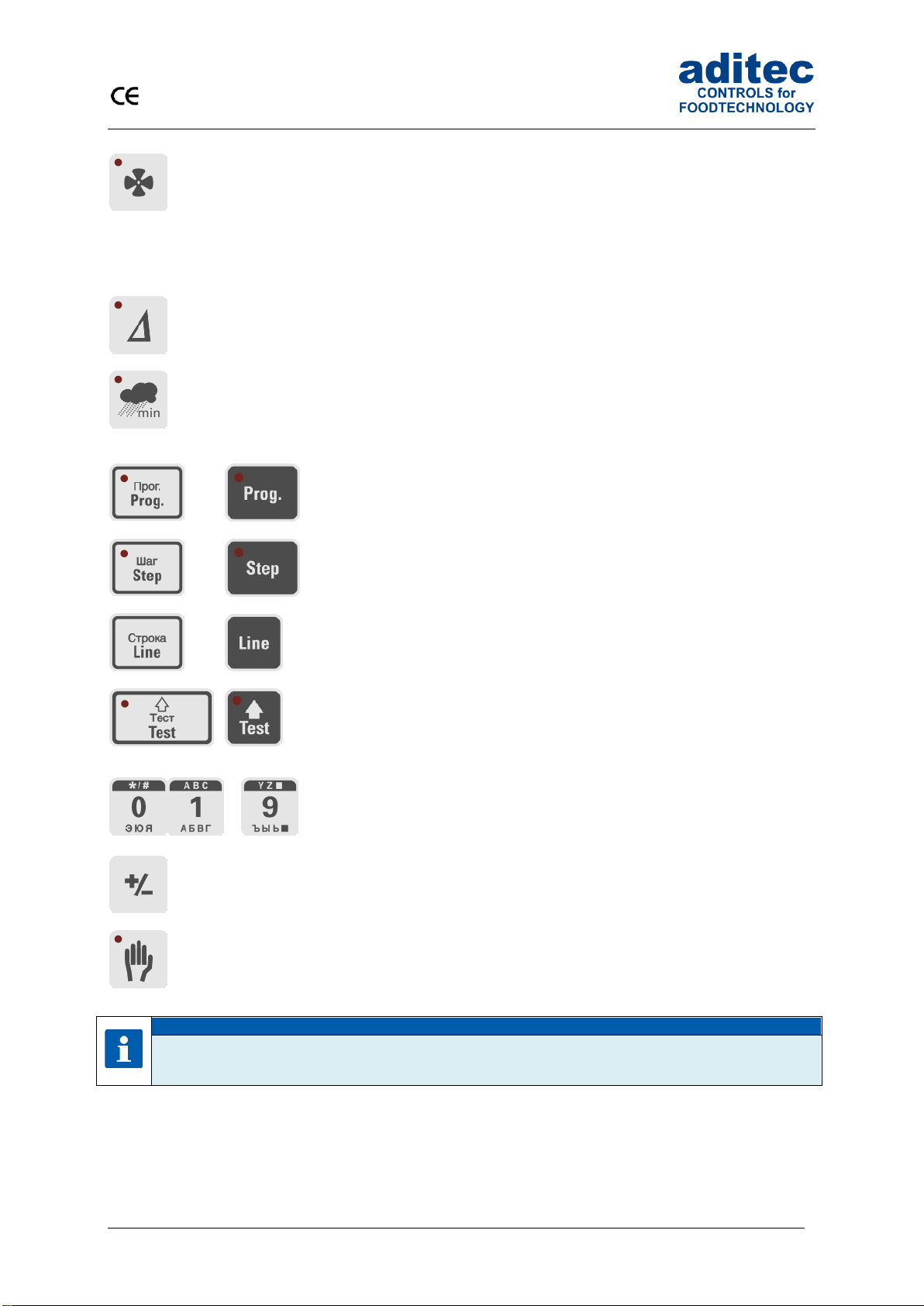
1.2.2 Control buttons....................................................................................................................6
1.3 Functions of the on-screen key pad...........................................................................................9
1.3.1 MIC 1100 / MIC 3000 Operating buttons (number and letter buttons)...............................9
1.4 Entering numerical values........................................................................................................10
1.4.1 MIC3000 Control buttons (number buttons) .....................................................................11
1.4.2 Screen lock.......................................................................................................................11
2Standby ..........................................................................................................................................12
2.1 Program groups and program images in standby....................................................................12
2.2 Selecting a program.................................................................................................................13
2.2.1 Program number:..............................................................................................................13
2.2.2 Program name..................................................................................................................13
2.2.3 Favourites list....................................................................................................................13
2.3 Selecting a step........................................................................................................................13
2.3.1 Selection via the process name........................................................................................14
2.3.2 Selection via the step number ..........................................................................................14
2.3.3 Using the task bar to switch into the next step .................................................................14
2.4 Actual and nominal values.......................................................................................................15
2.5 Program run times....................................................................................................................16
2.6 Optional displays......................................................................................................................16
2.6.1 Optional nominal values ...................................................................................................16
2.6.2 Process display.................................................................................................................17
2.6.3 Aggregate and relay display.............................................................................................17
2.6.4 Messages (system status messages) ..............................................................................17
2.6.5 Alarm messages...............................................................................................................18
2.6.6 Optional control loops / measured values ........................................................................18
2.6.7 Favourites.........................................................................................................................18
2.6.8 Aggregate buttons ............................................................................................................18
2.6.9 Aggregate modules...........................................................................................................18
2.6.10 Switching into the next step..............................................................................................19
2.6.11 Analogue outputs..............................................................................................................19
2.7 Task bar ...................................................................................................................................19
2.7.1 Start page / profiles:..........................................................................................................19
2.7.2 Programs: .........................................................................................................................19
2.7.3 Editing a program step:.....................................................................................................20
2.8 Information bar.........................................................................................................................20
3Menu page......................................................................................................................................20
4Programming mode ......................................................................................................................21
4.1 Selecting a program.................................................................................................................21
4.2Setting up a favourites list........................................................................................................22
4.3 Editing program steps..............................................................................................................22
4.3.1 Display for editing program steps.....................................................................................22
4.3.2 Assign program images....................................................................................................23
4.3.3 Entering nominal values ...................................................................................................24
4.3.4 Entering a Delta value ......................................................................................................24
4.3.5 Setting up repetitive steps ................................................................................................24
4.3.6 Copying, deleting and adding programs/steps .................................................................25
4.4 Linking programs......................................................................................................................26
4.5 Create/change cleaning times in programming mode .............................................................27
4.6 Setting up a program with VisuNet ..........................................................................................27
4.6.1 Enabling VisuNet ..............................................................................................................28
4.6.2 Editing programs with VisuNet..........................................................................................28
5Program start.................................................................................................................................28