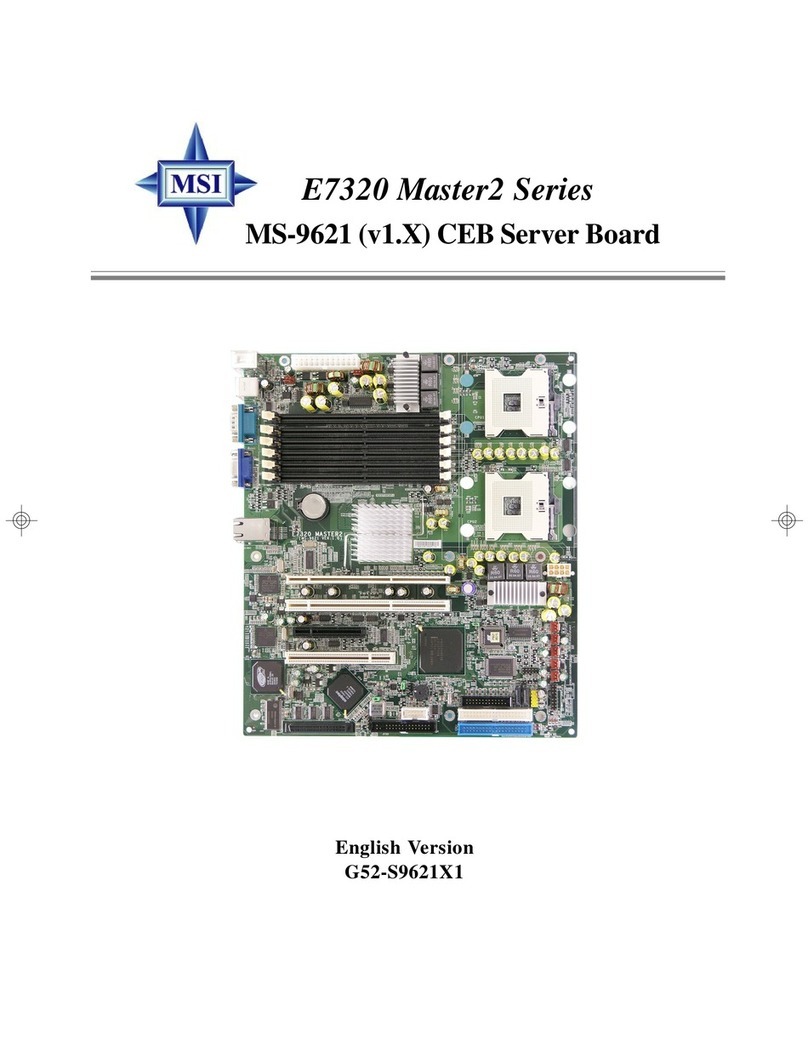
Abit SV-1A Manual de usuario

SV-1A
AMD Athlon64 Server Board
Socket 939
User’s Manual
Rev. 1.00

Copyright and Warranty Notice
The information in this document is subject to change without notice and does not
represent a commitment on part of the vendor, who assumes no liability or
responsibility for any errors that may appear in this manual.
No warranty or representation, either expressed or implied, is made with respect to the
quality, accuracy or fitness for any particular part of this document. In no event shall
the manufacturer be liable for direct, indirect, special, incidental or consequential
damages arising from any defect or error in this manual or product.
Product names appearing in this manual are for identification purpose only and
trademarks and product names or brand names appearing in this document are
property of their respective owners.
This document contains materials protected under International Copyright Laws. All
rights reserved. No part of this manual may be reproduced, transmitted or transcribed
without the expressed written permission of the manufacturer and authors of this
manual.
SV-1A

Table of Contents
Chapter 1. Introduction .................................................... 1-1
1.1. Specifications ......................................................................... 1-1
1.2. Layout..................................................................................... 1-3
1.3. Jumpers & Connectors Description........................................ 1-4
Chapter 2. Hardware Setup.............................................. 2-1
2.1. CPU Socket ............................................................................ 2-1
2.2. System Memory ..................................................................... 2-2
2.2.1. Installing and Removing Memory Modules............. 2-3
2.3. Connectors, Headers, and Switches ....................................... 2-4
2.3.1. ATX Power Connectors (ATXPWR1, ATX12V1).. 2-4
2.3.2. FAN Power Connectors (CPUFAN1, SYSFAN1,
AUXFAN1~4) .......................................................... 2-5
2.3.3. CMOS Memory Clearing Header (CCMOS1) ......... 2-6
2.3.4. USB Device Wake-up Connection Header
(USB-PWR1) ............................................................ 2-7
2.3.5. Front Panel Switches & Indicators Connection
Headers (FPIO1)....................................................... 2-8
2.3.6. PCI Slots (PCI1, PCIXA1, PCIXB1, PCIXB2) ....... 2-9
2.3.7. Additional USB Port Connection Header (FPUSB1)
................................................................................ 2-10
2.3.8. System Management Bus Connection Header (SMB1)
................................................................................ 2-11
2.3.9. Additional COM2 Port Connection Header (CMO2)
................................................................................ 2-12
2.3.10. Floppy and IDE Disk Drive Connectors (FDC1,
IDE1/IDE2)............................................................. 2-13
2.3.11. Serial ATA (SATA1~2), Serial ATAII (SATA3~10)
Connectors .............................................................. 2-14
2.3.12. Low Pin Count Connection Header (J1)................. 2-15
User’s Manual

2.3.13. NIC-LED1: LED Connector for Network Interface
................................................................................ 2-16
2.3.14. SATA-LED1/SATA-LED2: LED Connector for
SATA Devices ........................................................ 2-17
2.3.15. External I/O Panel Connectors ............................... 2-18
Chapter 3. BIOS Setup...................................................... 3-1
3.1. Standard CMOS Features....................................................... 3-2
3.2. Advanced BIOS Features ....................................................... 3-6
3.3. Advanced Chipset Features.................................................... 3-8
3.4. Integrated Peripherals........................................................... 3-11
3.5. Power Management Setup.................................................... 3-16
3.6. PnP/PCI Configurations ....................................................... 3-19
3.7. PC Health Status................................................................... 3-21
3.8. Load Fail-Safe Defaults........................................................ 3-24
3.9. Load Optimized Defaults ..................................................... 3-24
3.10. Set Password......................................................................... 3-24
3.11. Save & Exit Setup ................................................................ 3-24
3.12. Exit Without Saving ............................................................. 3-24
Chapter 4. Driver Installation .......................................... 4-1
Appendix A. How to Get Technical Support ..................... A-1
SV-1A

Introduction 1-1
Chapter 1. Introduction
1.1. Specifications
CPU
• Supports AMD Athlon 64 Socket 939 processor
Chipset
• VIA-K8T800 Pro / VIA-8237 / VIA VPX II
• Supports Advanced Configuration and Power Interface (ACPI)
Memory
• Four 184-pin DIMM slots
• Supports 144-bit wide Dual Channel DDR 400/333 memory
• Up to 8GB, un-buffered with ECC/Non-ECC memory capacity
VGA
• Onboard ATi Rage XL, default 8MB Local memory (Optional 4MB)
Serial ATA
• 4-channel Serial ATAII 3Gb/s data transfer rate (Marvell
88SX-6041)(Default)
• 8-channel Serial ATAII 3Gb/s data transfer rate (Marvell 88SX-6081)
(Optional)
• 2 channel Serial ATA 1.5Gb/s data transfer rate VIA-8237 (Default)
System BIOS
• Supports Plug-and-Play (PNP)
• Supports Advanced Configuration Power Interface (ACPI)
• Write-Protect Anti-Virus function by AWARD BIOS
• 4MB Flash ROM
LAN
• Broadcom 5704 Dual port 64-bit Gigabit Ethernet Controller
Expansion Slot
• 3x PCI-X 64bit/100MHz (3.3V)
• 1x PCI, 32bit/33MHz (5V)
User’s Manual

1-2 Chapter 1
Internal I/O Connectors
• 1x Floppy Port supports up to 2.88MB
• 2x 40-Pin IDE Ultra DMA 133/100/66/33 Connectors
• 1x Printer Port Header
• 1x COM port header (COM2)
• 6x Serial ATA Connectors (4-port Marvell 88SX-6041, 2-port
VIA-8237)
• 1x USB 2.0 header (supporting two USB 2.0 devices)
• 1x SM Bus header (For SM Bus and I2C)
Back Panel I/O
• 1x PS/2 keyboard and mouse connector
• 1x COM port (COM1)
• 1x VGA port
• 1x Dual USB 2.0 Connector
• 1x Dual RJ-45 w/ transformer LAN Connector
Miscellaneous
• ATX form factor (305mm x 265mm)
• Hardware monitoring – including fan speeds, voltages, and system
environment temperature
• Chassis intrusion detector header
• 3.3V/5V riser card supported (Optional)
All brand names and trademarks are the property of their respective
owners.
Specifications and information contained herein are subject to change
without notice.
SV-1A

Introduction 1-3
1.2. Layout
User’s Manual

1-4 Chapter 1
1.3. Jumpers & Connectors Description
Jumpers Description Default Setting
CCMOS1 CMOS Memory Clearing Header Pins 1-2 Closed (Normal)
JP1 Chassis Intrusion Device Header Opened
Connectors Description
ATXPWR1/ATX12V1 ATX Power Connectors
COM2 Connection Header for Additional COM Port
CPUFAN1
SYSFAN1
AUXFAN1~4
CPU Fan Power Connector
System Fan Power Connector
Auxiliary Fan Power Connectors
DIMM 1~ DIMM 4 184-pin DDR Memory Slots
FDC1 Floppy Disk Drive Connector
FPIO1 Front Panel Switches & Indicators Connection Headers
FPUSB1 Additional USB Port Connection Header
IDE1/IDE2 Hard Disk Drive Connectors
J1 Low Pin Count Connection Header
(Reserved for internal testing)
LPT1 Connection Header for Parallel Port
NIC-LED1 LED Connector for Network Interface
PCI1 32bit/33MHz PCI Slot
PCIXA1/
PCIXB1/PCIXB2 64bit/100MHz PCI-X Slots
SATA1~SATA2 Serial ATA Connectors
SATA3~SATA10 Serial ATAII Connectors
SATA-LED1/
SATA-LED2 LED Connector for SATA Devices
SMB1 System Management Bus Connection Header
USB-PWR1 USB Device Wake-up Connection Header
SV-1A

Hardware Setup 2-1
Chapter 2. Hardware Setup
2.1. CPU Socket
This motherboard provides a ZIF (Zero Insertion Force) Socket 939 to install AMD
Socket 939 CPU. The CPU you bought should contain with a kit of heatsink, cooling
fan, retention frame and back plate. If that’s not the case, buy one specially designed
for Socket 939.
User’s Manual

2-2 Chapter 2
2.2. System Memory
This board provides four 184-pin DDR DIMM slots for single/dual channel
DDR400/333 memory modules. The expansible size is available up to 8GB by
un-buffered ECC/Non-ECC memory modules.
DIMM Population Table
Single Channel Dual Channel
DIMM1 DIMM2 DIMM3 DIMM4 DIMM1 DIMM2 DIMM3 DIMM4
X X X
X X X
X X X X X X
SV-1A
Tabla de contenidos
Otros manuales de Placa de servidor de Abit