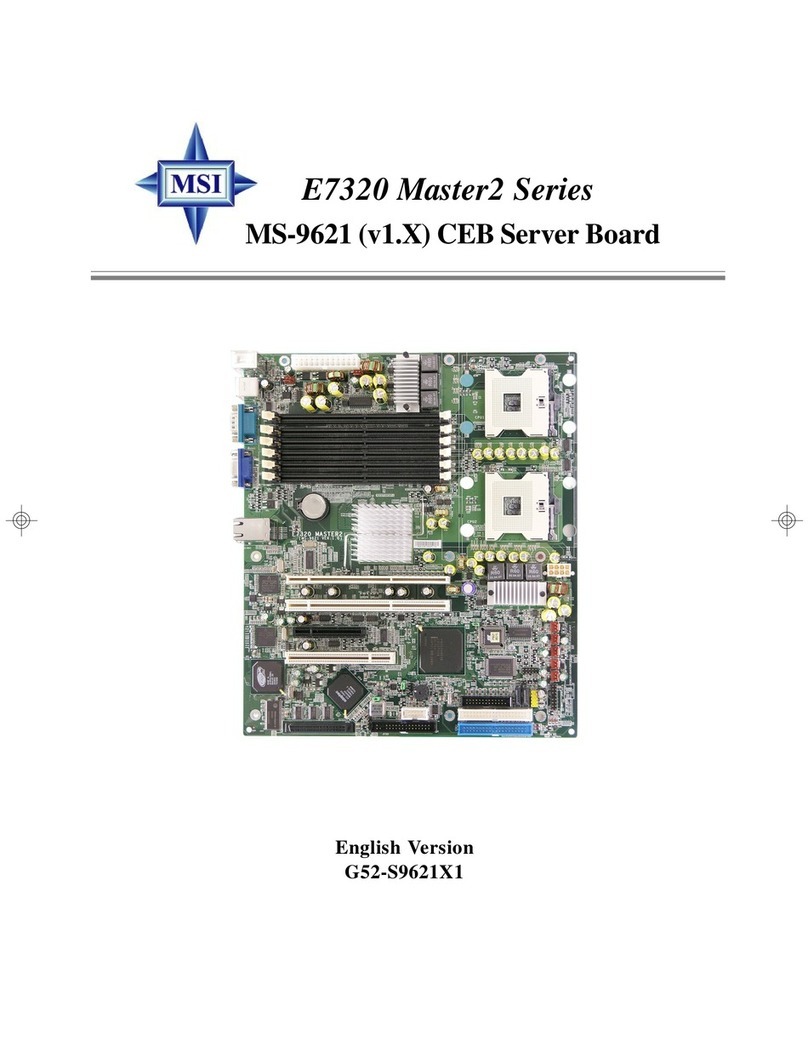
Abit SI-2PA Manual de usuario

SI-2Pa
Dual Socket 604 Server Board
User’s Manual
4200-0327-02
Rev. 1.00

Copyright and Warranty Notice
The information in this document is subject to change without notice and does not
represent a commitment on part of the vendor, who assumes no liability or
responsibility for any errors that may appear in this manual.
No warranty or representation, either expressed or implied, is made with respect to the
quality, accuracy or fitness for any particular part of this document. In no event shall
the manufacturer be liable for direct, indirect, special, incidental or consequential
damages arising from any defect or error in this manual or product.
Product names appearing in this manual are for identification purpose only and
trademarks and product names or brand names appearing in this document are
property of their respective owners.
This document contains materials protected under International Copyright Laws. All
rights reserved. No part of this manual may be reproduced, transmitted or transcribed
without the expressed written permission of the manufacturer and authors of this
manual.
SI-2Pa

Table Of Contents
Chapter 1. Introduction .................................................... 1-1
1.1. Features & Specifications....................................................... 1-1
1.2. Package Checklist (Standard Package) ..................................1-3
1.3. Layout Diagram...................................................................... 1-4
Chapter 2. Hardware Setup.............................................. 2-1
2.1. Precautions ............................................................................. 2-1
2.2. Installing the Server Board..................................................... 2-2
2.3. Installing the CPU .................................................................. 2-3
2.3.1. Installing Retention Modules.................................... 2-3
2.3.2. Installing CPU into Socket ....................................... 2-4
2.3.3. Installing Heatsink and Wind Tunnel....................... 2-4
2.3.4. Installing Fan to Wind Tunnel Assembly................. 2-5
2.4. System Memory ..................................................................... 2-6
2.4.1. Memory Configuration Table................................... 2-6
2.4.2. Installing and Removing Memory Modules............. 2-6
2.5. Connectors, Headers, and Switches ....................................... 2-8
2.5.1. EPS12V Power Connectors [J13, J17] ..................... 2-8
2.5.2. FAN Connectors [FAN1~6] ..................................... 2-9
2.5.3. CMOS Memory Clearing Header [CCMOS1] ....... 2-10
2.5.4. Front Panel Switches & Indicators Headers [FPIO1]
................................................................................ 2-11
2.5.5. IDE Connectors [IDE1, IDE2] ............................... 2-12
2.5.6. PCI Expansion Slots [PCI1~PCI6].........................2-13
2.5.7. VGA Output Header [VGA1]................................. 2-14
2.5.8. COM Port Header [COM1, COM2] ....................... 2-15
2.5.9. Additional USB Ports Header [USB_2] ................. 2-16
2.5.10. Parallel Port Connector [LPT1].............................. 2-17
2.5.11. Smart Card Reader Connector [Smart Card].......... 2-18
2.5.12. External I/O Panel Connectors ............................... 2-19
User’s Manual

Chapter 3. BIOS Setup...................................................... 3-1
3.1. Main Menu ............................................................................. 3-2
3.2. Advanced Menu ..................................................................... 3-5
3.2.1. Advanced BIOS Features ......................................... 3-5
3.2.2. Advanced Chipset Features ...................................... 3-8
3.2.3. Integrated Peripherals ............................................. 3-10
3.2.4. Power Management Setup ...................................... 3-13
3.2.5. PnP/PCI Configurations.......................................... 3-15
3.3. Security Menu ...................................................................... 3-17
3.4. PC Health Menu ................................................................... 3-18
3.5. Clk/Misc. Menu.................................................................... 3-19
3.6. Exit Menu ............................................................................. 3-20
Chapter 4. Driver Installation .......................................... 4-1
4.1. Setup Items ............................................................................. 4-2
Appendix A. Trouble Shooting ........................................... A-1
Appendix B. How to Get Technical Support ..................... B-1
SI-2Pa

Introduction 1-1
Chapter 1. Introduction
1.1. Features & Specifications
CPU
• Supports dual IntelXeon 400MHz/533MHz Processors with 512K L2
Cache
Chipset
• Intel®E7501 Chipset Memory Controller Hub (MCH)
• 82801CA I/O Controller Hub 3-S (ICH3-S)
• 82870P2 64-bit PCI/PCI-X Controller Hub 2 (P64H2)
Memory
• 4x 184-pin DIMM sockets support 144-bit wide (Dual Channel)
PC2100/1600 (DDR266/200) memory
• Up to 8GB, ECC, Registered memory capacity (Chipkill technology
support)
LAN
• 2x Intel82546EB dual port Gigabit Ethernet Controllers
• RX and TX IP and TCP/UDP checksum off-loading capabilities
• Front panel LAN Active/Link LED
Graphics
• Onboard ATI RAGE XL PCI interface VGA
• 4MB local SDRAM memory support
System BIOS
• AWARD Plug and Play BIOS supports APM, DMI, and ACPI
• 4M-bit Flash ROM
PCI Extension Slot
• 1x PCI-X 64bit/100MHz
• 4x PCI-X 64bit, up to 133MHz max.
• 1x PCI 32bit/33MHz
Internal I/O Connectors
• 2x Channels Bus Master IDE Ports supporting Ultra DMA 33/66/100
• 1x USB Header
User’s Manual

1-2 Chapter 1
• 2x COM Port Headers
• 1x LPT Port Header
• 1x VGA Header
• 1x Smart Card Reader Header
• EPS12V PSU Connector
External I/O Panel
• PS/2 Keyboard and PS/2 Mouse Connectors
• 2x USB Connectors
• 4x RJ-45 LAN ports
Form Factor
• EEB 3.0 Form Factor: 12in. x 13in. (305mm x 330mm)
Specifications and information contained herein are subject to change
without notice.
SI-2Pa

Introduction 1-3
1.2. Package Checklist (Standard Package)
(1) SI-2Pa Server Board
(1) Brief Installation Guide
(1) Driver & Utilities CD
(1) 34-pin FDD Cable
(1) 40-pin IDE ATA66 Cable
(1) 26-pin to D-SUB 25-pin Print Port Extension Cable w/Bracket
(1) 16-pin to D-SUB 15-pin VGA Port Extension Cable w/Bracket
(1) 10-pin to D-SUB 9-pin COM Port Extension Cable w/Bracket
(2) 603/604-pin Retention Module
(2) 603-pin Retention Module w/Clip
(2) 604-pin Retention Module w/Clip
(1) I/O Shield
User’s Manual

1-4 Chapter 1
1.3. Layout Diagram
SI-2Pa

Introduction 1-5
Jumpers Description Default Setting
CCMOS1 CMOS Clear Pins 1-2 (Normal) Closed
Connectors Description
COM1/COM2 External COM1 & COM2 Bracket Connectors
DIMM 1~4 DDR DIMM Slots
FAN1~5 Fan Connectors (Speed monitoring support in BIOS menu)
FAN6 Fan Connector (No speed monitoring support in BIOS menu)
FPIO1 Front Panel Switches & Indicators Headers
IDE1/IDE2 Hard Disk Drive Connectors
J13 8-Pin EPS12V Power Connector
J17 24-Pin EPS12V Power Connector
LPT1 Parallel Port Connector
PCI1~5 PCI-X 100MHz/64bit Slot
PCI6 PCI 33MHz/32bit Slot
Smart Card Smart Card Reader Extension Cable Connector
USB_2 Additional USB Ports Connector
VGA1 VGA Output Extension Cable Connector
User’s Manual

1-6 Chapter 1
SI-2Pa
Tabla de contenidos
Otros manuales de Placa de servidor de Abit