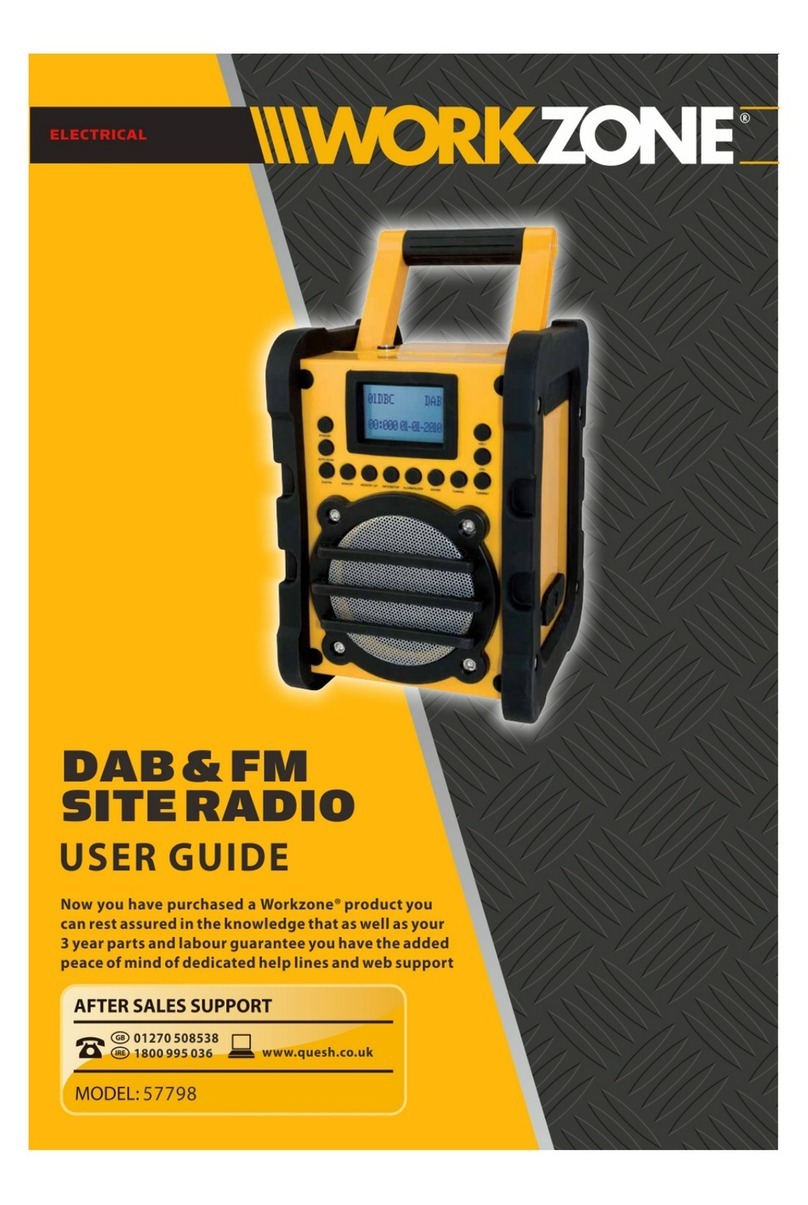
Workzone Titanium+ TRD18MA.9 Manual de usuario

Xfinity Li-ION 20V
Instruction Manual
IMPORTANT
Read carefully before use
Keep for future reference
MODEL NUMBER
TRD18MA.9
Version number: 003
JOBSITE Radio
1300 889 028
MODEL: TRD18MA.9 PRODUCT CODE: 8307 06/2019

2
2
AFTERSALESSUPPORT
1300 889 028 (toll free) e-mail:
MODEL No.:
TRD18MA.9 • 8307 • 06/2019
Welcome
Congratulations in choosing to buy a Workzone® Titanium 20V Li-Ion
Jobsite Radio (battery / charger not included).
All products bought to you by Workzone® Titanium are manufactured
to the highest standards of performance and safety and, as part of our
philosophy of customer service and satisfaction, are backed by our
comprehensive 5 Year Warranty. We hope you will enjoy your purchase
for many years to come.
When you open your packaging, rst remove all items and check there
are no parts damaged or missing. If you nd anything wrong, do not
operate the product until the parts have been replaced or the fault has
been rectied. Failure to do so could result in serious personal injury.

3
3
AFTERSALESSUPPORT
1300 889 028 (toll free) e-mail:
MODEL No.:
TRD18MA.9 • 8307 • 06/2019
The product is guaranteed to be free from defects in workmanship and parts for a period of 60 months from the
date of purchase. Defects that occur within this warranty period, under normal use and care, will be repaired,
replaced or refunded at our discretion. T conferred by this warranty are in addition to all rights and
remedies in respect of the product that the consumer has under the Competition and Consumer Act 2010 and
similar state and territory laws.
Our goods come with guarantees that cannot be excluded under the Australian Consumer Law.You are entitled
to a replacement or refund for a major failure and for compensation for any other reasonably foreseeable loss or
damage.You are also entitled to have the goods repaired or replaced if the goods fail to be of acceptable quality
and the failure does not amount to a major failure.
Warranty Details
REGISTER YOUR PURCHASE AT www.aldi.com.au/en/about-aldi/product-registration/ TO KEEP UP-TO-DATE WITH IMPORTANT PRODUCT INFORMATION
20V Li-Ion Jobsite Radio

4
4
AFTERSALESSUPPORT
1300 889 028 (toll free) e-mail:
MODEL No.:
TRD18MA.9 • 8307 • 06/2019
Contents
Application 5
Package Content List 5
Parts description 6
Description of symbols 7
Product Safety 8
Important information – Product care 9
Assembly 9
Operation 12
Maintenance 18
Warranty 19
Environmental protection 20
FAQ/Troubleshooting 21
Technical specications 22

5
5
AFTERSALESSUPPORT
1300 889 028 (toll free) e-mail:
MODEL No.:
TRD18MA.9 • 8307 • 06/2019
1. Application
20V LI-ION JOBSITE RADIO
2. Package Content List
First time users or inexperienced operators pay particular attention to the
operation of the 20V Li-Ion Jobsite Radio, including details of starting and
stopping and correct use of the 20V Li-Ion Jobsite Radio on pages 12-18, as
well as the maintenance instructions on pages 18.
Intended use of 20V Li-Ion Jobsite Radio (battery / charger not included)
NOTE: This product is for private domestic DIY use only. It is not suitable for
commercial or trade use.
This 20V Li-Ion Jobsite Radio is used for listening to AM/FM radio, playing
music via bluetooth, and charging USB devices.
The 20V Li-Ion Jobsite Radio is to be used only for its prescribed purpose.
Any other use is deemed to be a case of misuse.
1 x 20V Li-Ion Jobsite Radio Skin
1 x AC power adapter
1 x Instruction manual
1 x Quick Start Guide
1 x Warranty Card & Certicate
• Remove all packing materials
• Ensure all parts on the contents
list are present
• Check the appliance, and all
accessories for transportation
damages
WARNING! Please read and understand this instruction manual
before use and keep it for your future reference. Your product
should only be passed on together with this instruction manual.
WARNING! To reduce risk of injury, only use ALDI 20V Li-Ion Xnity
Plus battery packs. Other type of battery packs may burst causing
personal injury and damage. The battery pack must be recharged
only with a ALDI 20V Li-Ion Xnity Plus battery charger.

6
6
AFTERSALESSUPPORT
1300 889 028 (toll free) e-mail:
MODEL No.:
TRD18MA.9 • 8307 • 06/2019
3. Parts description
1. Handle
2. LCD screen.
3. Control Panel
4. AC adapter port
5. Auxiliary port
6. Antenna
7. Speaker
8. Battery compartment area
9. AC power adapter
10. “Volume” adjustment knob
11. “Tune” adjustment knob
12. Battery compartment latch
13. AA Battery back up compartment
(See Fig. C)
14. 20V Battery port (See Fig. D)
15. 20V Battery (See Fig. E)
16. Power button
17. USB Charging port (See Fig. I)
* 20V Battery and 20V Charger not included. Shown only for instructional purposes.
3
2
11
16
10
4
9
6
7
5
1
8
12

7
7
AFTERSALESSUPPORT
1300 889 028 (toll free) e-mail:
MODEL No.:
TRD18MA.9 • 8307 • 06/2019
4. Description of symbols
The instruction manual, rating plate, or on the product itself, may
show these symbols. These represent important information about
the product or instructions on its use.
To reduce the risk of injury, user must read instruction manual
Warning
Conforms to relevant standards for electrical safety and
electromagnetic compatibility.
60 Months Warranty
Double insulation
For indoor use only
SMPS incorporating a fail-safe safety isolating transformer
The output plug is with positive center pole and negative outer pole
Fuse
MEPS.
60

8
8
AFTERSALESSUPPORT
1300 889 028 (toll free) e-mail:
MODEL No.:
TRD18MA.9 • 8307 • 06/2019
5. Product Safety
SAFETY WARNING
SAVE THESE INSTRUCTIONS!
READ ALL INSTRUCTIONS!
Safety instructions
WARNING: READ AND UNDERSTAND ALL INSTRUCTIONS.
Failure to follow all instructions listed below may result in
electric shock, fire and / or serious personal injury.
1) Do not use this apparatus near water.
2) Clean only with dry cloth.
3) The ventilation should not be impeded by covering the
ventilation openings with items, such as newspapers, table-
cloths, curtains, etc.
4) Do not use near any heat sources such as radiators, heat
registers, stoves, or other apparatus (including amplifiers) that
produce heat.
5) Only use attachments/accessories specified by the manufacturer.
6) Remove the battery during lightning storms or when unused for
long periods of time.
7) Refer all servicing to qualified service personnel. Servicing is
required when the apparatus has been damaged in any way,
such as liquid has been spilled or objects have fallen into the
apparatus, the apparatus has been exposed to rain or moisture,
does not operate normally, or has been dropped.
8) The apparatus shall not be exposed to dripping or, splashing and
that no objects filled with liquids, such as vases, shall be placed
on the apparatus
9) The batteries shall not be exposed to excessive heat such as
sunshine, fire or the like.

9
9
AFTERSALESSUPPORT
1300 889 028 (toll free) e-mail:
MODEL No.:
TRD18MA.9 • 8307 • 06/2019
CAUTION: Danger of explosion if the incorrect battery is used. Use
only ALDI 20V Li-Ion Xfinity Plus batteries and chargers for this
product.
6. Important information – Product care
NOTE: Battery and Charger not included. For any issuses related
directly to your Battery / charger, contact the Customer Service
of the manufacturer as listed on the battery / charger packaging,
manual or on the label on the battery / charger.
This 20V Li-Ion Jobsite Radio uses Lithium Ion Battery Cells. Care
MUST be taken to ensure both the safety and life of the pack is
maintained. Ensure you have read all of the safety notes in the
previous pages before using the 20V Li-Ion Jobsite Radio.
Treat the battery pack with care and within the guidelines of this
manual.
If the battery pack does become immersed in water or any fluids,
or is subject to a severe drop or it does not operate within the
guidelines of this manual or the supplied manual, immediately STOP
using the battery pack and have it checked.
Use only ALDI 20V Li-Ion Xfinity Plus range of batteries and chargers.
7. Assembly
7.1 AA Back-up Battery installation (not supplied)
Keeping 2 x AA batteries inside the AA Battery compartment
prevents stored data in preset memories from being lost.
1. To open the battery compartment area (8), raise the battery
compartment latch (12) from the rear of the radio, push the
latch forwards to the front of the radio to release it from the
engagement tabs, and then open the battery compartment area (8)
by pulling the latch and cover backwards.
There are 2 battery pack compartments; (a) the AA battery back up
compartment and (b) the 20V battery port .(See Fig. C, D)
2. Using a philips head screwdriver (not supplied) loosen the screw
by rotating in an anti-clockwise direction. Remove the AA back up

10
10
AFTERSALESSUPPORT
1300 889 028 (toll free) e-mail:
MODEL No.:
TRD18MA.9 • 8307 • 06/2019
battery compartment (13) cover and insert 2 new AA batteries (not
supplied). Make sure the batteries match with the correct polarity
markings inside the compartment. Replace the AA back up battery
compartment (13) cover (See Fig C, D). Secure the cover by re
inserting and tightening the screw in a clockwise direction.
WARNING: Batteries may leak chemicals or may explode if
used incorrectly. The following care should be taken to
prevent such an incident:
•Make sure the positive (+) and negative (-) battery terminals are
positioned correctly.
•Do not mix new and old batteries together, or mix different
types of batteries.
•Do not try to recharge non-rechargeable batteries.
If chemicals from the batteries come in contact with your skin, wash
them off immediately with water. If chemicals leak onto the radio,
clean the radio completely.
A
C
B
D
13
14
Loosen Tighten
Tabla de contenidos
Otros manuales de Radio de Workzone