
Weldex WDRV-5063M Manual de usuario

WDRV-5063M/7063M
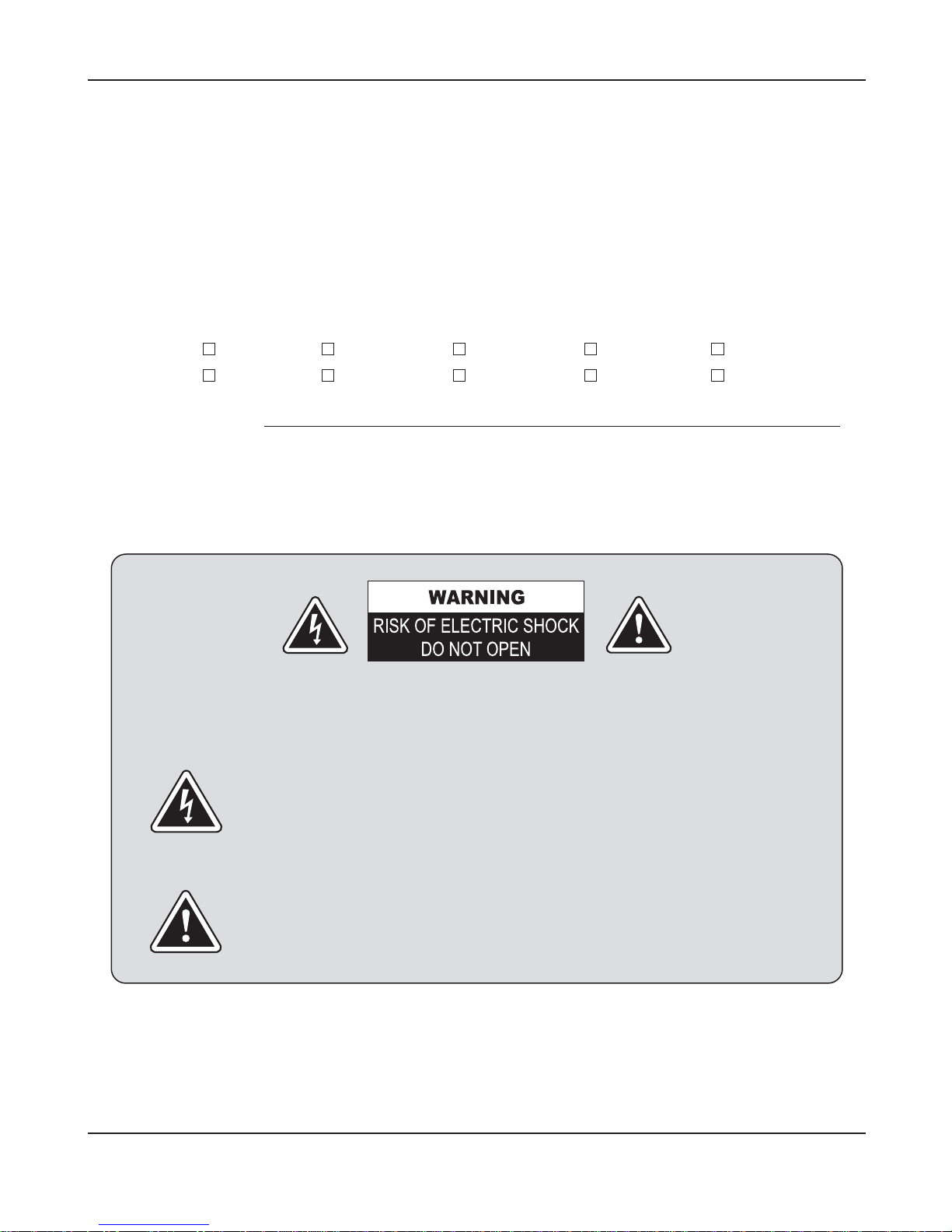
2. Owner's Record / Warnings
Owner's Record
The model and serial numbers are located at the rear.
Record the serial number in the space provided below.
Refer to these numbers whenever you call your dealer regarding this product.
MODEL: WDL-5001M WDRV-5041M WDRV-5043M WDRV-5061M WDRV-5063M
WDL-7001M WDRV-7041M WDRV-7043M WDRV-7061M WDRV-7063M
Serial Number:
Warnings
The lightning flash with arrowhead symbol within an equilateral triangle is
intended to alert the user to the presence of "dangerous voltage" within a
product's enclosure that may be of sufficient magnitude to constitute a risk
of electric shock.
The exclamation point within an equilateral triangle is intended to alert the
user to the presence of important operating and maintenance (servicing)
instructions in the literature accompanying the appliance.
To reduce the risk of electric shock do not remove cover (or back).
NO user serviceable parts inside. Refer servicing to qualified service personnel.

WDRV-5063M/7063M
Table of Contents
1. Table of Contents
2. Features/Precautions
3. Packing List / Installation
4. Functions
Monitor
Remote Control
5. System Wiring
WDRV-5043M/7043M
WDRV-5063M/7063M
WDL-5001M/7001M
WDRV-5041M/7041M
WDRV-5061M/7061M
6. Operation
7. Troubleshooting
11. Specifications / Dimensions
3
4
7
8
9
10
10
11
11
11
12
14
16
Table of Contents. 3

WDRV-5063M/7063M
Features
Precautions
4. Features / Precautions
●
WDRV-5063M/7063M is specifically designed as an automotive vision system.
- High Resolution 5" / 7" TFT LCD Panel
- Free Input Voltage (DC 12V~DC 32V)
- NTSC/PAL Compatibility
- 3 Camera Inputs
- Automatic Picture Display (3 Triggering Functions)
- Auto Scanning Function
- Dimmer Fuction
- Built-in Speaker
- OSD (On Screen Display)
- Weatherproof (IP54)
- Easy Release Bracket
●
Warning
To prevent fire or shock hazard, do not expose the set to rain or moisture. Do not rub or
strike the Active Matrix LCD with anything hard for this may scratch, mar, or damage the
Active Matrix LCD permanently.
●
Regulatory Information
This equipment has been tested and is in compliance with the limits for a Class B digital
device, pursuant to part 15 of the FCC Rules. These limits are designed to provide
reasonable protection against harmful interference when the equipment is operated in a
residential installation. This equipment generates uses and can radiate radio frequency
energy and, if not installed and used in accordance with the instruction manual, may
cause harmful interference to radio communications. However, there is no guarantee that
interference will not occur in a particular installation. If this equipment does cause harmful
interference to radio or television reception, which can be determined by turning the
equipment off and on, the user is encouraged to try or correct the interference by one or
more of the following measures.

WDRV-5063M/7063M
Precautions. 5
●
Do not remove the cover
To reduce the risk of electric shock and maintain the quality of the product,
please do not remove the cover.
Please follow the instructions of the wiring diagram in the Installation Guide.
●
Keep small articles out of the reach of children
Store small articles (screws, etc.) in places not accessible to children.
If swallowed, consult physician immediately.
●
Stop using immediately if a problem appears
When problems appear, stop using the system immediately and contact the
dealer from whom you purchased the equipment. Some problems which may
warrant immediate attention include a lack of sound, noxious smoke being
emitted from the unit, or foreign objects dropped inside the unit.
●
Do not use this equipment outside the vehicle
Do not use this equipment for purposes other than those listed for the vehicle.
Failure to do so may result in an electric shock or an injury.
●
Stop the vehicle before carrying out any operation that could interfere with
your driving
If the operation of the unit (such as turning on or turning off the monitor, etc.)
interferes with your driving, stop the vehicle in a safe location before attempting
operation.
●
Temperature
Before turning your unit on, be sure the temperature inside the vehicle is
between -10℃and +50℃.
●
Maintenance
If you have problems, do not attempt to repair the unit by yourself. Return it to
your purchasing dealer.

WDRV-5063M/7063M
6. Precautions
●
Caution
Do not attempt to modify this product in any way without written authorization.
Unauthorized modification could void the user's authority to operate this product.
●
Power
This set operates on DC power. The voltage is as indicated on the label on the back
cover. Never apply AC power to the set directly. Do not allow anything to rest upon or roll
over the power cord, and do not place the set where the power cord is subject to damage.
●
Service
Never remove the back cover of the monitor, this can expose you to high voltage and
other hazards. If the monitor does not operate properly, unplug it and call your dealer.
●
Location
Position your monitor so that no bright light or sunlight will shine directly on the screen.
Make sure that the monitor is placed in a position that allows a free flow of air. Do not
cover the ventilation openings on the back cover.
●
Cleaning
Unplug the monitor before cleaning the face of the LCD Screen. Dust the monitor by
wiping the screen and cabinet with a soft, clean cloth. If the screen requires additional
cleaning, use a clean damp cloth. Do not use liquid or aerosol cleaners.

WDRV-5063M/7063M
Installation
Packing List / Installation. 7
●Install the monitor on a surface which can width stand more weight than 5Kg (11 lbs)
- Clean the surface before installation
- Remove the protective paper covering the bottom of the bracket
- Stick the provided bracket on the surface and fix it firmly with the screws.
- Adjust the angle of the monitor and fasten the handle screws tightly.
Mounting onto ceiling
Mounting on the floor, console, etc.
Packing List
2 Batteries (Type AAA)
for Remote Controller
(Option)
Remote Controller
(Option)
Set [TFT-LCD Monitor]
Easy Release Bracket
(Option)
Sunshield Power and Video
Input Cable
Stand Bracket
(for WDRV Series)
Manual Stand Bracket
(for WDL Series)

WDRV-5063M/7063M
Functions
8. Function
21345678 2 910
MENU
Protection Window
SPEAKER
IR
UP/DOWN
CAMERA/SCAN
VOLUME
MENU
POWER/DIMMER
CONNECTOR
BRACKET
NO
1
2
3
4
5
6
7
8
9
10
MONITOR
DESCRIPTION
Non Reflection and protection of LCD. (Option)
Sound out 0.5W X 2 Max.
Remote control sensor. (Remote control is optional)
Use select items in the on screen menu, press UP/DOWN
buttons to control rear view motorized camera.
Camera 2 only.
Press CAMERA/SCAN button to change video source.
If button is beld down over 1 second the setting will be
changed to the auto scan mode.
Press to increase or decrease the volume and menu control.
Displays main menu on screen.
Press button to control dimmer.
By pressing button over 1 second will trun monitor on/off.
(Red LED light off)
Input cable (Composite Video, Audio, Power)
Bracket for fixing cable. (Option)

WDRV-5063M/7063M
Function. 9
REMOTE CONTROL (Option)
1
2
3
4
5
6
7
8
9
10
Battery
"AAA" Size(1.5V x 2)
11
13
14
12
15
16
17
18
19
20
21
22
23
24
25
26
No.
1
2
3
4
5
6
7
8
9
10
11
12
13
14
15
16
17
18
19
20
21
22
23
24
25
26
Button
POWER
CA1 (RIGHT)
CA2 (REAR)
CA3 (LEFT)
CA4
A/V
QUAD
SOURCE
UP/DOWN
▲▼
EXIT
A/V ON/OFF
SCAN TIME
DIMMER
TRIGGER
PRIORITY
MUTE
AUTO POWER
OSD
INPUT
SYSTEM
SCAN
DISPLAY
MENU
VOL
◀▶
SELECT
WIDE
RESET
Description
On/off power of LCD monitor
Change camera1 RIGHT video
Change camera2 REAR video
Change camera3 LEFT video
None
None
None
Press to display all available video source
Use select items in the on screen menu,
press UP/DOWN buttons to control rear view
motorized camera (Camera 2 only)
Turn menu off
A/V source on/off
Scanning function up to 9 seconds for selected
camera.
Dimmer control button
Sets priority video source when more than
two trigger signals enter at the same time
Mutes sound
The power of LCD stays on/off
Sets operating OSD display
Trigger function on/off
Video system control (NTSC/PAL) - Option
Automatic scan when source is connected to
video.
Preset display mode
Displays menu options on screen
Increase/decrease sound
ON/OFF function select
Picture ratio control (Wide/Normal) - 7" only
Initialize to factory default
(Press button over 5 seconds)
RIGHT
REAR
LEFT

Extension Cable (WDRV
-
6260) - 60ft
4 or 6PIN CABLE
MALE
FEMALE
MALE
FEMALE
MALE
FEMALE
WDRV-5063M/7063M
System Wiring
10. System Wiring
MALE MALE
FEMALE FEMALE
MALE FEMALE
Power
Camera1
(GREEN RIGHT)Camera3
(BLUE LEFT)
Bracket for fixing cable.
(Option)
DC +12~32V
GND
Signal In(From Lamp)
Trigger1
(GREEN RIGHT)
Trigger2
(GRAY REAR)
Trigger3
(BLUE LEFT)
[SIDE VIEW CAMERA-LEFT]
WDRV-3478C
[SIDE VIEW CAMERA-RIGHT]
WDRV-3478C
[General Camera]
[REAR VIEW MOTORIZED CAMERA]
WDRV-7063C
A
A
B
[WDRV-7063C] [WDRV-7063C]
[General Camera]
[General Camera]
The shutter camera is optional.
Camera1 Camera2 Camera3
WDRV-5063M/7063M
WDRV-5043M/7043M
4Pin Cable 6Pin Cable 4Pin Cable
4Pin Cable 4Pin Cable 4Pin Cable
[WDRV-5043M / 7043M]
[WDRV-5063M / 7063M]
Camera2
(IVORY REAR)
Camera2
(IVORY REAR)
Este manual sirve para los siguientes modelos
1
Tabla de contenidos
Otros manuales de Monitor de Weldex


