
Ultrasonic Sonic Touch II Manual de usuario

2
Property of Ultrasonic Power Corporation - © 2019
Publication # 190610
Congratulations,
You have just purchased the best Ultrasonic cleaning system available to the
market today. We here at Ultrasonic Power Corporation take pride in our
products and our ability to provide you, our customer the best quality service
available. Please take some time to familiarize yourself with this manual and all
aspects of the system configuration prior to start-up. We know that your
Ultrasonic Power Corporation cleaning system will serve you for years to come.
Thank You again for selecting Ultrasonic Power Corporation for your cleaning
needs.
Sincerely,
The Ultrasonic Power Family
Please read the entire manual. The console series of cleaning systems
require special care for proper operation. This manual gives you the
education and special skill required to operate the system at its peak
performance. This document may include information pertaining to features
not included with the purchased unit.

3
Property of Ultrasonic Power Corporation - © 2019
Publication # 190610
Table of Contents
1. Warning Symbols................................................................................................... 4
2. Specifications .......................................................................................................... 5
3. Getting to Know Your Human Machine Interface (HMI) ..................... 6
4. Touch Calibration .................................................................................................. 7
5. Home Screen............................................................................................................ 8
6. Basic Navigation Control.................................................................................... 9
7. User Login.............................................................................................................. 14
8. Setup......................................................................................................................... 16
9. Alarms ..................................................................................................................... 17
10. Alarm history..................................................................................................... 19
11. Frequency Display........................................................................................... 20
12. Power Output Display.................................................................................... 21
13. Ultrasonics Configuration ............................................................................ 22
14. Heat Configuration.......................................................................................... 28
15. Pump Configuration (Optional) ................................................................ 34
16. Skimmer Configuration (Optional).......................................................... 40
17. LCS (Liquid Condition Sensor) .................................................................. 46
18. Machine Stats..................................................................................................... 49
19. USB Log ................................................................................................................ 50
20. Diagnostics-System Diagnostics Manager............................................ 52
21. Diagnostics-System Dump Instructions ................................................ 53
22. Warranty Information ................................................................................... 61
23. Return of Equipment Policy........................................................................ 65

4
Property of Ultrasonic Power Corporation - © 2019
Publication # 190610
1. WARNING SYMBOLS
Warning/Caution/Danger- Failure to
comply with this safety statement may
result in equipment damage, injury and/or
death.
High Voltage/Proper Voltage- Failure to
comply with this safety statement may
result in equipment damage, injury and/or
death.
Caution! Moving Parts- Failure to comply
with this safety statement may result in
equipment damage, injury and/or death.
Electrostatic Sensitive Devices (ESD) -
Failure to comply with this safety
statement may result in equipment
damage.

5
Property of Ultrasonic Power Corporation - © 2019
Publication # 190610
2. SPECIFICATIONS
Processor
ARM Cortex A8
1 GHz
Memory
256 MB DRAM
Interfaces
1 X2X Link interface
1 POWERLINK interface
1 Ethernet interface 10BASE-T/100BASE-TX,
2 USB 2.0 ports
Electrical Characteristics
24 VDC -15%/+20%
6.2 W Max (Without USB Interface)
Reverse Polarity Protection
Dimensions (W x H x D)
7.8 in x 5.5 in x 2 in
Weight
1.433 lbs.
IF 1
USB 2.0
Type A
0.49 A
IF 2
USB 2.0
Type A
0.49 A
IF 3
Ethernet
1x RJ45 shielded
IF 4
CAN bus
3 pins of the 6-pin multipoint connector
Display
Type- Color TFT
Display Size: 7"
Colors- 16.7 M
Resolution: WVGA, 800 x 480 pixels
Analog Resistive
Other
IP65 protection (front side)
IP20 protection (back side)
Operating temperature range from -20 to 60°F
Cooling: Fanless (passive)

6
Property of Ultrasonic Power Corporation - © 2019
Publication # 190610
3. GETTING TO KNOW YOUR HUMAN MACHINE INTERFACE (HMI)
ESD-Handle panel with care. Wear
grounding strap and/or properly rated
footwear.
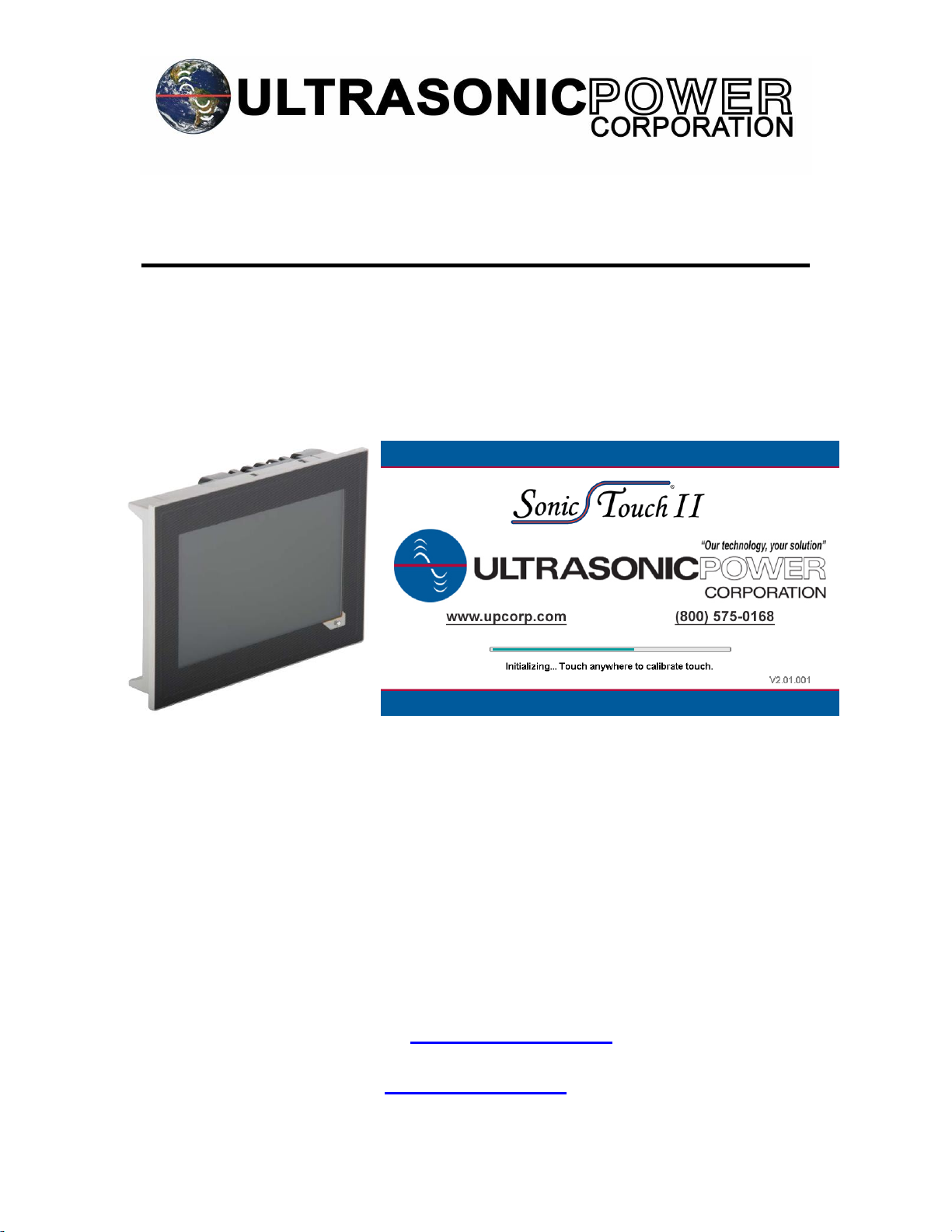
Upon power up of the system, the panel will cycle through the loading screen as seen
in the image.
At this time, you may choose to calibrate touch controls. Otherwise there is an
alternative location to perform touch calibration which will be exposed in another
section of this document.

7
Property of Ultrasonic Power Corporation - © 2019
Publication # 190610
4. TOUCH CALIBRATION
The touch calibration page allows the user to increase the touch control accuracy
should it fall out of calibration.
To calibrate touch control, press the visible target with your finger. A second target will
appear. Repeat the process until the panel is finished calibrating.

8
Property of Ultrasonic Power Corporation - © 2019
Publication # 190610
5. HOME SCREEN
This is the home screen for the Sonic Touch II®. This page allows the user start/stop
control for configured peripherals, ultrasonic intensity control, frequency sweep control,
temperature control and displays alarm information. These features will be examined
in further detail later in this document.

9
Property of Ultrasonic Power Corporation - © 2019
Publication # 190610
6. BASIC NAVIGATION CONTROL
Every page contains these common features: navigation button [1], home button [2],
user login button [3], back button [4], and an error refresh button [5].
1
2
5
3
4

10
Property of Ultrasonic Power Corporation - © 2019
Publication # 190610
Pressing the back button reverts the user to the previous page (if any).
Pressing the home button (from any other page) will direct the user to the home page.
Este manual sirve para los siguientes modelos
1
Tabla de contenidos


