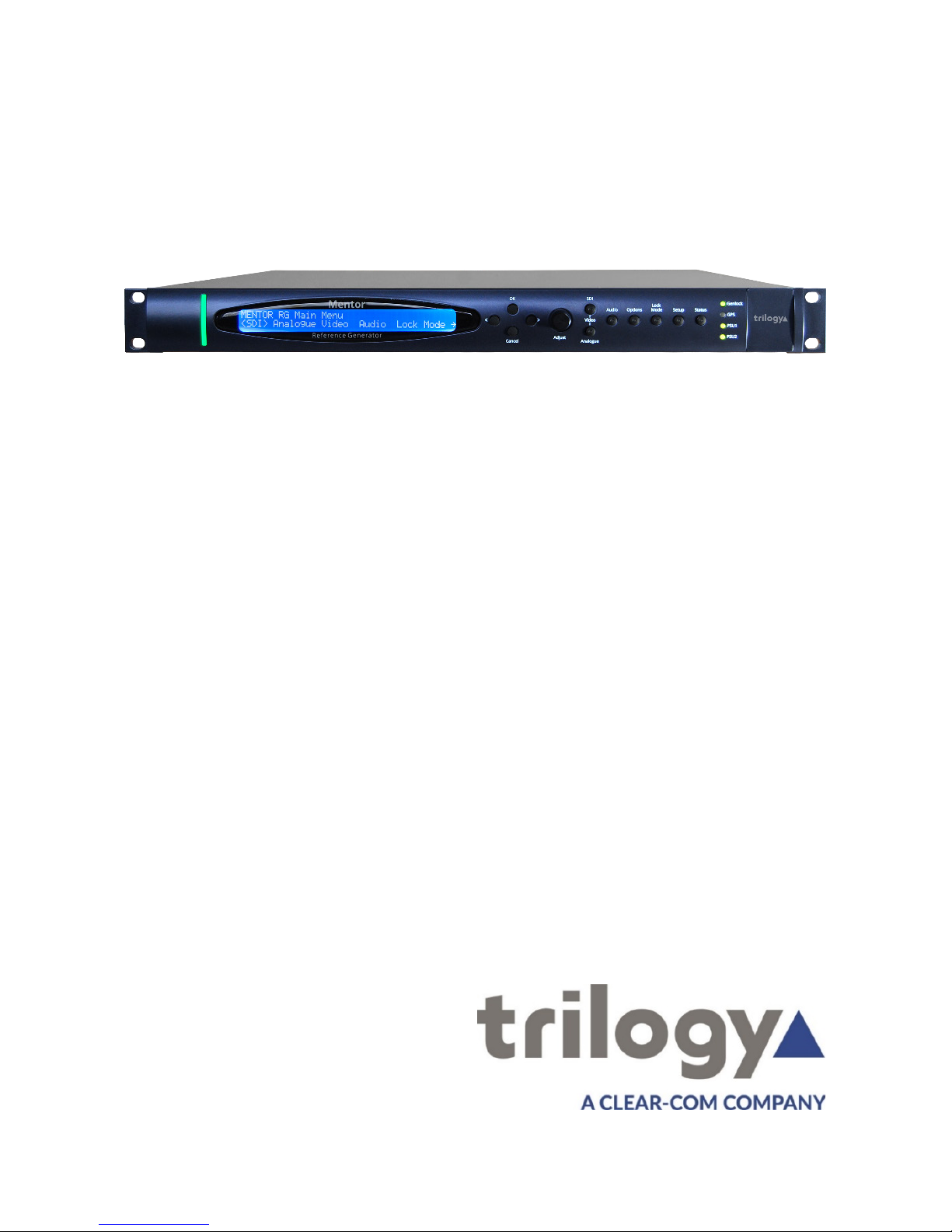
Mentor RG - Confirming Hardware Options
oEach Mentor RG may be fitted with up to three option
boards.
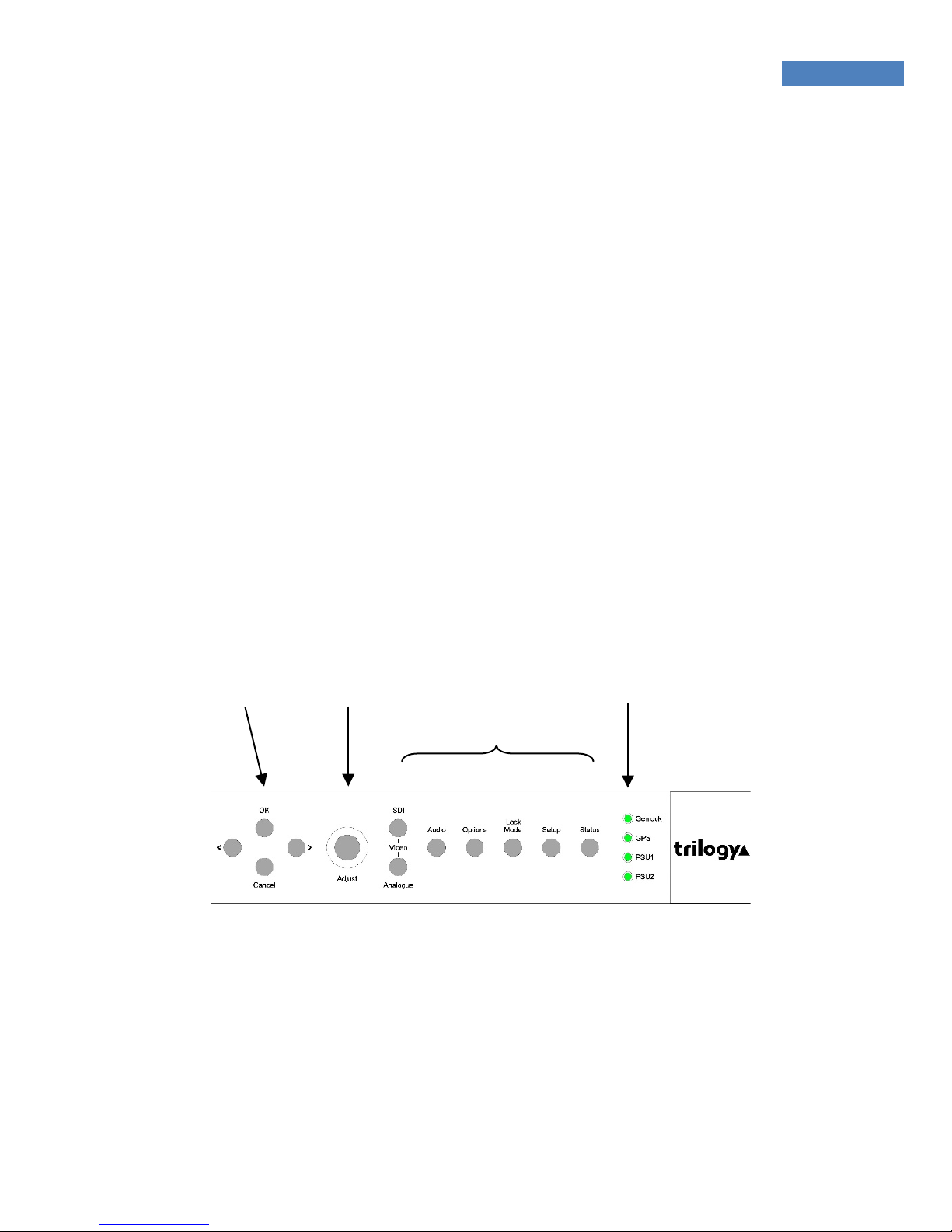
oTo see which option boards are fitted, scroll right until
<Options> is selected and press OK. If no options are
fitted, this menu item will not appear.
oThe normal hardware configuration is:
Mentor RG - Memory
oAny changes made to system parameters are effective
immediately the “OK” button is pressed.
oThe currently active settings are saved in non-volatile
memory, so they are preserved if the Mentor RG is
restarted.
oFour on-board memory banks are provided: complete
settings may be saved to, or loaded from each of these
memory locations at any time.
oFor security, we suggest that you save the current active
settings in a designated memory bank.
oConfiguration files may be backed up remotely or
transferred between units by using the Vector web based
management feature.
See the “Setup Memory” menu, or the User Guide for more
information.