ThunderATXMotherboard
Page 2
Table of Contents
Chapter 1 Introduction .............................................................. 3
1.1 Product Features ............................................................................ 3
1.1.1 FullSoftwareConfigurable ....................................................... 3
1.1.2 T-815E+S Classicmotherboardseries ....................................... 4
1.1.3 T-K133+S/T-K133+MSmotherboardseries ............................ 5
Chapter 2 Installation................................................................. 6
2.1 Installation Instructions ................................................................. 6
2.2 Motherboard Layout ...................................................................... 6
2.3 Jumper Setting ................................................................................ 7
2.4 Function & Installation Instructions .............................................. 8
2.4.1 ATX Power Supply Connector ................................................. 8
2.4.2 External Connectors .................................................................. 8
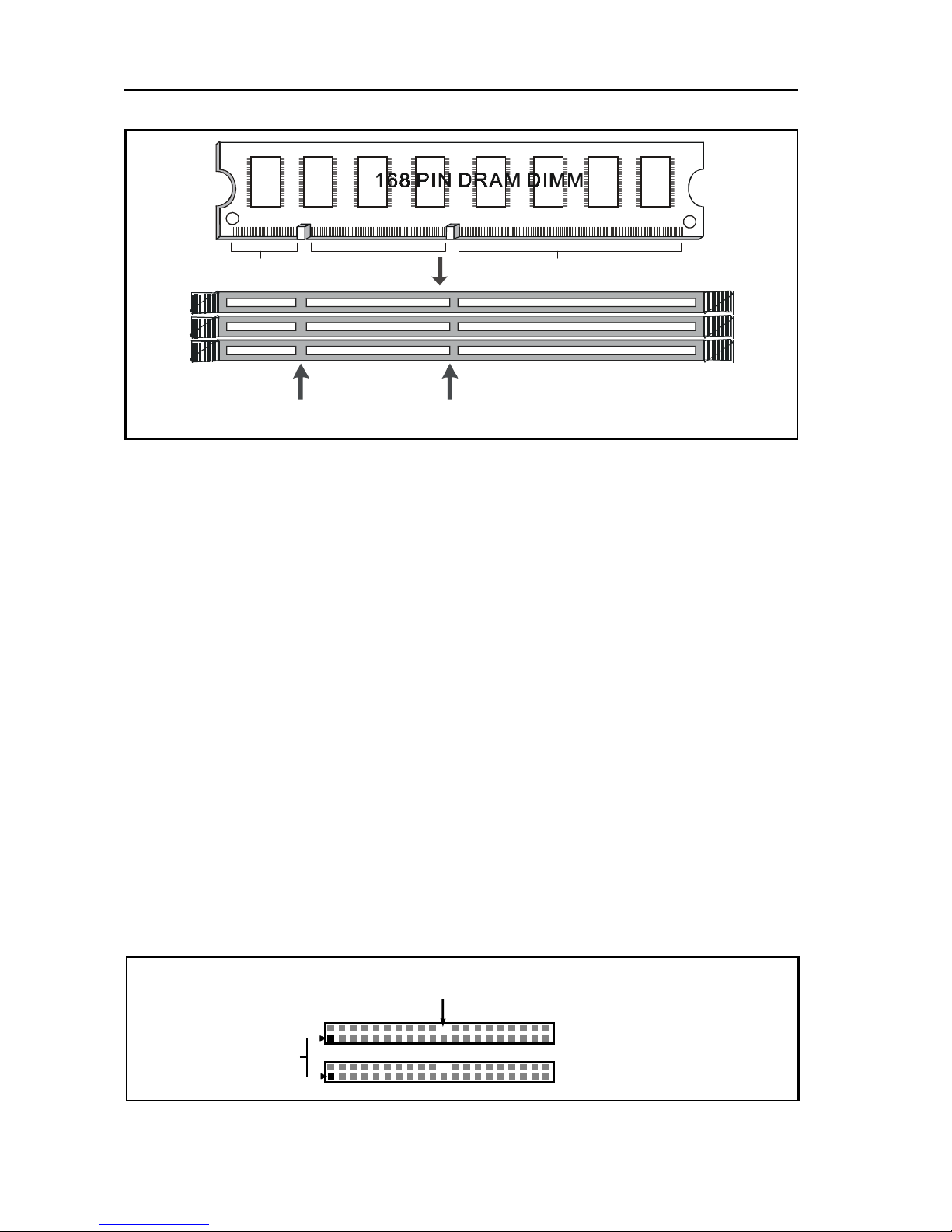
2.4.3 SDRAM Sockets....................................................................... 9
2.4.4 PCISlots ................................................................................... 9
2.4.5 ISA Slot .................................................................................... 9
2.4.6 AMR Slot.................................................................................. 9
2.4.7 AGPSlot ................................................................................... 10
2.4.8 Floppy Drive Connector ........................................................... 10
2.4.9 IDE Connectors ........................................................................ 10
2.4.10 BIOS ....................................................................................... 11
2.4.11 Wake-On-LANInterface......................................................... 11
2.4.12 Front Panel Function Connector ............................................ 11
2.4.13 CPU Socket ............................................................................. 11
2.4.14 CPU Fan Connector ................................................................ 12
2.4.15 Internal Audio Connectors..................................................... 12
2.4.16 VGAConnector ...................................................................... 12
Chapter 3 STR Installation (for T-815E+S Classic only) .................. 13
Chapter 4 Software Installation ................................................ 15
Chapter 5 AMI BIOS Setup ..................................................... 16
5.1 Standard CMOS Setup ................................................................... 18
5.2 Advanced CMOS Setup ................................................................. 20
5.3 Advanced Chipset Setup ............................................................... 20
5.4 Power Management Setup.............................................................. 20
5.5 PCI/PnP Setup ................................................................................ 20
5.6 CPU Configuration Setup ............................................................... 20
5.7 Save Settings and Exit .................................................................... 20
5.8 Exit Without Saving ........................................................................ 20