
The GigRig G3 EXT KIT Manual de usuario
TheGigRig Ltd, January 2023
G3 EXT KIT
ASSEMBLY
MANUAL
2
EXT KIT
THEGIGRIG ABY BABY USER MANUAL
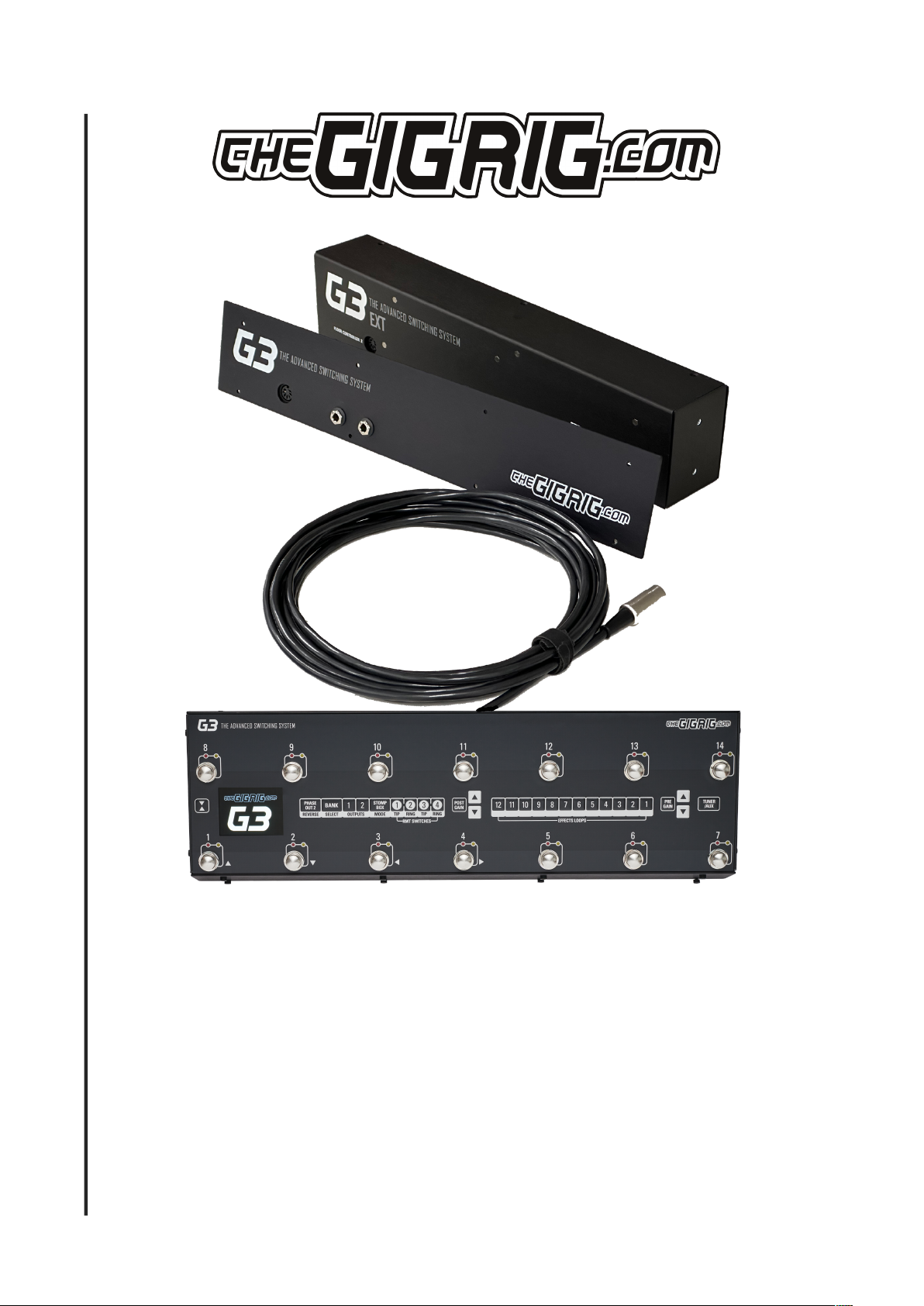
TheGigRig G3 EXT KIT
enables you to separate the audio section of G3 from the floor controller. You can have the floor
controller on stage in front of you with the audio section in a rack, on your pedalboard off stage or behind your amps
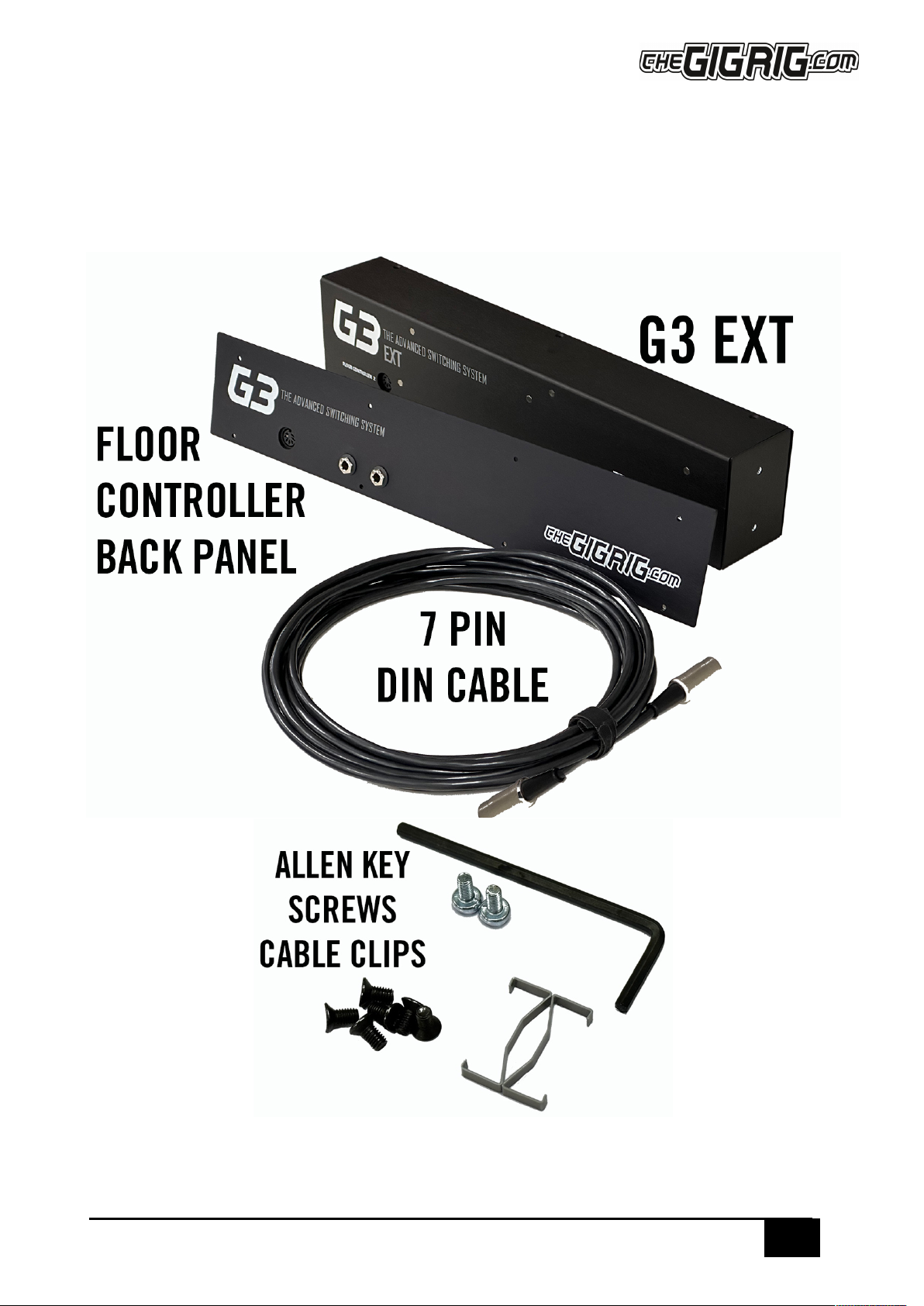
What You Get
The G3 EXT KIT contains everything you need to separate the floor controller from the audio

3
EXT KIT
THEGIGRIG ABY BABY USER MANUAL
Assembly
Watch the associated video with this manual to understand how to assemble the Ext Kit
The assembly video is here - https://youtu.be/sRbKSpte9Kk
It’s important to adhere to every step of these instructions in order to ensure your G3 Ext Kit performs flawlessly. Timestamps below
correspond to the assembly video
0:00 Intro
0:23 Unboxing, what’s included
0:44 Undo the 8 hex screws on the front panel
1:06 Undo the 2 hex screws on each side of G3
1:11 Undo the top row of 4 hex screws on the back of G3
1:21 Lift out the top panel
1:30 Undo the ribbon cable that connects the top panel to the motherboard. Undo the cable clip before removing the cable
1:45 Undo the clip on the other end of the cable and remove from the motherboard
1:54 Remove the red/black tuner cable from the motherboard
2:00 Tilt unit forward and remove bottom row of 4 hex screws from the back panel
2:16 Disconnect the back panel from the base by disconnecting the last 2 ribbon cables from the mother board
2:52 Remove the motherboard from the G3 base by undoing the 4 screws
3:16 Separate the back board from the back panel metalwork by undoing all the nuts on the back panel. 13mm socket, if required
3:45 Set aside the back panel metal plate
3:56 Connect back board to Ext kit back panel
4:00 Fold large ribbon cable as shown on the video
4:30 Extend the 2 small ribbon cables on the motherboard away from the metalwork and insert the back circuit board
4:50 Metal washers on nuts are used from Input/Aux to Send/Return loop 12 (left hand side)
4:50 Black plastic insulation washers and nuts from Outputs to Remote Switches (right hand side)
5:40 Attach the motherboard to the front panel of the Ext Kit using the screws from the G3 base plate
6:25 Connect ribbon cables to the motherboard in the following order;
6:33 Connect the black/red tuner cable to motherboard
6:40 Connect the small ribbon cable that sits underneath the large ribbon cable, ensuring that the cable clip is in place
6:55 Connect the other small ribbon cable by bringing the front panel closer to the motherboard. Finish with cable clip
7:05 Connect the large ribbon cable and finish with clip
7:20 Connect the front and back sections with the screws provided
8:00 Assemble the floor controller section
8:10 Connect the floor controller back panel to the base of G3 by screwing the expression pedal circuit board to the base
8:30 Using 4 hex screws connect the back panel to G3 base
8:45 Connect the top/footswitch board ribbon cable finishing with the clip
9:00 Connect the front/footswitch panel to G3 floor controller base with hex screws
9:40 Attach front panel to floor controller
10:00 Connect EXT KIT to the Floor Controller with 7 pin din cable provided
10:05 Apply power to the EXT KIT
FAQ’s
Q. How do I connect this to a rack?
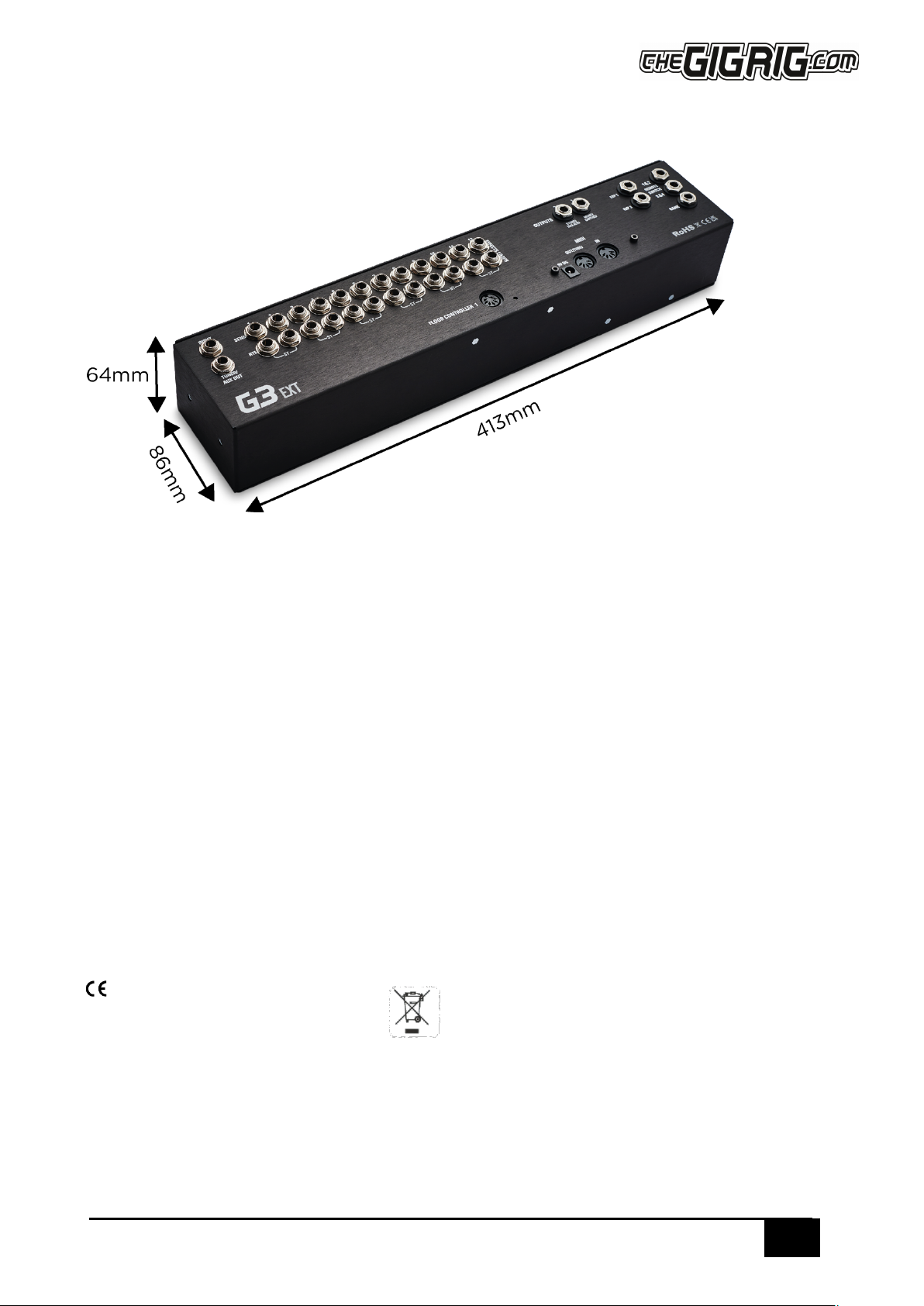
A. The Ext Kit fits on to a flat base rack drawer but the base of the rack needs to have an internal measurement of at least 413mm
Q. Can I control the EXT KIT from a MIDI controller?
A. No. The 7 pin DIN connector doesn’t use MIDI to communicate between the two sections, it uses something else entirely, so trying
to use only the EXT KIT with a different MIDI controller won’t work. You can connect MIDI to the MIDI IN on the floor controller unit
and use it that way, but not directly to the EXT KIT
4
EXT KIT
THEGIGRIG ABY BABY USER MANUAL
DIMENSIONS
Thank You
By buying this GigRig product you are supporting a small team of ridiculously talented engineers, tech advisers, production heroes,
admin legends and their families. If you need anything, please contact us through our support page at thegigrig.com/support and don’t
forget to check out our YouTube channel for more info.
Warranty:
The GigRig warrants the product to be free from defects in material and workmanship for a period of 2 years from the original date of
purchase. If the product fails within the warranty period, The GigRig will repair or, at our discretion, replace the product and cover the
cost of return shipping to the original purchaser. This warranty covers defects in manufacturing discovered while using this product as
recommended by The GigRig. This warranty does not cover loss or theft, nor does the coverage extend to damage caused by misuse,
abuse, unauthorized modification, improper storage, lightning, or natural disasters. Damage caused by any of the above circumstances
may result in a non-warranty repair fee.
Legal:
In the case of malfunction, the purchaser’s sole recourse shall be repair or replacement, as described in the preceding paragraphs. The
GigRig will not be held liable to any party for damages that result from the failure of this product. Damages excluded include, but are
not limited to, the following: lost profits, lost savings, damage to other equipment, and incidental or consequential damages arising
from the use, or inability to use this product. In no event will The GigRig be liable for more than the amount of the purchase price, not
to exceed the current retail price of the product. The GigRig disclaims any other warranties, express or implied. By using the product,
the user accepts all terms herein.
Disposal:
Return the unit to The GigRig Ltd for disposal or use standard disposal for electrical equipment recommended in your country
Approved. Fully compliant with the RoHS√standard.
Tabla de contenidos
Otros manuales de Equipo de grabación de The GigRig

Manuales populares de Equipo de grabación de otras marcas


Strymon
Strymon NIGHTSKY Manual de usuario

Mitsubishi Electric
Mitsubishi Electric 16CH DIGITAL RECORDER DX-TL5000U Manual de usuario

Tews Technologies
Tews Technologies TPMC465 Manual de usuario

Honeywell
Honeywell Excel 50 Manual de usuario

SeaLevel
SeaLevel COMM+8.LPCI Manual de usuario

Arturia
Arturia AUDIOFUSE STUDIO Manual de usuario


