1. Insert the CD
.
or download the software from
www.tenvis.com/download
2. Open the CD and use autorun to install. Then click
Chapter 2: Let’s get PC view
For Windows
3. After installation, please double click .
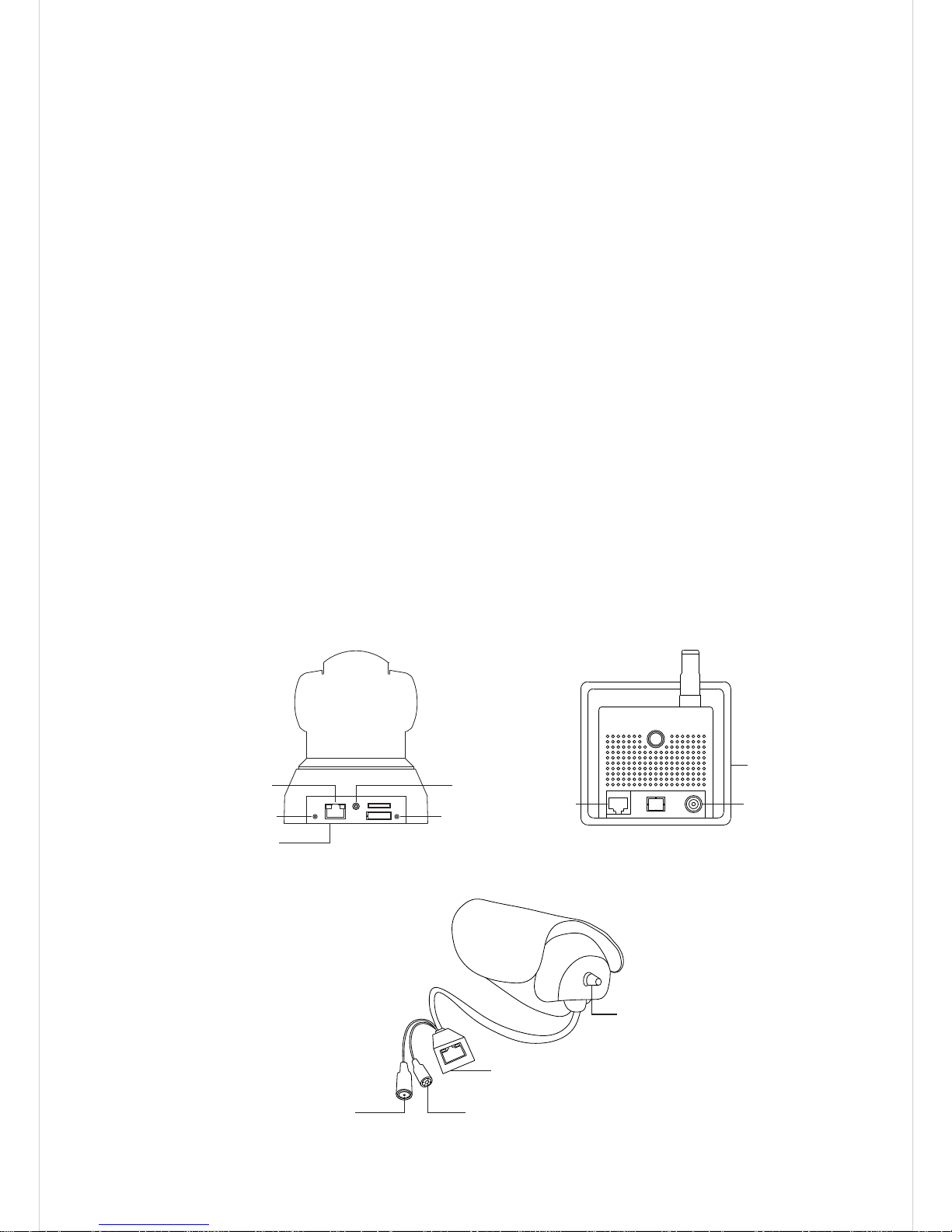
Connect IP camera to your router, and make sure both the
camera and your computer are connected to the same
router via a network cable or Wi-Fi connection.
Hardware Connection:
4. Open Search Tool and click to search for cameras
in LAN. Select the camera you want to set up. You can identify
the camera by its serial number (S/N) which is labeled on
the bottom of the camera.
Search
5. For initial installation of the camera, please configure
camera's network settings. Check
to start.
Configure camera's
network settings
3