
TechVision DVR-LT04120 Manual de usuario

Standalone DVR User’s Manual
1

Table of Contents
1...........................................................................FEATURES AND SPECIFICATIONS 10
1.1.....................................................................................................................................................Features 10
1.2............................................................................................................................................Specifications 10
2....................................................................................... OVERVIEW AND CONTROLS 14
2.1............................................................................................................................................... Front Panel 14
2.2................................................................................................................................................. Rear Panel 18
2.2.1............................................................................................................................................................ Overview 18
2.2.2............................................................................................................................................................ Connection Sample
2.3.........................................................................................................................................Remote Control 20
2.4...........................................................................................................................................Mouse Control 20
2.5...............................................................................................................Virtual Keyboard & Front Panel 22
2.5.1............................................................................................................................................................ Virtual Keyboard 22
2.5.2............................................................................................................................................................ Front Panel 22
3....................................................................... INSTALLATION AND CONNNECTIONS 23
3.1.............................................................................................................................. Check Unpacked DVR 23
3.2........................................................................................................................................HDD Installation 23
3.2.1............................................................................................................................................................ Choose HDDs 23
3.2.2............................................................................................................................................................ Calculate HDD Size
3.2.3............................................................................................................................................................ HDD Installation 23
3.3..................................................................................................................... CD/DVD Burner Installation 24
2

3.4....................................................................................................................Desktop and Rack Mounting 25
3.4.1............................................................................................................................................................ Desktop Mounting
3.4.2............................................................................................................................................................ Rack Mounting 25
3.5....................................................................................................................... Connecting Power Supply 25
3.6......................................................................................... Connecting Video Input and Output Devices 25
3.6.1............................................................................................................................................................ Connecting Video Input
3.6.2............................................................................................................................................................ Connecting Video Output
3.7.................................Connecting Audio Input & Output, Bidirectional Audio, Looping Video, Matrix 26
3.7.1............................................................................................................................................................ Audio Input/One Audio Out
3.7.2............................................................................................................................................................ Looping Video (Not Availa
b
3.7.3............................................................................................................................................................ Matrix Video (Not Availabl
e
3.7.4............................................................................................................................................................ Alarm Input and Relay Out
p
3.7.5............................................................................................................................................................ Alarm Input 28
3.7.6............................................................................................................................................................ Alarm Output 29
3.7.7............................................................................................................................................................ Alarm Input and Output De
t
3.7.8............................................................................................................................................................ Relay Output Description
3.8.........................................................................................................................................................RS232 31
3.9.........................................................................................................................................................RS485 32
3.10...................................................................................................................................... Other Interfaces 32
4..........................................................OVERVIEW OF NAVIGATION AND CONTROLS 33
4.1.....................................................................................................................Login, Logout & Main Menu 33
4.1.1............................................................................................................................................................ Login 33
4.1.2............................................................................................................................................................ Main Menu 33
4.1.3............................................................................................................................................................ Logout 34
4.1.4............................................................................................................................................................ Auto Resume after Power
F
4.1.5............................................................................................................................................................ Replace Button Battery
4.2................................................................................................................................Recording Operation 34
4.2.1............................................................................................................................................................ Live Viewing 35
4.2.2............................................................................................................................................................ Manual Record 35
3

4.3................................................................................................................................Search and Playback 37
4.3.1............................................................................................................................................................ Search Menu 37
4.3.2............................................................................................................................................................ Basic Operation 38
4.3.3............................................................................................................................................................ Calendar 39
4.4......................................................................................................................... Record Setup (Schedule) 40
4.4.1 Schedule Menu.............................................................................................................................40
4.4.2 Basic Operation ...........................................................................................................................40
4.5.........................................................................................................................................................Detect 42
4.5.1 Go to Detect Menu........................................................................................................................42
4.5.2 Motion Detect................................................................................................................................42
4.5.3 Video Loss....................................................................................................................................45
4.5.4 Camera Masking...........................................................................................................................46
4.6..........................................................................................................Alarm Setup and Alarm Activation 47
4.6.1............................................................................................................................................................ Go to alarm setup interfac
e
4.6.2............................................................................................................................................................ Alarm Setup 47
4.7.......................................................................................................................................................Backup 49
4.7.1 Detect Device ...............................................................................................................................49
4.7.2 Backup..........................................................................................................................................50
4.8...................................................................................................................PTZ Control and Color Setup 51
4.8.1 Cable Connection .........................................................................................................................51
4.8.2 PTZ Setup.....................................................................................................................................51
4.8.3 3D Intelligent Positioning Key .......................................................................................................53
4.9.......................................................................................................................Preset/Patrol/Pattern/Scan 53
4.9.1 Preset Setup .................................................................................................................................54
4.9.2 Activate Preset..............................................................................................................................55
4.9.3 Patrol Setup (Tour Setup) .............................................................................................................55
4.9.4 Activate Patrol (Tour)....................................................................................................................55
4.9.5 Pattern Setup................................................................................................................................55
4.9.6 Activate Pattern Function..............................................................................................................56
4.9.7 Auto Scan Setup...........................................................................................................................56
4.9.8 Activate Auto Scan .......................................................................................................................56
4.10........................................................................................................................................................... Flip 56
4

5............................UNDERSTANDING OF MENU OPERATIONS AND CONTROLS 57
5.1..................................................................................................................................................Menu Tree 57
5.2................................................................................................................................................. Main Menu 57
5.3........................................................................................................................................................Setting 58
5.3.1 General.........................................................................................................................................58
5.3.2 Encode .........................................................................................................................................60
5.3.3 Schedule.......................................................................................................................................62
5.3.4 RS232...........................................................................................................................................63
5.3.5 Network ........................................................................................................................................63
5.3.6 Alarm ............................................................................................................................................71
5.3.7 Detect ...........................................................................................................................................71
5.3.8 Pan/Tilt/Zoom ...............................................................................................................................71
5.3.9 Display..........................................................................................................................................71
5.3.10 Default ........................................................................................................................................73
5.4........................................................................................................................................................Search 74
5.5...................................................................................................................................................Advanced 74
5.5.1 HDD Management ........................................................................................................................74
5.5.2 Abnormity......................................................................................................................................75
5.5.3 Alarm Output.................................................................................................................................76
5.5.4 Manual Record .............................................................................................................................76
5.5.5 Account.........................................................................................................................................76
5.5.6 Auto Maintain................................................................................................................................77
5.5.7 TV Adjust ......................................................................................................................................78
5.5.8 Video Matrix (Not Available) .........................................................................................................78
5.6................................................................................................................................................Information 82
5.6.1 HDD Information ...........................................................................................................................83
5.6.2 BPS ..............................................................................................................................................83
5.6.3 Log................................................................................................................................................84
5.6.4 Version .........................................................................................................................................84
5.6.5 Online Users .................................................................................................................................85
5.7.............................................................................................................................................................Exit 85
5

6..........................................................................................ABOUT AUXILIARY MENU 87
6.1....................................................................................................................... Go to Pan/Tilt/Zoom Menu 87
6.1.1 3D Intelligent Positioning Key .......................................................................................................87
6.2....................................................................................................Preset/Patrol/Pattern/Border Function 88
6.2.1 Preset Setup .................................................................................................................................89
6.2.2 Activate Preset..............................................................................................................................89
6.2.3 Patrol Setup ..................................................................................................................................89
6.2.4 Activate Patrol...............................................................................................................................89
6.2.5 Pattern Setup................................................................................................................................89
6.2.6 Activate Pattern Function..............................................................................................................90
6.2.7 Border Setup.................................................................................................................................90
6.2.8 Activate Border Function ..............................................................................................................90
6.2.9 Flip................................................................................................................................................90
7..........................................................................................WEB CLIENT OPERATION 92
7.1.................................................................................................................................Network Connection 92
7.2..........................................................................................................................................................Login 92
7.2.1 Real-time Monitor .........................................................................................................................95
7.2.2 PTZ...............................................................................................................................................96
7.2.3 Color .............................................................................................................................................99
7.2.4 Picture Path and Record Path ......................................................................................................99
7.2.5 Manu Interface Switch ................................................................................................................100
7.3...................................................................................................................................................Configure 101
7.3.1 System Information.....................................................................................................................101
7.3.2 Setting ........................................................................................................................................103
7.4........................................................................................................................................................Search 123
7.4.1 Download....................................................................................................................................124
7.5..........................................................................................................................................................Alarm 125
7.6......................................................................................................................................................... About 125
6

7.7........................................................................................................................................................Logout 126
7.8............................................................................................................................. Un-install Web Control 126
8................................... ENTERPRISE PROFESSIONAL SURVEILLANCE SYSTEM 127
8.1.........................................................................................................................................................Log in 127
8.2..........................................................................................................................................Enable Monitor 128
8.3........................................................................................................................................Add New Device 129
9......................................................................................................RS232 OPERATION 131
9.1.................................................................................................................................Network Connection 131
9.2................................................................................................................................................... Keyboard 131
10...............................................................................................................................FAQ 132
APPENDIX A HDD CAPACITY CALCULATION.....................................................137
APPENDIX B COMPATIBLE USB DRIVE LIST......................................................138
APPENDIX C COMPATIBLE CD/DVD BURNER LIST ...........................................139
APPENDIX D COMPATIBLE SATA HDD LIST.......................................................140
7

Welcome
Thank you for purchasing our DVR!
This operating manual is designed to be a reference tool for the installation and
operation of your system.
Here you can find information about this series DVR features and functions, as well
as a detailed menu tree.
Before installation and operation please read the following safeguards and warnings
carefully!
8

Important Safeguards and Warnings
1.Electrical safety
All installation and operation here should conform to local electrical safety codes.
We assume no liability or responsibility for all the fires or electrical shock caused by
improper handling or installation.
2.Transportation security
Heavy stress, violent vibration or water splash are not allowed during transportation,
storage and installation.
3.Installation
Keep upwards. Handle with care.
Do not apply power to the DVR before completing installation.
Do not place objects on the DVR
4.Qualified engineers needed
All the examination and repair work should be done by the qualified service
engineers.
We are not liable for any problems caused by unauthorized modifications or
attempted repair.
5.Environment
The DVR should be installed in a cool, dry place away from direct sunlight,
inflammable, explosive substances and etc.
6. Accessories
Be sure to use all the accessories recommended by manufacturer.
Before installation, please open the package and check all the components listed
below are included:
One power cable
One Ethernet cable
Four HDD cables
Alarm & relay terminal blocks
Extensional cable(for audio, loop & matrix)
One remote control(including the battery)
One USB mouse
One CD(including DVR manual, client & small tools)
Warranty card
A package of installation fittings
Contact your local retailer ASAP if something is missing in your package.
Note: Any changes of this manual made to the actual product are subject to no
further notification.
9

1 FEATURES AND SPECIFICATIONS
1.1 Features
This series DVR has the following features:
H.264 compression algorithm ideal for standalone DVR
Real-time live display up to 16 cameras, 480 fps recording for CIF, 2CIF & 240
fps recording for 4CIF
Pentaplex function: live, recording, playback, backup & remote access
Intelligent search and playback support, you can play back the video only motion
detection occurs in the area you selected.
8HDDs supported & CD-RW/DVD-RW supported
Multiple control methods: front panel, IR remote control, keyboard, USB mouse
and network keyboard.
Smart video detection: motion detection camera masking, video loss.
Smart camera settings: privacy masking, camera lock, color setting, and title
display
Pan Tilt Zoom and Speed Dome Control: more than 60 protocols supported,
preset, scan, auto pan, auto tour, pattern, auxiliary function supported. And with
our Speed Dome, 3D intelligent positioning function supported.
Easy backup methods: USB devices, CD-RW/DVD-RW & network download
Alarm triggering screen tips, buzzer, PTZ preset, e-mail, FTP upload.
Smart HDDs Management: non-working HDD hibernation, HDD faulty alarm, Raid
function.
Powerful network software: built-in web server, EPSS. Networking access for
remote live viewing, recording, playback, setting, system status, event log, e-mail
& ftp function.
1.2 Specifications
Model
DVR-LT04120 4 channel unit with 4 channel audio and bidirectional talk
DVR-LT08240 8 channel unit with 8 channel audio and bidirectional talk
DVR-LT016480 16 channel unit with 16 channel audio and bidirectional talk
System
Main Process High performance embedded microprocessor
Operating System Embedded LINUX
System Resources Pentaplex function: live, recording, playback, backup &
remote access
User Interface GUI, on-screen menu tips.
Control Device Front panel, USB mouse, keyboard, IR remote
control, network keyboard.
Input Method Numeral/Character/Denotation
System Status HDD status, data stream statistics, log record, bios
Version, on-line user and etc.
10
Este manual sirve para los siguientes modelos
2
Tabla de contenidos
Otros manuales de DVR de TechVision

TechVision
TechVision NS64P8N8 Manual de usuario

TechVision
TechVision NS32P8N8 Manual de usuario

TechVision
TechVision PDVR-S4L15 Manual de usuario

TechVision
TechVision NS16P2P8 Manual de usuario

TechVision
TechVision PS16P2N8 Manual de usuario

TechVision
TechVision PS32E8N2 Manual de usuario
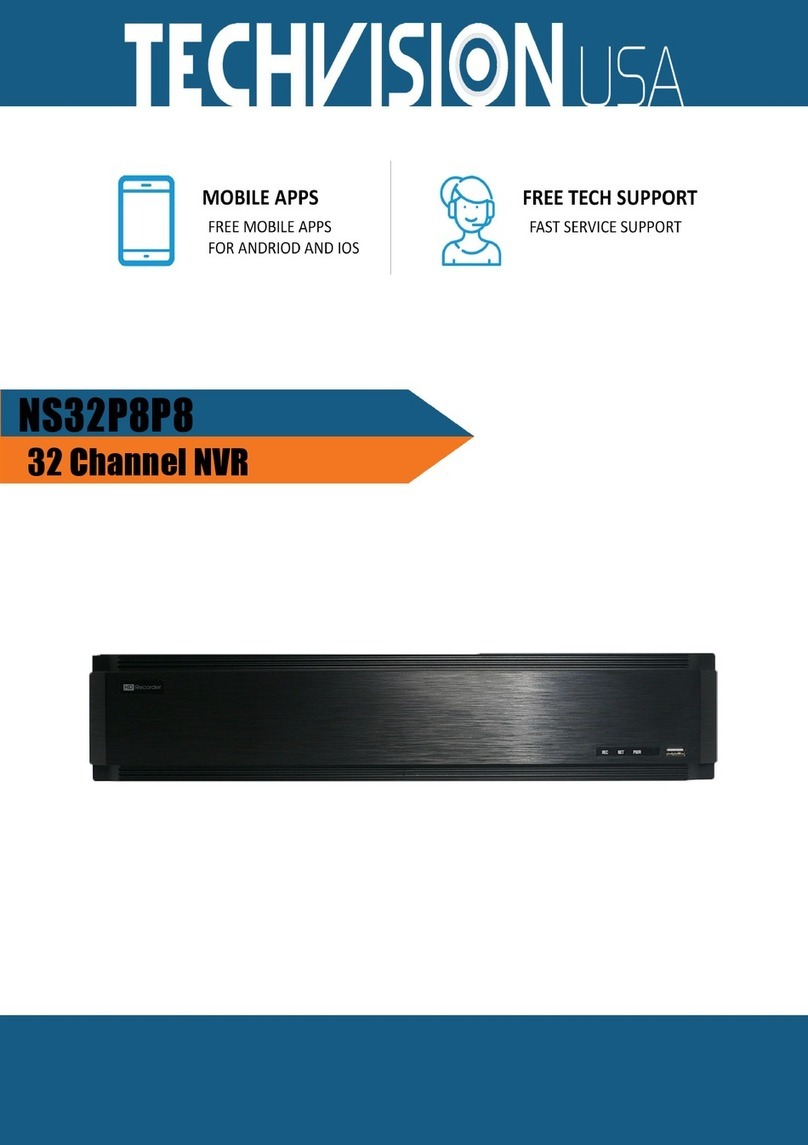
TechVision
TechVision NS32P8P8 Manual de usuario
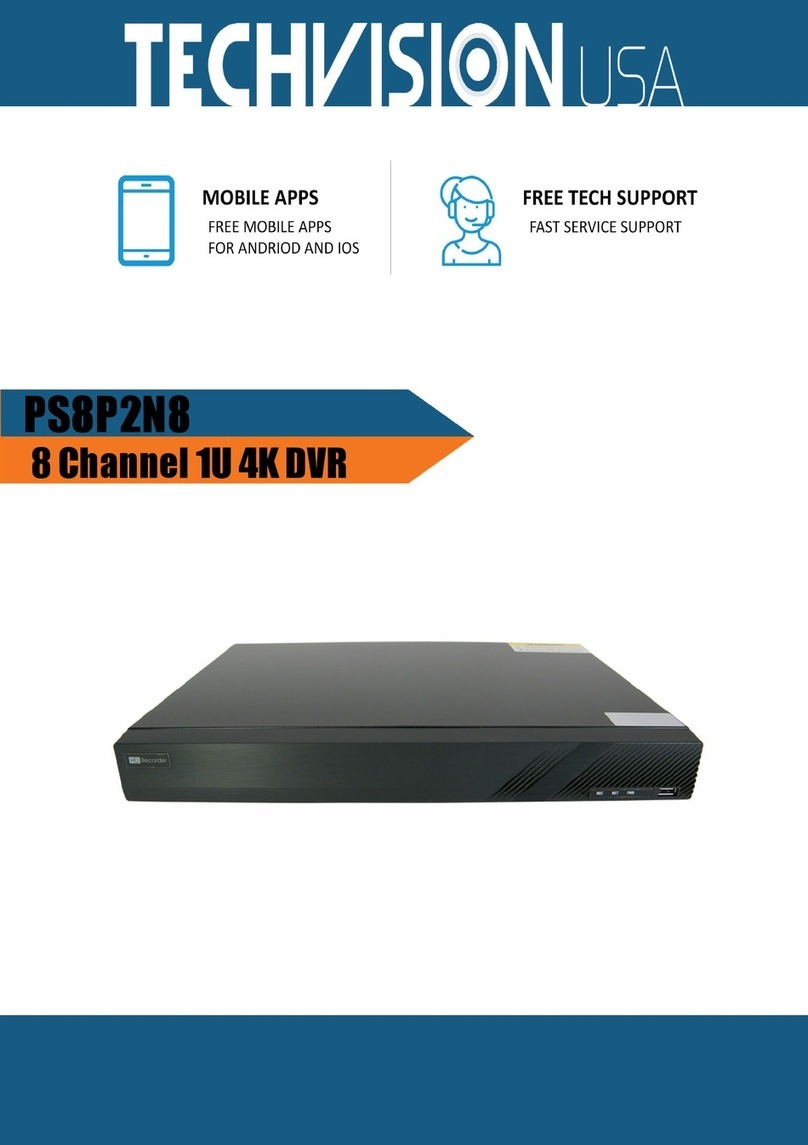
TechVision
TechVision PS8P2N8 Manual de usuario

TechVision
TechVision PS8E1N2 Manual de usuario


