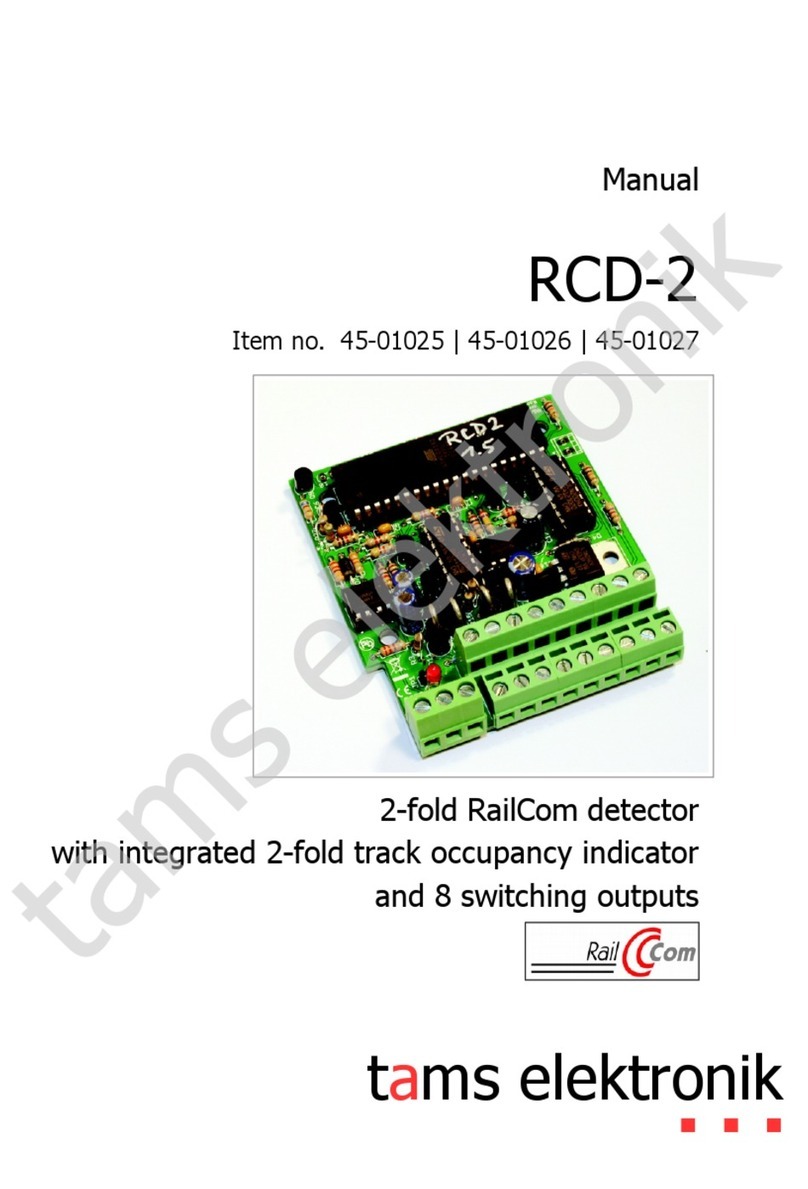
tams elektronik RCD-1 Manual de usuario

n
n
n
RCD-1
n
RailCom-Detektor n
RailCom detector n
Détecteur RailCom n
RailCom-detector n
n
nAnleitung
nManual
nMode d´emploi
nHandleiding
n
Art.-Nr. 45-01015 / 45-01016 / 45-01017 n
n

n
n
n
nDeutsch 3
nEnglish 23
nFrançais 43
nNederlands 63
n
n
n
n
n
n
n
n
© 09/2008 Tams Elektronik GmbH
Alle Rechte, insbesondere das Recht
der Vervielfältigung und Verbreitung
sowie der Übersetzung vorbehalten.
Vervielfältigungen und Reproduktionen
in jeglicher Form bedürfen der
schriftlichen Genehmigung durch die
Tams Elektronik GmbH.
Technische Änderungen vorbehalten.
© 09/2008 Tams Elektronik GmbH
All rights reserved. No part of this
publication may be reproduced or
transmitted in any form or by any
means, electronic or mechanical,
including photocopying, without prior
permission in writing from Tams
Elektronik GmbH.
Subject to technical modification.
© 09/2008 Tams Elektronik GmbH
Tout droits réservés, en particulier les
droits de reproduction et de diffusion
ainsi que le traduction. Toute
duplication ou reproduction sous
quelque forme que ce soit nécessite
l´accord écrit de la societé Tams
Elektronik GmbH.
Sous réserve de modifications
techniques.
© 09/2008 Tams Elektronik GmbH
Alle rechten voorbehouden. Niets uit
deze publicatie mag worden
vermenigvuldigd opgeslagen of
openbaar gemaakt, zonder
voorafgaande schriftelijke toestemming
van Tams Elektronik GmbH.
Technische wijzigingen voorbehouden.
n

RCD-1 English
Page 23
Table of contents
1. Getting started 24
2. Safety instructions 25
3. Safe and correct soldering 28
4. Operation overview 29
5. Technical specifications 31
6. Assembling the kit 31
7. Mounting the RCD-1 36
8. Programming the RCD-1 38
9. Check list for troubleshooting 40
10. Manufacturer's note, CE and Warranty 41
Parts list I.1
Printed Circuit Board (PCB) layout (Fig. 1) I.2
Circuit Diagram (Fig. 2) II
(Pages I to II in the centre of this handbook are removable.)
Remark: RailCom®is the registered trademark of the Lenz Elektronik
GmbH, Hüttenbergstraße 29, D-35398 Gießen. To increase the text´s
readabiliy we have refrained from refering to this point in each
instance.

English RCD-1
Page 24
!
1. Getting started
How to use this manual
This manual gives step-by-step instructions for safe and correct
assembly of the kit and fitting of the ready-built module, and operation.
Before you start, we advise you to read the whole manual, particularly
the chapter on safety instructions and the FAQ chapter. You will then
know where to take care and how to prevent mistakes which take a lot
of effort to correct.
Keep this manual safely so that you can solve problems in the future. If
you pass the kit or the ready-built module on to another person, please
pass on the manual with it.
Intended use
The kit or the ready-built module can be assembled and operated with
a digital model railway in concordance with this manual for reading out
RailCom messages.
Any other use is inappropriate and invalidates any guarantees.
The kit and the ready-built module should not be assembled or fitted by
children under the age of 14.
Reading, understanding and following the instructions in this manual
are mandatory for the user.
Caution:
The circuit contains integrated circuits. These are very sensitive to static
electricity. Do not touch components without first discharging yourself.
Touching a radiator or other grounded metal part will discharge you.

RCD-1 English
Page 25
Checking the package contents
Please make sure that your package contains:
§one kit, containing the components listed in the parts and one PCB
§or one ready-built module,
§one jumper for programming the address,
§one manual.
Required materials
For assembling the kit you need:
§an electronic soldering iron (max. 30 Watt) with a fine tip,
§a soldering iron stand,
§a tip-cleaning sponge,
§a heat-resistant mat,
§a small side cutter and wire stripper,
§a pair of tweezers and long nose pliers,
§tin solder (0,5 mm. diameter),
In order to connect the module you need wire. Recommended
diameters:
§>0,1 mm² for the databus line,
§>0,25 mm² for all other connections.
2. Safety instructions
Mechanical hazards
Cut wires can have sharp ends and can cause serious injuries. Watch
out for sharp edges when you pick up the PCB.
Visibly damaged parts can cause unpredictable danger. Do not use
damaged parts: recycle and replace them with new ones.

English RCD-1
Page 26
Electrical hazards
§Touching powered, live components,
§touching conducting components which are live due to malfunction,
§short circuits,
§connecting the circuit to another voltage than specified,
§impermissibly high humidity,
§condensation build up
can cause serious injury due to electrical shock. Take the following
precautions to prevent this danger:
§Never perform wiring on a powered module.
§Assembling and mounting the kit should only be done in closed,
clean, dry rooms. Beware of humidity.
§Only use low power for this module as described in this manual and
only use certified transformers.
§Connect transformers and soldering irons only in approved mains
sockets installed by an authorised electrician.
§Observe cable diameter requirements.
§After condensation build up, allow a minimum of 2 hours for dispersion.
§Use only original spare parts if you have to repair the kit or the
ready-built module.
Fire risk
Touching flammable material with a hot soldering iron can cause fire,
which can result in injury or death through burns or suffocation.
Connect your soldering iron or soldering station only when actually
needed. Always keep the soldering iron away from inflammable
materials. Use a suitable soldering iron stand. Never leave a hot
soldering iron or station unattended.

RCD-1 English
Page 27
Thermal danger
A hot soldering iron or liquid solder accidentally touching your skin can
cause skin burns. As a precaution:
§use a heat-resistant mat during soldering,
§always put the hot soldering iron in the soldering iron stand,
§point the soldering iron tip carefully when soldering, and
§remove liquid solder with a thick wet rag or wet sponge from the
soldering tip.
Dangerous environments
A working area that is too small or cramped is unsuitable and can cause
accidents, fires and injury. Prevent this by working in a clean, dry room
with enough freedom of movement.
Other dangers
Children can cause any of the accidents mentioned above because they
are inattentive and not responsible enough. Children under the age of 14
should not be allowed to work with this kit or the ready-built module.
Little children can swallow small components with sharp edges, with
fatal results! Do not allow components to reach small children.
In schools, training centres, clubs and workshops, assembly must be
supervised by qualified personnel.
In industrial institutions, health and safety regulations applying to
electronic work must be adhered to.

English RCD-1
Page 28
!
3. Safe and correct soldering
Caution:
Incorrect soldering can cause dangers through fires and heat. Avoid
these dangers by reading and following the directions given in the
chapter Safety instructions.
§Use a small soldering iron with max. 30 Watt. Keep the soldering tip
clean so the heat of the soldering iron is applied to the solder point
effectively.
§Only use electronic tin solder with flux.
§When soldering electronic circuits never use soldering-water or
soldering grease. They contain acids that can corrode components
and copper tracks.
§Solder quickly: holding the iron on the joints longer than necessary
can destroy components and can damage copper tracks or
soldering eyes.
§Observe correct polarity orientation of semi-conductors, LEDs
electrolytic capacitors and integrated circuits before soldering and
ensure that the solder time does not exceed 5 seconds, otherwise
components can be damaged.
§Apply the soldering tip to the soldering spot in such a way that the part
and the soldering eye are heated at the same time. Simultaneously add
solder (not too much). As soon as the solder becomes liquid take it
away. Hold the soldering tip at the spot for a few seconds so that the
solder flows into the joint, then remove the soldering iron.
§Do not move the component for about 5 seconds after soldering.
§To make a good soldering joint you must use a clean and
unoxidised soldering tip. Clean the soldering tip with a damp piece
of cloth, a damp sponge or a piece of silicon cloth.
§Cut the wires after soldering directly above the PCB solder side with
a side cutter.

RCD-1 English
Page 29
§After placing the parts, please double check for correct polarity.
Check the PCB tracks for solder bridges and short circuits created
by accident. This would cause faulty operation or, in the worst
case, damage. You can remove excess solder by putting a clean
soldering tip on the spot. The solder will become liquid again and
flow from the soldering spot to the soldering tip.
4. Operation overview
Feedback with RailCom
RailCom is a log for bi-directional communication in digital model
railway layouts controlled in DCC-format. It allows e.g. the feedback of
the address and the CV values from RailCom decoders to the digital
control unit or to special receivers (so-called detectors). To transfer the
RailCom messages special RailCom boosters supplying the so-called
RailCom cutout have to be used.
Mode of operation
The RailCom detector RCD-1 is connected to a seperated rail section
and receives the RailCom messages applicated to the respective rail
section. These are possibly:
§Addresses of the vehicle decoders in the rail section. The decoder´s
address is sent permanently.
§CV-values of the vehicle decoders in the rail section. The CV-values
are sent only after a read out command (i.e. sent by the control
unit).
The RCD-1 verifies the signals it receives and sends the "clean" signals
via a special databus to special accessory devices (i.e. RailCom display
devices, units passing on data to a PC or to the digital control unit.)

English RCD-1
Page 30
Passing on and displaying data
There is no display integrated in the RCD-1. In order to display the
received data special RailCom display devices have to be connected
(e.g. single display device RCA-1 or 24-fold display device RCA-24).
These display devices can be mounted in those places of the railway
layout where needed. Instead of display devices, units passing on data
to a PC or to the digital control unit can be connected.
Detector and display device are connected via a special databus line. It
is possible to connect several detectors and several display devices to
one common databus line. To assign the detectors and the display
devices they get addresses from 1 to 24.
Example 1: To each of the six detectors RCD-1 is assigned both a single display
device RCA-1 and the 24-fold display device RCA-24. Changing the assignment is
done by just changing the devices´addresses (see example 2).
Example 2: Four single display devices are assigned to the detector RCD-1 #1 and
two to the detector RCD-1 #2. The detectors RCD-1 #1 to 6 are assigned to the
24-fold display device RCD-24.
Este manual sirve para los siguientes modelos
3
Tabla de contenidos
Otros manuales de Sensor de seguridad de tams elektronik