10
QUICK-START GUIDE
2019
7. Input and Output Data Storage
i. Data Storage – The APEX stores input
and output data every second that the
anode pole switch is activated.
a. Recording data – The APEX automat-
ically records data when the output is
active.
b. Viewing Data – The home screen
displays real time electrical input
values, peak electrical output values,
GPS location (when signal is avail-
able), battery meter, timer/alarm, and
real-time graphs. Real-time graphs
actively display the previous 3 min-
utes of peak output electrical settings
as well as all faults/errors/warnings.
Along the bottom of the home screen
is a display of one second of input
variables in graphical format that ani-
mates when the anode pole switch is
activated.
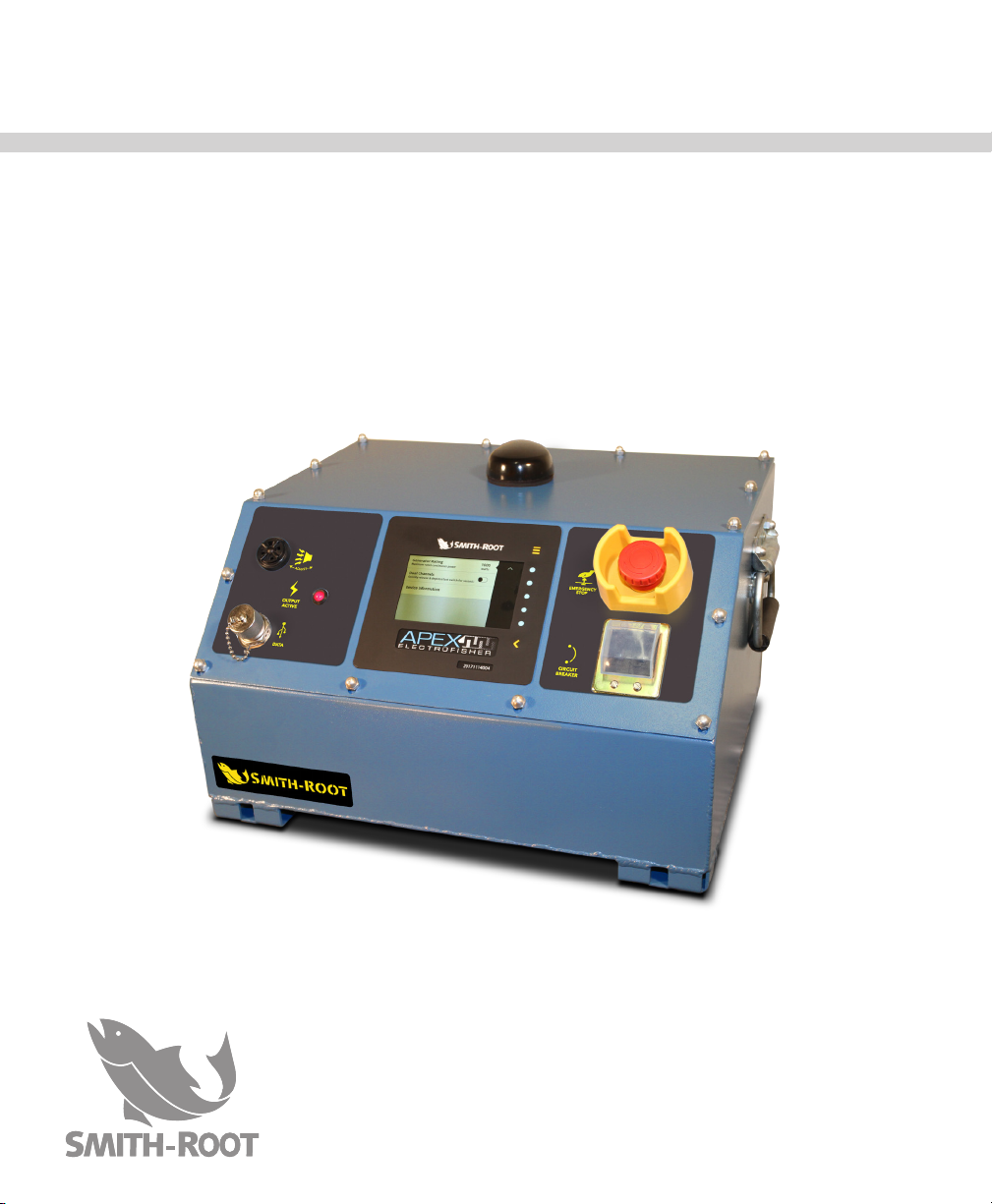
c. Downloading data – Unscrew the dust
and water cap from the USB port
on the front panel of the APEX and insert a USB flash drive. All
stored data on the APEX will load onto the USB flash drive as a
.csv file that can be opened in a spreadsheet program (i.e. Micro-
soft Excel). Follow onscreen prompts to remove USB flash drive.
Place cap back on APEX after transferring data.
8. Safety
i. Sound – A tonal alert makes a tone when the APEX is first turned
on, when an error/fault/warning occurs, and when the foot switch
is activated. Tonal rate is continuously related to the average pow-
er being put into the water. A lower rate (~1 tone per second) indi-
cates lower power and a high rate (~4 tones per second) indicates
higher power. The volume can be controlled by rotating the bezel
on the tonal alert.
ii. LED light - Lights on the face of the APEX activate when the APEX
is first turned on in sync with sound, when an error/fault/warning
occurs, and when the foot switch is activated. In noisy situations,
this safety feature proves valuable.