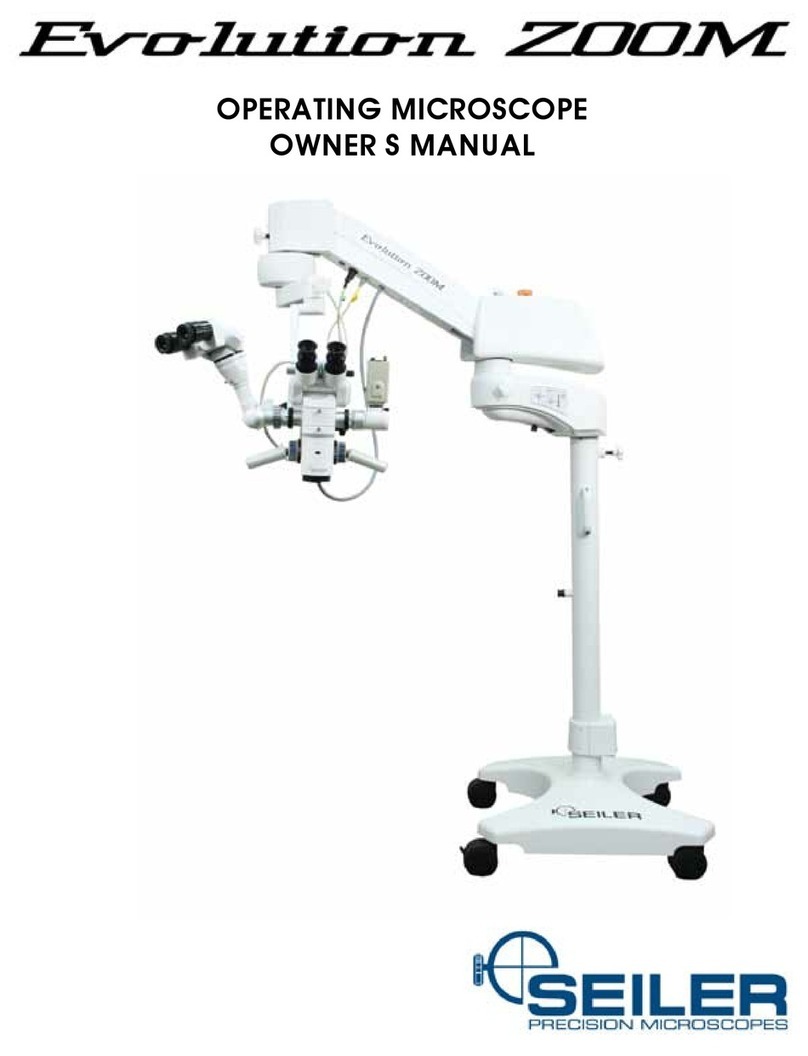
Seiler Westlab III Manual de usuario

-1-
westlab iii
COMPOUND MICROSCOPE
USER’S MANUAL
is document is property of Seiler Instrument & Mfg. Co., Inc. No part of this manual should be
reproduced or transmitted without the expressed written consent being obtained. All the gures
appearing in this manual are for illustration purposed only and may vary according to the version of the
device purchased. e information contained in this manual is subject to change without notice. Please
contact Seiler whenever additional information is needed. is device is restricted to the sale and the use
by authorized and trained personnel.

-2-
Table of Contents
PARTS NAME .....................................................................................................................................................5
SPECIFICATIONS...............................................................................................................................................6
INSTALLATION...................................................................................................................................................7
OPERATION .......................................................................................................................................................8
IMAGE COLLECTION ........................................................................................................................................9
MAINTENANCE............................................................................................................................................ 9-10
TROUBLESHOOTING......................................................................................................................................11
WARRANTIES ............................................................................................................................................ 12-13

-3-
Register your product warranty online:
http://www.seilermicro.com/warranty-registration/
We are here to serve you!
If you have any questions regarding Seiler’s products or services,
please feel free to contact us.
Toll-Free: 800.489.2282
Local: 314.968.2282
Fax: 314.968.3601
www.seilerinst.com

-4-
Manufacturing Geospatial Medical Planetarium
The divisions of Seiler Instrument
Design Solutions
High tech. High touch.
Introduction
To Our Valued Professionals,
On behalf of the Seiler Medical Division, I would like to thank you for your recent purchase. We stand by our
products and are thrilled that when choosing one of the most important aspects of your practice, you chose us.
We are proud to say that, as a company, we have over 70 years’ experience in the optical eld. We have the
expertise to provide you with modern, reliable devices that incorporate some of the most advanced optical design
tools on the market. This product’s intent is to amplify an image while providing the user with an exceptional level
of comfort, improved visual acuity, and provide awless maneuverability for any ofce or hospital.
All of our products are manufactured according to strict medical and ISO standards. We also ensure all optical
components have undergone an anti-reective, multi-layer treatment; guaranteeing the efciency of the system
and enhancing the longevity of all of our products. Along with strict manufacturing standards and rigorous testing,
we also stand behind all of our products by offering a lifetime warranty on all optics and mechanics for microscopes
purchased in the United States, as well as a 3-year warranty on all international purchases.
Every Seiler Medical Division team member is here to provide you with outstanding service, quality, and
knowledge. Our number one priority is, and always will be, providing 100% customer satisfaction to every one of
our customers. If you need any further information about the equipment or just have a question, please contact
us using the information below.
Thank you again for your purchase and we look forward to serving all of your optical needs for years to come.
Sincerely,
Dane Carlson
Medical Division Manager
Seiler Medical Division
Toll Free: (800) 489-2282
Local: (314) 968-2282
Email: [email protected]
Web: www.seilerinst.com

-5-
Parts Name
18 F
G
H
J
K
A
B
2
3
4
5
6
7
E
D
C
F
9
LN
M
1. Eyepiece
2. Objective
3. Clamp
4. Mechanical Stage
5. Condenser
6. Light Collector
7. Main Body
8. Seidentopf Binocular Head
(Trinocular Head)
9. Power Input Fuse
A. Diopter Adjustment Ring
B. Nose Piece
C. Clamp Handle
D. Handle of Iris Aperture Diaphragm
E. Field Diaphragm Ring
F. Body Handle
G. Head Thumb Screw
H. Mechanical Stage Moving Knob
J. Right Coarse & Fine Focusing Knobs
K. Potentiometer
L. Power Switch
M. Condenser Focusing Knob
N. Tension Adjustment Ring
Left Coarse & Fine Focusing Knobs

-6-
specifications
2.3 The other specication
2.3.1 Mechanical tube length: 160mm
2.3.2 Conjugate distance: Finite 195mm
Innite
2.3.3 Head: Seidentopf binocular or trinocular, inclined 30º, rotatable 360º
Interpupillary adjustable distance is 50-75mm
Diopter adjustable range ±5,
Anti-fungal systems
2.3.4 Nosepiece: Quadplex nosepiece
2.3.5 Mechanical Stage: Size 145mm X 140mm
X-Y travel 76mm X 52mm
2.3.6 Focusing systems: Coaxial coarse and ne focusing knobs
Coarse stroke 26mm, ne division 2µm
Condenser up-down range 22mm
2.3.7 Condenser: Abbe condenser, N.A. 1.25, Adjustable aperture
Aperture center is adjustable
2.3.8 Illumination: Non-spherical System
2.3.9 Filter: Built in blue lter
2.3.10 Electric components: Input voltage AC85-265V, 50/60Hz
Output voltage DC1.2-12V
12V/20W halogen lamp
Rotation potentiometer with power switch
Fuse 2A 5 X 20

-7-
Installation
Please clean the operation desk before installation.
Take the microscope out of the carton and put it on
the desk.
Make sure the supply voltage meets the instru-
ment’s requirement and the power switch is off.
Installation Instruction Fig.:
1. Turn the binocular (trinocular) head to working
position;
2. Remove the dust plugs of the eyepiece tube;
3. Insert the eyepieces into binocular head;
4. Install Abbe Condenser
3.1 Eyepiece Tube
Loosen the Head Thumb Screw G, turn the
tube to observing position, then tighten the
Screw G.
3.2 Remove the eyepiece dust plugs.
3.3 Eyepiece
Take the eyepieces out of the carton, and insert
into the tube. Please don’t touch the lens of the
eyepiece by hand.
3.4 Condenser
Factory Installed.
3.5 Power
Plug in power cord, turn on Switch L, and turn
Potentiometer J.
CONDENSER SCREW
CONDENSER
INSTALLING
RING
CONDENSER

-8-
4.1 Bright eld operation process instruction
OPERATION

-9-
image collection
Maintenance
5.1 Installing
Connect the C-mount with CCD camera or connect camera with camera adapter, then connect it
with c-mount, nally put it into microscope.
5.2 Using
First get a clear image from eyepiece, then pull out lever on the side of trinocular head, and
collect image with camera. Clear image should be visible on the monitor screen. Adjust B14 ne
focusing knobs to get it clear if image isn’t clear.
6.1 Clean microscope
6.1.1 Don’t touch the lens with hand, Dust on lens should be cleaned by soft brush or absorbent cotton
or cleaned by absorbent cotton, lens paper with the mixture of alcohol and ether (proportion 1:4).
6.1.2 Alcohol and ether all are burnt early, please take them away from re. Be careful when turning on
and off power.
6.1.3 Don’t clean painted metal and galvanizing metal with organic solvent such as alcohol, ether or the
mixture of the both. SIlicon cloth or soft cleaning preparation is suggested to clean it.
6.1.4 Plastic should be cleaned by soft cloth with clear water.
6.2 Environment of using and placing
6.2.1 Microscope should be used and placed in a cool, dry, non-dust, non-shake and non-corrosive
gases environment.
6.2.2 Microscope shoudl be used in environment of indoor temperature 0°-40°C and maximum relative
humidity 85%.
6.2.3 Removing equipment is suggested to be installed when microscope used in heavy humidity area
fungus and mist damage instrument.
6.2.4 Please pay attention to prevent microscope from violent shake and vibration in application and in
carrying. Don’t drag it on the surface of worktable to avoid damage to microscope and worktable.

-10-
6.3 Replacement Bulb
6.3.1 Turn off power, and pull out plug.
6.3.2 Wait until the bulb becomes cool.
6.3.3 Lay aside the microscope reliably, unscrew the knurled
thumb screw of the lamp housing cover on the underside
of the base.
6.3.4 Pull over the lamp housing cover.
6.3.5 Pull out the bulb to be replaced, hold a new bulb with a
silk cloth (ngerprints and dust will affect the bulbs
brightness and service life), and insert the contact pins
fully into the bulb socket.
6.3.6 Close the lamp housing cover, and screw the knurled thumb screw.
*After working for over 10 hours continuously, best to turn off the microscope for about 30 minutes.
6.4 Replacement of fuse
6.4.1 Cut off power of the microscope, and pull out the plug.
6.4.2 Unscrew fuse cap in the back of base, and take out the
old fuse.
6.4.3 Replace a new fuse, then screw the fuse cap.
Tabla de contenidos
Otros manuales de Microscopio de Seiler
Manuales populares de Microscopio de otras marcas

VWR
VWR VisiScope 384 Series Manual de usuario

Nikon
Nikon ECLIPSE E200 POL Manual de usuario

Leica
Leica DI C800 Manual

ThermoFisher Scientific
ThermoFisher Scientific Continuµm Manual de usuario

ThermoFisher Scientific
ThermoFisher Scientific Continuµm Manual de usuario

Olympus
Olympus SZ61 Manual de usuario