Seaory S20R Desktop Rewrite Card Printer
Excellent quality, Perfect service www.seaory.com
Catalogue
1. Product features ..............................................................1
1.1 Main function......................................................1
1.2 Features ................................................................1
2. Product parameter .........................................................1
3. Product introduction......................................................2
3.1 Product Size ........................................................2
3.2 Roof........................................................................3
3.3 Back-end..............................................................4
3.4 Front-end.............................................................4
3.5 Bottom ..................................................................5
3.6 Internal structures .............................................6
4. Accessories included......................................................7
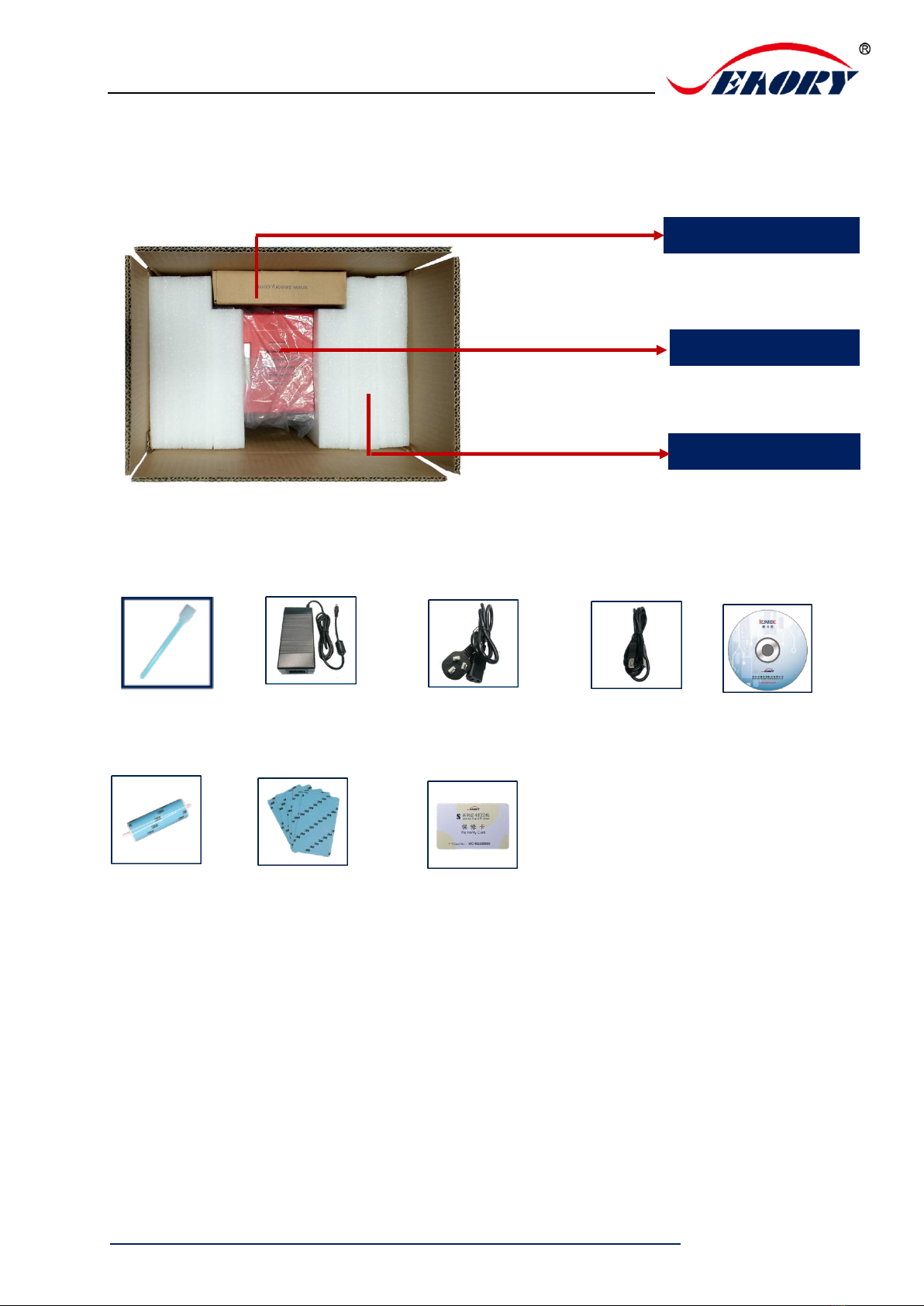
4.1 Open-case inspection .....................................7
4.2 Accessories list ...................................................7
5. Installation and usage....................................................8
5.1 Install cleaning roller ........................................8
5.2 Wiring installation .............................................9
6. Driver installation ......................................................... 11
6.1 Operation system........................................... 11
6.2 Notice before installation ............................ 11
6.3 Driver installation steps (USB
communication interface) ......................................... 12
7. Driver setting ................................................................. 15
7.1 Printing preferences ...................................... 15
7.2 Print mode setting ......................................... 16
7.3 Printing orientation setting......................... 16
7.4 Printing effect setting.................................... 17
7.5 Feeding card mode setting......................... 17
7.6 Eject card setting............................................ 18
7.7 Advanced card in and card out options
setting19
7.8 Print area setting.............................................20
7.9 Magnetic encoding setting .........................22
7.10 Heating energy setting .................................23
7.11 Tool setting.......................................................24
7.12 Position calibrate ............................................25
7.13 Cleaning tool....................................................26
7.14 Magnetic stripe tool.......................................27
8. Print test...........................................................................28
8.1 Driver test page...............................................28
8.2 Seaory iCARDE card design software ......30
9. Cleaning and maintenance .......................................30
9.1 Replace cleaning roller..................................30
9.2 Cleaning card moving path.........................30
9.3 Cleaning print head .......................................32
10. Replace print head ..................................................34
11. Common fault codes and Solutions ..................38
12. FAQ...............................................................................39
12.1 When card print no action...........................39
12.2 When print out the blank card...................39
12.3 When partial or error printing....................39
12.4 When the printed card has a defect.........39
12.5 When the printed card appears white line
39
12.6 When the printed card appears white
vertical or color lines ...................................................40
12.7 When the printed card appears blurry
image 40