RTS ADAM 2 Manual de usuario

ADAM 2
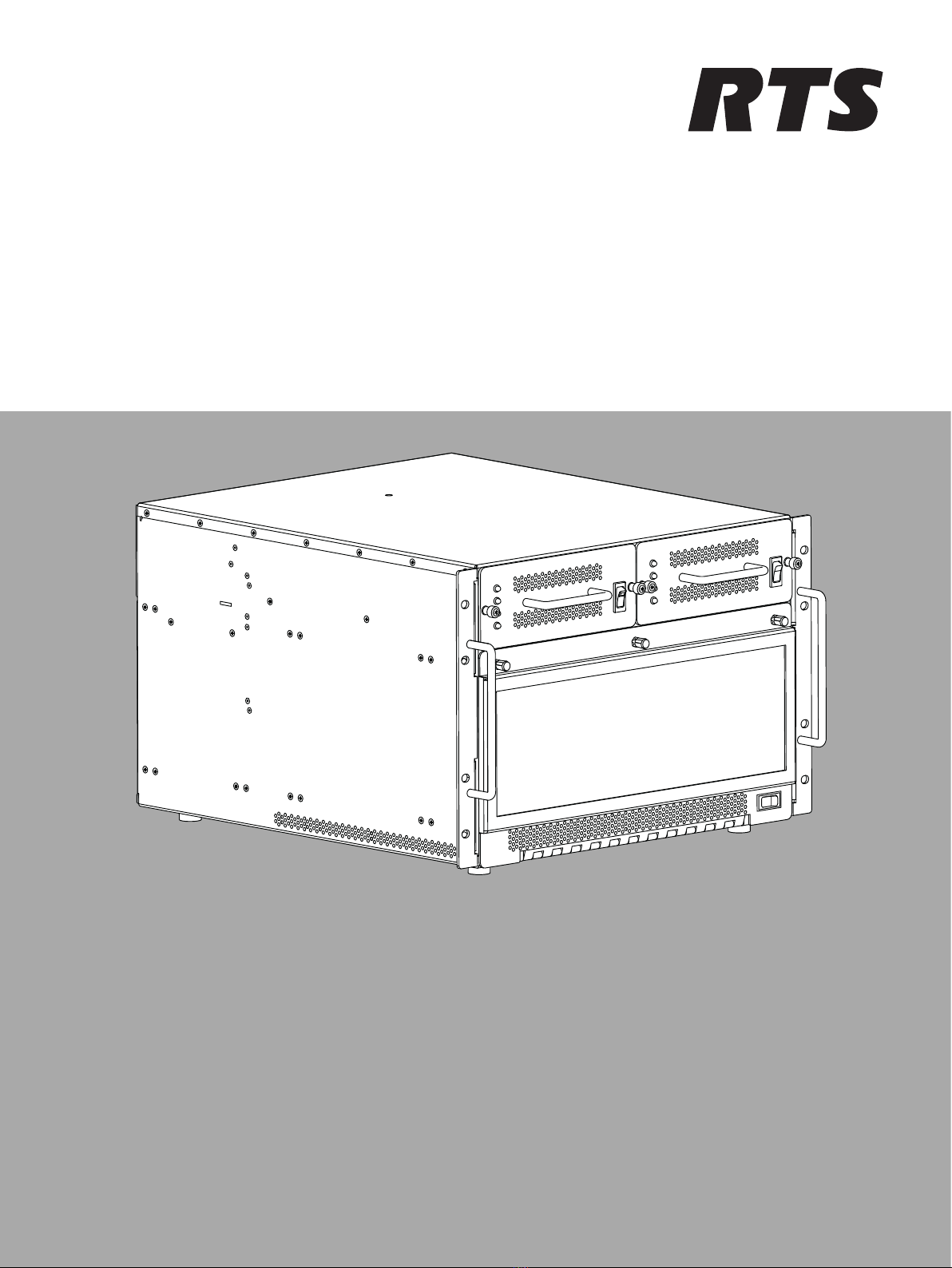
ADAM 2 FRAME 110‑220 V, ADAM 2 FRAME 110‑220 V installed,
ADAM 2 FRAME WITHOUT POWER SUPPLIES
en Technical Manual


ADAM 2 Table of contents | en 3
Bosch Security Systems, LLC Technical Manual 2020-11 | 01 | F.01U.388.223
Table of contents
1Safety 4
1.1 Copyright and Disclaimer 4
1.2 Notices 4
1.3 Important safety instructions 6
2Introduction 7
3Mounting the central matrix components 8
4ADAM 2 Reference Drawing 9
5ADAM 2 circuit cards 11
5.1 Front card access 11
5.2 Card installation and removal 11
5.3 Unused back card slots 14
5.4 Master controller card DIP switches 14
6Power supply sled removal and installation 15
7AC power connection 16
7.1 AC fuse replacement 16
8ADAM frame power-up 17
9Circuit card reset and fail indication 18
10 Alarm operation 19
11 Frame mapping (multi-frame systems only) 20
12 Intercom port connections 21
12.1 Port allocation table 21
13 KP Series keypanels 24
14 Program source notes 25
15 TIF installation notes 26
16 Device connections 27
16.1 Common cable assemblies 27
17 Configuration computer connection and check 32
18 PAP-5032 program assign panel 33
18.1 Viewing the program source for an IFB 33
18.2 Viewing IFB program source feeds 33
18.3 Key assignment from the front panel 34
19 UIO-256/GPIO-16 35
19.1 Connecting a single UIO-256/GPIO-16 36
19.2 Connecting Additional UIO-256/GPIO-16 37
19.3 Programming the UIO-256/GPIO-16 37
20 DSI-2008 38
20.1 4-wire audio connections 38
20.2 Audio connections for other 4-wire communications systems 38
20.3 4-wire call signal connections 39
20.4 Call signal connections for other 4-wire communications systems 39
21 SSA-324 40
21.1 Installation 40
21.2 Operation 42
22 Power Supply 44
22.1 Voltage Adjustment 44
22.2 Fuse Replacement 46
23 Technical data 48

4en | Safety ADAM 2
2020-11 | 01 | F.01U.388.223 Technical Manual Bosch Security Systems, LLC
1 Safety
1.1 Copyright and Disclaimer
All rights reserved. The product information and design disclosed herein were originated by
and are the property of Bosch Security Systems, LLC. Bosch reserves all patent, proprietary
design, manufacturing, reproduction, use and sales rights thereto, and to any article disclosed
therein, except to the extent rights are expressly granted to others.
No part of this document may be reproduced or transmitted in any form by any means,
electronic, mechanical, photocopying, recording, or otherwise, without the prior written
permission of the publisher. For information on getting permission for reprints and excerpts,
contact Bosch Security Systems, LLC.
All other trademarks are property of their respective owners.
The content and illustrations are subject to change without prior notice.
1.2 Notices
The lightning flash and
arrowhead within the triangle
is a warning sign alerting you
of dangerous voltage inside
the product.
Caution: To reduce the risk of
electric shock, do not remove
cover. No user-serviceable
parts inside. Refer servicing
to qualified service personnel
The exclamation point within
the triangle is a warning sign
alerting you of important
instructions accompanying
the product.
See marking on bottom/back of product.
!
Warning!
Apparatus shall not be exposed to dripping or splashing and no objects filled with liquids,
such as vases, shall be placed on the apparatus.
!
Warning!
The main power plug must remain readily operable.
!
Caution!
To reduce the risk of electric shock, grounding of the center pin of this plug must be
maintained.

ADAM 2 Safety | en 5
Bosch Security Systems, LLC Technical Manual 2020-11 | 01 | F.01U.388.223
!
Warning!
To reduce the risk of fire or electric shock, do not expose this apparatus to rain or moisture.
This product is AC only.
CE Compliant and UL Certified
!
Warning!
This is a CLASS A product. In a domestic environment, this product may cause radio
interference, in which case the user may be required to take adequate measures.
i
Notice!
Equipment is intended for installation in Restricted Access Area.

6en | Safety ADAM 2
2020-11 | 01 | F.01U.388.223 Technical Manual Bosch Security Systems, LLC
1.3 Important safety instructions
1. Read these instructions.
2. Keep these instructions.
3. Heed all warnings.
4. Follow all instructions.
5. Do not use this apparatus near water.
6. Clean only with a dry cloth.
7. Do not block any ventilation openings. Install in accordance with the manufacturer's
instructions.
8. Do not install near any heat sources such as radiators, heat registers, stoves, or other
apparatus (including amplifiers) that produce heat.
9. Do not defeat the safety purpose of the polarized or grounding-type plug. A polarized plug
has two blades with one wider than the other. A grounding type plug has two blades and
a third grounding prong. The wide blade or the third prong is provided for your safety. If
the provided plug does not fit into your outlet, consult an electrician for replacement of
the obsolete outlet.
10. Protect the power cord from being walked on or pinched particularly at plugs,
convenience receptacles, and the point where they exit from the apparatus.
11. Only use attachments/accessories specified by the manufacturer.
12. Use only with the cart, stand, tripod, bracket, or table specified by the manufacturer, or
with the apparatus. When a cart is used, use caution when moving the cart/apparatus
combination to avoid injury from tip-over.
13. Unplug the apparatus during lightning storms or when unused for long periods of time.
14. Refer all servicing to qualified service personnel. Servicing is required when the
apparatus has been damaged in any way, such as power-supply cord or plug is damaged,
liquid has been spilled or objects have fallen into the apparatus, the apparatus has been
exposed to rain or moisture, does not operate normally, or has been dropped.

ADAM 2 Introduction | en 7
Bosch Security Systems, LLC Technical Manual 2020-11 | 01 | F.01U.388.223
2 Introduction
The RTS family of Digital Intercom Matrices is the most extensive, widely used, scalable and
backwards compatible line of intercoms in the world today. The high-end ADAM 2 Matrix
supports 8 to 880 users per system; 512 ports possible in just a seven RU (Rack Units) frame.
Utilizing a patented TDM (Time Division Multiplex) technique, the ADAM 2 grows linearly as
users are added. The system comes standard with redundant universal power supplies
(100-240 VAC), and supports redundant controllers, allowing for automatic change-over in the
event of failure.
ADAM 2 is available with a wide variety of Interface cards in the industry, including the
MADI-16, OMI, AIO-16A, and RVON + interfaces. It also has the wide variety of cabling options,
including RJ11, RJ45, DB9, jack fields, and many others.
With its second generation controller card, Ethernet connectivity is achieved between the
ADAM 2 Intercom and AZedit. ADAM 2 can support 32 simultaneous AZedit sessions.
Features
– Supports all standards including VoIP, OMNEO, DANTE, Analog, SMPTE 2110, MADI, and
more depending on cards populated in the frame.
– The new ADAM 2 is designed with quieter fans, universal power supplies that operate in
all countries and is compatible with ALL current and legacy RTS keypanels and
accessories. It comes standard with multi-level IFB, ISO, Party-Lines, Groups, and GPIs. It
supports from 8 to 880 users.
– Supports real-time monitoring online and offline configuration and RTS UPL (User
Programmable Language) for custom system configurations via pull-down menus.
– In addition to digital and VoIP cards, the analog dual-purpose ports support both
keypanel and 4-wire audio.
– Integrated support for RTS Intelligent Trunking of 255 matrices (ADAM, ADAM-CS, ADAM-
M, ADAM 2, Cronus, Zeus III, and ODIN).
Unpacking the components
– Unpack the contents of the shipping crates and carefully inspect for damage.
– Notify the freight carrier immediately if any damage is noted.
– Check off all items as noted in the packing lists.
!
Caution!
Use caution when lifting the system components.
A fully loaded ADAM 2 card frame weighs approximately 75 lbs (34 kg).

8en | Mounting the central matrix components ADAM 2
2020-11 | 01 | F.01U.388.223 Technical Manual Bosch Security Systems, LLC
3 Mounting the central matrix components
Bolt the frame into the front of the equipment rack. Make sure the ventilation holes on the
front and back are unobstructed. The rack space behind the frame should be completely clear
to allow for connections and card installation and removal (at least two feet).
i
Notice!
There is an LED fail indicator and reset switch located near the top-front of each front card.
The LED indicators are only visible when the center of the card frame is at or above eye level.
Considerations
– Mount station breakout panels and translation panels in the back of the equipment rack
to allow intercom station cabling to exit the frame at the top and bottom of the unit, as
required.
– Mount optional UIO-256/GPIO-16 frames in the front of an equipment rack. Position a
UIO-256/GPIO-16 to give visibility of the front panel LEDS, which provide visual indication
for any active inputs and outputs.
– Mount PAPs (program assign panels) in the front of an equipment rack. To allow for
viewing of the front panel indicators and easy activation of the front panel controls,
position the PAP slightly below eye level when sitting or standing.

ADAM 2 ADAM 2 Reference Drawing | en 9
Bosch Security Systems, LLC Technical Manual 2020-11 | 01 | F.01U.388.223
4 ADAM 2 Reference Drawing
11
223 3
4
5
6
7
8
8
9
9 10
10

10 en | ADAM 2 Reference Drawing ADAM 2
2020-11 | 01 | F.01U.388.223 Technical Manual Bosch Security Systems, LLC
1. Power supply rail LED indicators
2. Power supply sled
3. Power supply sled power switch
4. Thumb screw (x 3)
5. Chassis Handle (x 2)
6. Alarm Override switch
7. Card slots
8. AC power connector
9. AC Fuse
10. ADAM 2 power switch
Tabla de contenidos
Otros manuales de Fuente de alimentación de RTS


