
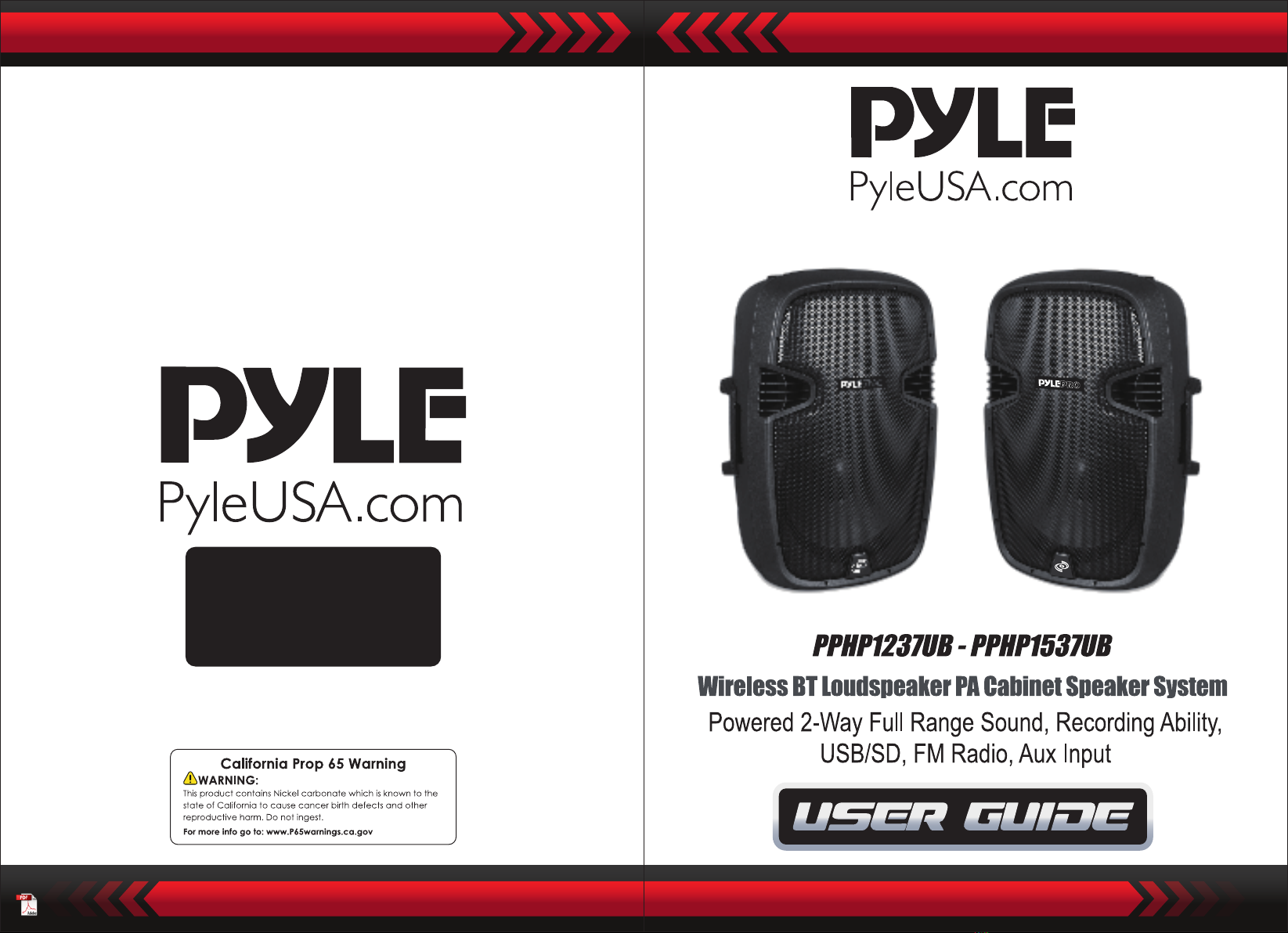
Pule PPHP1237UB Manual de usuario

1. LCD screen
2. MP3 control
MODE: USB/SD/BT/FM converter
: Previous Song
Press and hold to decrease volume
: Next Song
Press and hold to increase volume
: Repeat one/Repeat all/Random
REC: Short press in BT mode to enter
the recording function
: Play/Pause
FOL: When playing USB/SD songs,
press and hold to enter folder mode
3. USB input
4. IR: remote control receiver
5. SD card input
www.PyleUSA.com2www.PyleUSA.com 3
6. Microphone input level control
7. Line input level control
8. Bass control
9. MID frequency control
10. Treble control
11. Volume control
12. Power LED indicator
13. LED clip indicator
14. XLR microphone input
15. 6.35mm microphone input
16. XLR line input
17. 6.35mm line input
18. RCA line input (R + L)
19. XLR line out
20. 110V/220V Switch
21. Main Power switch
22. IEC power socket
AC: 110-22 0V 50/6 0Hz
USB
SD ca rd
MP 3 C ON TRO L DI G ITA L DI SPL AY
IR VO L
-
VOL
+
FOL
REC
PO WE R
USB
SD ca rd
MP 3 C ON TRO L DI G ITA L DI SPL AY
IR VO L
-
VOL
+
FOL
REC
AC: 110-22 0V 50/6 0Hz
PO WE R
PPHP1237UB PPHP1537UB
Control Panel Layout Wireless BT Streaming
• Instantly Stream Music from Your BT Devices
• Works with All Your Favorite BT Devices
(iPhone, Android, Smartphone, iPad, Tablet, PC, etc.)
• Wireless BT Version: 5.0
• Wireless BT Range: 100'+ Feet
• Wireless BT Network Name: 'Pyle'
Wireless BT Connection
1. Press 'MODE' to enable Wireless BT and connection to your device.
2. Once 'BT' appears on the LCD screen it wil read 'connected' or 'unconnected,
indicating if your device has been paired successfully.
3. To pair with your device, the PA speaker wll appear as 'Pyle' in the available
Wireless BT Network Devices list.
4. The LCD screen wll read 'connected' and a BT connection has been
established.
Feedback Prevention
Acoustic feedback occurs when sound from the PA loudspeaker finds it sway
back into the performer's microphone when the system is in use.
This unwanted audio signal can cause interference, noise, distortion or plainly
cause a non-desired and non-expected sound. Pyle PA speakers are designed
with more relatively flat response rates to aid in minimizing any type of
unwanted feedback.
Factors involved with the elimination of feedback include proper system
placement: placing the system well in front of any performer and/or micro-
phone. Audio signal setting end configuration, along with EQ controls, can
help fine-tune the overall sound output which can be specific to environment
and type of audio generated by the loudspeakers.
The shape of the performance area (including performance area, elevation,
volume, etc.), the type of instrument being played, and vocals can all have
their relative own relative frequencies and unique sound prints which can be
uniquely affected and picked up by any microphone.

www.PyleUSA.com4www.PyleUSA.com 5
PPHP1237UB: 1200 Watt Wireless BT Loudspeaker PA Cabinet Speaker
Features:
• Loudspeaker PA System
• Rugged, Durable & Reliable Sound
• Wireless BT Music Streaming Ability
• Speaker System: 12'' Woofer, 1.34'' Tweeter
• Compression Driver with Titanium Diaphragm
• 2-Way Full Range Audio Projection
• Built-in Analogue Audio Amplifier
• 1/4’’ Jack, XLR Microphone Input
• 1/4’’ Jack, XLR, RCA Input
• XLR Line Out
• Connect & Stream Audio from External Devices
• USB Flash Drive & SD Memory Card Readers
• Digital LCD Display
• Rear Panel Rotary Dial & Button Control Center
• Master Volume, Mid, Treble, Bass Adjustable, Line Volume Mic Volume
• Integrated Carry Handles
• Heat sink with fan for cooling
• 35mm Speaker Stand Mount Compatible
• Heavy Duty Engineered ABS Housing
MP3 Audio Recording Ability:
• Short Press in BT Mode to Enter the recording function
• Record Audio as Streamed through the Speaker System
• Ability to Record Vocals via BT and FM
• Records to USB Flash & SD Memory Card
• Audio File Type Created: .WAV
• Easy Transfer to PC & Mac
Subwoofer:
• Size: 12'' -inch
• Material: Stamped Steel Basket
• Impendence: 4Ohm
• Magnet: 50 oz.
• Voice Coil: 60mm, 2.5''
• Sensitivity: 97dB
• Frequency Response: 45Hz - 4kHz
Tweeter:
• Size: 1.34'' -inch
• Material: Titanium
• Impendence: 8 Ohm
• Sensitivity: 110dB
• Voice Coil: Kapton
• Frequency Response: 600Hz-20kHz
Technical Specs:
• Max Power Output:1200 Watt
• Amplifier Class: AB
• Impendence: 4 Ohm
• Digital Audio File Compatibility: MP3, WMA
• Maximum SD/USB Flash Memory Support: 32GB
• XLR and 1/4" TS/Unbalanced with 3.5 TRS Stereo jack with RCA
• T.H.D.: <1%
• S/N Ratio: 74dB
• Power Supply: 110/220V, Selectable
• Dimensions (L x W x H): 13.5'' x 12.2'' x 22.6'' -inches

www.PyleUSA.com6www.PyleUSA.com 7
PPHP1537UB: 1500 Watt Wireless BT Loudspeaker PA Cabinet Speaker
Features:
• Loudspeaker PA System
• Rugged, Durable & Reliable Sound
• Wireless BT Music Streaming Ability
• Speaker System: 15'' Woofer, 1.75'' Tweeter
• Compression Driver with Titanium Diaphragm
• 2-Way Full Range Audio Projection
• Built-in Analogue Audio Amplifier
• 1/4’’ Jack, XLR Microphone Input
• 1/4’’ Jack, XLR, RCA Input
• XLR Line Out
• Connect & Stream Audio from External Devices
• USB Flash Drive & SD Memory Card Readers
• Digital LCD Display
• Rear Panel Rotary Dial & Button Control Center
• Master Volume, Mid, Treble, Bass Adjustable, Line Volume Mic Volume.
• Heat sink with fan for cooling
• Integrated Carry Handles
• 35mm Speaker Stand Mount Compatible
• Heavy Duty Engineered ABS Housing
MP3 Audio Recording Ability:
• Short Press in BT Mode to Enter the recording function
• Record Audio as Streamed through the Speaker System
• Ability to Record Vocals via BT and FM
• Records to USB Flash & SD Memory Card
• Audio File Type Created: .WAV
• Easy Transfer to PC & Mac
Subwoofer:
• Size: 15'' -inch
• Material: Stamped Steel Basket
• Impedance: 4 Ohm
• Magnet: 50 oz.,
• Voice Coil: 60mm, 2.5''
• Sensitivity: 98dB
• Frequency Response: 40Hz - 3.5kHz
Tweeter:
• Size: 1.75'' -inch
• Material: Titanium
• Impendence: 8 Ohm
• Sensitivity: 110dB
• Voice Coil: Kapton 44.4mm
• Frequency Response: 600Hz-20kHz
Technical Specs:
• Max Power Output:1500 Watt
• Amplifier Class: AB
• Impendence: 4 Ohm
• Digital Audio File Compatibility: MP3, WMA
• Maximum SD/USB Flash Memory Support: 32GB
• XLR and 1/4" TS/Unbalanced with 3.5 TRS Stereo jack with RCA
• T.H.D.: <1%
• S/N Ratio: 74dB
• Power Supply: 110/220V, Selectable
• Dimensions (L x W x H): 15.7'' x 14.5'' x 26.7'' -inches
Este manual sirve para los siguientes modelos
1


