
Proline EC5FRESH Manual de usuario

PROLINE
REFRIGERATEUR
BRF40
PROLINE
VENTILATEUR
EC5FRESH
MANUEL D'UTILISATION
Besoin d'aide ? Rendez-vous sur https://sav.darty.com

EC5FRESH
Air Cooler
Rafraîchisseur d’air
Luchtkoeler
Refrigerador de aire
Refrigerador de ar

MPORTANT SAFETY INSTRUCTIONS
PLEASE READ THE FOLLOWING SAFETY WARNINGS AND THE INSTRUCTIONS CAREFULLY
BEFORE USING THE APPLIANCE AND KEEP FOR FUTURE REFERENCE.
Warnings
• This appliance is intended for domestic household use only and should not be used for any
other purpose or in any other application, such as for non-domestic use or in a commercial
environment.
• If the supply cord is damaged, it must be replaced by the manufacturer, its service agent
• This appliance can be used by children aged from 8 years and above and persons with
reduced physical, sensory or mental capabilities or lack of experience and knowledge if
they have been given supervision or instruction concerning use of the appliance in a safe
Children shall not play with the appliance.
Cleaning and user maintenance shall not be made by children without supervision.
•
• Clean the water tank every three days.
• Be aware that high humidity levels may encourage the growth of biological organisms in
the environment.
•et. If dampness
output volume cannot be
orbent materials, such as
carpeting, curtains, drapes, or tablecloths, to become damp.
• Never leave water in the reservoir when the appliance is not in use.
•er before next use.
• Warning : Micro-organisms that may be present in the water or in the environment where
the appliance is used or stored, can grow in the water reservoir and be blown in the air
causing very serious health risks when the water is not renewed and the tank is not
cleaned properly every 3 days.
1

•
has formed on the sides of the tank or on interior surfaces, and wipe all surfaces dry.
•
“OPERATION, CLEANING, MAINTENANCE AND DESCALING” on pages of the manual.
• The battery must be removed from the appliance before it
is scrapped.
• The appliance must be disconnected from the supply mains when removing the battery.
• The battery is to be disposed of safely.
•
• Batteries of the same or equivalent type as recommended are to be used.
• Batteries are to be inserted with the correct polarity.
• Exhausted batteries are to be removed from the product.
• The supply terminals are not to be short-circuited.
• Attention should be drawn to the environmental aspects of battery disposal. Don’t throw
used batteries in dustbin. Please contact your retailer in order to protect the environment.
• The batteries (batteries installed) shall not be exposed to excessive heat such as sunshine,
• If battery leakage occurs, avoid contact with skin. Isolate the leaking battery in a sealed
plastic bag and put it in the scrap following the instructions environmental protection. If
contact with the skin, mucous membranes or eyes, rinse thoroughly with water and
contact your doctor or ophthalmologist.
• Do not recharge non-rechargeable batteries because of the risk of explosion.
Safety Information
•
water tank, and before cleaning.
• Do not pull the power cord to unplug the appliance from the mains socket. Always grasp
the plug to pull out.
• Do not use outdoors.
• Do not leave the appliance unattended while in operation.
• Do not cover the air inlet or outlet on the appliance. Do not place items on the appliance.
2
12

•Do not have the air inlet and outlet of the unit close to walls, curtains and other objects, or
•Do not insert or allow objects to enter any ventilation or exhaust opening.
•Do not operate the appliance with wet hands.
•Do not put any combustible item over the appliance while in operation.
•
• Never locate or use the appliance where it may fall into a bathtub or other water
container.
•
objects are stored.
•
well, the appliance will not work. When the appliance is working, do not remove the
•Always unplug the appliance from the mains socket when moving from one location to
another.
•When the appliance is running, do not knock at or shake it heavily, which may lead to
automatic shutdown. When this case occurs, restart the appliance.
•Do not place the appliance directly below the power outlet.
•Do not use the appliance under direct sunshine.
•
PRODUCT OVERVIEW
Control panel
Horizontal
louvers (inside)
Power on/standby
Buttons
Indicator lights
Power on/o
Vertical louvers
Water level indicator
Swing
Speed
Mode
Timer
Cool function
Swing
High
Medium
Low
Sleep
Natural
1h, 2h, 4h
Cool function
3

OPERATION
The appliance features the functions oan, cooling and humidication.
Add Water
If you want to use the humdication and cooling functions, you need to ll the tank with
sucient water.
Make sure to position the appliance on a rm level surface.
Add Frozen Ice Boxes in Water
Help cool water faster
No Water
Use as a fan
Add Water
Use as a cooling fan + humidier
Handle
Filter
Honeycomb
cooling pad
Water tank
Water tank latch
Rotate the latch to keep it
horizontal.
Slide out the water tank and ll the tank with
clean cold water.
Be sure water in the tank is always between the
“max” and “min” water level marks.
4

Add Frozen Ice Boxes in Water
Your air cooler is equipped with 2 ice boxes to enhance cooling performance.
The ice boxes can be frozen repeatedly and recycled.
Slowly push the water tank inside the appliance. Rotate the latch to the veritcal position.
Using the Function Buttons
Plug in the appliance and press to turn on the appliance.
The power indicator light will illuminate.
To turn o the appliance, press again. The power indicator light will go out.
SPEED
To use the ice boxes, follow the steps below :
1
. Put the ice boxes in your freezer and wait for them
to freeze.
2
. Remove frozen ice boxes from the freezer. Put
them in thewater tank.
NOTE : Do not exceed the “max” mark after
putting the frozen ice boxes in the tank.
Repeatedly press to select the desired fan speed.
The corresponding indicator light will illuminate to indicate the selected speed.
Low Medium High
5

MODE
Repeatedly press to select the desired mode.
The corresponding indicator light will illuminate to indicate the selected mode.
No
indicator light Normal Mode: The appliance will operate at the selected speed.
Sleep Mode: The appliance will decrease the fan speed step by step
and go on circularly.
Natural Mode: The appliance will stimuate the wind in the natural
environment. It will operate among dierent fan speeds and go on
circularly.
SWING
Press to activate the swing function.
The corresponding indicator light will illuminate and the vertical louvers will begin to move from
side to side automatically.
When you have the desired horizontal wind direction, press again, the vertical louvers will be
stopped at your selected position.
You can manually adjust the horizontal louvers to change vertical airow.
To deactivate this function, press again. The corresponding indicator light will go out.
Adjust the lever
to change the
vertical airow.
6
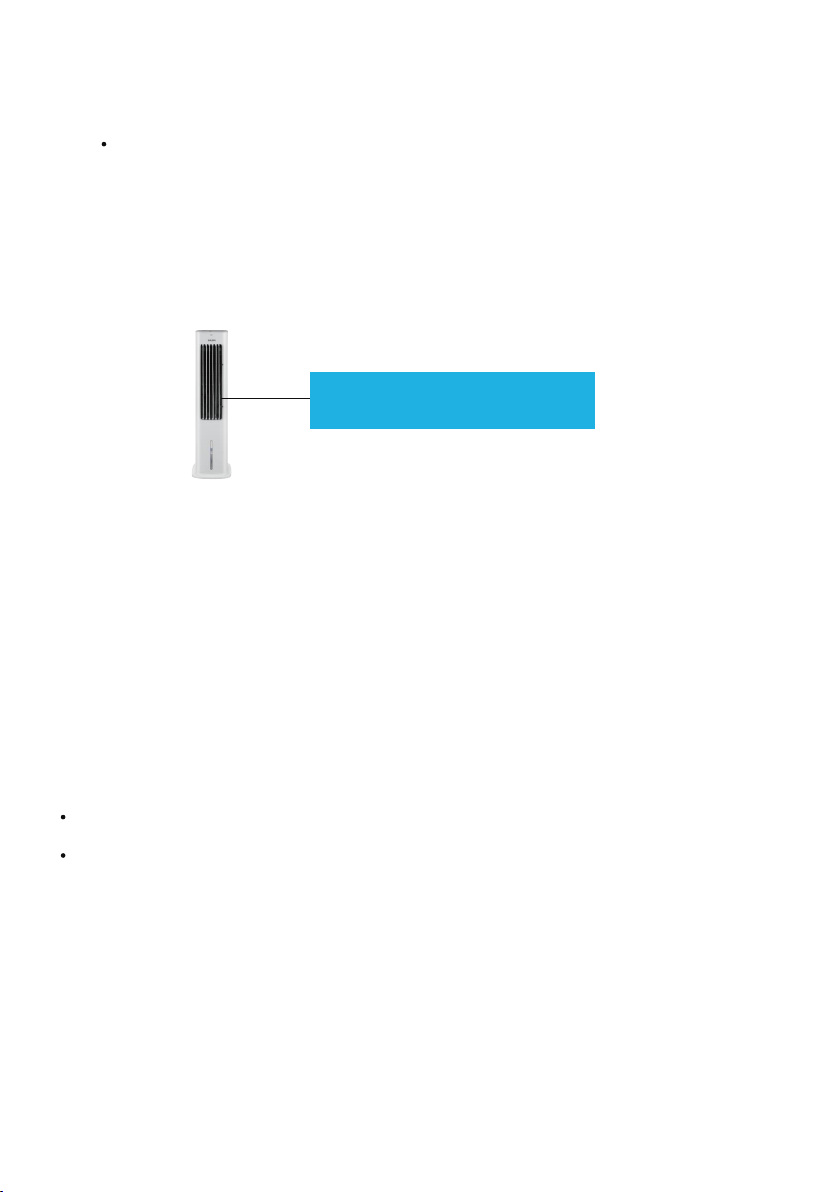
COOL FUNCTION
Press to activate this function.
The corresponding indicator light will illuminate.
To deactivate this function, press again. The corresponding indicator light will go out.
NOTE :
Check water level in the water tank before running the COOL function.
Make sure that water in the tank is always above the “min” water level mark.
WATER SHORTAGE ALARM
If there is insucient water in the tank, the appliance will beep a few times and the cool indicator light will
ash.
To rell the water tank :
1. Unplug the appliance.
2. Wait for 2 minutes before removing the water tank to allow any excess water in the honeycomb
cooling
pad to drip intothe tank.
3. Fill the water tank with clean cold water up to the “max” water level mark.
4. Replace the water tank in the appliance.
The front visual water marks will
remind you when to add water.
7
NOTE :
Do not use the cool function with stale water in the tank. Emptythe tank and rell it with fresh water if
the water has been left in the tank for an extended period of time.
It is recommended to rell the tank with fresh water at least once every two days.

ON / OFF TIMER
You can use this function if you want the appliance to turn on or o automatically.
O timer:
In running status, repeatedly press until the corresponding indicator light(s) illuminate(s). The
timer allows you to program the appliance for up to 7 hours of use.
Once the set time has elapsed, the appliance will automatically turn o.
On timer:
In o status, repeatedly press until the corresponding indicator light(s) illuminate(s). The
timer allows you to program the appliance for up to 7 hours.
You can set the desired mode, speed, swing and cool functions.
Once the set time has elapsed, the appliance will automatically operate at your settings.
Using the Remote Control
Inserting or changing the batteries
Battery handling and usage :
Only adults should handle the batteries. Do not allows a child a to use this remote control unless the
battery cover is securely attached to the remote control.
The battery type used in this remote is two AAA size batteries (not included). These batteries are located in
the remote control and are readily accessible.
Battery removal : Follow the above steps to open the battery cover and then remove
the batteries.
Open the battery cover.
Insert two AAA batteries (not included), observing
the polarities in the battery compartment.
Close the battery cover. You will hear a click.
8
Tabla de contenidos
Idiomas:
Otros manuales de Acondicionador de aire de Proline


