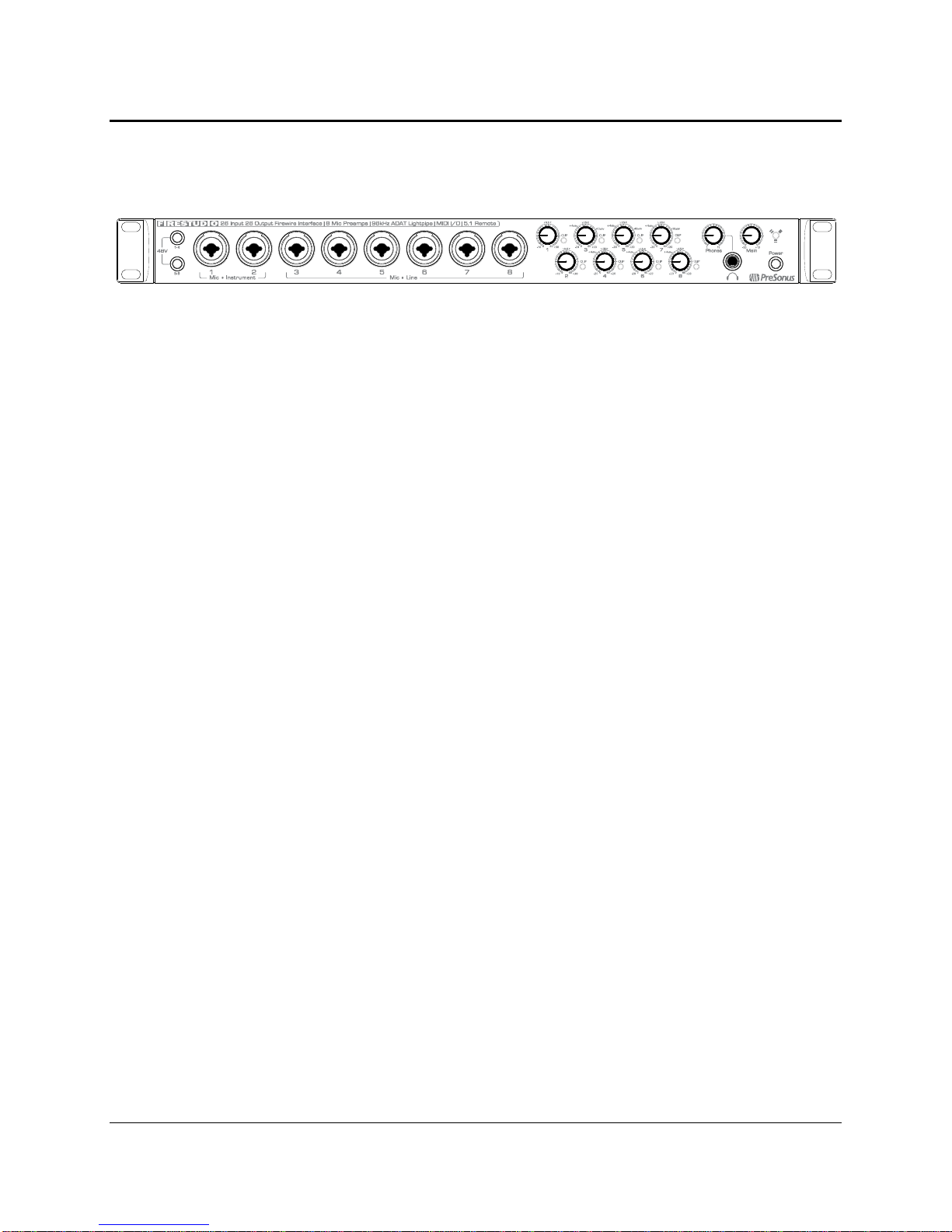
TABLE OF CONTENTS
1 OVERVIEW
1.1 Introduction ............................................................................................................................................................. 3
1.2 Features .................................................................................................................................................................. 4
1.3 What is in the Box ................................................................................................................................................... 5
1.4 System Requirements ............................................................................................................................................... 6
2 GETTING STARTED
2.1 Hardware Installation .............................................................................................................................................. 7
2.1.1 Installation in Microsoft Windows .................................................................................................................... 7
2.1.2 Installation in Mac OS X .................................................................................................................................. 7
2.2 Studio One Artist..................................................................................................................................................... 8
2.2.1 Installation and Authorization............................................................................................................................8
2.2.2 Enabling the FireStudio Driver...........................................................................................................................9
2.2.3 Configuring Your External MIDI Devices..........................................................................................................10
2.2.4 Configuring Your Audio I/O..............................................................................................................................13
2.2.5 Creating a New Song.......................................................................................................................................14
2.2.6 Cue Mix and the FireStudio .............................................................................................................................17
2.2 Sample Hookup Diagrams ...................................................................................................................................... 20
2.2.1 Mobile Recording with the FireStudio and Two DigiMax FS..............................................................................20
2.2.2 Full Band Set-up Using the MSR in Track Mode...............................................................................................21
3 CONTROLS AND CONNECTIONS
3.1 Universal Control and the FireStudio ...................................................................................................................... 22
3.1.1 Universal Control Console Application Icon .................................................................................................... 22
3.1.2 Launch Window...............................................................................................................................................23
3.1.3 WDM Settings (PC only).................................................................................................................................25
3.1.4 The Device Window: Overview..........................................................................................................................26
3.1.5 The Device Window: Hardware Settings Tab.....................................................................................................26
3.1.6 The Device Window: Outputs/Router Matrix .....................................................................................................27
3.1.7 The Device Window: Mixer Tab .......................................................................................................................32
3.1.8 The Device Window: Naming Inputs and Outputs...............................................................................................35
3.2 Front Panel Layout ................................................................................................................................................ 36
3.3 Back Panel Layout ................................................................................................................................................. 38
4 CASCADING UNITS
4.1 Using Multiple Units .............................................................................................................................................. 42
5 TECHNICAL INFORMATION
5.1 Troubleshooting ..................................................................................................................................................... 44
5.2 Specifications ........................................................................................................................................................ 46