
Power Sound Audio T-18 Manual de usuario

USER’S MANUAL
T-18

AVIS:
CAUTION:
FOR CONTINUED PROTECTION AGAINST RISK OF FIRE,
REPLACE ONLY WITH SAME TYPE FUSE AND RATING.
The lightning fl ash with arrowhead symbol is intended
to alert the user to the presence of uninsulated “danger-
ous voltage” within the product’s enclosure that may
be of suffi cient magnitude to constitute a risk of electric
shock to persons.
The exclamation point symbol is intended to alert the
user to the presence of important operating and mainte-
nance (servicing) instructions in the literature accompa-
nying the subwoofer
IMPORTANT SAFETY INSTRUCTIONS
1. Read Instructions - All safety and operating instructions should be read before the
subwoofer is operated.
2. Retain Instructions - The safety and operating instructions should be retained for
future reference.
3. Heed Warnings - Adhere to all warnings on the subwoofer and in the operating instruc-
tions.
4. Follow Instructions - All operating and use instructions should be followed.
5. Water and Moisture - The subwoofer should not be used near water. Examples: near a
bathtub, kitchen sink, in a wet basement, near a swimming pool or similar areas.
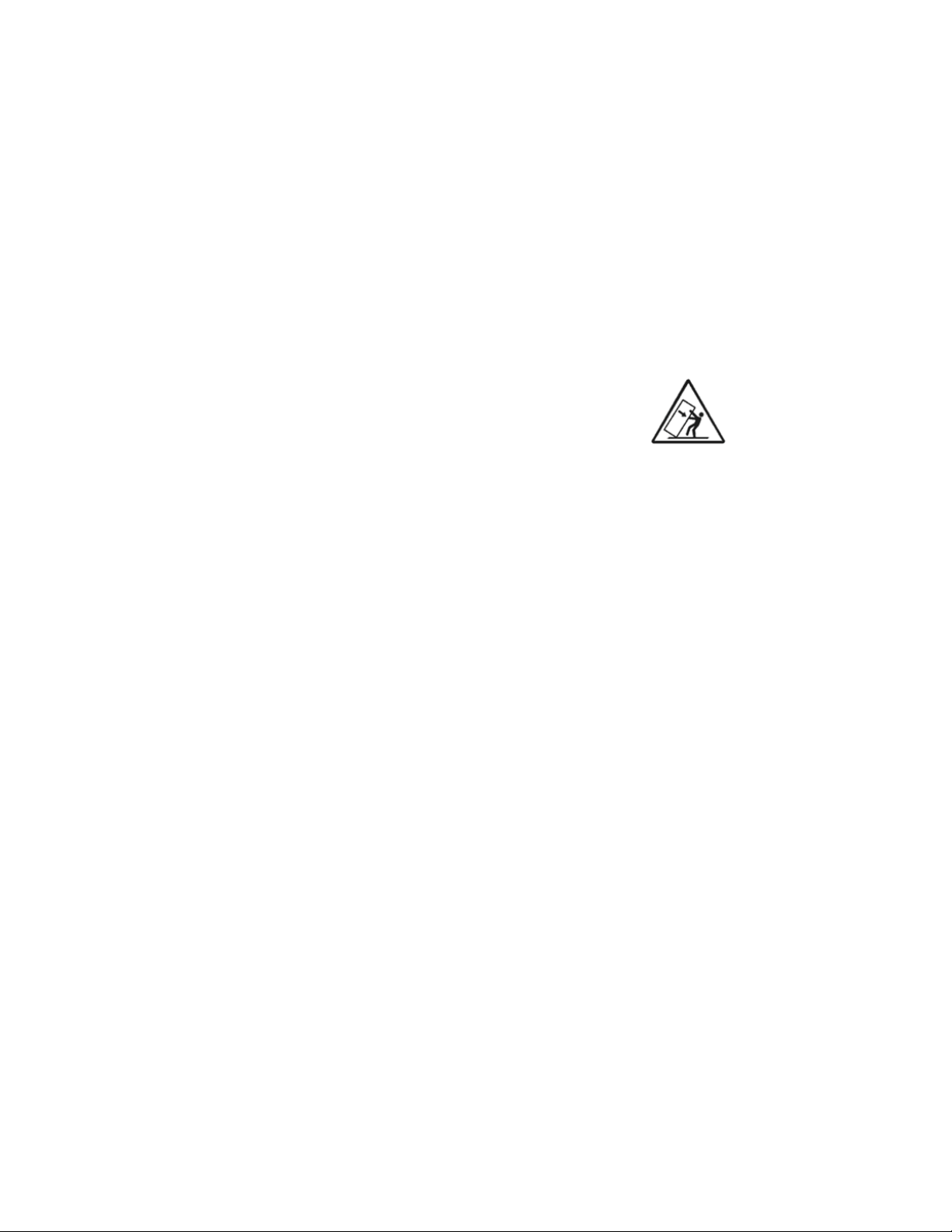
6. Carts and Stands - The subwoofer should only be used with a cart or
stand recommended by the manufacturer. When a cart is used, use
caution when moving the cart/subwoofer combination to avoid injury
from tip-over.
7. Ventilation - The subwoofer should be situated so that its location or position does not
interfere with its proper ventilation. Do not place the subwoofer in a cabinet or book-
case that may impede the fl ow or air through ventilation openings.
8. Heat - The subwoofer should be situated away from heat sources such as radiators,
heaters, heat registers, stoves, or any other device that produces heat.
9. Power Sources - The subwoofer should be connected to a power supply only of the
type described in the operating instructions or as marked on the subwoofer.
10. Power Cord Protection - Power supply cords should be routed so they are not likely
to be walked on or pinched by items placed upon or against them, paying particular
attention to cords at plugs, convenience receptacles, and the point at which they exit
from the subwoofer.
11. Cleaning - The subwoofer should only be cleaned with a dry cloth.
12. Non-Use Periods & Lightning Storms - The power cord of the subwoofer should be
unplugged when left unused for a long period of time or during a lightning storm.
13. Caution - Do not defeat the safety purpose of the polarized or grounding-type plug.
A polarized plug has two blades with one wider than the other. A grounding type plug
has two blades and a third grounding prong. The wide blade or the third prong are
provided for your safety. If the provided plug does not fi t into your outlet, consult an
electrician for replacement of the obsolete outlet.
14. Object and Liquid Entry - Care should be taken so that objects do not fall and liquids
are not spilled onto the subwoofer.
15. Only use attachments/accessories specifi ed by the manufacturer.
16. Damage Requiring Service - The subwofer should be serviced by qualifi ed service
personnell when: the power supply cord or plug has been damaged, objects have
fallen or liquid has been spilled into the subwoofer, the subwoofer has been exposed
to rain, the subwoofer does not appear to operate normally or exhibits a change in
performance.
17. Servicing - The user should not attempt to service the subwoofer beyond what is
described in this manual or manufacturer supplied instructions.

5
Welcome to the Power Sound Audio family.
We are very excited to welcome you to the Power Sound
Audio family. We would like to take this time to congratulate
you on your purchase of a T-18 subwoofer. We are confi dent
that the Power Sound Audio subwoofer will meet and possi-
bly exceed your expectations.
WARNING!
To prevent fire or shock hazard, do not expose this equipment to
rain or moisture. To avoid electrical shock, do not remove the driv-
er or amplifier from the enclosure. Please read all warnings on the
subwoofer’s amplifier. There are no user serviceable parts inside
the subwoofer. Please refer all service questions to techsupport@
powersoundaudio.com.
Table of Contents
Unpacking................................................................6
Placement................................................................7
Installation................................................................9
Warranty.................................................................15
Please read before unpacking your subwoofer.
We suggest unpacking your Power Sound Audio subwoofer on a
carpeted fl oor. This will avoid accidental scratches to a hard sur-
face or to the subwoofer as you remove it from the shipping box.
Your Power Sound Audio subwoofer may be very heavy. Please
fi nd assistance when needed, and be sure to use all proper lifting
methods during the unpacking process (and whenever you move
the subwoofer).

6
Unpacking
Unpacking Process
1. Inspect the shipping box for any damage. If you notice any
damage please contact us at [email protected].
2. Carefully cut the straps that secure the subwoofer to the pallet.
3. Open the top of the shipping box. You will see a box that con-
tains the grills, and two spacers. The manual, RCA-XLR cable
adapter, and power cord are located inside one of the spacers.
4. Remove the grills and spacers.
5. With assistance, lift straight up on the shipping box to reveal
your subwoofer.
6. With assistance, lift your subwoofer out of the shipping box
and place it on a carpeted fl oor or blanket to prevent damage.
7. Remove the plastic bag.
8. Remove and retain the foam packaging, the plastic covering,
and the shipping box.
9. Visually inspect the subwoofer for any damage. If you notice
any damage please contact us at support@powersoundaudio.
com.

7
Placement
Proper placement of your new Power Sound Audio subwoofer is
very important. Bass frequencies are non-directional, meaning
the human ear cannot locate a properly functioning subwoofer
in a typical home theater environment. While there are “rules of
thumb” regarding placement options, every room is a little differ-
ent. Please remember that each time you move the subwoofer to
a different location you should recalibrate the bass levels.
Corner placement tends to work well, particularly if there are no
large openings into the room near the corner. Another popular
placement option is “nearfi eld”. Place the subwoofer as close
as possible to the key seating positions. For example, place the
subwoofer directly behind the sofa. Every room has its own set of
acoustical challenges, so experiment with different placement op-
tions as much as time allows.
One method that often works well (particularly if the key seating
positions are in close proximity to one another) is to place the
subwoofer in your key seating position and then walk around the
room while a variety of bassy music and movies play through the
system. Mark the top 2 or 3 spots where the bass seems to sound
best, then try the subwoofer in those spots.
If you are using more than one subwoofer, placing them as close
as possible (collocate) to one another will give you the maxi-
mum clean output capabilities, but separating them may give you
smoother overall bass response at your seating positions. Again,
experiment as much as time allows and decide which option
sounds best to you.

8
Corner placement away from large opening
Nearfield placement
Multiple subwoofer placement
Option 1 (collocated)
Option 2
T-18
T-18
T-18
T-18
T-18
T-18

9
Installation
Your subwoofer was designed for easy installation in a
typical home theater environment. Please read all the
installation instructions to properly optimize your sub-
woofer.
WARNING - Always be sure the power is OFF to any
audio component before connecting or disconnecting
any wires or cables. This includes your receiver, proces-
sor, and subwoofer.

10
1
3
2
6
8
7
4
5

11
POWER INLET
The powerCon AC connector is a locking three conductor AC connector.
The connector must be locked into place for power to fl ow.DO NOT dis-
connect the powerCon AC CONNECTOR while the POWER SWITCH
is in the ON position.
POWER OUTLET
The powerCon AC connector is a locking three conductor AC connector.
DO NOT USE THIS OUTLET. PLEASE KEEP THE PLASTIC PLUG
INSTALLED.
VOLUME CONTROL
The VOLUME control is used to adjust the output level of the subwoofer.
This control should be set to a similar level as your loudspeakers in
order to achieve a properly blended sound stage. Proper calibration
procedures should be used to adjust the level of your subwoofer.
= minimum gain (no sound)
0 = maximum gain
LOOPING OUTPUT
The LOOPING OUTPUT consists of a three pole male XLR connec-
tor. This output is typically used to connect another subwoofer to the
system.
POWER SWITCH
The POWER SWITCH is a basic on/off rocker switch.
ON = Turns on the subwoofer and leaves it on.
INPUT
The subwoofer INPUT consist of a three pole female XLR connector. If
your equipment does not have an XLR subwoofer output, please use
the included XLR to RCA adapter cable and, if necessary, the RCA
barrel connector. Push on the steel latch lock to remove the XLR cable
from the amp.
MUTE
The MUTE button disables all sound from the subwoofer.
IN = Mute disabled
Out = Mute enabled
PGM SEL
The PGR SEL button allows you to select between two built-in EQ
curves. The two EQ curves were designed to optimize the subwoofer’s
performance in large to very large rooms. YOU MUST TURN THE
POWER OFF BEFORE PRESSING THE PGM SEL BUTTON.
IN = Room size < 5000 cubic feet
OUT = Room size > 5000 cubic feet
AMPLIFIER CONNECTIONS AND CONTROLS
1
8
7
4
6
3
5
2
Tabla de contenidos
Manuales populares de Amplificador de potencia de otras marcas


PULSE+
PULSE+ CPA500 Manual de usuario

Newhank
Newhank D4000 Manual de usuario

Arte Forma Audio
Arte Forma Audio Due Votle Manual de usuario

Texas Instruments
Texas Instruments TPA2006D1 Manual de usuario

Classe Audio
Classe Audio P-203 Manual de usuario

Demeter Amplification
Demeter Amplification VTHF-275 Manual de usuario


