Welcome to the N1 Guide
Welcome to the N1 Guide............................................................................................... 1
Elementary information ................................................................................................... 2
Insert the SIM card........................................................................................................... 3
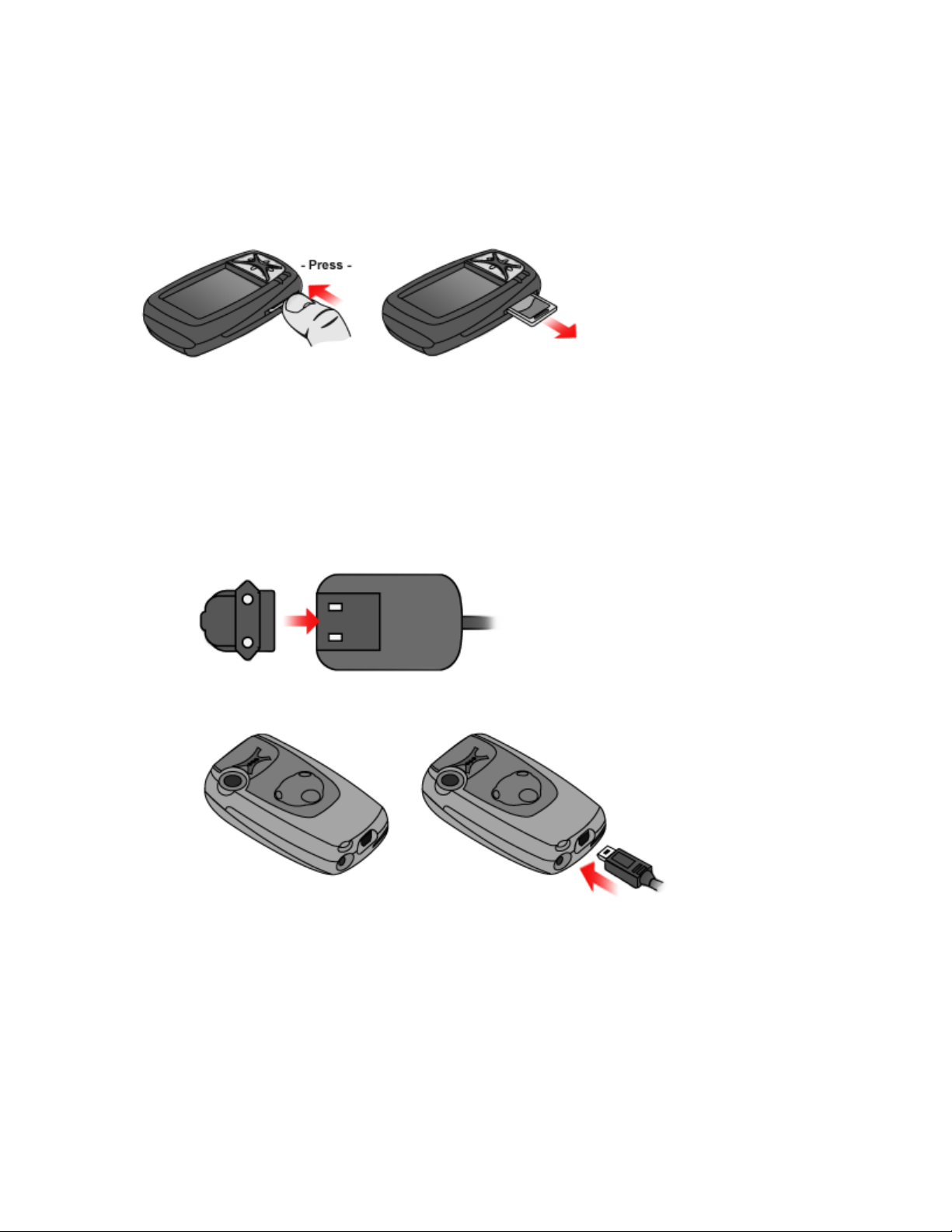
Insert the SD card ............................................................................................................ 4
Charge the battery ........................................................................................................... 5
Turn on your Neonode .................................................................................................... 6
Enter PIN code ............................................................................................................. 6
Keylock........................................................................................................................... 7
Reboot your Neonode ................................................................................................. 7
Navigation Basics............................................................................................................. 8
The Keyboard ................................................................................................................. 11
General Settings............................................................................................................. 12
Connect your Neonode to a computer........................................................................ 13
Download new updates................................................................................................. 14
Make calls........................................................................................................................ 16
Address book.................................................................................................................. 17
The Image Viewer...................................................................................................... 19
The Messaging Application .......................................................................................... 21
SMS.............................................................................................................................. 21
MMS ............................................................................................................................. 23
The Media Player ........................................................................................................... 24
Internet Explorer............................................................................................................. 29
Transfer a favourite from your computer................................................................ 31
Watch DVD films on your Neonode............................................................................. 32
BetaPlayer................................................................................................................... 37
Podcast to your Neonode ............................................................................................. 38
Improve ring and alarm sound volume ....................................................................... 39
GPRS and MMS settings.............................................................................................. 41
Enter settings manually............................................................................................. 41