
N1C NE Series Manual de usuario
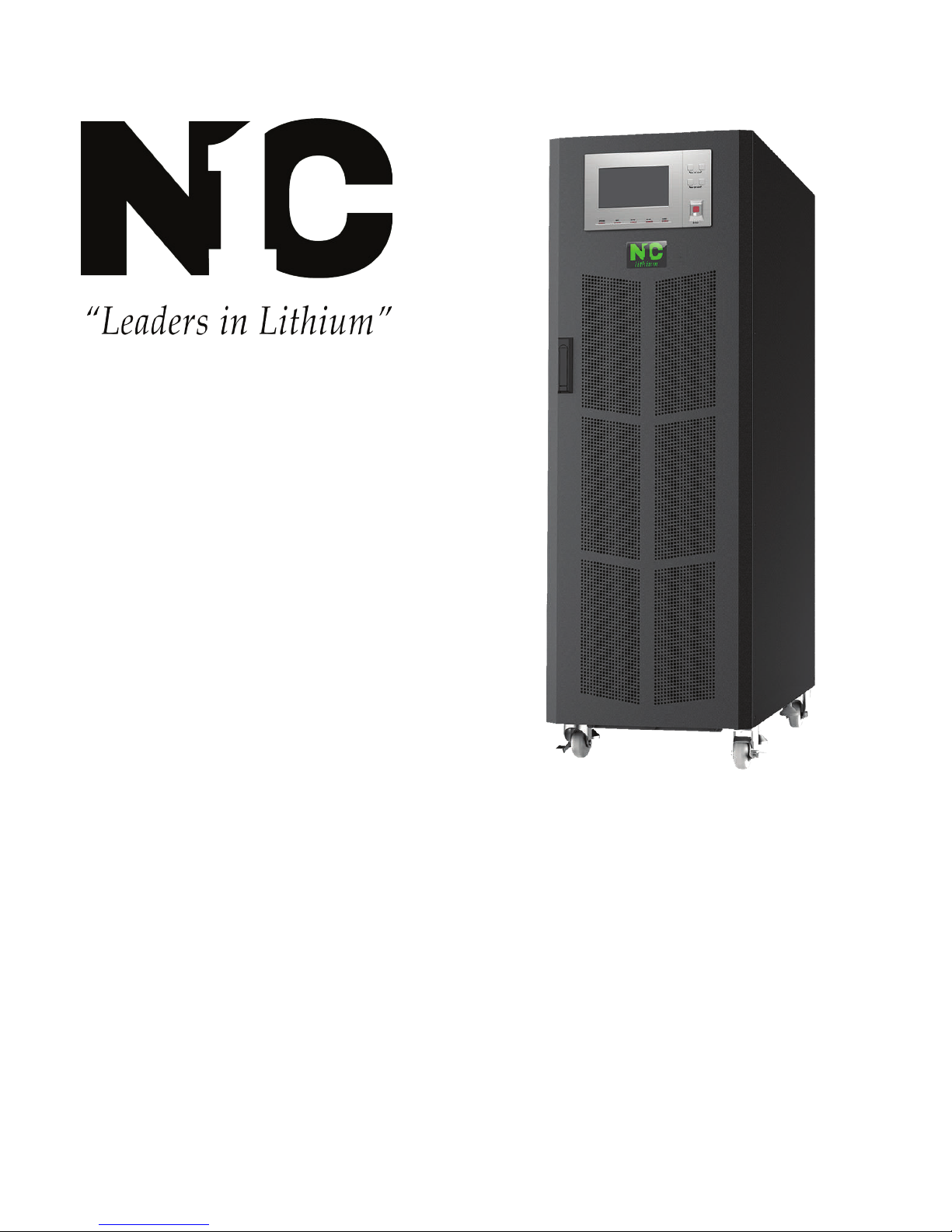
User Manual
NE Series (20-30kVA)


i
All rights reserved ©N1 Critical Technologies, Inc.
Copyright © N1 Critical Technologies 2018. All rights reserved.
No part of this document may be reproduced or transmitted in any form or by any means without prior
written consent of N1 Critical Technologies, Inc.
Trademarks and Permissions
and other N1 Critical Technologies marks are trademarks of N1 Critical Technologies.
All other trademarks and trade names mentioned in this document are the property of their respective holders.
Notice
The purchased products, services and features are stipulated by the contract made between N1 Critical
technologies and the customer. All or part of the products .services and features described in this document
may not be within the purchase scope or the usage scope. Unless otherwise specification in the contract, all
statements, information, and recommendations in this document are provided “AS IS”without warranties,
guarantees or representations of any kind, either express or implied.
The information in this document is subject to change without notice. Every effort has been made in the
preparation of this document to ensure accuracy of the contents, but all statements, information, and
recommendations in this document do not constitute a warranty of any kind, express or implied.
N1 Critical Technologies
Address: 211 N. Parker Drive
Janesville, WI 53545
Manufacturer: N1 CRITICAL TECHNOLOGIES.
Website: https://n1critical.com
E-mail: [email protected]
Customer Service: 877-226-3311

ii
All rights reserved ©N1 Critical Technologies, Inc.
NE Series (20-30kVA)
User Manual
Foreword
Foreword
Summaries
Thank you for choosing the NE Series (20-30kVA) product.
This document gives a description of the NE Series (20-30kVA) product, including the UPS features,
performance, appearance, structure, working principles, installation, operation and maintenance. etc.
Please save the information after reading, in order to consult in the future.
Symbol Conventions
The manual quotes the safety symbols, these symbols used to prompt users to comply with safety
matters during installation, operation and maintenance. Safety symbol meaning as follows.
Symbol Description
Alerts you to a high risk hazard that could, if not avoided,
result in serious injury or death.
Alerts you to a medium or low risk hazard that could, if not
avoided, result in moderate or minor injury.
Alerts you to a potentially hazardous situation that could, if
not avoided, result in equipment damage, data loss,
performance deterioration, or unanticipated results.
Anti-static prompting.
Be care electric shock prompting.
Provides a tip that may help you solve a problem or save time.
Provides additional information to emphasize or supplement
important points in the main text.
Product standard: Q/ZZKJ001

NE Series (20-30kVA)
User Manual
Foreword
iii
All rights reserved ©N1 Critical Technologies, Inc.
Change History
Changes between document issues are cumulative. The latest document issue contains all the changes
made in earlier issues.
Issue 001 (2018-04-08)

iv
All rights reserved ©N1 Critical Technologies, Inc.
NE Series (20-30kVA)
User Manual
Contents
Contents
Chapter 1 Safety Description...................................................................................................................1
1.1 Safety Announcements ..............................................................................................................................................1
Chapter 2 Overview..................................................................................................................................5
2.1 Model Meaning..........................................................................................................................................................5
2.2 Product Intro ..............................................................................................................................................................5
2.2.1 Features.............................................................................................................................................................6
2.3 Work Principle...........................................................................................................................................................7
2.3.1 Work Principle Block Diagram ........................................................................................................................7
2.3.2 Work Mode.......................................................................................................................................................8
2.3.3 Work Principle for Series Hot Standby ............................................................................................................9
2.4 Appearance and Panel.............................................................................................................................................10
2.4.1 Appearance .....................................................................................................................................................10
2.4.2 Panel ...............................................................................................................................................................10
Chapter 3 Installation.............................................................................................................................13
3.1 Unpacking and Checking.........................................................................................................................................13
3.2 Environment.............................................................................................................................................................13
3.3 Tools14
3.4 Installation Clearance ..............................................................................................................................................16
3.5 Selection of Input and Output Cables ......................................................................................................................16
3.6 Surge Protection.......................................................................................................................................................17
3.7 Installation of the UPS.............................................................................................................................................18
3.7.1 Installation of NE Series (20-30kVA) UPS....................................................................................................18
3.8 Electrical Connection...............................................................................................................................................20
3.8.1 Wiring for Single-unit (NE##L & NE##PL models) ...................................................................................20
3.8.2 Wiring for Series System (NE##PL models ONLY) .....................................................................................21

v
All rights reserved ©N1 Critical Technologies, Inc.
NE Series (20-30kVA)
User Manual
Contents
3.8.3 Wiring for Parallel System (NE##PL Models ONLY) ..................................................................................22
3.9 Connect Communication Wires...............................................................................................................................23
3.9.1 RS232 Communication ..................................................................................................................................23
3.9.2 RS485 Communication ..................................................................................................................................24
3.9.3 Dry Contact Communication..........................................................................................................................24
3.9.4 SNMP Card (optional)....................................................................................................................................25
3.9.5 Battery Switch ................................................................................................................................................25
3.9.6 Anti-reverse Feedback Contactor (Included on “P”-Models) ........................................................................25
Chapter 4 Operation Guide ...................................................................................................................27
4.1 Check before Startup ...............................................................................................................................................27
4.1.1 Check the Electrical Connection ....................................................................................................................27
4.1.2 UPS Testing....................................................................................................................................................28
4.2 Precautions for Operating UPS................................................................................................................................28
4.3 Operation .................................................................................................................................................................29
4.3.1 Check Before Power-on .................................................................................................................................29
4.3.2 Start the UPS ..................................................................................................................................................30
4.3.3 Start Load .......................................................................................................................................................30
4.3.4 Shutdown UPS................................................................................................................................................30
4.4 Operation for Manual Maintenance.........................................................................................................................31
4.5 Operation for Parallel System (P-Models Only)......................................................................................................32
4.5.1 Start Parallel System.......................................................................................................................................32
4.5.2 Shut Down Parallel System ............................................................................................................................34
4.5.3 Exit Parallel System Online............................................................................................................................34
4.5.4 Enter a UPS Online ........................................................................................................................................35
4.5.5 Redundancy Function of the Parallel System.................................................................................................35
4.6 Operation of Touch Screen ......................................................................................................................................35
4.6.1 Menu Structure of Touch Screen....................................................................................................................35
4.6.2 Main Page.......................................................................................................................................................36
4.6.3 Work Status of the System .............................................................................................................................37
4.6.4 Controlling Function ......................................................................................................................................43
4.6.5 Monitoring Function.......................................................................................................................................46

vi
All rights reserved ©N1 Critical Technologies, Inc.
NE Series (20-30kVA)
User Manual
Contents
4.6.6 Parameters Setting ..........................................................................................................................................49
4.6.7 Information Inquiry ........................................................................................................................................62
Chapter 5 Maintenance Guide...............................................................................................................67
5.1 Safety Precaution .....................................................................................................................................................67
5.2 Periodic Preventative Maintenance .........................................................................................................................67
5.3 Battery Maintenance ................................................................................................................................................68
5.3.1 Precaution for Battery Charging.....................................................................................................................68
5.3.2 Battery Maintenance.......................................................................................................................................68
5.3.3 Battery Replacement ......................................................................................................................................68
5.4 Fan Maintenance......................................................................................................................................................69
Chapter 6 Troubleshooting ....................................................................................................................70
6.1 Judge the UPS Status ...............................................................................................................................................70
6.2 Deal with Common Faults .......................................................................................................................................71
6.3 Emergency Troubleshooting....................................................................................................................................74
6.4 Replace the Fuse ......................................................................................................................................................75
A Technical Specifications .....................................................................................................................76
B Acronyms and Abbreviations.............................................................................................................79

NE Series (20-30kVA)
User Manual
Chapter 1 Safety Description
1
All rights reserved ©N1 Critical Technologies, Inc.
Chapter 1 Safety Description
This chapter describes the safety symbols and safety announcements. Please read this user manual
carefully prior to installing the device. It provides important information on safe and efficient
installation.
1.1 Safety Announcements
The UPS contains high temperature and high voltage, which can be extremely dangerous. Please
comply with the relevant safety standards and operational procedures during installation, operation and
maintenance, or it may result in death, personal injury or equipment damage. The safety precautions
mentioned in the user manual are only a supplement to local safety regulations. The manufacturer does
not assume responsibility for any breach or violation of general requirements.
The charging voltage requirements of different brands and different types of batteries may vary. Make
sure that the charging voltage of UPS and battery match. If any doubt exists, please consult the
manufacturer for support. Any change of system configuration, structure or components will affect the
performance of UPS. If the user wants to make any changes, please consult with the manufacturer in
advance.
1.
Only authorized professionals are allowed to open the UPS chassis. The input and output voltage
of the UPS is high and dangerous. Contacting high voltage can lead to injury or death.
2.
Please disconnect the AC power and battery to isolate power input before maintenance. Test the
output terminal block with a voltmeter before maintenance to ensure that the input power is turned
off and in a safe condition.
3.
Even if all external power are disconnected, there still exists residual electric charge inside the
UPS, and the output terminal blocks still exists high voltage which may endanger personal life.
Technicians should wait enough time (≥10 min) before opening the UPS chassis an ensure all
charge is released.

NE Series (20-30kVA)
User Manual
Chapter 1 Safety Description
2
All rights reserved ©N1 Critical Technologies, Inc.
4.
Battery cables are not isolated from AC input. Dangerous voltage may exist between battery
terminal and ground terminal. The battery contains high voltages that may cause injury or death.
Please make sure they are insulated when installing or using the UPS.
5.
Conductive objects such as watches, bracelets and rings should not be worn during operation and
maintenance.
6.
The UPS installation should be done only by people who have the qualification of high voltage and
AC power operation. Maintenance and repair for power systems must only be done by
professionally trained technicians.
7.
Leakage risk! The UPS must be grounded before electrical connection. The ground terminal must
be connected to the ground.
8.
It is prohibited to short circuit the positive and negative poles of the battery. The connection of
battery must be tight. It is prohibited to touch the battery’ s two wire connectors or bare wire
terminals, or it may damage the battery and/or endanger life.
9.
Prevent the battery electrolyte from overflowing. The metal objects and circuit board inside the
UPS will be corroded by the electrolyte, which will result in equipment damage and short circuiting.
10.
Battery should be kept away from fire and all other electrical equipment that could cause sparks,
heat or flame. Avoid danger or unnecessary damage to equipment and personnel.
Contacting high voltage or mains directly onto or near wet objects will cause life risk.
The output of UPS cannot connect with unbalanced load, half-wave rectification load or inductive
load, such as air-conditioner, hair dryer, starter, electric drill, motor, daylight lamp, etc.
Inappropriate drilling will damage the device inside the cabinet. Metal debris generated by drilling
enters the cabinet will lead to PCB (circuit board) short circuiting.
Life risk!
Cannot connect with unbalanced load, half-wave rectification load or inductive load!
Drilling holes on the cabinet is prohibited!
Este manual sirve para los siguientes modelos
4
Tabla de contenidos
Otros manuales de Unión Postal Universal de N1C


Manuales populares de Unión Postal Universal de otras marcas

Pylontech
Pylontech Victron & Pylontech US5000 Manual de usuario

Tecnoware
Tecnoware EVO DSP PLUS MM 6.8 Manual de usuario

Mecer
Mecer ME-1000-WTU Manual de usuario

Mustek
Mustek PowerMust 530(B) Plus Manual de instalación y operación

Emerson
Emerson Liebert NXL series Manual de usuario

MAKELSAN
MAKELSAN BOXER SERIES Manual de usuario


