Motorola solutions PMLN8295 Manual de usuario

Intellectual Property and Regulatory
Notices
Copyrights
The Motorola Solutions products described in this document may include copyrighted Motorola
Solutions computer programs. Laws in the United States and other countries preserve for Motorola
Solutions certain exclusive rights for copyrighted computer programs. Accordingly, any copyrighted
Motorola Solutions computer programs contained in the Motorola Solutions products described in this
document may not be copied or reproduced in any manner without the express written permission of
Motorola Solutions.
No part of this document may be reproduced, transmitted, stored in a retrieval system, or translated
into any language or computer language, in any form or by any means, without the prior written
permission of Motorola Solutions, Inc.
Trademarks
MOTOROLA, MOTO, MOTOROLA SOLUTIONS, and the Stylized M Logo are trademarks or
registered trademarks of Motorola Trademark Holdings, LLC and are used under license. All other
trademarks are the property of their respective owners.
License Rights
The purchase of Motorola Solutions products shall not be deemed to grant either directly or by
implication, estoppel or otherwise, any license under the copyrights, patents or patent applications
of Motorola Solutions, except for the normal non-exclusive, royalty-free license to use that arises by
operation of law in the sale of a product.
Open Source Content
This product may contain Open Source software used under license. Refer to the product installation
media for full Open Source Legal Notices and Attribution content.
European Union (EU) and United Kingdom (UK) Waste of Electrical and
Electronic Equipment (WEEE) Directive
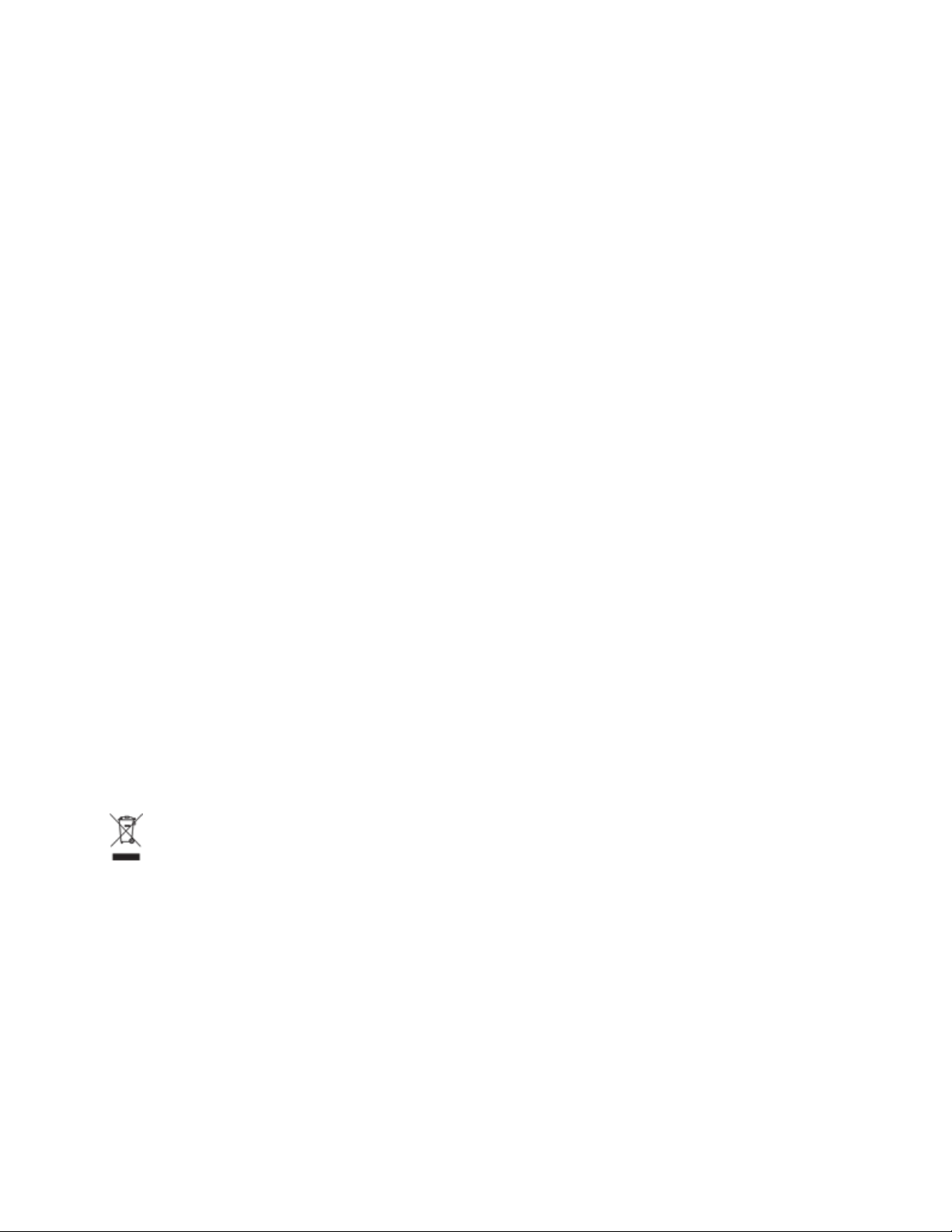
The European Union's WEEE directive and the UK's WEEE regulation require that products sold
into EU countries and the UK must have the crossed-out wheelie bin label on the product (or the
package in some cases). As defined by the WEEE directive, this crossed-out wheelie bin label means
that customers and end-users in EU and UK countries should not dispose of electronic and electrical
equipment or accessories in household waste.
Customers or end-users in EU and UK countries should contact their local equipment supplier
representative or service centre for information about the waste collection system in their country.
Disclaimer
Please note that certain features, facilities, and capabilities described in this document may not be
applicable to or licensed for use on a specific system, or may be dependent upon the characteristics of
a specific mobile subscriber unit or configuration of certain parameters. Please refer to your Motorola
Solutions contact for further information.
© 2022 Motorola Solutions, Inc. All Rights Reserved
MN007866A01-AB
Intellectual Property and Regulatory Notices
2

Contact Us
The Centralized Managed Support Operations (CMSO) is the primary contact for technical support
included in your organization's service agreement with Motorola Solutions.
Service agreement customers should be sure to call the CMSO in all situations listed under Customer
Responsibilities in their agreement, such as:
• Before reloading software
• To confirm troubleshooting results and analysis before taking action
Your organization received support phone numbers and other contact information appropriate for your
geographic region and service agreement. Use that contact information for the most efficient response.
However, if needed, you can also find general support contact information on the Motorola Solutions
website, by following these steps:
1Enter motorolasolutions.com in your browser.
2Ensure that your organization's country or region is displayed on the page. Clicking or tapping the
name of the region provides a way to change it.
3Select "Support" on the motorolasolutions.com page.
Comments
Send questions and comments regarding user documentation to
Provide the following information when reporting a documentation error:
• The document title and part number
• The page number or title of the section with the error
• A description of the error
Motorola Solutions offers various courses designed to assist in learning about the system. For
information, go to https://learning.motorolasolutions.com to view the current course offerings and
technology paths.
MN007866A01-AB
Contact Us
3

Contact Address
European Union Contact
Motorola Solutions,
Czerwone Maki 82,
30-392 Krakow, Poland
UK Contact
Motorola Solutions UK Ltd.,
Nova South, 160 Victoria Street,
London, SW1E 5LB,
United Kingdom
Certification Marks
MN007866A01-AB
Contact Address
4

Icon Conventions
The documentation set is designed to give the reader more visual clues. The following graphic icons
are used throughout the documentation set.
DANGER: The signal word DANGER with the associated safety icon implies information that, if
disregarded, will result in death or serious injury.
WARNING: The signal word WARNING with the associated safety icon implies information that,
if disregarded, could result in death or serious injury, or serious product damage.
CAUTION: The signal word CAUTION with the associated safety icon implies information that,
if disregarded, may result in minor or moderate injury, or serious product damage.
CAUTION: The signal word CAUTION may be used without the safety icon to state potential
damage or injury that is not related to the product.
IMPORTANT: IMPORTANT statements contain information that is crucial to the discussion
at hand, but is not CAUTION or WARNING. There is no warning level associated with the
IMPORTANT statement.
NOTE: NOTICE contains information more important than the surrounding text, such as
exceptions or preconditions. They also refer the reader elsewhere for additional information,
remind the reader how to complete an action (when it is not part of the current procedure,
for instance), or tell the reader where something is on the screen. There is no warning level
associated with a notice.
MN007866A01-AB
Icon Conventions
5

Style Conventions
The following style conventions are used:
Convention Description
Bold This typeface is used for names of, for instance, windows, buttons,
and labels when these names appear on the screen (example: the
Alarms Browser window). When it is clear that we are referring to, for
instance, a button, the name is used alone (example: Click OK).
Monospacing font
in bold
This typeface is used for words to be typed in exactly as they are
shown in the text (example: In the Address field, type http://
ucs01.ucs:9080/).
Monospacing font This typeface is used for messages, prompts, and other text displayed
on the computer screen (example: A new trap destination has
been added).
<Monospacing font
in bold Italic>
This typeface is used with angle brackets as placeholders for a specif-
ic member of the group that the words represent (example: <router
number>).
NOTE: In sequences to be typed in, the angle brackets
are omitted to avoid confusion whether to include the angle
brackets in the text to be typed.
CAPITAL LETTERS This typeface is used for keyboard keys (example: Press Y, and then
press ENTER).
Italic This typeface is used for citations. A citation usually is the name of a
document or a phrase from another document (example: Dimetra IP
System Overview).
→ An → (arrow pointing right) is used for indicating the menu or tab
structure in instructions on how to select a certain menu item (exam-
ple: File→Save) or a certain sub-tab.
MN007866A01-AB
Style Conventions
6

Foreword
RF Energy Exposure and Product Safety Guide
CAUTION: Before using this product, read the RF Energy Exposure and Product Safety Guide
that ships with the radio which contains instructions for safe usage and RF energy awareness
and control for compliance with applicable standards and regulation.
Acoustic Safety
Exposure to loud noises from any source for extended periods of time may temporarily or permanently
affect your hearing. The louder the radio volume, the less time is required before your hearing can
be affected. Hearing damage from loud noise is sometimes undetectable at first and can have a
cumulative effect. To protect your hearing:
Follow the following guidelines to protect your hearing:
• Use the lowest volume necessary to do your job.
• Turn up the volume only if you are in noisy surroundings.
• Turn down the volume before attaching headset or earpiece.
• Limit the amount of time you use headsets or earpieces at high volume.
• When using the radio without a headset or earpiece, do not place the speaker of the radio directly
against your ear.
• If you experience hearing discomfort, ringing in your ears, or muffled speech, you should stop
listening to your radio through your headset or earpiece, and have your hearing checked by your
doctor. To change the volume level, refer to Radio Product Safety Leaflet or CPS for Surveillance
extra loud (xL) Kit Configurations.
MN007866A01-AB
Foreword
7

Chapter 1
Earpiece Overview
2-Wire Single Earbud with Removable Ear Hook Loud Audio Earpiece.
The earpiece is an over-the-ear accessory for devices with GCAI Mini Connector. It comes with an
optional ear tip for a better fit when used with the earpiece. You can rotate the ear tip to fit your left or
right ear.
Figure 1: Over-the-Ear Earpiece
21
Table 1: Earpiece Overview and Description
Indicator Description
1 Earpiece Speaker
2 Push-to-Talk, Microphone and Programmable
button Module
MN007866A01-AB
Chapter 1 : Earpiece Overview
8

Figure 2: Push-to-Talk, Microphone, and Programmable Button Module Overview and
Description
1
2
3
Indicator- Description
1 Microphone
2 Programmable button
3 Push-to-Talk
Operation
CAUTION: Turn off the device while attaching and detaching the earpiece.
MN007866A01-AB
Chapter 1 : Earpiece Overview
9

Chapter 2
Recommended Practices for Over-the-
Ear Earpiece
This section provides the recommended practices for the earpiece.
CAUTION:
• Do not cover the microphone port for optimum performance.
• Do not fill the earpiece with water.
• Clean the earpiece with soft damp cloth.
• Do not use the earpiece until completely dry.
MN007866A01-AB
Chapter 2 : Recommended Practices for Over-the-Ear Earpiece
10
Otros manuales para PMLN8295
1
Tabla de contenidos
Idiomas:
Otros manuales de Auriculares de Motorola solutions

Motorola solutions
Motorola solutions PMLN6539 Manual de usuario

Motorola solutions
Motorola solutions PMLN8086 Manual de usuario

Motorola solutions
Motorola solutions PMLN5101 Manual de usuario

Motorola solutions
Motorola solutions PMLN6541 Manual de usuario

Motorola solutions
Motorola solutions PMLN5003 Manual de usuario

Motorola solutions
Motorola solutions PMLN6759 Manual de usuario

Motorola solutions
Motorola solutions PMLN8343 Manual de usuario

Motorola solutions
Motorola solutions PMLN8085 Manual de usuario

Motorola solutions
Motorola solutions PMLN6634 Manual de usuario

Motorola solutions
Motorola solutions PMLN8086 Manual de usuario


