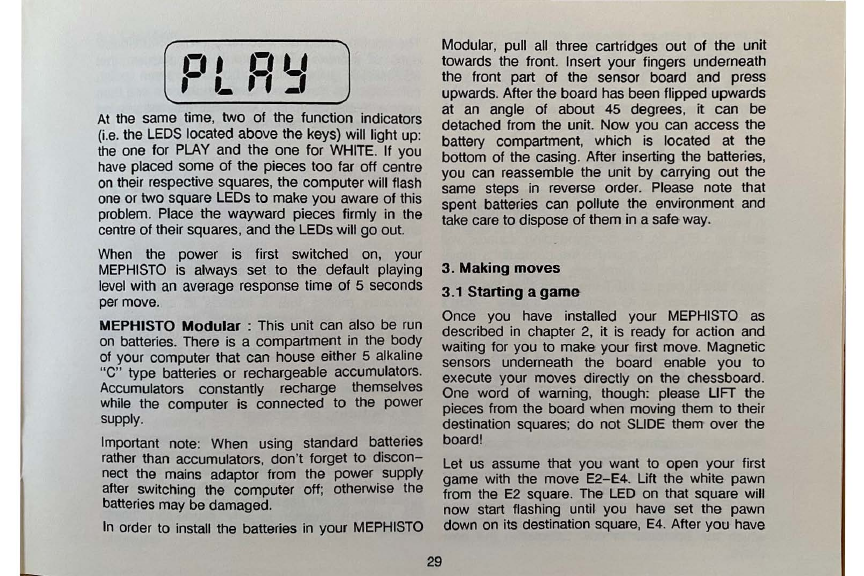
At
the same time, two of the function indicators
(i.e
.
the
LEDS
located above the keys) will light up:
the
one for
PLAY
and the one for
WHITE.
If you
have
placed some of the pieces too far
off
centre
on
their respective squares, the computerwill flash
one
or two square LEDs
to
make you aware of this
problem. Place the wayward pieces firmly
in
the
centre
of
their squares, and the LEDs will
go
out.
When
the power is first switched on, your
MEPHISTO
is
always set
to
the default playing
level
with
an
average response time of 5 seconds
per
move.
MEPHISTO Modular : This unit can also be
run
on
batteries. There is a compartment in the body
of
your
computer that can house either 5 alkaline
"C" type batteries or rechargeable accumulators.
Accumulators constantly recharge themselves
while
the computer is connected to the power
supply
.
Important note: When using standard batteries
rather
than accumulators, don't forget
to
discon-
nect the mains adaptor from the power .supply
after
switching the computer off; otherwise the
batteries may be damaged.
In
order to install the batteries in your
MEPHISTO
Modular, pull all three cartridges out of the unit
towards the front. Insert your fingers underneath
the front part of the sensor board and press
upwards. After the board has been flipped upwards
at
an
angle of about
45
degrees,
it
can be
detached from the unit. Now you can access the
battery compartment, which is located at _the
bottom of the casing. After inserting the battenes,
you can reassemble the unit by carrying out the
same
steps
in
reverse order. Please note that
spent batteries can pollute the environment and
take care to dispose
of
them in a safe
way.
3.
Making moves
3.1 Starting a
game
Once you
have
installed your
MEPHISTO
as
described
in
chapter 2,
it
is
ready for action and
waiting for you to make your first move. Magnetic
sensors underneath the board enable you to
execute your moves directly on the chessboard.
One word of warning, though: please
LIFT
the
pieces from the board when moving them
to
their
destination squares;
do
not
SLIDE
them over the
board!
29
Let
us
assume that you want to open your first
game with the move E2-E4. Lift the white pawn
from the
E2
square.
The
LED
on that square will
now start flashing until you
have
set the pawn
down
on
its destination square,
E4
. After you have