Table Of Contents
LQMWP –Mini WiFi Projector Quick Start Users Guide........................................................................................... 1
Table Of Contents ................................................................................................................................................. 2
Important Notice ....................................................................................................................................................... 3
LinQTab - LQMWP Mini WiFi Projector Features: ............................................................................................... 4
LinQTab - LQMWP Mini WiFi Projector Safety Precautions: ............................................................................... 4
About the Lithium Polymer Rechargeable Battery:.................................................................................................. 4
Lithium Polymer Rechargeable Battery Precautions: ............................................................................................... 4
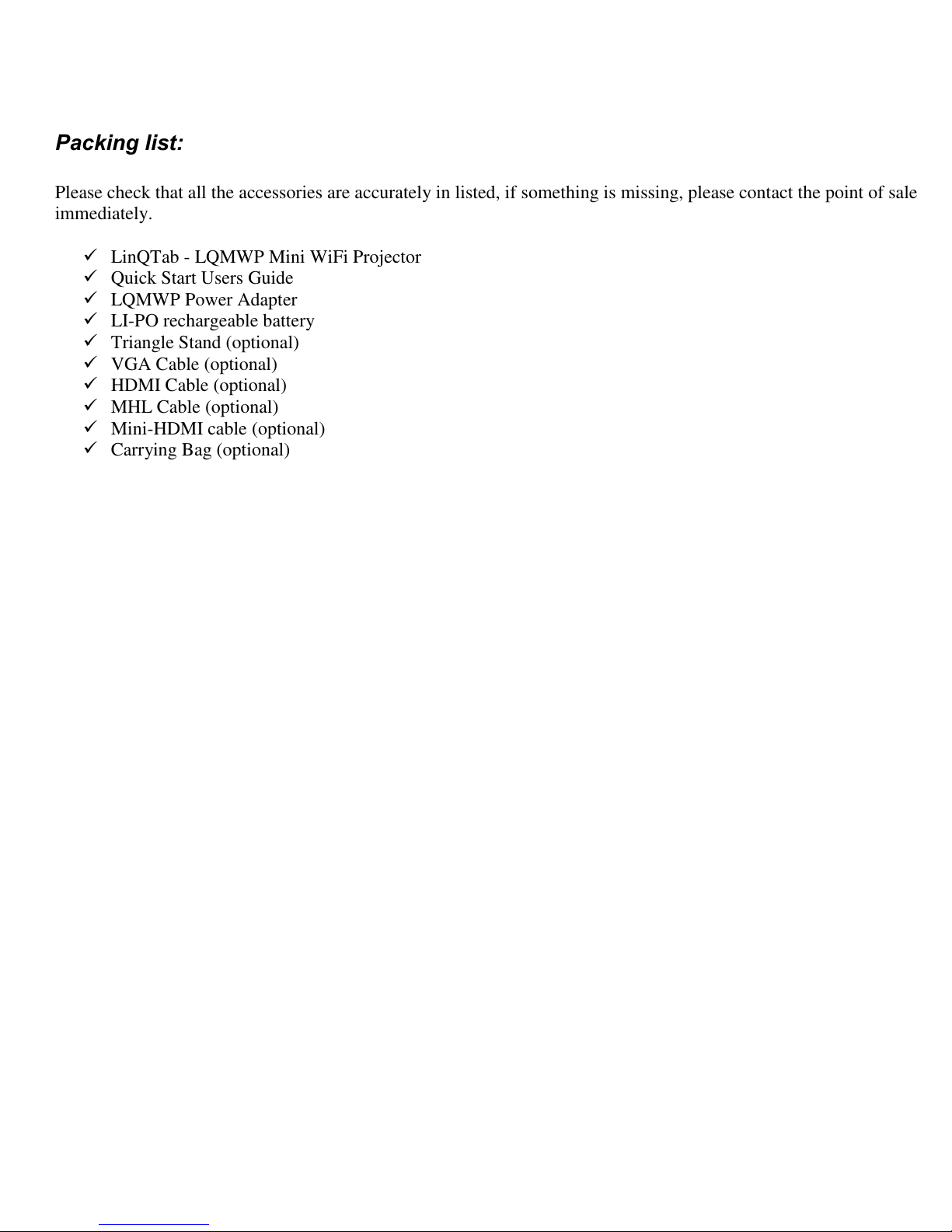
Packing list:............................................................................................................................................................... 5
Product Features, Controls and Connections: ........................................................................................................... 6
Projector Lens And Front View:........................................................................................................................... 6
Side And Back View:............................................................................................................................................ 7
Connectors View:.................................................................................................................................................. 8
LQMWP –Mini Projector Controls: .................................................................................................................... 9
LQMWP –Mini Projector Input / Output Ports: .................................................................................................. 9
LQMWP –Mini Projector Infrared Remote Control:............................................................................................. 10
LQMWP –Mini Projector Infrared Remote Control Button Functions: ............................................................ 11
Operating The LinQTab Mini WiFi Projector: ........................................................................................................... 12
Basic operation:....................................................................................................................................................... 12
Powering ON and OFF: ...................................................................................................................................... 12
Focus: .................................................................................................................................................................. 13
Home Menu: ........................................................................................................................................................... 14
Home Menu - Micro SD card and USB disk: ..................................................................................................... 15
Home Menu –HDMI & MHL:........................................................................................................................... 17
Home Menu –VGA:........................................................................................................................................... 17
Home Menu –Settings:....................................................................................................................................... 18
Battery:........................................................................................................................................................................ 19
Battery Installation:................................................................................................................................................. 19
Recharging The Battery: ..................................................................................................................................... 19
Battery Status: ..................................................................................................................................................... 20
Maintenance: ........................................................................................................................................................... 21
Cleaning The Projector Lens:.............................................................................................................................. 21
Cleaning The Case Of The Projector: ................................................................................................................. 21
Storage: ............................................................................................................................................................... 21
Appendix A - Product Specifications: ........................................................................................................................ 22
Appendix B - Questions and Answers: ....................................................................................................................... 23