Jinyoung Contech INOV17V-T Manual de usuario

JINYOUNG Contech Co., Ltd
Issued Date :
2011-01-26
Huma n - C o m p u t e r I n t e rfa c e
TO :
Ver 1.0
#501, 222-12 ARIOTOWER, GURO-DONG,
GURO-KU, SEOUL, KOREA
TEL : 82-2-890-6400
FAX : 82-2-890-6406
HO E PAGE : http://www.jyct.com/
Page :
14Pages
17” TFT LCD Monitor INOV17V-T USER’
S MANUAL

USER’S MANUAL
2/14
Revision History
Date Rev. No.
Contents Page
11.01.26 1.0 Initial

USER’S MANUAL
3/14
TABLE OF CONTENT
♦
afety Precaution 4
-
Install and General Handling Precaution
-
Operating Precaution
-
Cleaning and Management Precaution
4
4
4
♦ Introduction
5
♦ Graphics input Modes supported
5
♦
pecification
6
♦
Block Diagram
7
♦
LCD DI PLAY Y TEM Adjustments
8
and ettings
♦
Connector
12
♦
Dimensions
14

USER’S MANUAL
4/14
1. afety Precaution
-The safety recommendations outlined in this section are to be read, understood
and followed before operating the product.
- Keep this information in a safe place for future reference. Failure to comply
with any of the following safety procedures could result in serious hazard.
1.1. et up and General Handling Precaution
1. Please set up the monitor in clean area where there is no dust.
2. Do not set up the
monitor
on shaky stand, on incline surface or
surfaces subject to frequent vibration.
3. This monitor is intended for indoor use only.
4. Do not press heavily the TFT-LCD panel with sharp objects,
such as nails.
5. When set up the monitor, be extremely careful.
You may get injured from the sharp parts, such as steel covers
6. When transporting the monitor, hold the body with both hands and
letting LCD screen goes up.
7. Do not lift the monitor up with holding LCD panel itself.
8. The fluorescence lamp of LCD panel includes mercury.
Do not waste or bury illegally. When waste, follow the related
laws and regulations.
1.2. Operating Precaution
1. Do not place the monitor in areas subject to direct sunlight and
radiators or heat registers. Fire or electrical shock may result.
2. Do not cover the vents on the monitor cabinet. Bad ventilation
may cause a breakdown or fire.
3. Do not remove cover(or back). This could result electrical shock.
Refer servicing to qualified service personnel.
4. If you find any abnormal issue or failure while you are using this
equipment, immediately unplug the power cable and contact your
retailer or Jinyoung Contech Support Help Desk.
5. Do not take apart or modify the equipment for any purpose.
Fire or electrical shock may result.
6. Never spill liquid of any kind on the monitor. Do not place in areas
where there is high humidity and water splashes.
7. Do not plug in/unplug the power cable with wet hands.
Fire or electrical shock may result.
8. Do not plug the monitor into outlets with voltage other than the
specified voltage. Incorrect voltage may result in fire or electrical
shock.
9. Do not pull the plug out by the wire.
This may cause an electric
shock or fire.
10. ake sure that the power cable is firmly plugged in and not loose.
Fire or electrical shock may result.
11. Unplug the power cable for safety when not in use the monitor for
a long period of time, such as long weekend or moving it. If dust
accumulates in this area, it may result in fire.
9. Do not connect too many extension cords or plugs to an outlet.
Fire or electrical shock may result.
10. Use only a properly grounded plug and receptacle.
11. Do not spill flammable liquid on the monitor. Fire or electrical
shock may result.
12. Set up the outlet in areas where close to the monitor, easily
accessible and easily operative.
1.3. Cleaning of the equipment and management
Precaution
1. Do not take apart or modify the monitor.
Fire or electrical shock may result.
2. When cleaning the monitor, always unplug the power.
3. When cleaning the monitor, do not use flammable liquids, such as
alcohol, benzene or thinners.
4. If you strongly wipe down the surface of the monitor with a
sponge and a piece of cloth, in case of plastic equipment, the
coating may be fallen away.
5. When cleaning the monitor case or the surface of the TFT LCD,
wipe with a slightly moistened, soft fabric.
6. If the cleaning inside of the monitor is necessary, please contact
Jinyoung Contech Support Help Desk.

USER’S MANUAL
5/14
♦ Introduction
This unit is a LCD monitor using TFT Color LCD panel. It basically supports Analog R,G,B signals, H-
Sync, V-Sync. It also support DVI-D Single Link, CVBS 1 Channel and S-Video 1 Channel.
This unit has OSD function for the best quality of display on characteristics of each VGA Cards.
Touch screen is available by option as user’s demand. Touch screen can be used with PS/2 ouse at
the same time.
♦ Graphics input Modes supported
Mode Resolution Horizontal freq.(KHz) Vertical freq.(Hz)
Pixel Clock (MHz)
VESA ODES
640 x 480 @60Hz 31.469 59.940 25.175
640x480@ 72 Hz 37.861 72.809 31.500
640x480 @ 75 Hz 37.500 75.000 31.500
SVGA 800x600 @ 56 Hz 35.156 56.250 36.000
800x600 @ 60 Hz 37.879 60.317 40.000
800x600 @ 72 Hz 48.077 72.188 50.000
800x600 @ 75 Hz 46.875 75.000 49.500
XGA 1024x768 @ 60 Hz 48.363 60.004 65.000
1024x768 @ 70 Hz 56.476 70.069 75.000
1024x768 @ 75 Hz 60.023 75.029 78.750
1152x864 @ 75 Hz 67.500 75.000 108.000
1280x960 @ 60 Hz 60.000 60.000 108.000
SXGA 1280x1024 @ 60 Hz 63.981 60.020 108.000
1280x1024 @ 75 Hz 79.976 75.025 135.000
IB odes
EGA 640x350 @ 70 Hz 31.469 70.086 25.175
CGA 640x400 @ 70 Hz 31.469 70.086 25.175
DOS 720x350 @ 70 Hz 31.469 70.087 28.322
DOS 720x400 @ 70 Hz 31.469 70.087 28.322
VGA 640x480 @ 60 Hz 31.469 59.940 25.175
XGA 1024x768 @ 72 Hz 57.515 72.1 75.000
SXGA 1280x1024 @ 67 Hz 70.755 67.003 120.000

USER’S MANUAL
6/14
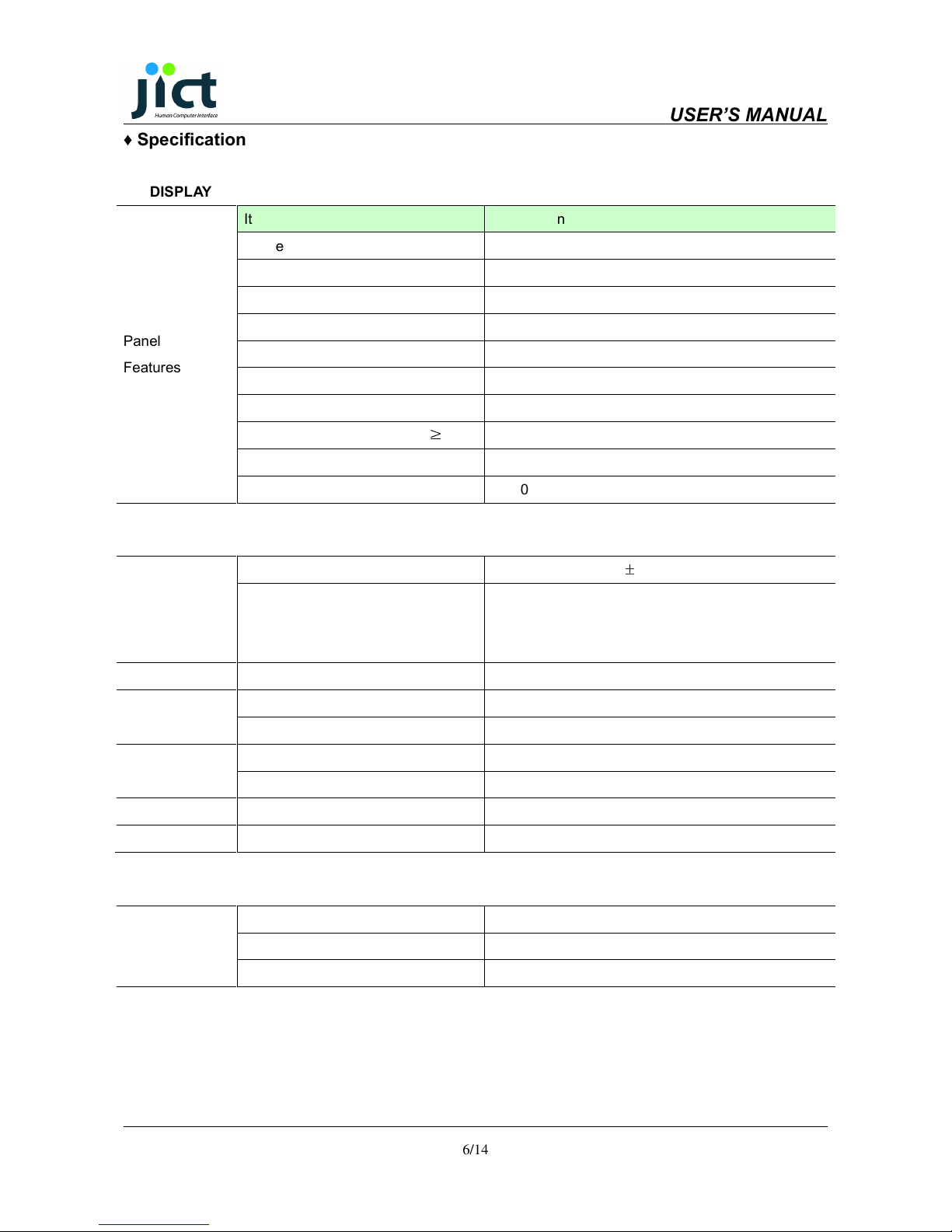
♦ pecification
DI PLAY
Panel
Features
Item Description
Active Display Area (mm) 337.92(H) x 270.336(V)
Resolution SXGA
Pixel Format 1280 x 1024
Pixel Pitch 0.264 x 0.264 (mm)
Number of Colors 16.7
Contrast Ratio 1,000 (Typ)
Brightness (cd/m
2
) 250 (Typ),
Viewing Angle (L/R/U/D)
CR
≥
10
80/80/80/80 L/R/U/D (Typ)
Interface LVDS
Lamp Life Time 50,000 Hours
Input Signal PC Connectivity Analog RGB 0.7Vpp
±
10%, 75 Ohms
Standard Input Source
DVI-D ( Single Link )
CVBS 1 Channel
S-VHS 1 Channel
Display Functions OSD Functions
Power
AC/DC ADAPTER
Adapter Input Voltage Range AC 100 ~ 240 VAC(50/60Hz)
DC out and onitor Input Voltage +12 Vdc / 3.5A[ ax]
Environmental
Considerations
Storage Temperature -20 ~ 60°C
Operating Temperature 0 ~ 50°C
Dimensions W x H x D 397 x 331.5 x 61(55) mm
Weight Net kg,
Touch
Screen
(Optional)
Touch Screen Technology 5-Wire Analog Resistive
Interface Serial RS-232
Driver Software

USER’S MANUAL
7/14
♦ Block Diagram
System Block Diagram based on TFT LCD Panel & Touch screen
1. LCD PANEL
2. LCD Controller (TU530)
3. LCD Signal Cable
4. Inverter
5. Inverter Cable
6. OSD Keypad Board
7. Keypad Control Cable
8. DC12[V] Power Input (Adaptor or Power odule)
9. PC Analog VGA Input
10. DVI-D Input
11. Composite Video Input (CVBS)
12. S-Video Input
13. Touch Control data IN/OUT (Option)
14. Touch Controller (Option)
14-1 Touch Controller Power Cable (DC5V or DC12V) (Option)
14-2 Touch Screen DATA Cable (Option)
14-3 Touch Controller Interface Cable (Option)
15. Touch Screen

USER’S MANUAL
8/14
♦
LCD DI PLAY Y TEM Adjustments and ettings
Controls Description HOT KEY Functions
On/Off Board power on / off Control.
enu Enter OSD ain enu or Exit OSD ain enu.
SEL Select or operate ain item and sub item. Input Source Change
UP Increase setup value or move cursor up. AUTO (Analog Input Only)
DN Decrease setup value or move cursor down.
HOT KEY Function is only available while OSD menu is OFF.
Input Source Select : VGA DVI CVBS S-Video
O D Function
MAIN MENU :
Analog RGB Input ource MAIN MENU DVI & Video Input ource
Enter COLOR enu.
Enter I AGE SET enu.
Enter POSITION enu.
(DVI, Video Input Not Support)
Enter OSD enu.
Enter ISC enu.

USER’S MANUAL
9/14
COLOR :
Analog RGB Input ource COLOR MENU DVI & Video Input ource
Adjust Contrast.
Adjust Brightness.
Red, Green, Blue Color Adjust
Adjust Color Temperature.
Auto Adjustment. (Not Supported at DVI Input)
CVB Input ource COLOR MENU VIDEO Input ource
Adjust Contrast.
Adjust Brightness.
Adjust Hue.
Adjust Saturation.
IMAGE ET :
Analog RGB Input ource IMAGE ET MENU DVI & VIDEO Input ource
Adjust Image CLOCK.
(Not Supported at DVI, Video Input)
Adjust Image Phase.
(Not Supported at DVI, Video Input)
Adjust GA A.
Adjust Sharpness.

USER’S MANUAL
10/14
PO ITION :
Analog RGB Input ource PO ITON MENU
Adjust the Image Horizontally.
(Not Supported at DVI, Video Input)
Only
Analog RGB
Input ource
Adjust the Image Vertically.
(Not Available in DVI, Video mode)
Image Auto Adjustment.
(Not Supported at DVI, Video Input)
O D MENU :
All Input ource O D MENU
Adjust the OSD enu Horizontally.
Adjust the OSD enu Vertically.
Adjust the amount of OSD menu display time.
Tabla de contenidos
Otros manuales de Monitor de Jinyoung Contech