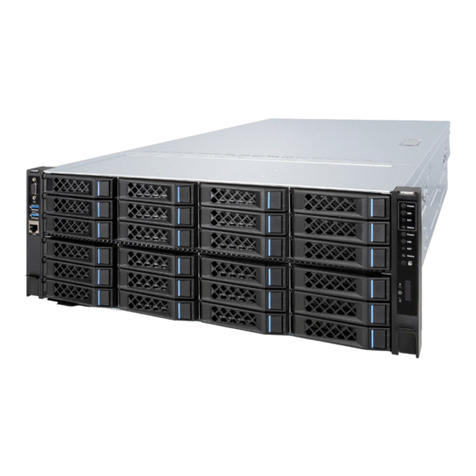
Rack-Mounted Server Installation Guide V1.0
Pull the middle rails fully extended in lock position. Lift the server, align the inner
rails with the middles, and push the server slowly until it hits a stop.
Installing the server
Position the rail on the rack. Fix the rear bracket first, and insert the guide pins
into the rack holes.
Open the latch on the front bracket. Align the guide pins with the rack holes,
and insert the pins into the holes. Release the latch.
Install the other rail in the same way.
Notice: Keep the front and rear brackets at the same height, and keep the
two rails on the same level.
Remove the screws within the left and right lugs. Pull the server outward, and
pull the latches on the inner rails upward to remove the server from the rack.
Slightly lift up the keyhole spring plates, and slide the inner rails forward to
remove the inner rails.
Caution: Do not over bend the spring plate to avoid damage.
Removing the rails
Open the latches on the front brackets, and remove the rails.
Pull down the covers of the left and right lugs, and tighten the screws within.
Inner rail
Middle rail
Front bracket
Outer rail
Rear bracket
1
2
Installing the rails
Rail I: Pull the latch upward, and pull the inner rail outward to remove it.
Rail II: Pull the white tab forward and take out the inner rail.
Align the keyholes on the inner rail with the standoffs on the chassis, and push
the rail in the direction of the arrow to install the inner rail onto the chassis.
➋
➊
Innerrail
Middlerail
Outerrail
white
2 2
1 1
Rail I Rail II
The following describes the installation methods of two kinds of screw-free rails.
Please select the suitable method according to the specific rails. 1 1
22
Rail I Rail II
Rail II: Pull or push the blue release tab, and
push the server inward until the inner rails fully
enter the middle rails. Press the two tabs on
the middle rails while pushing the server into
place.
Rail I: Pull the latches on the inner rails upward,
and push the server into place.
blue
➋
➊