MAG-200. User Guide (Rev 1.2 05/02/2010,17:23)
Contents
Purpose of the device...............................................................................................................................5
MAG-200 main features ........................................................................................................................... 6
Getting acquainted ................................................................................................................................... 7
Unpacking and placing the device ...................................................................................................... 7
Front panel .......................................................................................................................................... 8
Rear panel........................................................................................................................................... 9
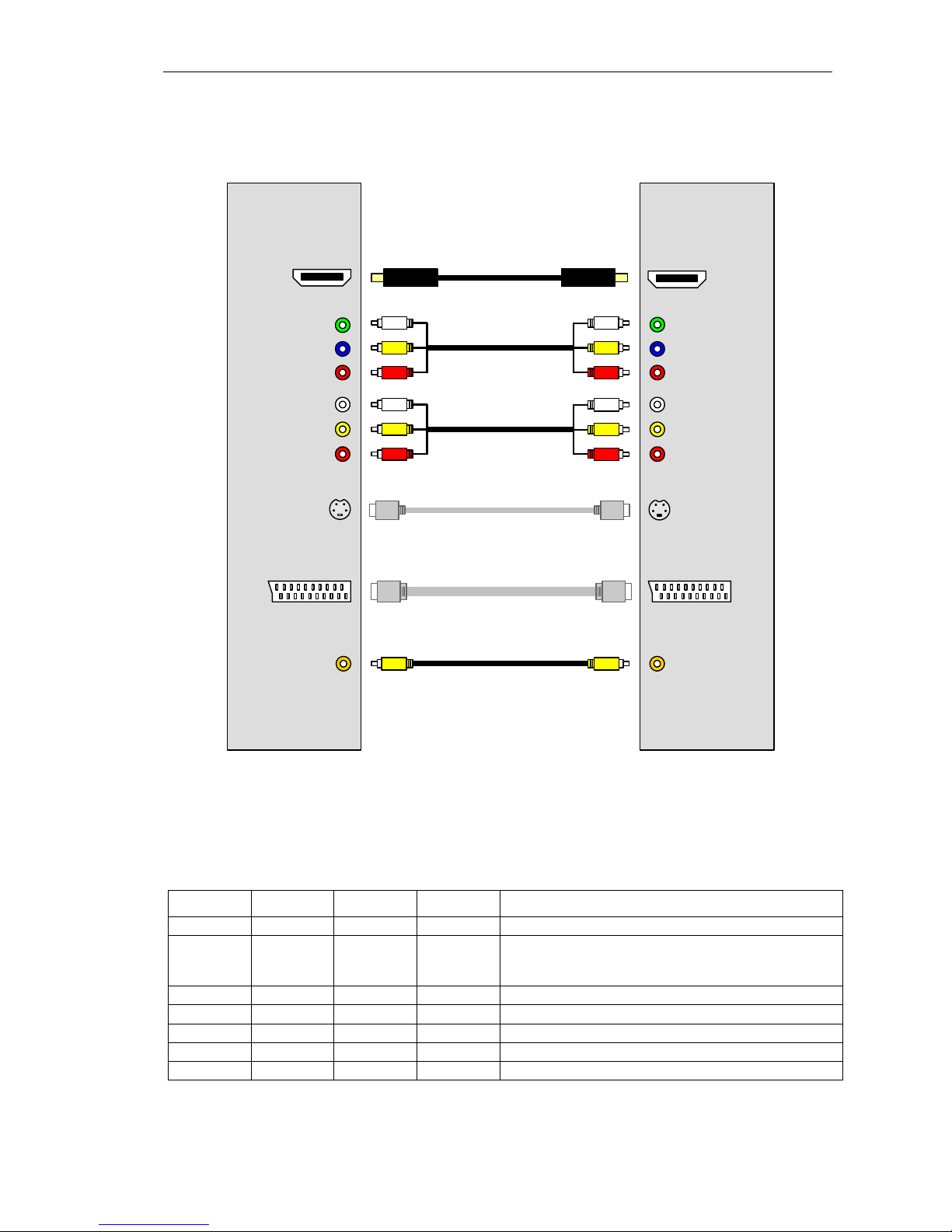
MAG-200 connection to TV set......................................................................................................... 10
Remote control .................................................................................................................................. 12
Operation of the device .......................................................................................................................... 13
Bootstrap menu ................................................................................................................................. 13
Basic software loading ...................................................................................................................... 15
Loading from internal flash-memory of the device (“NAND”)....................................................... 15
Loading from local network (“DHCP”) .......................................................................................... 15
Indication the stages of basic software loading ...........................................................................16
Loading the portal.............................................................................................................................. 17
Service Menu .................................................................................................................................... 19
Characters input...........................................................................................................................19
Characters input using remote control.................................................................................... 20
Characters input using standard keyboard .............................................................................21
Working with input forms.............................................................................................................. 21
Network settings........................................................................................................................... 22
API Demonstration .......................................................................................................................23
TV Channels viewing ................................................................................................................... 25
TV channels list....................................................................................................................... 25
Manual creation of the channels list .................................................................................. 26
Loading the predefined list from the server .......................................................................27
Channel launching parameter («Solution») ............................................................................ 28
Video preview window ............................................................................................................28
Control buttons........................................................................................................................ 28
Viewing media files (Media Browser)...........................................................................................31
General notes..........................................................................................................................31
Content playing ....................................................................................................................... 33
Positioning .........................................................................................................................33
Rough positioning .............................................................................................................. 33
Precise positioning............................................................................................................. 33
Video format conversion (Aspect Ratio) ................................................................................. 35
Upgrade of the device software ........................................................................................................ 38
Variants of the device basic software upgrade ............................................................................ 38
1. Upgrade using cyclic multicast groups.....................................................................................38
2. Upgrade from USB-storage .....................................................................................................38
3. Upgrade using the nfs-Image of the root file system ...............................................................38
4. Upgrade using fixed multicast groups...................................................................................... 39
Description of mcast.exe utility ....................................................................................................39
The procedure of changing firmware for MAG200 ............................................................ 42
Basic software upgrade stages on the device ...................................................................42
Requirements to operating system .................................................................................... 44
Troubleshooting...................................................................................................................................... 45
Specification ........................................................................................................................................... 47
Appendices............................................................................................................................................. 48
Supported content formats................................................................................................................ 48
Media server settings (UPnP) ........................................................................................................... 49
Format of the file with the list of TV channels ................................................................................... 50
4