iLive ISP389B Manual de usuario

V:1502-0601-10
For the most up-to-date version of this User’s Guide, go to www.ilive.net

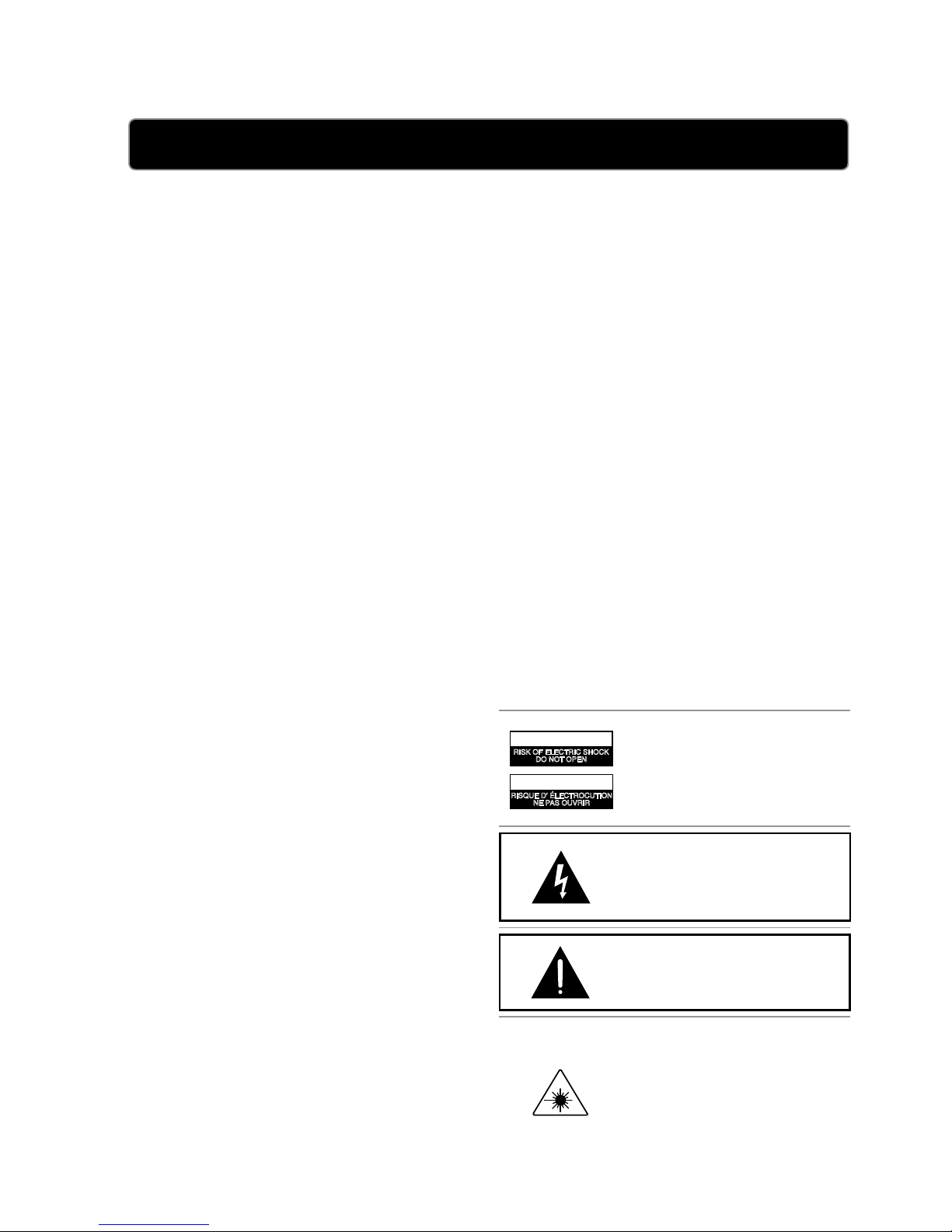
• AVIS: RISQUE DE CHOC ÉLECTRIQUE - NE PAS
OUVRIR
La prise du secteur est utilisé pour déconnecter le
système.
La prise du secteur ne doit pas être obstruée ou doit être
facilement accessible pendant son utilisation. Pour être
complètement déconnecté de l’alimentation d’entrée, la
prise doit être débranchée du secteur.
No mezcle baterías viejas y nuevas.
No mezcle baterías alcalinas, estándar (carbono-zinc) o
recargables (ni-cad, ni-mh, etc.).
• PRÉCAUTION: Danger d’explosion si les piles sont
remplacées de façon incorrect. Remplacer les piles seule-
ment par le même type de pile ou l’équivalent.
Warnings and Precautions
ATTENTION
RISQUE D' ÉLECTROCUTION
NE PAS OUVRIR
CAUTION
RISK OF ELECTRIC SHOCK
DO NOT OPEN

L’appareil ne doit pas être exposé aux écoulements ou aux écla-
boussures et aucun objet ne contenant de liquide, tel qu’un vase,
ne doit être placé sur l’objet.
La prise du secteur ne doit pas être obstruée ou doit être facile-
ment accessible pendant son utilisation. Pour être complètement
déconnecté de l’alimentation d’entrée, la prise doit être débran-
chée du secteur.
Les piles ne doivent pas être exposées à de forte chaleur, tel qu’à
la lumière du soleil, au feu ou autres choses de semblable.
Attention marquage est situé à l’arrière ou à l’arrière de
l’appareil
Les informations de marquage est situé à l’arrière ou à l’arrière
de l’appareil.
FCC Warnings
Additional Warnings
Important Safety Instructions


The Backup Batteries will retain the set
time in the case of an unexpected power
outage. The unit’s primary functions
cannot run off of the Backup Batteries
alone.
LITHIUM BATTERY
CR 2025
3V
PUSH
OPEN
LITHIUM BATTERY
CR 2025
3V
CR2025
PUSH
OPEN
VIDEO OUT AUX IN
21
DC IN 12V
OPEN

When the unit is powered off, a small red
light will appear as an indicator, directly
to the right of the display.
The hour will begin to blink on the
display.
The minute will begin to blink on the
display.
3.5mm Mini Phono Cable
Auxiliary 1Auxiliary 2 Mode
Use the connected MP3 player or audio
source’s native controls to control audio
playback.
RCA Composite Video Cable
This will allow you to play video from an
iPod or iPhone docked on the unit, on a
connected television.
iPod Mode
TheiPodoriPhone“VideoSettings”
needtobesetto“VideoOut”or“TV
Out”.

Each included Bracket has a number on
it, indicating which iPod or iPhone model
that bracket is compatible with.
• Seetheseparatebracketchartpageto
identifywhichbracketisneeded.
When the unit is plugged in, using AC
power, the docked iPod or iPhone will
charge.
iPod Mode

VOLUME / HR / MIN
POWER
SOURCECLK ADJ
EQ
VIDEO OUT AUX IN
21
DC IN 12V

Jazz, Rock, Classic, and Pop.
Video from a docked iPod/iPhone can
be output from the unit to a connected
television.
iPod, Auxiliary 1, and Auxiliary 2.
iPod Mode

VOLUME
CLK ADJ/
MENU
SOURCE
POWER
EQ
REPEAT SHUFFLE
CHAPTER ALBUMPLAYLIST
MENU
MENU
SELECT
HR/MIN HR/MIN +
Otros manuales para ISP389B
2
Tabla de contenidos
Otros manuales de Altavoces de acoplamiento de iLive

iLive
iLive ISP391B Manual de usuario

iLive
iLive ISP301B Manual de usuario

iLive
iLive IT188B Manual de usuario

iLive
iLive IHT3817DT Manual de usuario

iLive
iLive ISD391B Manual de usuario

iLive
iLive ISPK2806 Manual de usuario

iLive
iLive ISP491W Manual de usuario

iLive
iLive ISP691 Manual de usuario

iLive
iLive ISD291B Manual de usuario

iLive
iLive IBCD3817DTBLK Manual de usuario