Important
Safeguards
In addition to the careful attention
devoted
to quality standards in the manufacturing processof
your
video
product, safety is amajor factor in the design of
every
instrument.
However,
safetyis
your responsibility too. Thissheet lists important information that will help to assure your
enjoyment andproper useof the
video
product and
accessory
equipment. Please read them
carefully before operating andusing your
video
product.
Ins
t
allation
1.
Read and Follow Instructions
-
All the safety and
operating instructions should be
r
ead
befo
r
e
the
video
product is operated.
F
o
ll
o
w
all
op
er
ating
ins
tr
uctions.
2.
Retain Instructions
-
The
safety andoperating
instructions should beretainedfor future
r
e
f
e
r
ence.
3.
Heed Warnings
-
Complywith all warnings on the
video
product andin the operating ins
tru
ctions
.
4.
Polarization
-
Donot defeat the
safety purpose of the polarized
or
grounding-type plug.
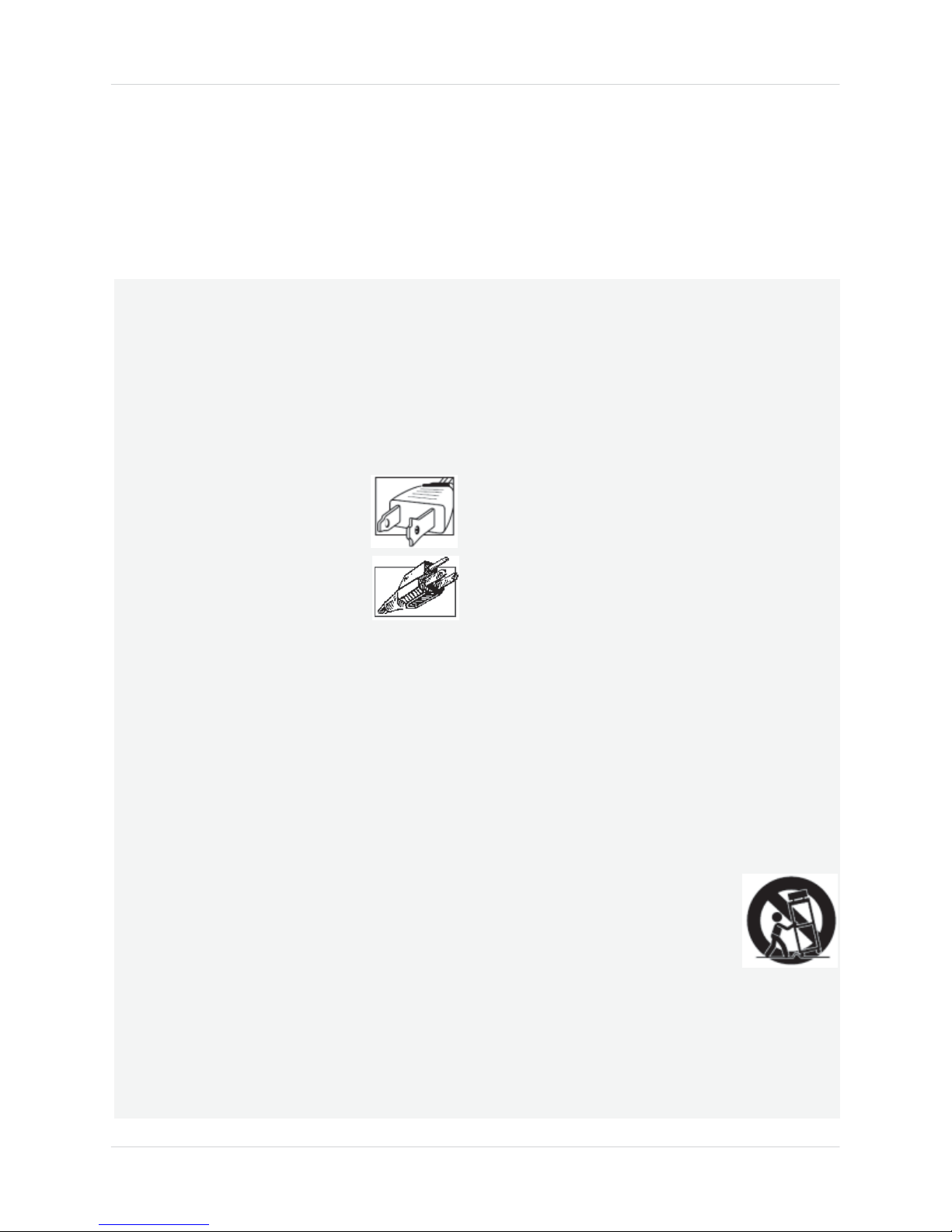
A polarized plug has two blades
with onewider than the
o
t
h
e
r.
Agrounding typeplug hastwo
blades
and
athird grounding prong.
Thewide bladeor the third prong
are providedfor
you
r
safety.
If the provided plug doesnot fit into
you
r
outlet,
consult an electrician for replacement of the
obsolete outlet.
5.
Power
So
u
r
c
e
s
-
This
video
product should be
ope
r
at
ed
only from the typeof
po
w
e
r
sour
ce
indicated onthemarking label. If
you
are not sureof
the typeof power supplyto your
l
oc
a
tion,
co
nsult
your
video
dealer or
l
oc
a
l
power
company.
For video
products intended to operate from battery power,
or
other sources,
refer
to the operating ins
tru
ctions
.
6.
Overloading
-
Donot overload wall outlets
o
f
extension cords as this can
result
in the risk of
fire
or electric shock.
Overloaded AC
outlets, extension
cords,
f
r
ay
ed
po
w
e
r
cords,
damaged
or
c
r
a
c
k
ed
w
i
re
insulation, andbroken plugs are
dange
r
ous.
They
may
result
in a shock
or
fire hazard.
P
e
r
i
od
i
c
a
ll
y
examinethe
co
r
d
,
andif its
appearance
indic
a
t
es
damageor deteriorated insulation,
have
it
r
e
plac
ed
byyour service
t
e
chnician.
7.
Power Cord Protection
-
Power supply cords should
berouted so that they are not
lik
e
l
y
to bewalked on
or pinchedbyitems placed uponor against them,
paying
particular attention to cords at plugs,
convenience
r
ecep
t
ac
l
es,
andthe point where they
exit from the
video
pr
oduct.
8.
Ventilation
-
Slots andopeningsin the case
ar
e
provided
for
ventilation to ensure reliable oper
a
t
ion
of the
video
product andto protect it
fr
om
overheating.
Theseopenings
must not beblocked
or
covered. The
openingsshould never beblocked by
placing the
video
equipment on abed,sofa,rug,
or
other similar surface. This
video
product should
ne
v
e
r
beplaced near or over aradiator or heat
register.
This video
product should not
be
placed in a
built-in installation such asa
bookcase
or
r
a
ck
un
l
ess
proper ventilation is providedor the video
product manufacturer’s instructions
have
been
fo
ll
o
w
ed.
9.
Attachments
-
Donot use attachments
unl
ess
r
eco
mm
ended
by
the
video
product manufacturer as
theymay
cause
ah
aza
r
d.
10.
Camera Extension Cables
–
Check
the rating of
your extension
cable(s)
to verify compliance with
your
l
oc
a
l
authority regulations prior to in
s
t
all
a
tion
.
11. Water
and Moisture
-
Donot usethis
video
pr
oduct
near water. For example, near a bath tub, wash
bowl, kitchen sink or laundry tub, in aw
e
t
basement, near aswimming pool andthe
lik
e.
Caution: Maintain electrical safety.
Po
we
rline
ope
r
ated
equipment or accessoriesconnectedto
this unit should bear the UL listing mark of CSA
certification mark onthe
accessory
itself
andshou
ld
not bemodified soasto defeat the safety
fea
tures.
This
will
help
avoid any
potential hazard
from
electrical shock or fire. If in doubt, contact qualified
service personnel.
12.
A
ccess
o
r
ie
s
-
Donot place
th
is
video
equipment on anunstabl
e
cart, stand, tripod, or table. The
video
equipment mayfall, causing
serious
damage
to the video
product. Usethis
video
pr
oduct
only with acart, stand,
t
r
ipod,
bracket, or table
r
eco
mm
ended
by
t
h
e
manufacturer or sold with the
video
product. Any
mounting of the product should
f
o
ll
o
w the
manufacturer’s instructions anduseamounting
accessory
r
eco
mmended bythe manufactur
er
.