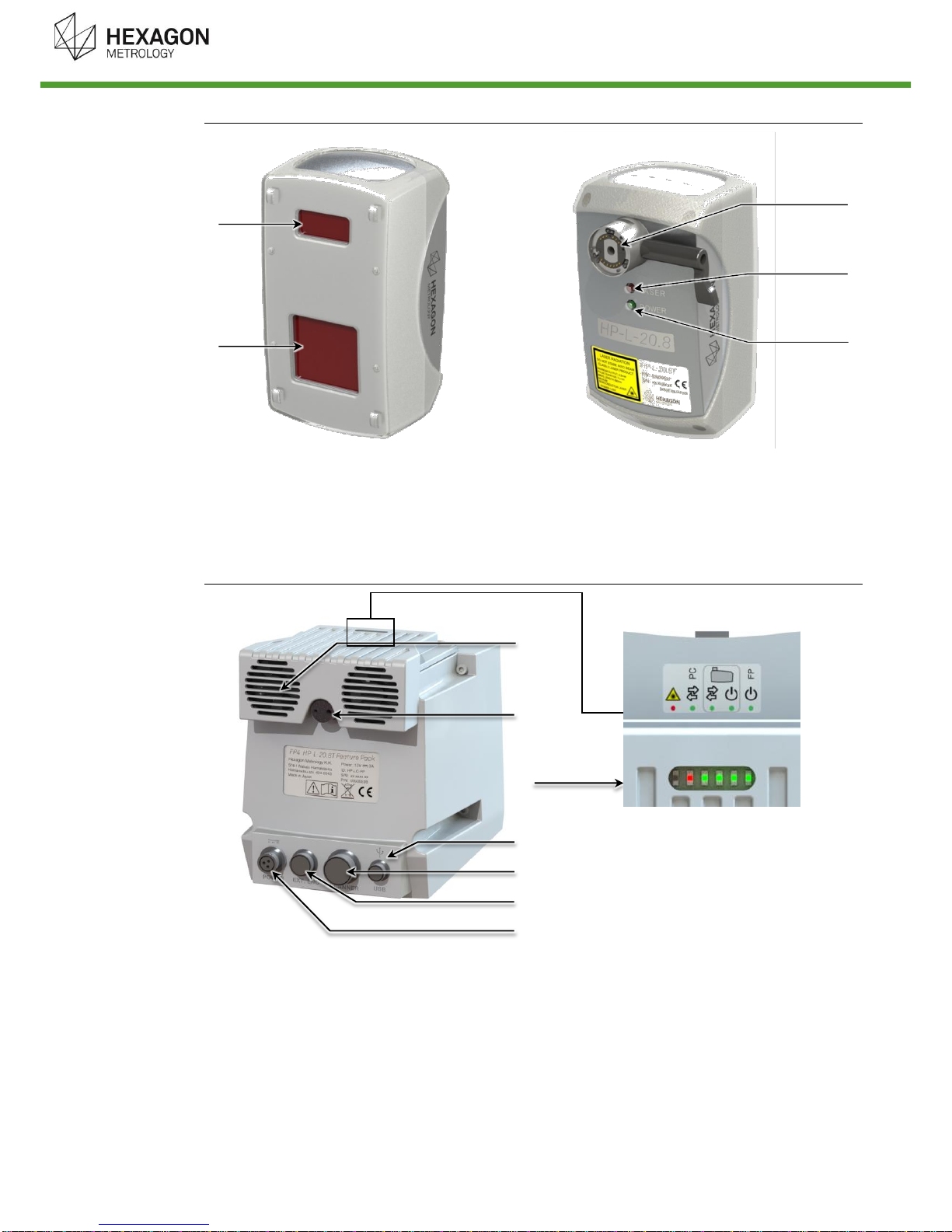
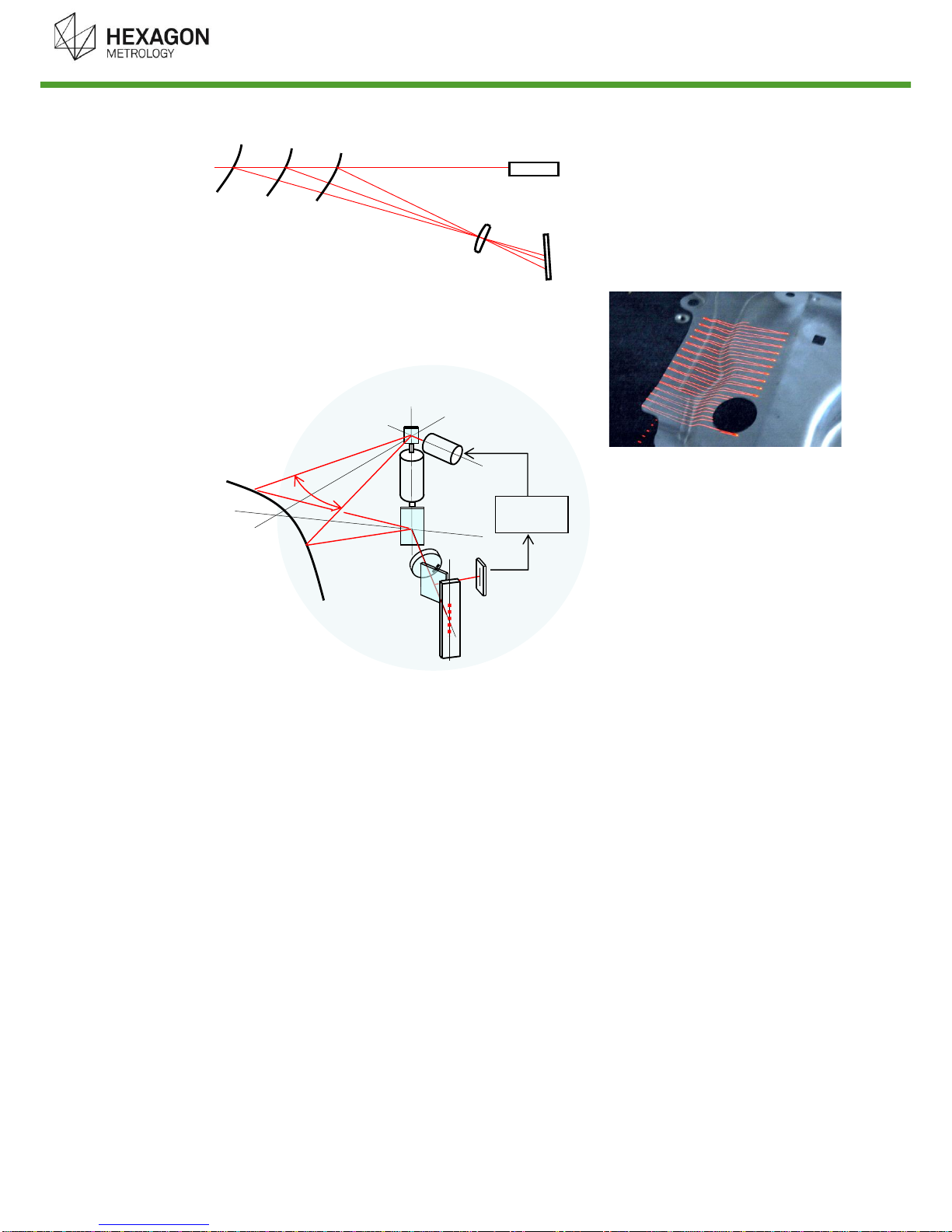
HP-L-20.8 Scanner Manual V1.0.3 (27/11/2014) 7
Table of Contents
INTRODUCTION.................................................................................................................................3
Conventions used in this guide.......................................................................................................4
IMPORTANT SAFETY NOTE.............................................................................................................5
Description.................................................................................................................................8A.
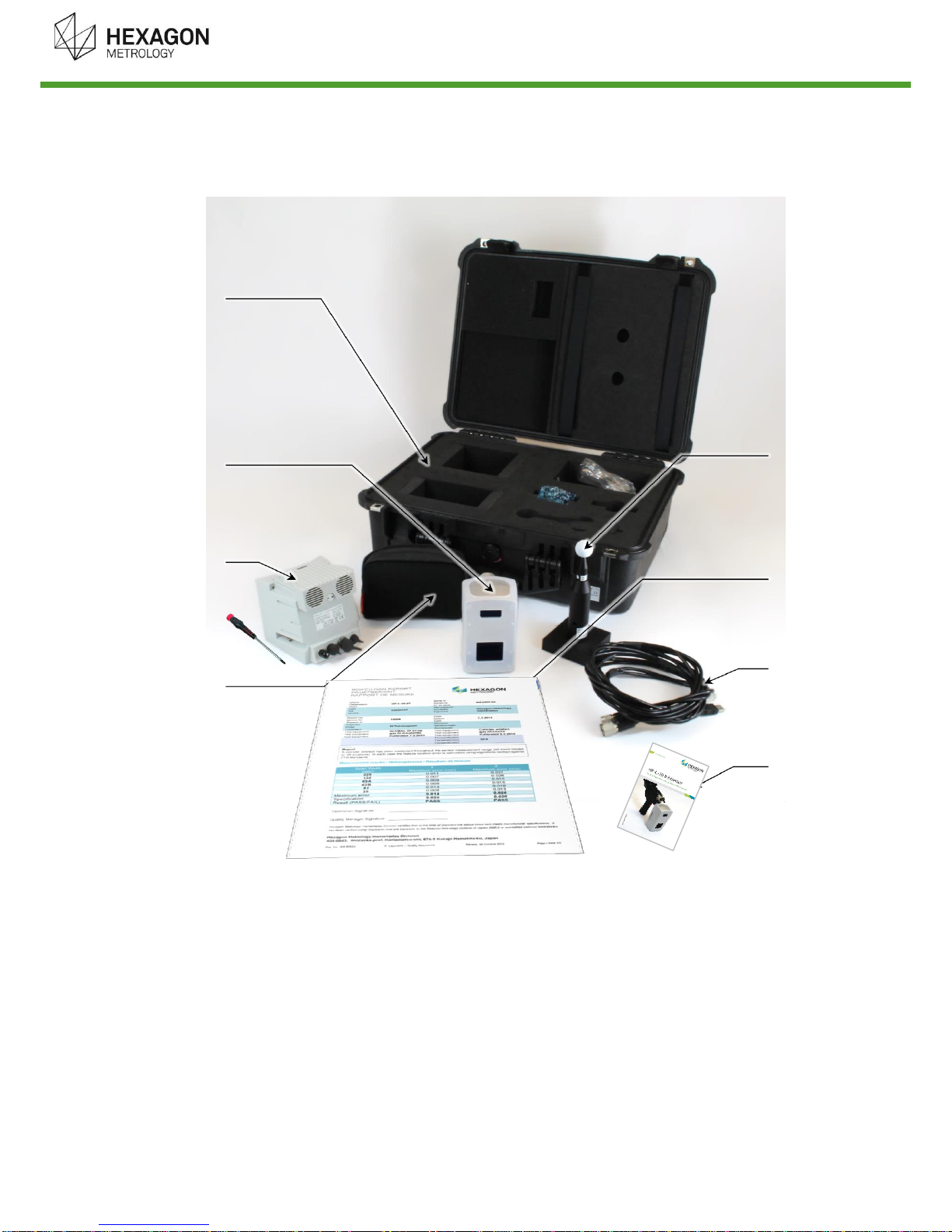
System components....................................................................................................................8A.1 Operating Principle...................................................................................................................10A.2 Features ....................................................................................................................................11A.3 Zoom settings............................................................................................................................11A.4
System setup...........................................................................................................................12B.
Mount the sensor.......................................................................................................................12B.1 Connect the Feature Pack.........................................................................................................13B.2 Operating the sensor.................................................................................................................15B.3 Warm-up time............................................................................................................................15B.4 Check before use ......................................................................................................................15B.5 Sensor dismounting...................................................................................................................15B.6
System Usage Information.....................................................................................................16C.
Standoff indicator laser..............................................................................................................16C.1 Curved Laser line ......................................................................................................................16C.2 Scanner settings........................................................................................................................17C.3 Sleep function............................................................................................................................19C.4 Tips & Tricks..............................................................................................................................20C.5
Troubleshooting......................................................................................................................23D.
Controller setup.........................................................................................................................23
D.1 Sensor setup .............................................................................................................................24D.2 Data quality issues ....................................................................................................................24D.3 Sensor operation.......................................................................................................................25D.4
Appendix ..................................................................................................................................26E.
Dimensions (mm) ......................................................................................................................26E.1 Specifications ............................................................................................................................27E.2 User Maintenance .....................................................................................................................28E.3 Servicing....................................................................................................................................28E.4