HARROPPERFORMANCE HARROPTV W: HARROP.COM.AU P: 1300 HARROP E: SALES@HARROP.COM.AU
HARROPPERFORMANCE HARROPTV W: HARROP.COM.AU P: 1300 HARROP E: SALES@HARROP.COM.AU
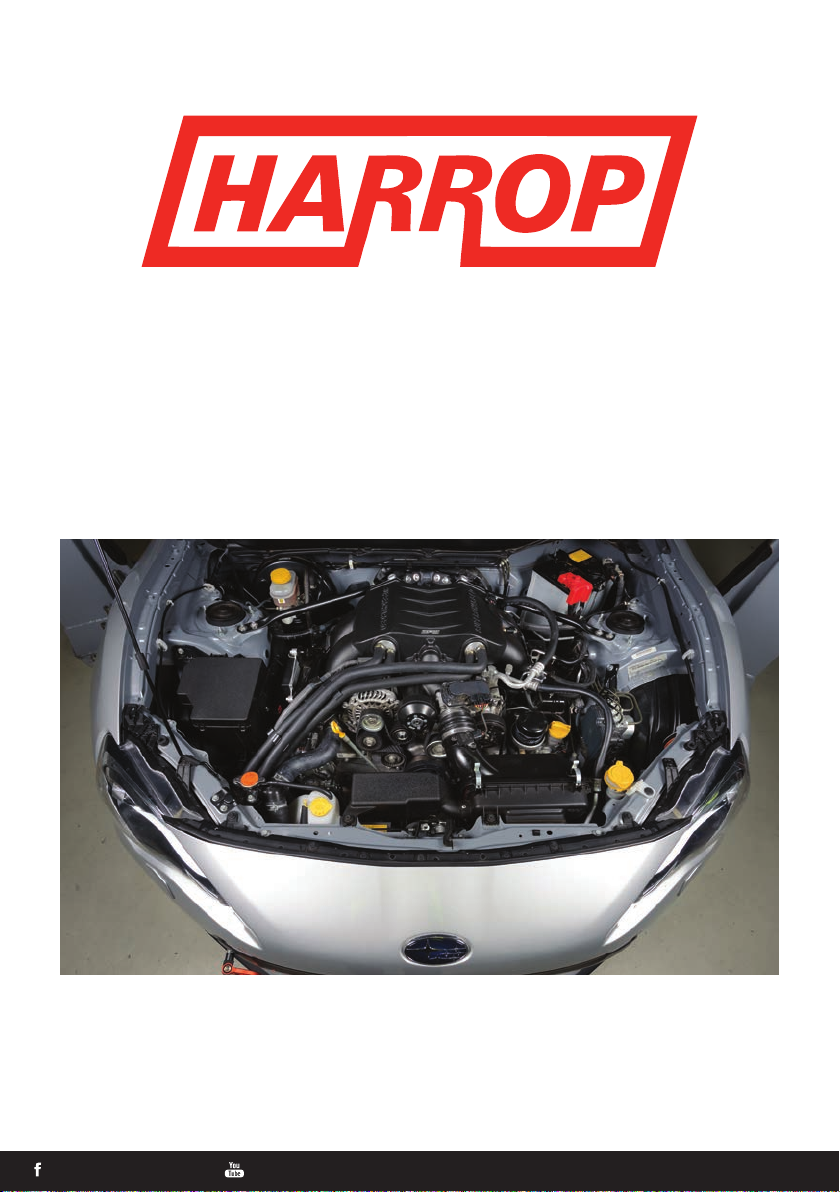
TVS1320 INSTALLATION GUIDE
QUICK START GUIDE FOR EXPERIENCED AUTOMOTIVE TECHNICIANS
ENGINEERING PERFORMANCE SINCE 1955
This document is meant only as a guide, as any vehicle modication should be completed by a
certied technician who has the relevant experience and equipment to be competent of a safe
and eective supercharger installation.
If you have purchased a complete kit (including ECUTEK cable, license and calibration)
follow the steps below before starting the installation. This will ensure you receive the
correct ROM le for your vehicle.
i. Go to the ECUTEK website. www.ecutek.com/support/downloads
ii. Go to the ECUTEK App downloader tab and follow the instructions for installing the drivers for
the license key and vehicle interface and also the software specic for your license key
iii. Once installed refer to the ProECU Programming guide located in ProECU help les
iv. Follow the process to the step “Query ECU”on page 5 of the programming manual
v. Once the ECU has been queried send the ECU Version to sales@harrop.com.au
vi. You will then receive the correct versioned ROM for your supercharger installation
Please ensure the safe operation of all tools and equipment are adhered to in accordance
with the vehicle and equipment manufacture’s recommendation.
1. Ensure the vehicle is prepared with premium (98 RON) unleaded fuel
1.a. Disconnect the negative terminal of the battery.
1.b. Avoid standing the supercharger on its end, as the oil in the gear housing may migrate from
the intended area.
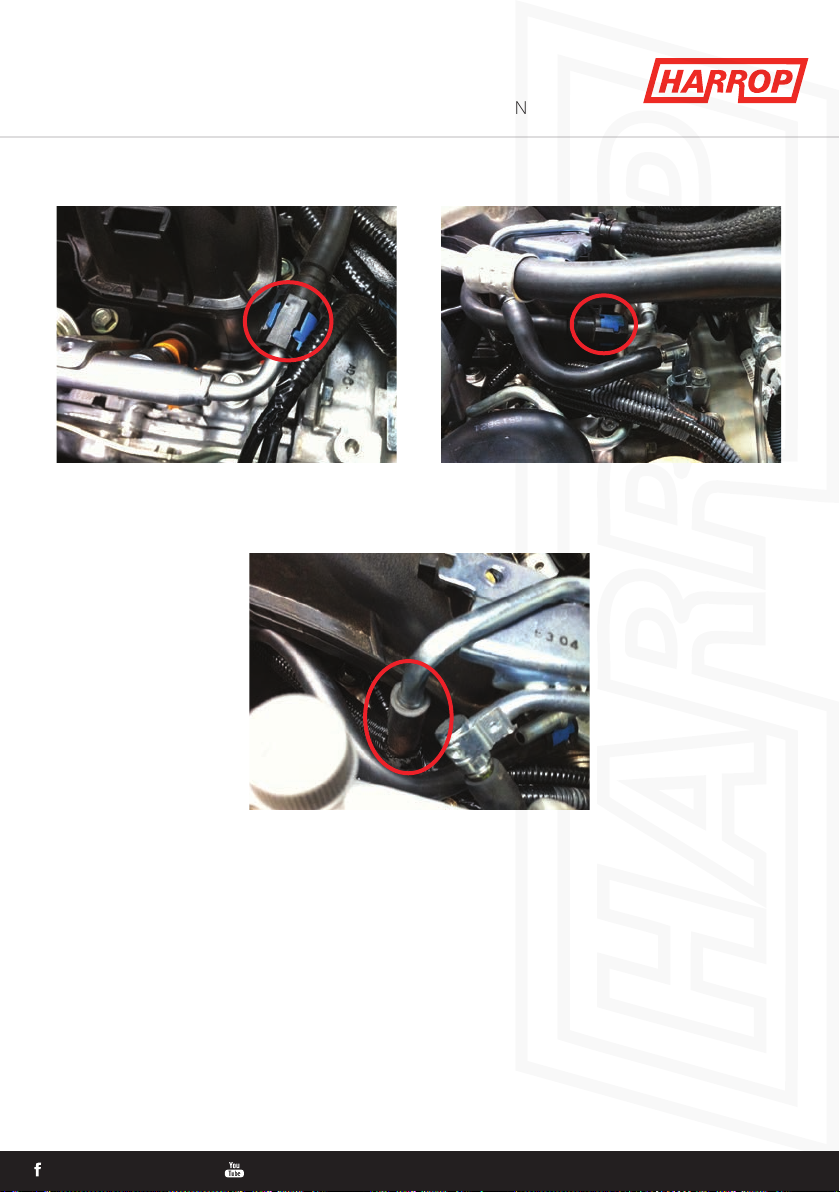
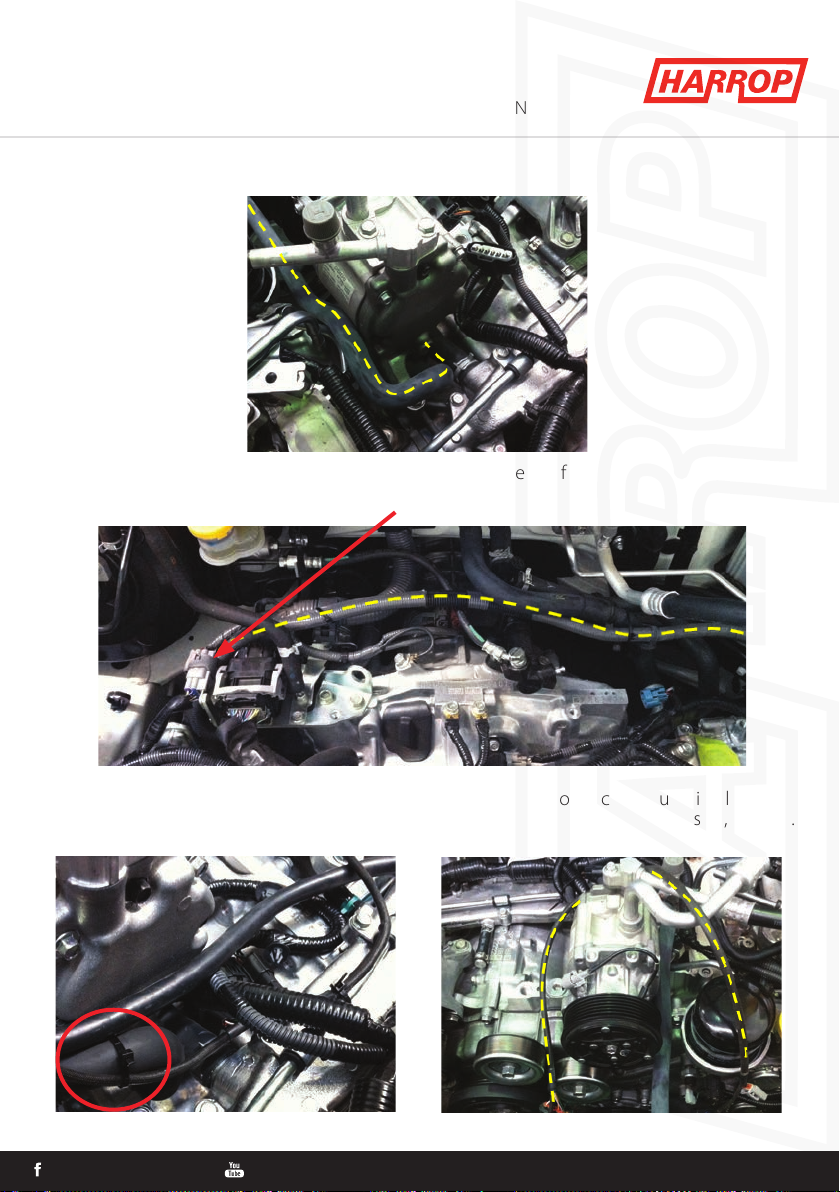
2. Remove ancillaries (intake tube, air box, lter, covers, strut braces and belt)
2.a. Remove Inlet tube.
2.b. Remove Air box.
2.c. Remove MAF sensor from air box.
2.d. Remove covers from alternator and A/C compressor.
2.e. Use 14mm socket on tensioner and remove belt.
2.f. Remove strut braces.
HARROPPERFORMANCE HARROPTV W: HARROP.COM.AU P: 1300 HARROP E: SALES@HARROP.COM.AU
4