
goxtreme GX3 Manual de usuario
EN
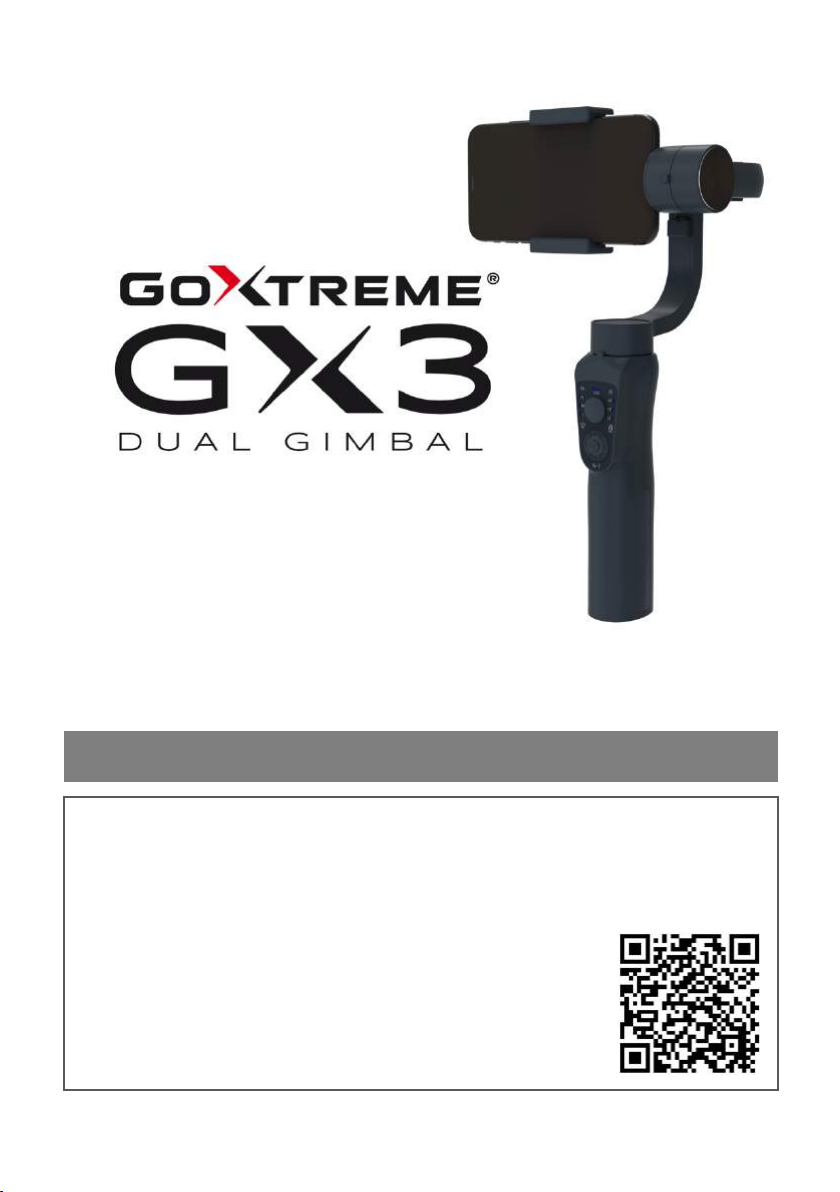
3-Axis Gimbal for Smartphones and Action Cams
USER MANUAL
FR : Un manuel dans votre langue est disponible sur Internet:
IT: Il manuale nella sua lingua può essere trovato su Internet:
ES: Puede encontrar un manual en su idioma en Internet:
PT: Um manual em seu idioma pode ser encontrado na Internet:
PL: Instrukcję w swoim języku możesz znaleźć na stronie:
SV: En handbok på ditt språk finns på Internet:
NL: Een handleiding in uw taal vindt u op internet:
bit.ly/3lQY2pF

EN
1
Table&of&contents
General ................................................................................................. 3
Symbols used ........................................................................................ 4
The product .......................................................................................... 4
IMPORTANT NOTICE! ............................................................................ 5
Intended use ........................................................................................ 5
Tested safety ......................................................................................... 6
Restrictions ........................................................................................... 6
Safety instructions ................................................................................ 7
Operating environment ........................................................................ 8
Storage environment ............................................................................ 9
Description of the functions ............................................................... 10
Mode button functions ...................................................................... 12
Charge the battery ............................................................................. 13
Use the gimbal as a powerbank ......................................................... 14
Mount a smartphone ......................................................................... 15
Mount an action cam ......................................................................... 17
Change the gimbal mode ................................................................... 20
Central alignment ............................................................................... 22
Change from horizontal to vertical alignment .................................... 22
Bluetooth connection ......................................................................... 23
Additional app functions .................................................................... 23
Box contents ....................................................................................... 24
Technical specifications ...................................................................... 25
Disposal .............................................................................................. 26
Declaration of conformity .................................................................. 28

EN
2
Disclaimer
Easypix makes no representations or warranties in relation to this
manual and, to the fullest extent permitted by law, expressly limits its
liability for breach of any warranty which may arise from substitution
of this manual for any other. Furthermore, Easypix reserves the right
to revise this publication at any time without obligation to notify any
person of such revisions.
Easypix is not responsible or liable for any misuse of the information
contained herein. If you have any suggestions for improvements or
changes, or if you have found any errors in this publication, please let
us know.
When installing and using this product, all relevant state, regional and
local safety regulations must be observed. For safety reasons and to
ensure compliance with the documented system data, only the
manufacturer may carry out repairs on components.
Failure to follow this information may result in injury or equipment
damage.
Copyright © Easypix GmbH
All rights reserved. No part of this publication may be reproduced,
distributed or transmitted in any form or by any means, including
photocopying, recording or other electronic or mechanical methods,
without the prior written permission of the publisher. For permission
requests, please contact the publisher in writing.
Easypix GmbH, Em Parkveedel 11, 50733 Cologne, Germany
[email protected]om - www.easypix.com

EN
3
General&
Read this manual and the safety instructions it contains
before using the product.
Follow all instructions. This will help you avoid fire,
explosion, electric shock or other hazards that could result
in property damage and/or serious or fatal injury.
The product may only be used by persons who have fully
read and understood the contents of these instructions for
use.
Ensure that every person using the product has read and
follows these warnings and instructions.
Keep all safety instructions and instructions for reference
and pass them on to subsequent users of the product.
The manufacturer is not liable for damage to property or
personal injury resulting from improper handling or failure
to observe the safety instructions.
&

EN
4
Symbols&used
The following symbols are used in this manual:
"Warning" indicates a hazard with a risk which, if not
avoided, may result in injury.
"Note" indicates information that is considered important
but is not hazard-related.
The&product&
The GX3 gimbal is designed to deliver smooth, stable and
professional shots with both smartphones and action cams.
Thanks to the flexibly, adjustable smartphone mount and
the included action cam adapter, the gimbal can be used for
both smartphones and action cams.
The GX3 is a 3-axis stabiliser that ensures the right balance
and brings out the best in every video. Even with unsteady
movements, it is possible to achieve stable and balanced
video recordings.
&
WARNING
NOTE

EN
5
IMPORTANT&NOTICE!&
Do not switch on the gimbal until the smartphone or
action cam is correctly mounted!
Do not switch on the gimbal until you have mounted and
adjusted your smartphone or action cam in the mount.
Changes to the position of the smartphone or action cam
during operation can cause damage.
Intended&use& &
The GX3 Gimbal for smartphones and action cams is an
electronic stabilization system used to capture stable photo
and video. It is mainly used in video production as well as
for personal shoots. The most common applications:
High-quality video recording: GX3 can be used to stabilize
camera movements and deliver smoother recordings. It is
particularly useful for scenes filmed handheld and for
panning and tracking of shots.
Holiday shooting: The gimbal is ideal for travel shots such as
hiking. It allows the user to take stable shots while on the
move.

EN
6
Live streaming: The GX3 can also be used for live stream
recording to maintain a stable image and improve the
quality of the recording. It can also be a great addition for
vlogging or social media recording as it allows the user to
capture a stable image while moving.
The GX3 Gimbal can be used indoors, outdoors, for sports,
concerts or simply on the move.
Tested&safety& &
The product has been tested in accordance with the
essential requirements and other relevant provisions of
Directives 2014/53/EU and 2011/65/EU & (EU) 2015/863.
Its safety complies with the requirements of the relevant
national regulations.
Restrictions& &
The product is not suitable for children under 3 years of
age as there is a risk of suffocation.
• Contains small parts. To avoid swallowing, please
ensure that children use under adult supervision.
• This product is not suitable for use in wet
environments.
• Please make sure that all parts are always dry.
• Make sure that all parts are not exposed to extreme
temperatures.
WARNING

EN
7
Safety&instructions&
This product is only suitable for the purpose described.
The manufacturer is not liable for damage caused by
improper use.
Please read these instructions carefully before use.
Keep all small parts out of the reach of small children.
• Please dispose of waste and residues at the end of
the product's useful life in accordance with local
laws and regulations.
• If you believe this product is damaged in any way,
please do not use it .
• The gimbal is a high-precision control device.
Dropping it or subjecting it to external force can
cause damage, which in turn can cause it to
malfunction.
• Make sure that the rotation of the axes is not
blocked by external force when the gimbal is
switched on.
• The gimbal is not waterproof or water-resistant.
Avoid contact with liquids of any kind. It is
recommended to use a dry cloth for cleaning.
WARNING
WARNING

EN
8
• Protect the gimbal from dust and sand during
operation.
• Hold the handle of the gimbal steady when
switching it on to ensure that it starts successfully.
• Make sure the battery is fully charged before each
use.
• Discharge the battery to 40% - 65% if it is NOT
used for more than 10 days. This can significantly
extend the life of the battery.
• Fully charge and discharge the battery every 3
months to keep it active.
Operating&environment&
Do not switch on the gimbal until you have mounted and
adjusted your smartphone or action cam correctly.
Changes to the position of the smartphone or action cam
during operation can lead to damage!
• Make sure the battery is fully charged before each
use.
• To attach an action cam, please use the action cam
adapter supplied.
• The gimbal should only be used at temperatures
between 0°C and 40°C.
NOTE

EN
9
• Using the battery in environments above 40°C may
cause a fire or explosion.
• Using the battery below 0°C may cause serious
damage.
Storage&environment&
• Do not leave the gimbal near heat sources such as
stoves or heaters, and do not place it in a vehicle on
hot days.
• Store the gimbal in a dry environment and at
temperatures below 40°C.
• Do not leave the gimbal unused for too long after it
has been fully discharged to avoid over-discharging
the battery. This could damage the battery and cause
permanent damage.
Travel advice: Discharge the battery to 5% or less before
taking it on a flight.
&
&
NOTE
Tabla de contenidos


