Geovent MULTIBOX III Manual de usuario

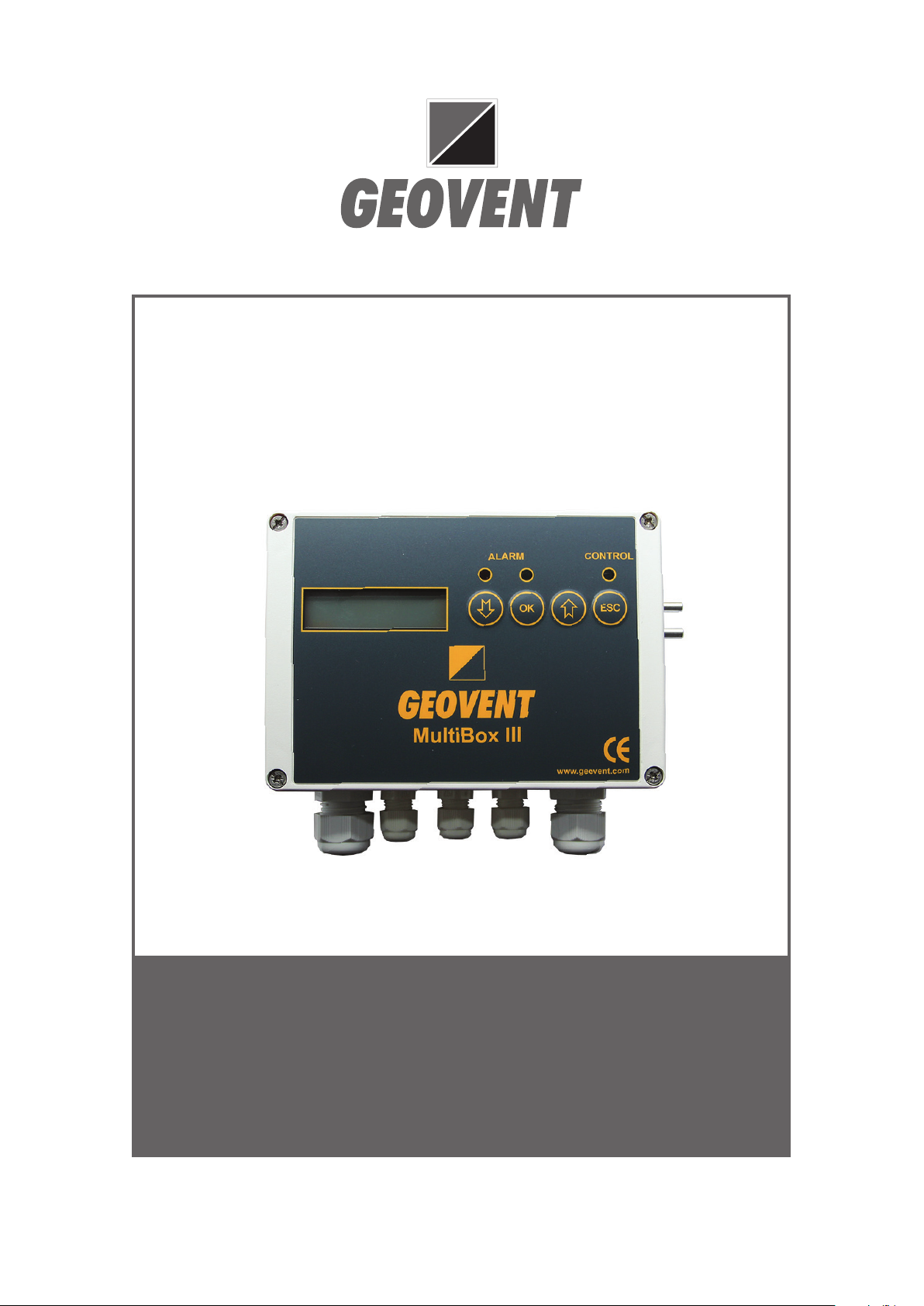
MULTIBOX III
source capture control panel
Version 1.0 09.03.2021
INSTRUCTIONS MANUAL
www.geovent.com

2

3
1.0 General safety precautions
IMPORTANT – Please study all the instructions before
mounting and commissioning.
Please keep these instructions in a safe place and
instruct all users in the function and operation of the
product.
Installation and service should only be implemented after
studying the wiring diagram thoroughly.
Avoid the dismantling of any factory-mounted parts,
since it impedes the commissioning of the equipment.
All electrical installations must be carried out by an au-
thorised electrician.
1.1 Danger
Dismantling parts on the MultiBox whilst in operation
could be deadly dangerous.
Always disconnect the MultiBox from the mains, when
removing the cover.
2.0 Adjustment of parameters
The MultiBox contains sevaral software programs, which
controls how the MultiBox behaves. The MultiBox is by
default set to 530, which is the program that is to be
used in 9 out of 10 situations
1. Connect the MultiBox to 230 Volts as shown in
the diagram
2. The Display will show “P0” on power-up
3. Press “ENTER” and select the appropriate soft
ware program by scrolling with the “+”
and “-“ keys and the press “ENTER” once more.
4. Shift to P1 (the set point parameter) by using
the “+” key and the press “ENTER” – adjust the
value to your desired set point pressure
(in Pascals) and press “ENTER” once more.
5. Use the “+” until you get to D10.
6. Keep the “ENTER” key pressed until you get a
beep (tells you that the changes you have made
are now saved in EEPROM).
7. In case of failure – cut the power for at least 20
seconds and put it back on. The MultiBox is now
reset and you must start the programming pro-
cedure again.
Tabel of general MultiBox III parameters
P75 Service timer 0 0-36 0=Off 1-36=months
between service
P76 Call service Max 16
letters
Press and hold arrow
down when connecting
main power to type
service message
P77 Reg volt start 5V 0-10V Regulator start up
voltage
P78 Reg delay start 5 0-240 Regulator start up time
in seconds
P92 Start position 0 0-1-2 0=closed, 1=open,
2=frees
P93 Zero calibration No Yes Calibration of pressure
zero (pa)
P94 Manual start/
stop
Yes Yes
No
Yes= Manual start
No=Auto
P95 Alarm delay 10 3600 Time delay before alarm
signal
P96 Language
select
DK GB select DK or GB
language
P97 Disable alarm
sound
0 0-1 Disable alarm sound
when P97=1
P98 PIN code 0 2211 PIN code on / off
P99 Parameter
Reset
No Yes Yes = Reset all
parameters
P00 Select of
version
550 Table 1 Software version
selection
The software is applied for PID feedback regulation of
process air extraction by means of frequency inverter or
electric or pneumatic damper. The regulator PID signal
can be inverted, and thereby have opposite direction.
The Transmitter has 0-10V signal for calculated air ex-
traction ow, and slave control of balanced Inlet air.
The following start-up procedure is recommended:
• Installation according to diagram below
• Green or Red Alarm diode when T3 is active
• Select software V530 or V630 in Parameter P00
• Connect one pressure sensor tube to ventilation
ducting, or 2 sensor tubes to a ow meter
• Select desired regulator setpoint (Pa) in P01
• Select min. and max. alarm limits
in P02 and P03
• Control signal in T10 can be inverted in P16.
• Terminal T10 is connected to freq. inv. or damper
• Terminal T8 with slave signal for balanced inlet
air is connected to inlet air frequency inverter
• Terminal T9 with ow signal (l/s) can be
connected to Sumbox such as version
V670 or V675.
• Max fan capacity (50 Hz) is entered into P14
• Controller start in T4 or pres ESC
(when P94=yes).

4
After start-up the following adjustments
are possible:
• Adjust PID regulator: higher P06-value will
speed up the regulator, and higher P07-value
will moderate the regulator and reduce instability
• Adjust P22 and P23 to max Room and
Inlet air ow
• T8 has 0-10V signal for Inlet air slave control
• T9 has 0-10V signal for ow rate transmitter
The regulator maintains the actual set point as
indicated in P10, and transmit 0-10V signals
for ow rate(T9) and slave control of
Inlet air (T8) with frequency control
Par. Label Def. Max Def Max Description
P00 Model number 530 530 630 630 Software version number
P01 Setpoint+pressure 1000 5000 100 1000 Adjust PID setpoint + pressure
P02 Min. alarm limit (Pa) 200 4999 20 999 Monitor alarm min. limit (Pa)
P03 Max. alarm limit (Pa) 5000 5000 1000 1000 Monitor alarm max. limit (Pa)
P04 Time delay (sec) 10 3600 10 3600 Time delay to shut down
P05 Neutral zone (Pa) 3 100 3 1000 Neutral zone from set point
P06 P-factor (PID) 3 200 3 200 Regulator P-factor (speed)
P07 I-time (PID) (sec) 30 1000 30 1000 Regulator I-time (moderation)
D10 Pressure+setpoint - 5000 0 1000 Actual press.+setpoint values
P14 Max ow for T10 1000 9999 1000 9999 Max capacity (l/s) main fan
P16 Invert PID signal No Yes No Yes No = normal PID ; Yes = invert
D18 Flow display (l/s) 0 - 0 - Flow with K-factor in P17
P22 Max Room ow 1 9999 1 9999 Room fan max capacity (l/s)
P23 Max Inlet ow 1000 9999 1000 9999 Inlet fan max capacity (l/s)
P24 Residual ow 0 9999 0 9999 Residual fan max capacity
D49 Display T10 (V) 0 - 0 - 0-10V value from PID (V)
D50 Display T9 (V) - - - - 10-0V Room air value (V)
D51 Display T8 (V) - - - - 0-10V Inlet air value (V)
P52 Min. limit T10 (V) 0 9 0 9 Adjust voltage limit for T10
P53 Max. limit T10 (V) 10 1 10 1 Adjust voltage limit for T10
P54 Min Limit T9 (V) 0 9 0 9 Adjust voltage limit for T9
P55 Max limit T9 (V) 10 1 10 1 Adjust voltage limit for T9
P56 Min Limit T8 (V) 0 9 0 9 Adjust voltage limit for T8
P57 Max limit T8 (V) 10 1 10 1 Adjust voltage limit for T8
P73 Flow rate (10V) 1000 9999 1000 9999 Flow (l/s) limit T9 at 10V output
Parameter list
Power supply
Voltage-free contacts
N
L
230V
CTS
Max 3A
T4 T3 T11 T12 T13
5VDC
13VDC PIR T10 T9 T8 T7 T6 T5
Start/stop
Control Alarm
Voltage Controller and Regulator outputs
NC C NO NC C NO Control
Start/
stop
Alarm
Start/
stop
13VDC
Out Control
0-10V
Signal
Flow
Rate (l/s)
signal
Inlet air
slave
signal
Alarm
signal
13VDC
+ 0
+ 0+ 0
+0
Control
pulse
signal
13VDC
+ 0
Control
pulse
signal
13VDC
+ 0
Transmitters 0-10V
Connection diagram for software version V530 and V630
Max 4A
Alarm
Max 4A
Max 3A
MotorLight
Power supply
Voltage-free contacts
N
L
230V
CTS
Max 3A
T4 T3 T11 T12 T13
5VDC
13VDC PIR T10 T9 T8 T7 T6 T5
Start/stop
Control Alarm
Voltage Controller and Regulator outputs
NC C NO NC C NO Control
Start/
stop
Alarm
Start/
stop
13VDC
Out Control
0-10V
Signal
Flow
Rate (l/s)
signal
Inlet air
slave
signal
Alarm
signal
13VDC
+ 0
+ 0+ 0
+0
Control
pulse
signal
13VDC
+ 0
Control
pulse
signal
13VDC
+ 0
Transmitters 0-10V
Connection diagram for software version V530 and V630
Max 4A
Alarm
Max 4A
Max 3A
MotorLight

5
Quick guide for
frequency inverter setup.
ABB ACS 150
”AI” adjustment type is set to ”U” on the micro switch (0-10V)
If Multibox II is used, control mode
is set at ”REM”.
”LOC” = Control using front panel.
”REM” = External PID control.
Access parameter list.
Press menu and select Par L
Menu
Exit Arrows
Now it is possible to scroll through the parameter list using arrows.
(Shown: example)
Quick guide for
frequency inverter setup.
ABB ACS 150
”AI” adjustment type is set to ”U” on the micro switch (0-10V)
If Multibox II is used, control mode
is set at ”REM”.
”LOC” = Control using front panel.
”REM” = External PID control.
Access parameter list.
Press menu and select Par L
Menu
Exit Arrows
Now it is possible to scroll through the parameter list using arrows.
(Shown: example)

6
Operation Limits
Setup the allowed current. In many cases the same as
indicated on the label on the motor. For example. 2,6A
Setup minimum frequency.
Set at 15Hz. If set lower, both fan and frequency inverter may
suffer damage.
Set max. frequency.
Set at max allowed frequency for the current fan.
Setup the motor´s rated voltage as indicated on
the motor label. For example 400V
Setup the motor´s rated current as indicated on
the motor label. For example 2,6A
Setup the motor´s rated frequency as indicated on
the motor label. For example 50Hz
Setup the motor´s rated speed as indicated on
the motor label. For example. 2830 rpm
Setup the motor´s rated power consumption as indicated on
the motor label. For example 4Kw
Motor data setup

7
Operation Limits
Setup the allowed current. In many cases the same as
indicated on the label on the motor. For example. 2,6A
Setup minimum frequency.
Set at 15Hz. If set lower, both fan and frequency inverter may
suffer damage.
Set max. frequency.
Set at max allowed frequency for the current fan.
Setup the motor´s rated voltage as indicated on
the motor label. For example 400V
Setup the motor´s rated current as indicated on
the motor label. For example 2,6A
Setup the motor´s rated frequency as indicated on
the motor label. For example 50Hz
Setup the motor´s rated speed as indicated on
the motor label. For example. 2830 rpm
Setup the motor´s rated power consumption as indicated on
the motor label. For example 4Kw
Motor data setup
Setup ramp up time.
Normally about 20 seconds.
(Ramp time correlates with fan size –the larger the fan, the longer the ramp time)
Setup ramp down time.
Normally about 50 seconds
(Ramp time correlates with fan size –the larger the fan, the longer the ramp time
Ramp time setup.
Setup max reference.
Setup the value(Hz) of max reference voltage (10V).
If you want the fan to run at for ex. 55Hz set it at 55Hz.
(If you do not set this parameter the fan will not run faster
than 50Hz)
This is a quick guide for setting up the frequency inverter with the minimu required settings.
These settings apply to a typical Geovent product constellation, and are not directly applicable for use with other products.
For settings of other parameters/macros and detailed explanation hereof, see the instructions manual from ABB.

8
Quick guide for
Frequency inverter setup.
ABB ACH 580
If Multibox III is used, set control mode to
”AUTO”.
”Hand” = Control using front panel.
”Auto” = External PID control.
Access setup menu.
Press ”menu”
Now choose The parameter groups you need to setup. On the
following pages you will be guided through the parameters we
Recommend you setup.
Select ”Primary settings”.
Function keys

9
Operation limits
Maximum current
Setup the max allowed current. In many cases this is the same
as indicated on the motor nameplate. For example 2,6A
Minimum frequency
Setup minimum allowed frequency. Set at 15Hz. If set lower,
both fan and inverter may suffer damage.
Maximum frequency
Set maximum frequency.
Set maximum allowed frequency for the selected fan.
Voltage
Current
Frequency
Speed
Power
Setup the motor´s rated voltage as indicated on the motor
nameplate. For exampel 400V
Setup the motor´s rated current as indicated on the motor
nameplate. For exampel 2,6A
Setup the motor´s rated frequency as indicated on the motor
nameplate. For exampel 50Hz
Setup the motor´s rated speed as indicated on the motor
nameplate. For exampel 2830 rpm
Setup the motor´s rated power comsumption as indicated on
the motor nameplate. For exampel 4Kw
Motor data setup
In ”primary settings” select ”motor”.
In ”Primary settings” select ”Limits”.
9906
9909
9907
9908
9910
3013
3014
3017

10
This is a quick guide for setting up the frequency inverter with the minimu required settings.
These settings apply to a typical Geovent product constellation, and are not directly applicable for use with other products.
For settings of other parameters/macros and detailed explanation hereof, see the instructions manual from ABB.
Setup ramp up time. Normally 20 seconds. Acceleration time
Deceleration time
Setup ramp down time. Normally 50 seconds.
Ramp time setup
Setup max reference.
Max scale
Setup the value(Hz) of max reference voltage(10V). If you set the
parameter 2008 to ex. 55Hz then set this parameter to 55Hz too.
Activate/deactivate DI4 as start condition.
Standard setting is DI4 is activated as start condition. We recommend
removing the checkmark.
Setup start conditions.
Use start interlock 1
In ”Primary settings” select ”Ramps”.
In ”Primary settings” select ”Start, stop,reference”. In the following page
select ”Primary auto control location” and then ”AI1 -scale”
In ”Start, stop, reference” select ”Interlocs/permissives”.
(Ramp time correlates with fan size –larger fan = more ramp time)
2872
2873
1220
2041
2211
Otros manuales para MULTIBOX III
1
Tabla de contenidos
Otros manuales de Panel de control de Geovent


