
Gen2wave RP1300 SERIES Manual de usuario
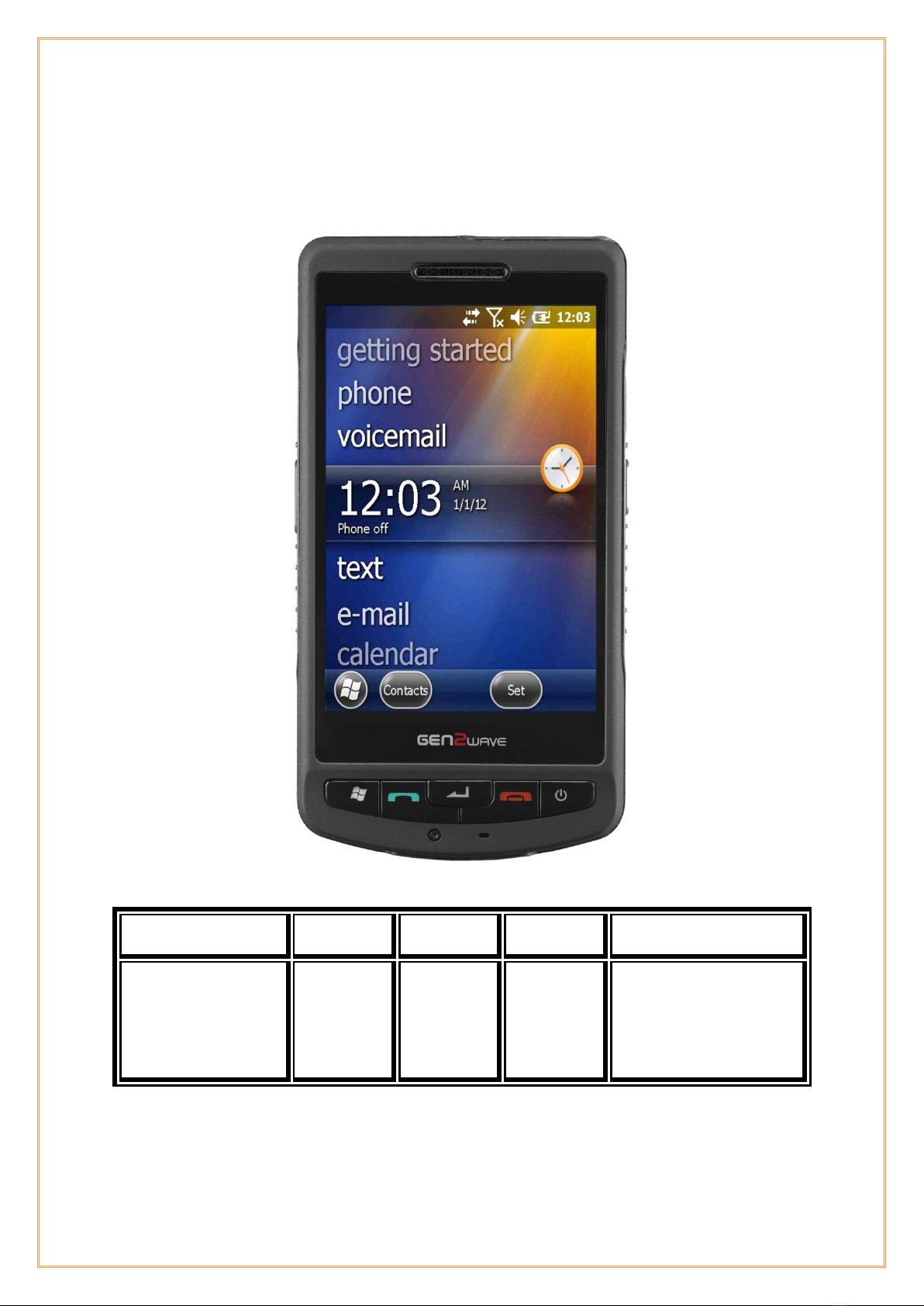
RP1300 User‟s Manual
RP1300 User‟s Full Manual
MODEL:
Phase:
Originator:
Dept.
DATE:
RP1300 SERIES
ADD Model
(RP1300)
JUL 10th ,2013
Rugged & Professional
RP1300 Integrator Manual
July 19, 2013

RP1300 User‟s Manual
2
© 2013 by Gen2wave, Inc. All rights reserved.
No part of this publication may be reproduced or used in any form, or by any electrical or mechanical means,
without permission in writing from Gen2wave. This includes electronic or mechanical means, such as
photocopying, recording, or information storage and retrieval systems. The material in this manual is subject
to change without notice.
The software is provided strictly on an “as is” basis. All software, including firmware, furnished to the user is
on a licensed basis. Gen2wave grants to the user a non-transferable and non-exclusive license to use each
software or firmware program delivered hereunder (licensed program). Except as noted below, such license
may not be assigned, sublicensed, or otherwise transferred by the user without prior written consent of
Gen2wave. No right to copy a licensed program in whole or in part is granted, except as permitted under
copyright law. The user shall not modify, merge, or incorporate any form or portion of a licensed program
with other program material, create a derivative work from a licensed program, or use a licensed program in
a network without written permission from Gen2wave. The user agrees to maintain Gen2wave‟s copyright
notice on the licensed programs delivered hereunder, and to include the same on any authorized copies it
makes, in whole or in part. The user agrees not to decompile, disassemble, decode, or reverse engineer any
licensed program delivered to the user or any portion thereof.
Gen2wave reserves the right to make changes to any software or product to improve reliability, function, or
design.
Gen2wave does not assume any product liability arising out of, or in connection with, the application or use
of any product, circuit, or application described herein.
No license is granted, either expressly or by implication, estoppels, or otherwise under any Gen2wave, Inc.,
intellectual property rights. An implied license only exists for equipment, circuits, and subsystems contained
in Gen2wave products.
Gen2wave, Inc.
http://www.gen2wave.com

RP1300 User‟s Manual
3
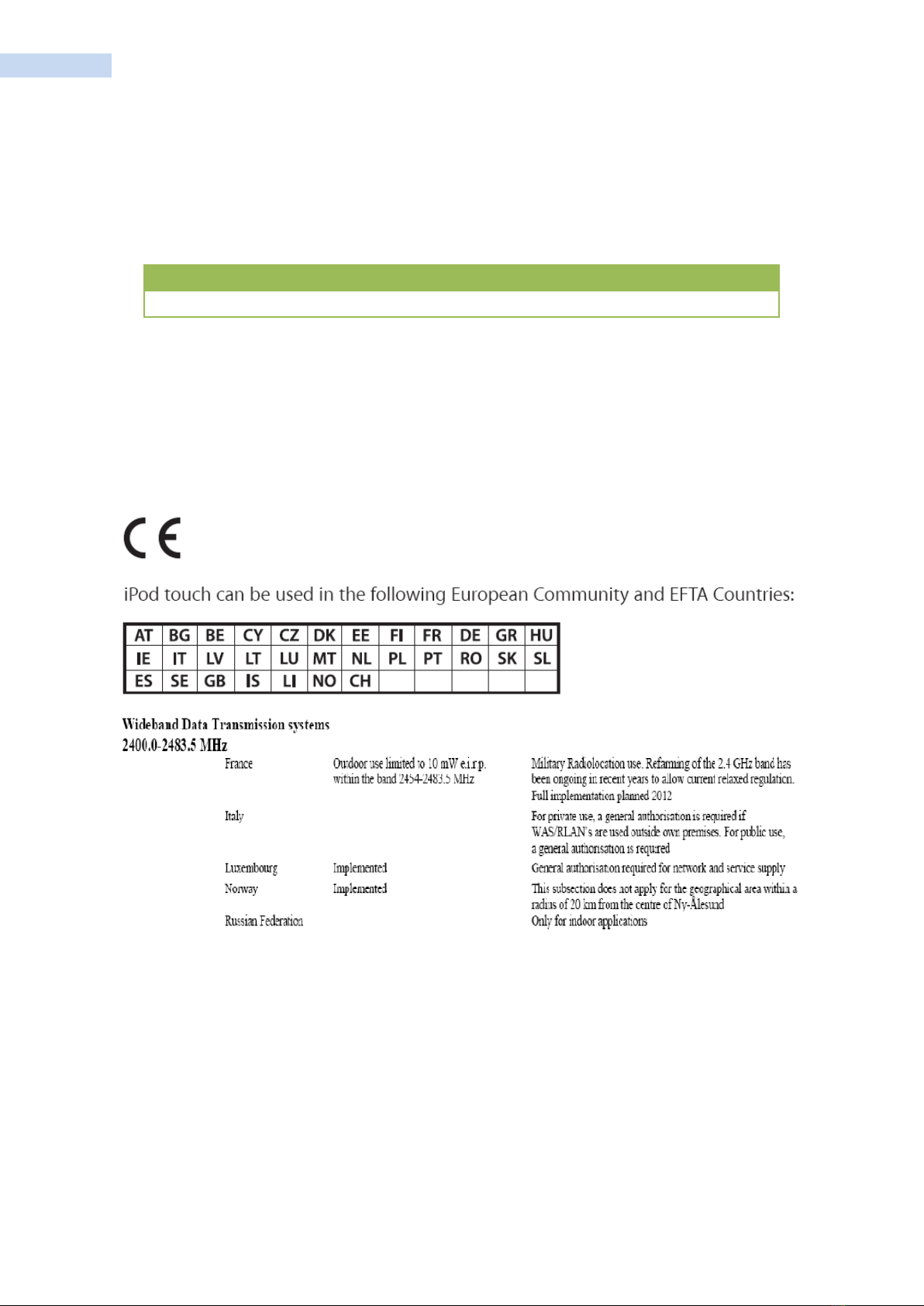
The R&TTE Directive
The European Radio equipment and Telecommunications Terminal Equipment (R&TTE) Directive
(1999/5/EC) was published in the Official Journal of the European Communities on 7 April 1999. It
covers all radio equipment and all equipment intended to be connected to public telecommunications
networks
The R&TTE Directive relies for its operation on Harmonized Standards developed by the recognized
European Standards Organizations. These Harmonized Standards define technical characteristics which
can be used to meet the essential requirements of the Directive
RP1300 User‟s Manual
4
Revision History
Changes to the original manual are listed below:
Version
Date
Description
Rev 1.0
13/01/29
Card slot image
0984

RP1300 User‟s Manual
5
Table of Contents
RP1300 User‟s Full Manual............................................................................................................................................................................... 1
Revision History..................................................................................................................................................................................................... 4
About This Guide.................................................................................................................................................................................................. 8
Introduction.................................................................................................................................................................................................... 8
Software Versions........................................................................................................................................................................................ 9
Build Version/Software Name and Version.................................................................................................................................... 9
AKU Version.......................................................................................................................................................................................... 9
System Version.................................................................................................................................................................................... 9
Service Information ..................................................................................................................................................................................10
Getting Started ....................................................................................................................................................................................................11
Introduction..................................................................................................................................................................................................11
RP1300 Specifications .............................................................................................................................................................................11
Unpacking the RP1300 ...........................................................................................................................................................................13
Getting Started...........................................................................................................................................................................................14
Installing a microSD Card .....................................................................................................................................................................14
Installing the SIM Card...........................................................................................................................................................................15
Installing the Battery................................................................................................................................................................................16
Charging the Main Battery ...................................................................................................................................................................17
Table 1-1 LED Charge Indicators .............................................................................................................................................17
Checking the Battery Status.................................................................................................................................................................18
Resetting the RP1300..............................................................................................................................................................................19
Performing a Soft Reset Boot .............................................................................................................................................................19
Performing a Hard Reset.......................................................................................................................................................................20
Performing a Clean Boot.......................................................................................................................................................................21
RP1300 Service Verification ...........................................................................................................................................................................22
Ensuring Network Coverage ................................................................................................................................................................22
Configuring a Data Connection...................................................................................................................................................................24
Connecting to an ISP ..............................................................................................................................................................................24
Connecting to a Network With a VPN Server ............................................................................................................................25
RP1300 Settings...................................................................................................................................................................................................26
Phone Tab.....................................................................................................................................................................................................26
Security Tab..................................................................................................................................................................................................27
Enabling a PIN...................................................................................................................................................................................27
Changing a PIN.................................................................................................................................................................................28
Disabling a PIN .................................................................................................................................................................................28
Services...........................................................................................................................................................................................................29
Call Barring (Call Blocking)..........................................................................................................................................................30
Caller ID ................................................................................................................................................................................................30
Call Forwarding.................................................................................................................................................................................31
Call Waiting.........................................................................................................................................................................................31
Voice Mail and Text Messages..................................................................................................................................................32
Fixed Dialing.......................................................................................................................................................................................32

RP1300 User‟s Manual
6
Network..........................................................................................................................................................................................................33
Changing Networks Manually ...................................................................................................................................................33
Viewing Available Networks .......................................................................................................................................................34
Setting Preferred Networks.........................................................................................................................................................35
Via Wireless LAN .......................................................................................................................................................................................36
Accessories.............................................................................................................................................................................................................37
Introduction..................................................................................................................................................................................................37
Single Slot USB Cradle............................................................................................................................................................................38
Setup ...............................................................................................................................................................................................................38
Charging the RP1300 Battery..............................................................................................................................................................39
Charging the Spare Battery..................................................................................................................................................................40
Battery Charging Indicators .................................................................................................................................................................41
Table 2-1 Spare Battery LED Charging Indicators ...........................................................................................................41
Charging and Communication............................................................................................................................................................42
LED Charging Indicators ........................................................................................................................................................................42
Charge LED .........................................................................................................................................................................................42
Charging Temperature ..................................................................................................................................................................42
Using the Computer..........................................................................................................................................................................................43
Adjusting the Volume of the RP1300 .............................................................................................................................................43
Using the Touch Screen.........................................................................................................................................................................44
Configuring the Backlight Settings...................................................................................................................................................44
Using the Stylus .........................................................................................................................................................................................45
Understanding the Screen Icons .......................................................................................................................................................45
Aligning the Touch Screen ...................................................................................................................................................................46
Rotating the Screen .................................................................................................................................................................................46
Reading Bar Codes ...................................................................................................................................................................................47
Using the Color Camera ........................................................................................................................................................................48
Using a microSD Card.............................................................................................................................................................................50
Enabling the Integrated GPS on the RP1300 ..............................................................................................................................50
Using the A-GPS on the RP1300.......................................................................................................................................................50
Button Assign Function ..........................................................................................................................................................................53
Connecting and Configuring the RP1300...............................................................................................................................................55
Connecting the RP1300 to a PC........................................................................................................................................................55
Connecting the RP1300 to Your Network ....................................................................................................................................56
Connecting the RP1300 Using WIFI Communications............................................................................................................57
Connecting the RP1300 Using Bluetooth Communications ................................................................................................59
Configuring the Phone ...........................................................................................................................................................................60
Turning On the Phone Using the Wireless Manager ..............................................................................................................60
Blue-Tooth that can be used simultaneously with Wi-FI......................................................................................................61
Using Internet Sharing............................................................................................................................................................................61
Making a Phone Call ...............................................................................................................................................................................64
Installing Applications ......................................................................................................................................................................................65
Installing Applications on the RP1300............................................................................................................................................65

RP1300 User‟s Manual
7
Installing Applications Using Microsoft ActiveSync .................................................................................................................66
Installing Applications Using a microSD Card ............................................................................................................................67

RP1300 User‟s Manual
8
About This Guide
Introduction
This Integrator Guide provides information about setting up and configuring the RP1300 and its accessories.
NOTE. Screens and windows pictured in this guide are samples and can differ from actual screens.
RP1300 User‟s Manual
9
Software Versions
This guide covers various software configurations and references are made to operating system or software
versions for:
Adaptation Kit Update (AKU) version
OEM version
Phone version
BT version
Fusion version.
Build Version/Software Name and Version
AKU Version
To determine the Adaptation Kit Update (AKU) version:
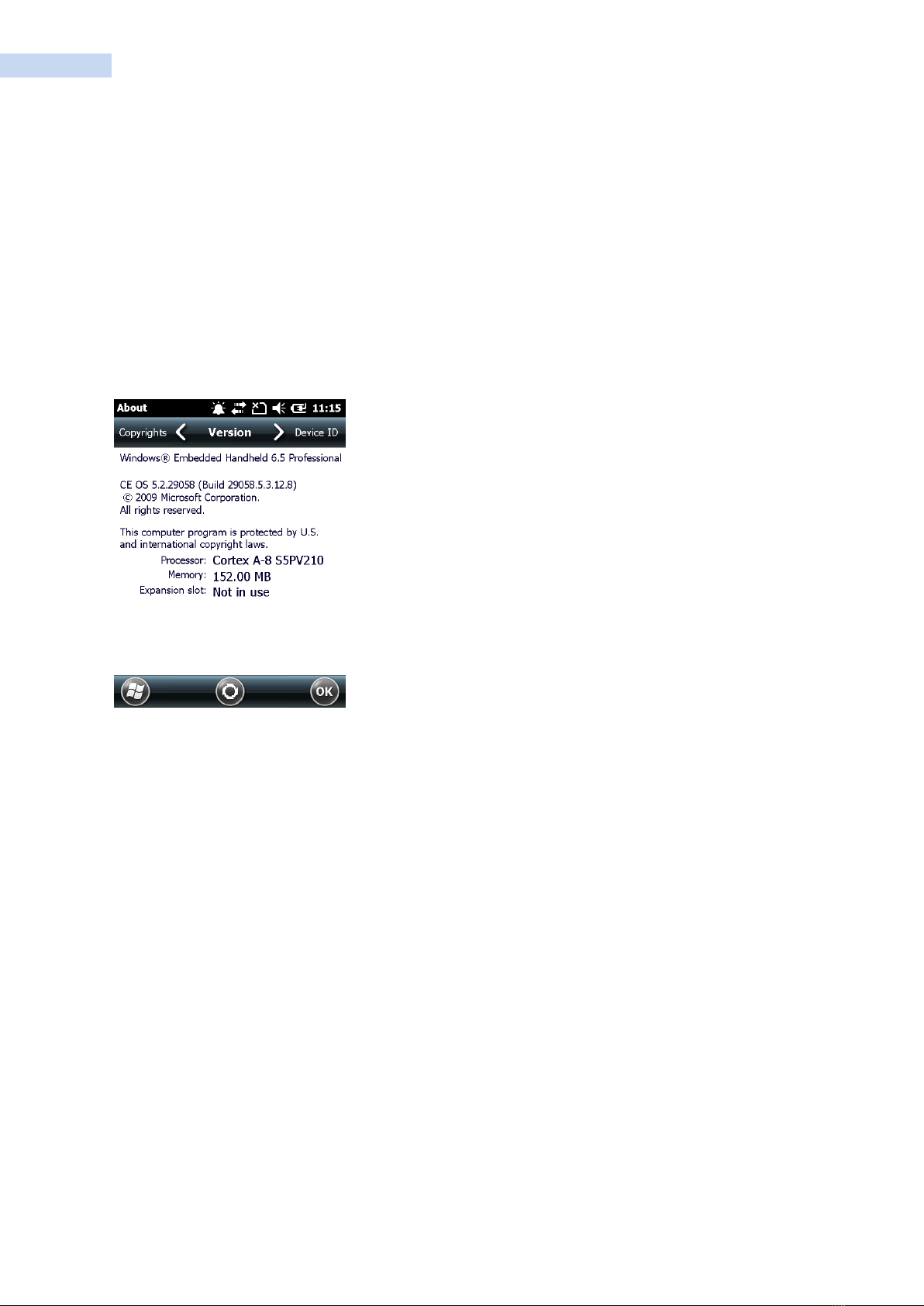
Tap Start > Settings > System > About icon > Version tab.
The second line lists the operating system version and the build number. The last part of the build number
represents the AKU number. For example, Build 29058.5.3.12.8 indicates that the device is running AKU
version 21903 5.0.92.
System Version
To determine the OEM software version:
Tap Start >Settings >System tab > System Info icon
RP1300 User‟s Manual
10
Service Information
If you have a problem with your equipment, contact Gen2wave Enterprise Mobility support for your region.
Contact Information is available at: http://www.gen2wave.com/
Gen2wave responds to calls by e-mail, telephone or fax within the time limits set forth in support
agreements.
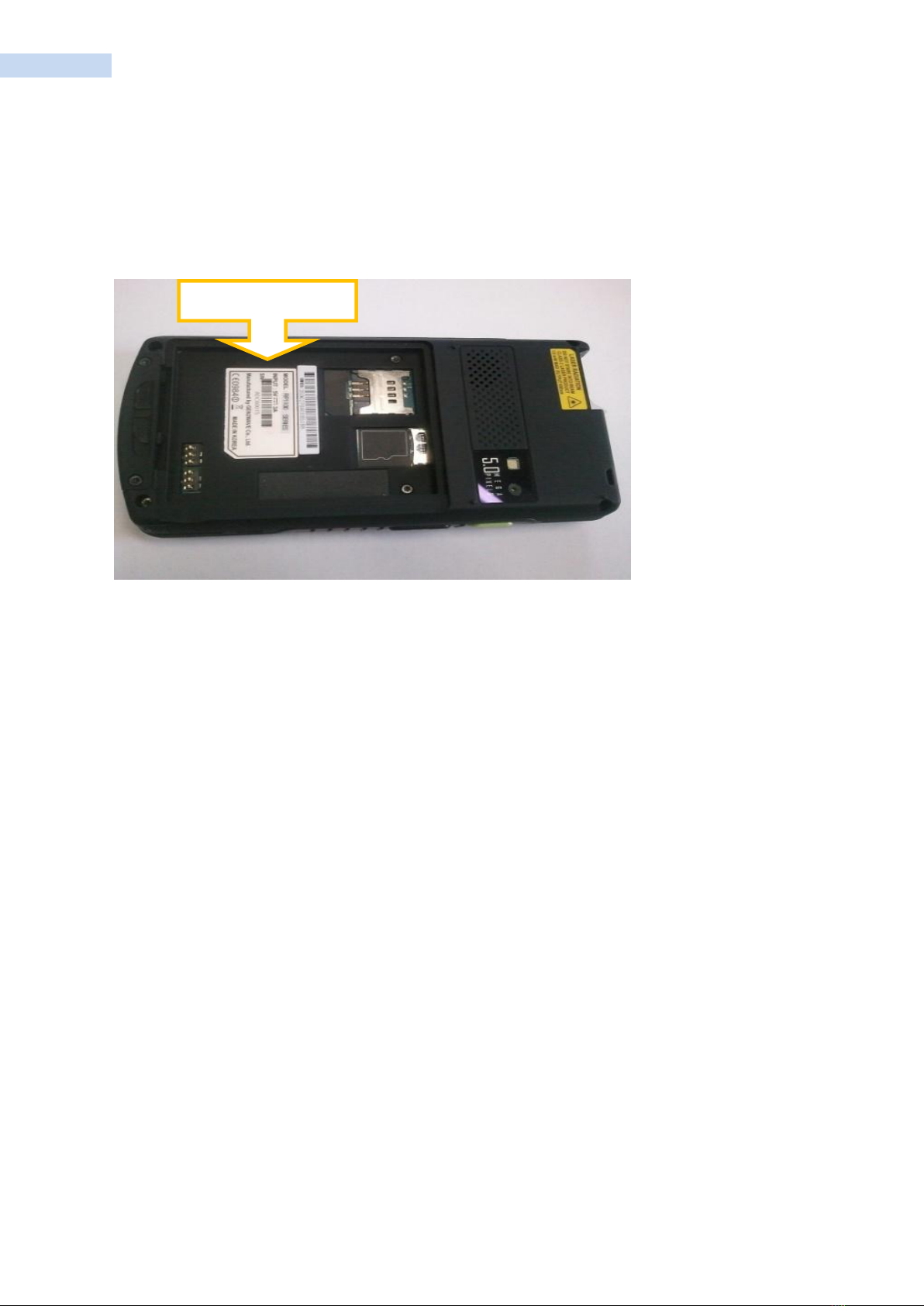
Manufacturing label
Tabla de contenidos
Otros manuales de Teléfono móvil de Gen2wave


