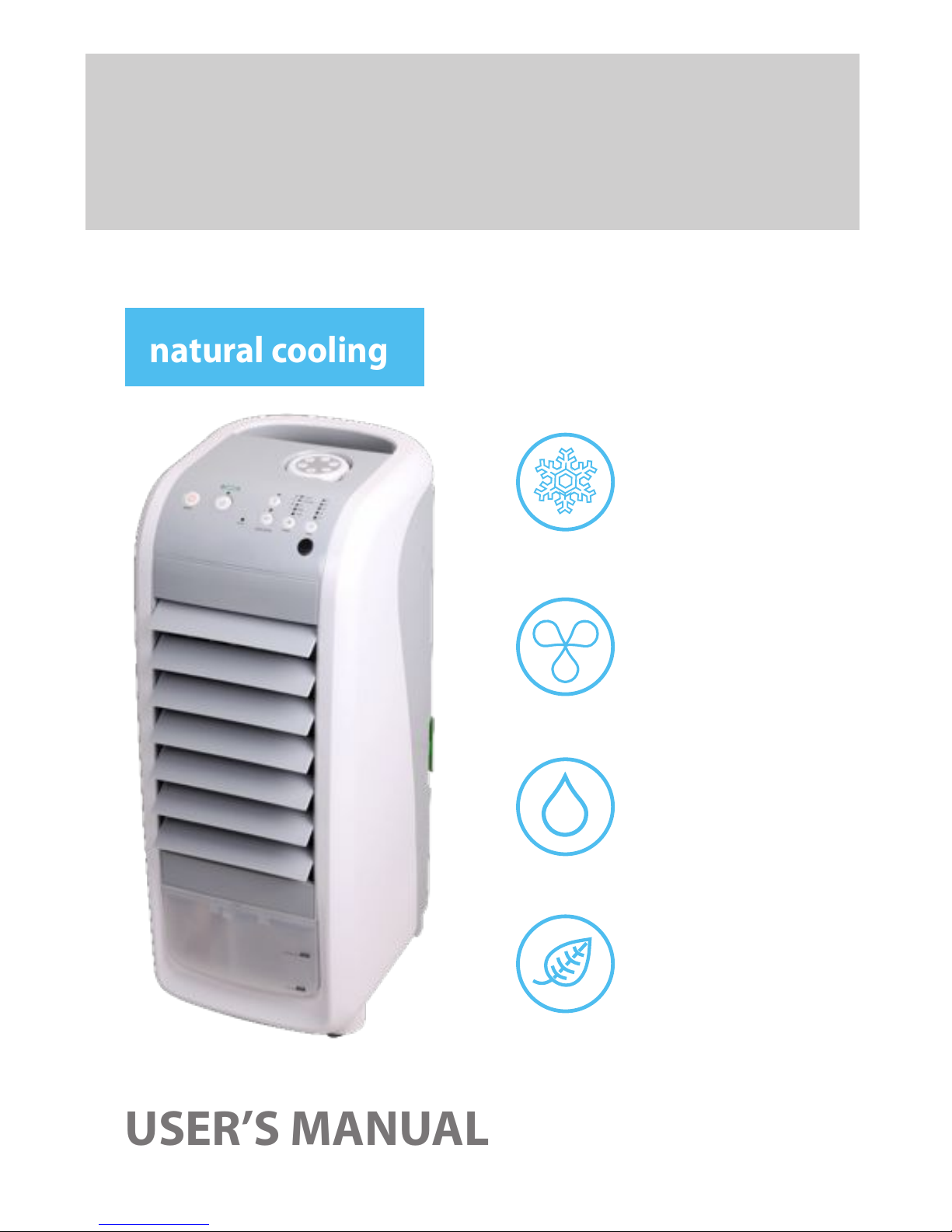
Floater DF210 Manual de usuario

USER’S MANUAL
natural cooling
ECO AIR COOLER
EVAPORATIVE
cooler
fan
air cleaner
humidier
4 in 1
DF210


WHAT IS AN ECO AIR COOLER ?
ECO AIR COOLERS use evaporative cooling to provide
airow that is cooler than the surrounding air. Water is
pumped up and dripped onto the cooling pad and as hot
air is pulled through, the water in the cooling pad evapo-
rates. Evaporation absorbs heat, dropping the temperature
of the air owing from the cooler. As a result, the airow is
much cooler than the ambient air.
The best feature of the ECO AIR COOLER is that it is an en-
vironmentally responsible method of air cooling since it
uses only water and only 70 Watts of power - about the
same as one light bulb !
Cold Water
Dust Filter
Water Tank
Cooling Pad
Water Pump
HOT AIR
COLD AIR

HOW TO USE THE ECO AIR
COOLER EFFECTIVELY
The ECO AIR COOLER is not an air conditioner. It is best described as the coldest
fan you will ever experience. Unlike an air conditioner, it does not recirculate
stale dry air - it constantly circulates healthy, fresh and cold air into your space.
The ECO AIR COOLER is most eective in drier climates and works best in areas
with less than 60% humidity.
*
For a short demonstration video of the ECO AIR COOLER, please visit
www.oater.ca. Enjoy your ECO AIR COOLER.
Place the rear of the ECO AIR COOL-
ER in front of an opened door or
window. Evaporative coolers are
most ecient when they have a
constant supply of fresh air.
The colder the water is in the water
tank, the more eective the evapo-
rative cooling works. As a result, for
additional and prolonged cooling,
freeze the included ice packs and
place them in the water tank. Ice
cubes can be used as a substitute or
in addition to the ice packs.
DO NOT USE THE ECO AIR COOL-
ER IN A CLOSED ROOM - the room
may become humid.
To enhance the circulation of the
cold air from the ECO AIR COOLER,
use it in a space with two slightly
opened doors or windows opposite
each other, creating a cross ow of
air.

CONTROL PANEL
1. Remote Control Holder
2. Cooler/ Humidier
3. On/O
4. Power Indicator
5. Vertical Oscillation
6. Horizontal Oscillation
7. Speed Settings
8. Timer
9. Remote Control Receiver
REMOTE CONTROL
1. On/O
2. Vertical Oscillation
3. Horizontal Oscillation
4. Speed Settings
5. Cooler/ Humidier
6. Timer

OPERATING INSTRUCTIONS
ON/OFF BUTTON:
Will turn the unit completely on or o. When turned on, the unit remembers
previous settings, except for vertical oscillation.
SPEED BUTTON:
Press the speed button to set air speed and mode. Pressing multiple times,
changes the air speed to LOW or MEDIUM or HIGH and the mode to Natural or
Sleep mode.
NATURAL MODE:
In this mode, the unit operates in a random cycle of a combination of
LOW, MEDIUM and HIGH to simulate a natural breeze.
SLEEP MODE:
In this mode, the unit will start at HIGH speed for 30 minutes, dropping
to MEDIUM speed for 30 minutes, and continue on LOW speed. This will
continue until is turned oor end at the set time, if the timer function
is activated.
TIMER BUTTON:
Can be set to turn oautomatically at the 1, 2, 4, 6, and 8 Hour marks.
VERTICAL OSCILLATION:
When this button is pressed, the louvers oscillate up and down. Press the button
again to lock in any position. Press again to resume vertical oscillation. Do not
manually adjust the louvers - damage to the unit will result.
HORIZONTAL OSCILLATION:
When this button is pressed, the louvers oscillate side to side. Press the button
again to lock in any position. Press again to resume horizontal oscillation. Do
not manually adjust the louvers - damage to the unit will result.

COOLER/HUMIDIFIER BUTTON:
If the Cooler/Humidier function is not on, the ECO AIR COOLER acts like any
normal fan, without the evaporative cooling.
When the Cooler/Humidier button is selected, the water pump is engaged.
After a couple of minutes, the evaporative cooling process will begin.
This function will only operate when there is at least the minimum required
amount of water in the water tank. If the Cooler/Humidier button is acti-
vated and there is not enough water in the tank, a beeping sound will emit
as a warning, and the Cooler/Humidier function will automatically shut
o- this is for the protection of the water pump.
Turn the Water Tank Knobt
counter clockwise on the
back of the unit.
Pull the Water Tank out.t
Add cold and clean watert
to Water Tank.
Be mindful of the water level indicator whent
adding water and ice packs.
DO NOT OVERFILLt .
If water is overlled, remove excess water.t
DO NOT TIP UNIT TO DRAINt .
Water Tank Sound Dampener
Ice Pack(s)
The included two ice packs can be used to coolt
the water in the water tank.
This allows the water to stay cooler for longert
so that the evaporative process can work at its
most optimal.
After adding water or ice packs, close and lock the Water Tank.
*

TROUBLESHOOTING TIP
If the Cooler/Humidier function automatically shuts oeven though there
is enough water in the tank, the oat switch that protects the water pump
is stuck. When the oat switch is stuck, the unit acts as if there is no water
in the tank. In order to dislodge the oat switch, please drain the unit of
water and ensure that it is dry. Grab the handle on the back of the unit and
shake the unit from side to side and up and down vigorously. This will reset
the oat switch and the Cooler/Humidier function will work properly.
*
REMOTE CONTROL:
The unit can also be controlled directly with the remote control. To open the
battery cover on the bottom of the remote control, use a coin and turn to the
open position, and install a 3V CR2032 battery. Replace the battery cover.
There are 6 keys on the remote control, they function the same as the button
controls on the control panel.
When using remote control, it should be aimed at the Remote Control Receiver.

MAINTENANCE
Do not service or clean the unit while it is plugged in.
OUTER DUST FILTER
Unclip the two tabs at the top to remove the Outer Dust Filter. Wash the Filter
with a gentle detergent and a soft brush. If the environment is dirty, you should
wash it once every one or two months.
COOLING PAD
After removing the Outer Dust Filter, turn the knob clockwise on Cooling Pad
Frame, then pull out to remove. To wash the Cooling Pad, run cold water through
it while it is in the Cooling Pad Frame.
WATER TANK
Unlock the Water Tank and pull it out completely from the unit in order to drain.
DO NOT TIP UNIT OVER TO DRAIN WATER. Use a brush or a cloth to clean any
sediments in the water tank with a gentle detergent.
OUTER SURFACE
Clean with gentle detergent and soft cloth.
ATTENTION: ANY PART OF THE CONTROL PANEL SHOULD BE KEPT DRY AT ALL
TIMES.
*When storing the unit, please ensure that the Outer Dust Filter, Cooling
Pad, and Water Tank are completely dry before storing.

POINTS FOR ATTENTION
When adding water and ice packs, do not overll above“MAX” water level.t
The Cooler/Humidier function works best in a room where there is a win-t
dow or door slightly open to release moisture. A closed room may become
humid.
For best cooling results, place the rear of the ECO AIR COOLER in front of ant
opened door or window.
When environmental humidity is too high, avoid using the cooler/humidi-t
er for extended periods - use the unit as a fan only.
To prevent water from overowing, do not tip or lean the unit.t
Do not put any objects on or in the unit.t
Disconnect power before cleaning, repairing, moving or adding water.t
If the machine tips over with water in it, disconnect power plug immediate-t
ly. Unlock the Water Tank and pull it out completely from the unit in order
to drain. Let machine dry out for over 24 hours before using again. Please
note, warranty does not cover the situation in which the unit was tipped
over and damaged.
When moving the unit with water in the tank, please be careful not to lett
the water overow.
Do not place the wind outlet or wind inlet of the unit close to walls or cur-t
tains, otherwise air can be blocked, reducing the eectiveness.
After a period of time, the Outer Dust Filter will become dusty and block thet
airow. It will be back to normal after cleaning.
When not using the unit for an extended period of time, disconnect thet
power.
Do not attempt to service the unit by yourself.t
If the supplied cord is damaged, a qualied technician must replace it int
order to avoid a re hazard.
Do not attempt to open the Ice Packs - swallowing its contents may bet
harmful.
Tabla de contenidos
Otros manuales de Acondicionador de aire de Floater