Sales@Filamento•com | +1 408•475-0038 | www•Filamento•com VER 190520
Troubleshooting
Issue Cause Possible Resolution Options
Fixture will
not light No power • Check power connection to the xture.
Sensor was disabled with the
On/O button on remote. • Press the On/O button on remote to enable light then press the“Auto
Mode”button on remote to enable sensors
Ambient light sensor was
tripped, which overides
occupancy level and keeps
the xture from lighting.
• Press“LUX Disable”to test then set ambient light level
• Wait for the ambient light level to decrease (see“Daylight sensor group”
on page three for details)
• Set ambient light to high level above current ambient
Fixture will
not dim the
light when
unoccupied
The RF motion sensor is very
sensitive. The sensor may
be tripped by motion that
is behind the lamp, through
walls or from cyclic machines
(such as fans).
• Turn o cyclic machines
• Move the xture away from walls that may have motion behind it.
• Reduce sensitivity of the sensor by selecting an option from the “Detection
range group” (see page three for details)
• Sensor has been disabled and the xture is on – enable sensor by pressing
“Auto” (see page two for details)
Fixture will
not shut o
with ambient
light
Sensor was disabled with the
On/O button on remote. • Sensor has been disabled and the xture is on. Enable sensor by pressing
“Auto” (see page two for details)
Ambient light sensor has
been disabled • Select an option from the “Daylight sensor group” that enable the sensors
(see page three for details)
Ambient light sensor level
is too low. Select a higher Lux level in the“Daylight sensor button group”
Remote will
not control
the light
No battery or the battery
is dead Install new battery
IR communication path
is too far or blocked The IR remote works on line of light within 20 meters. Ensure you have direct
line of sight within 20 meters of sensor.
Example of a Custom Sensor Setting
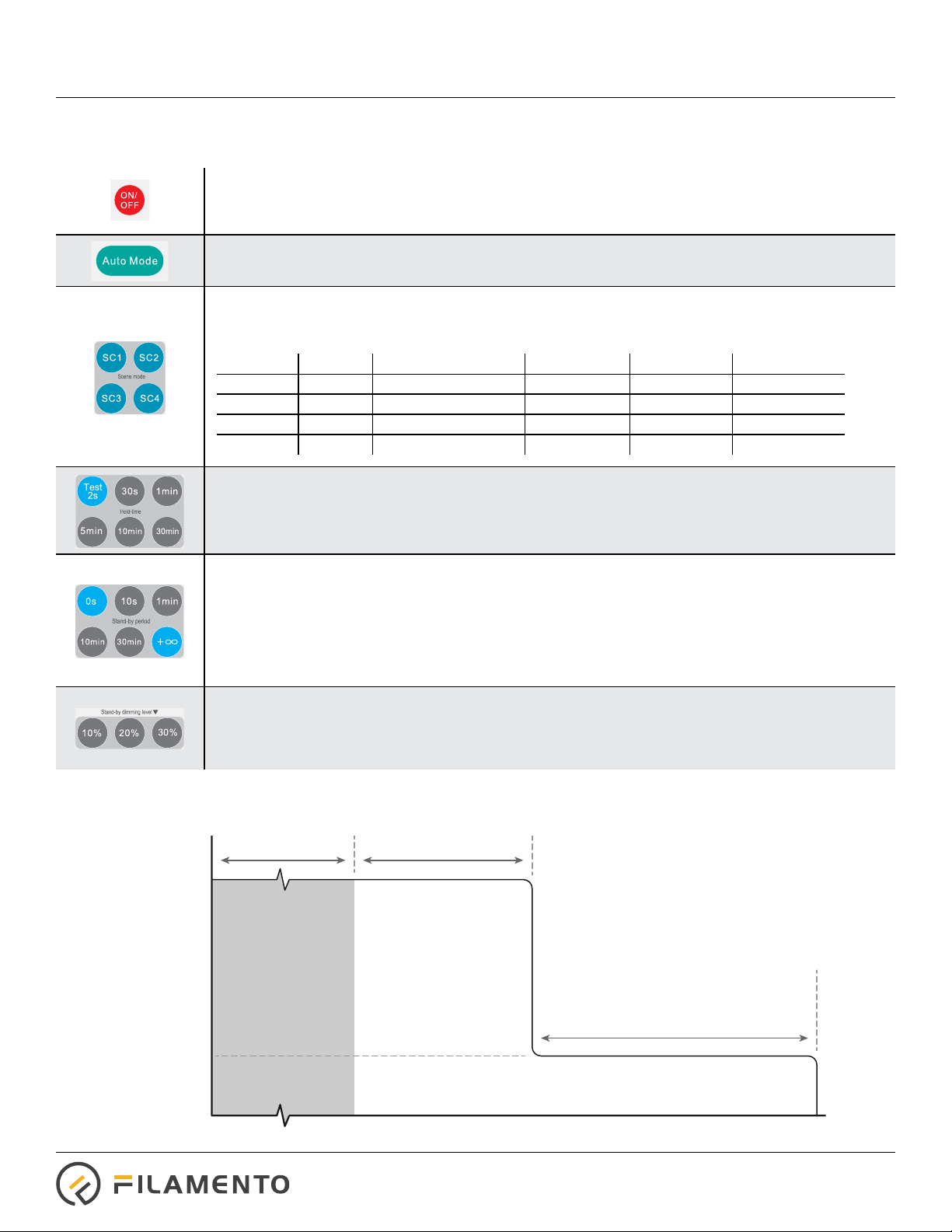
Follow the sequence below to set the xture to a hold time of 10 minutes, with a standard dimming of 30% for an innate period
and have an ambient light cut o of 10 Lux. After pressing each button, the xture should ash briey:
Press “Reset”to start at a known starting point of SC1
Press “10min” from the “Hold-time” group
Press “+∞” from the “Stand-by period” group
Press “30%” from the “Stand-by dimming level” group
Press “10 Lux” from the“Day light sensor” group
Remote Operation