Ferguson FBOX3 Manual de usuario

User manual
English

REMEMBER
1. In order to use an external USB memory, the
memory must support the USB 2.0 standard. To
ensure stable recording and playback, you must use
a memory ith a recording speed of 9.0 MB/s or
greater. Slo er hard disk drives and flash memories
may not function properly, have problems ith
recording or playing (image jitter), or not function at
all.
2. Only disks ith one basic NTFS or FAT32 partition
( e recommend using the NTFS format) ill function
properly. If you do not have such a format, prepare
the disk on your computer before connecting it to
the Ferguson FBOX3.
3. Highly fragmented or used memories may also
not operate smoothly or correctly.
CAUTION
1. Under no circumstances should you disconnect
the USB device from the Ferguson FBOX3 during
recording or playback. Disconnecting during
operation may cause damage to the Ferguson
FBOX3 and/or flash memory, and to the recorded
data.
2. Do not touch the orking device (and in particular
the USB connector) ith et hands. Risk of electric
shock and permanent damage to the Ferguson
FBOX3!
2

GNU/GPL LICENSING INFORMATION
Please consult the legal information available on
your device under Settings > About FBOX3 or visit
http://source.android.com/source/licenses.html for
more information.
DOWNLOADABLE SOFTWARE
Ferguson has taken every effort to provide users
ith soft are updates in order to ensure that the
parameters of the Ferguson FBOX3 are up to date.
Ferguson reserves itself the right to amend, change
or modify the soft are used in the Ferguson FBOX3
as it shall choose and ithout prior notification. The
latest version of the soft are is available on the
ebsite http:// .ferguson-digital.eu
Android is a trademark of Google Inc.
Google and the Google logo are registered
trademarks of Google Inc.
Please keep in mind that new software may
change the functionality of the Ferguson
FBOX3. Photographs and descriptions
included in the instruction manual are for
informational purposes only. If you notice an error,
please report it – we shall make e ery effort to ha e
it rectified.
3

SAFET MEASURES
We request that you read the instruction manual and
recommendations set for ard therein. Also
remember to connect suitable po er supply!
In order to avoid an electric shock,
never open the housing. Damage to
the arranty seal shall void the
arranty.
Disconnect the device from the
mains during thunderstorms or hen
it is not to be used for an extended
period of time. Please remember that
the arranty does not cover damage to the
equipment caused by a lightning strike.
Do not expose the device to direct
sunlight. Place it a ay from sources
of heat and humidity. Do not cover
ventilation ducts, in order to ensure
the correct circulation of air.
Place the device horizontally on a
flat, even and stable surface.
If you move the device from a room
that is arm to one that is cold (or
vice versa), ait at min. 1 hour
before connecting it to the mains.
Other ise, problems may arise.
4

The device should be placed a ay
from vases, bottles, aquariums and
other ater containers in order to
avoid damage. Do not touch the
mains plug ith your bare hands.
Do not place any objects on the
housing of the device. This may
cause overheating and reception
problems.
Before commencing maintenance or installation
ork, disconnect the Ferguson FBOX3 from the
mains. Do not clean the Ferguson FBOX3 ith
alcohol or liquids containing ammonia. If necessary,
clean it ith a soft, lint-free cloth etted ith a
gentle solution of ater and soap.
•Do not connect any cables hen the mains
plug is in the socket.
•Check the condition of your cables.
Damaged cables may cause a fire.
•Please disconnect the Ferguson FBOX3 from
the mains before connecting any cables.
5

MARKINGS AND SIGNS APPLIED TO THE
Ferguson FBOX3
When this crossed-out heeled bin
symbol is attached to a product it means
that the product is covered by the
European Directive 2002/96/EC. Please
inform yourself about the local
separate collection system for electrical
and electronic products.
Please act according to your local rules
and do not dispose of your old products
ith your normal household aste.
Correct disposal of your old product helps
to prevent potential negative
consequences for the environment and
human health.
Your product contains batteries covered
by the European Directive 2006/66/EC,
hich cannot be disposed ith normal
household aste. Please inform yourself
about the local rules on separate
collection of batteries because correct
disposal helps to prevent negative
consequences for the environmental and
human health.
6

Your product is designed and
manufactured ith high quality materials
and components, hich can be recycled
and reused.
CE logo.
The logo informs that the Ferguson
FBOX3 conforms to the terms and
conditions of Directive 2004/108/EC
concerning observance by Member States
of provisions regulating electromagnetic
compatibility, and to the terms and
conditions of Directives 2006/95/EC
concerning observance by Member States
of provisions regulating lo voltage
electricity and safety ith relation to the
handling and operation of electrical
equipment.
R&TTE Hereby Ferguson Sp. z o.o., declares
that the device is in compliance ith
the essential requirements and other
relevant provisions of Directive
1999/5/EC. You can find the Declaration
of Conformity on
.deklaracje.ferguson.pl
7

This product has been designed, tested
and manufactured according the
European R&TTE directive 1999/5/EC.
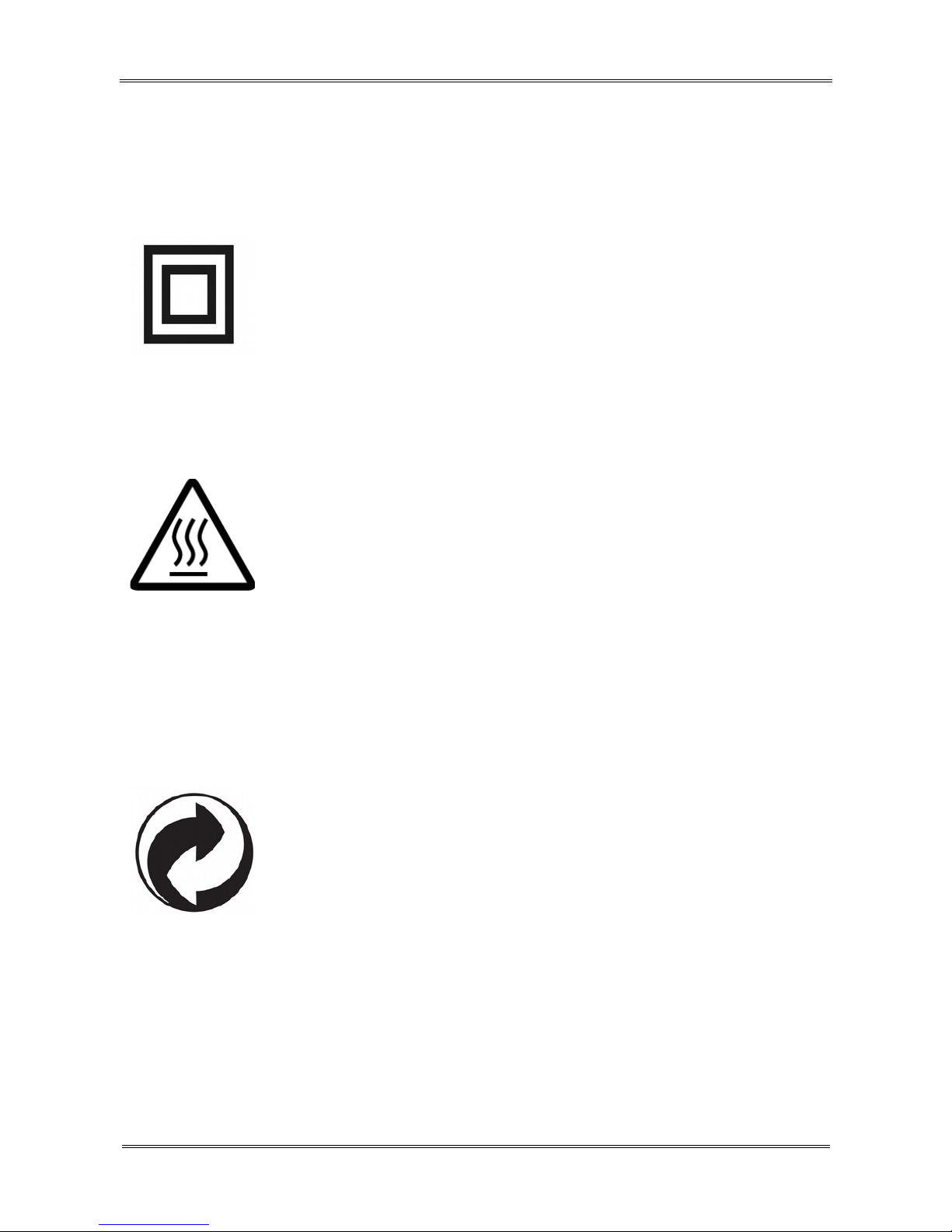
Double insulation logo.
This logo informs that the Ferguson
FBOX3 is an electrically safe device,
provided that it is used in accordance
ith the recommendations set for ard in
the chapter concerning safety.
Hot surface mark
CAUTION: HOT SURFACE. DO NOT
TOUCH. The top surface over the internal
heat sink may become hot hen
operating this product continuously. Do
not touch hot areas, especially around
the “Hot surface mark” and the top
panel.
When this logo is attached to a product,
it means a financial contribution has been
paid to the associated national recovery
and recycling system.
8

Connection
9

Remote control
Due to the standardization of Ferguson equipment,
the majority of these devices use the same remote
control unit. This means that not all keys are used
by this equipment model!
Remote Matching
1. Disconnect the FBOX po er cord.
2. Press and hold both the 'OK' button and back (4)
for about 3 seconds and release all of the buttons.
Diode D1 starts blinking.
3. Immediately plug the po er cord into FBOX'a.
4. The unit ill start. During the boot process RCU
ill be paired automatically.
5. If the pairing fails, repeat steps 1 to 4 to pair
again.
Signal Indicator Instructions
(1) D1 indicator: Brighten White hen press the
remote control button.
(2) Sho hidden menu.
(3) Sho main menu.
(4) Back to previous or upper interface/menu.
(5) Move the highlight or cursor up/do n/left/right.
10
Este manual sirve para los siguientes modelos
1
Tabla de contenidos
Otros manuales de Decodificador de Ferguson