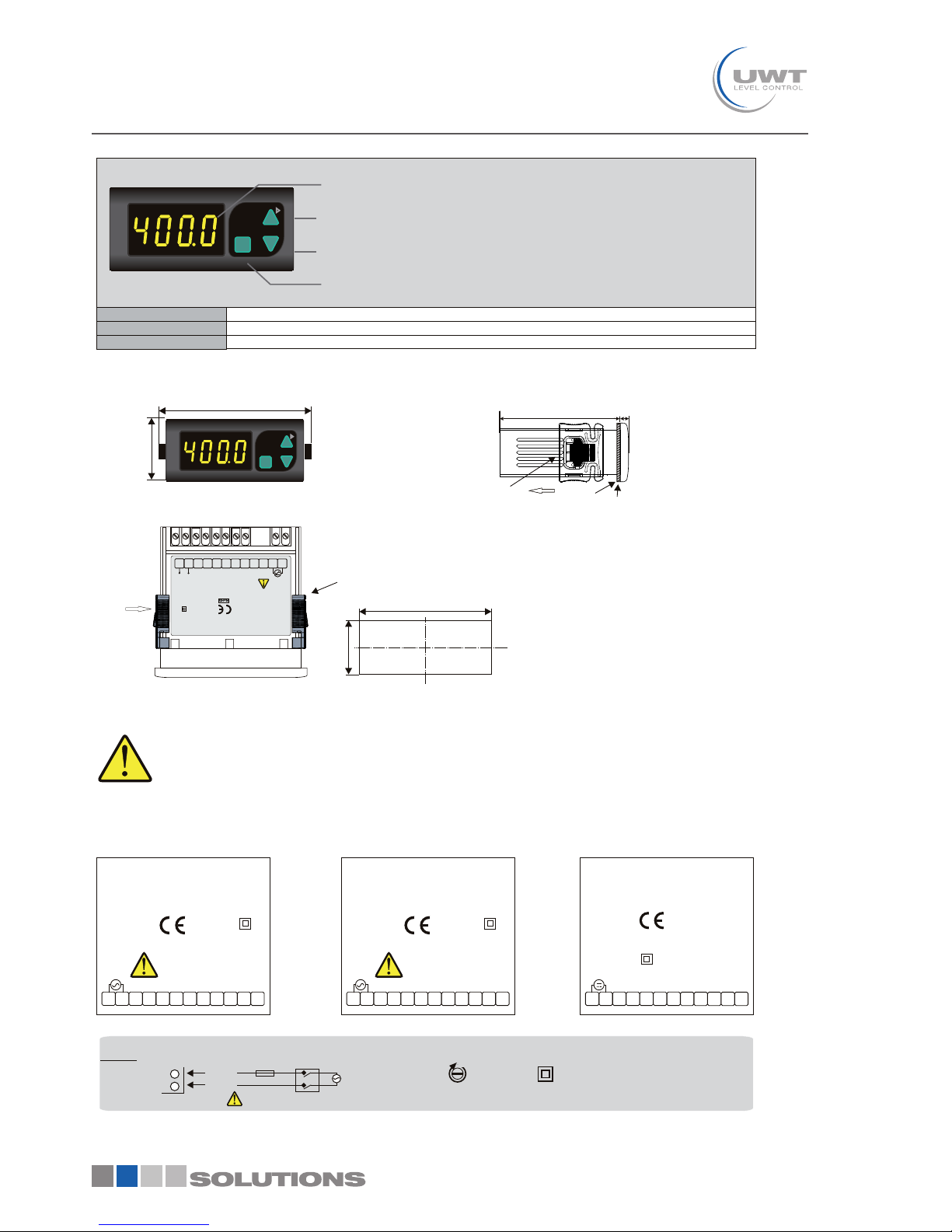
If first and then keys are
pressed together , measurement
unit appears. See
For programming.
Unit
parameter
If first and then keys are
pressed together, the maximum and
the minumum measurement values
become equal to the measured value at
that time and the message
appears on display.
res.
Pressing this key the minumum
measured value up to that time
appears.
Pressing this key the maximum
measured value up to that time
appears
The minumum
measured value
The maximum
measured value
Measurement unit 870 1453
Bar.
&
Programming Mode
Running Mode
Measurement
value
1000
Res.
ETS
SET
SET
SET SET
SET
SET
CAL.t. = Calibration type.
Selectable as S.inP. or .
If S.inp. is selected, input type is one the
four standard input types. If U.inP is
selected, input types can be modified.
See NOTE 1 for modification.
U.inP
i.typ. = Input type.
d.Pnt. = Decimal point.
Decimal point can be adjusted between
1. and 3. digits or without dp.
See NOTE 1 for programming.
L.SCL. = Lower limit for the scale.
It can be adjusted between -1999 and
(H.SCL. -100).
See NOTE 1 for programming.
H.SCL. = Upper limit for scale.
It can be adjusted between (L.SCL. +100)
and 4000.
See NOTE 1 for programming.
TSE
At this state, the reference voltage or
current that corresponds to
L.SCL.
Parameter
is applied to the input.
To initialize calibration, first then
keys are pressed together and held until ‘ '
message appears. See NOTE 2.
CAL
SET
At this state, the reference voltage or
current that corresponds to
parameter is applied to the input.
To initialize calibration, first then
keys are pressed together and held until
‘ ' message appears. See NOTE 2.
H.SCL.
CAL
TSE
SET
SET
s.Cod. = Access code for calibration menu.
This parameter should be 222.
See NOTE 1 for programming.
A.CAL.
= Current calibration.
At this state, 20.000 mA current is applied to the
input of the device.
10.CA. = 10V input calibration.
At this state, 10.000V is applied to the input of
the device.
1.CA. = 1V input calibration.
At this state, 1.0000V is applied to the input of
the device.
For initializing calibration, first then
keys are pressed together and held until ‘ '
message appears. See NOTE 3.
CAL
To initialize calibration, first then
keys are pressed together and held until ‘ '
message appears. See NOTE 3.
CAL
To initialize calibration, first then
keys are pressed together and held until ‘ '
message appears. See NOTE 3.
CAL
s.Cod. = Access code for safety menu.
This parameter should be 333.
See NOTE 1 for programming.
d.C.Sc. = ConF. menu protection level
parameter.
nonE = No menu is seen.
P. no = Menu is seen but can not be programmed.
P.yES. = Menu is seen and programming is possible.
See NOTE 1 for programming.
Uo.Sc. = U.oPt. menu protection level
parameter.
nonE = No menu is seen.
P. no = Menu is seen but can not be programmed.
P.yES. = Menu is seen and programming is possible.
See NOTE 1 for programming.
d.Ca.S. = d.CAL. menu protection level
parameter.
nonE = No menu is seen.
P. no = Menu is seen but can not be programmed.
P.yES. = Menu is seen and programming is possible.
See NOTE 1 for programming.
CAL. CAL.
C.end C.end
s.err.
S.err.
C.err.
C.err.
The message on the left flashes approximately 5
seconds and calibration is completed.
The message on the left flashes approximately 5
seconds and calibration is completed.
If calibration is error free, the message
C.End appears . However,
if it is wrong, the message S.Err.
appears for 1 seconds and the program
is shifted to the next step.
for 1 seconds If calibration is error free, the message
C.End appears . However,
if it is wrong, the message C.Err.
appears for 1 seconds and the program
is shifted to the next step.
for 1 seconds
If the difference between the reference voltages or currents applied for the calibration of H.inP. and L.inP. is lower than one
half of the full scale, this error message appears on the display.
For example: Assume that the selected input type is 0-1V. In this case, if the difference voltages
applied for calibration of H.inP.and L.inP. is lower than 0.5V, this error message appears.
between the reference
If the reference voltage or current applied to the input for calibration is too high or too low, this error message appears.
ERROR MESSAGES
CAL okey? CAL okey?CAL okey?
Yes Yes
No No
NOTE 2 NOTE 3
SET